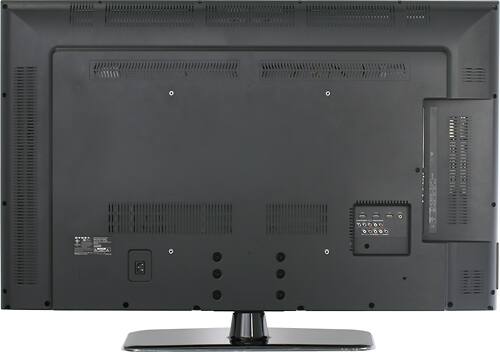
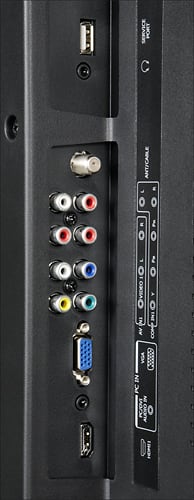
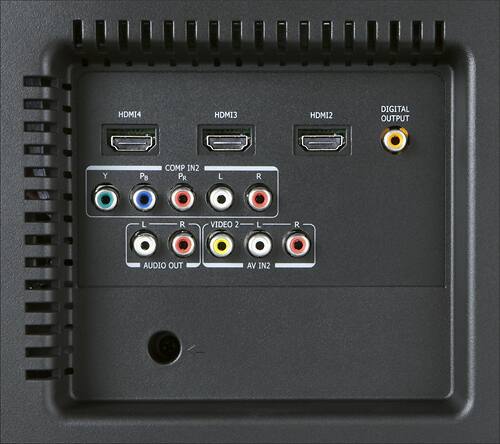
A:AnswerUse another HDMI cable. I used a cheap one at first and had sparkles all over the screen; realy weird. Also, don't use the HDMI input on the side, it's the worst one.
A:AnswerThere is no firmware update currently available for this TV. I recommend contacting our Product Support team at 800-305-2204 for further assistance.
A:AnswerIn order to use Netfilx, you will need a Netflix-enabled set top box, Blu-ray player or game console. This TV does not feature Netflix built in.
A:Answer120 frames per second. Video sources that are less (which is most of them) can be interpolated according to the settings under Video -> Advanced Video -> 120 Hz. I wound up turning mine to "Off" because of the "Soap Opera" effect. Hard to explain, and some people can't see it, but it drove me crazy.
A:AnswerThis sounds like a problem with digital audio. If you are using the TV to play audio, then it is possible that your media device is sending audio encoded in some way that the TV cannot decode. If you are using an external device, it is possible that the external device cannot decode the digital audio.
You might be able to fix this in the audio menu by changing the SPDIF type.
A:AnswerSince "best" settings are dependent on environment and personal taste as much as signal source, one person's optimal settings may not be optimal for you or your home. You may wish to consider a calibration service to get the most out of your TV. You can find more information on TV calibration services at GeekSquad.com.
A:AnswerHave you tried swiching down to 60 hz on HDTV and gaming? I believe that when you have sorce data that is 60 hz and are watching it in 120 hz, the tv is filling in the blank lines which could cause ghosting.