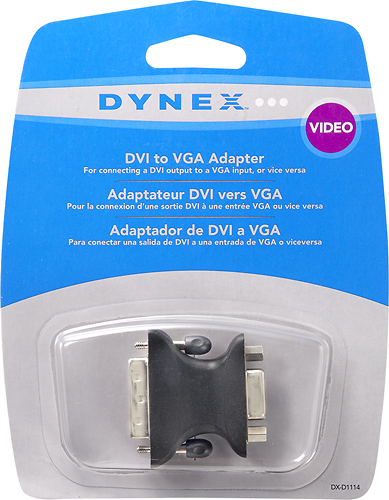
A:AnswerThis DVI-VGA adapter is a DVI-A adapter (analog signal only). You can find out more about different kinds of DVI connectors at http://en.wikipedia.org/wiki/Digital_Visual_Interface
It works with my older MacBook Pro with DVI-port, although I'm assuming the signal is analog only.
A:AnswerThis is only a conversion adapter and not a splitter or duplicator. It allows you to use a DVI output and connect it to a VGA input on a monitor.
A:AnswerDoes your mother board have "onboard" video, sometimes you need to go into the bios settings and set which video mode is primary.
if the onboard video is first up your video card will possibly not initialize
if you plug a monitor into the 15pin vga connector on the motherboard and you get video this is probably the case
A:Answerone one side is the 15pin high density VGA connection (female)
on the DVI-i side you have three groups of pins totaling 17 in all
looking at the DVI end holding the connector so it looks like the letter D
you have a group of 4 pins in two rows (2x2) at the top, just below center there is another group of 8 pins in three rows (3x3x2) and at the bottom portion of the D profile is a set of 4 pins set 2x2 but with a flat blade keying pin splitting the space between them.
the DVI-D version does not have those last 5 pins.