A:AnswerIf the Microphone is working on the computer it is functioning, you may need to make adjustments in the game audio settings to allow the microphone to function with that particular program.
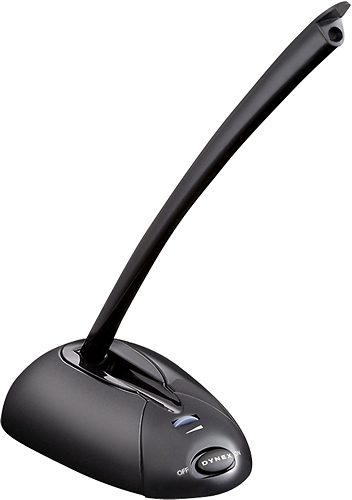
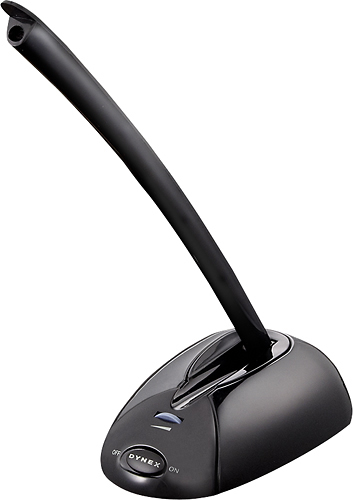
A:AnswerDid you click the mic on {there is a switch on the base of the microphone stand} - and/or set it as default in the Control Panel/Speakers or Devices {depending on what program you are using}?
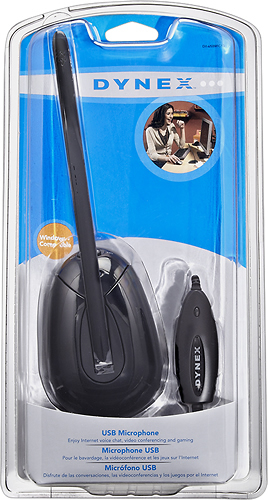
A:AnswerThis mic is plug and play. It installs automatically and should work as soon as plugged in. All of the drivers are installed automatically when you plug it in. OS X will install the drivers automatically once you plug it in.
A:AnswerI use Vista. No specific software needed. You can converse with others. I used it for a webinar, it worked. I am not knowledgeable about Minecraft.
A:AnswerIt sounds like the mic has failed. The most obvious things to try are to leave it unplugged for at least 30 seconds and to try it in a different USB port on your computer. If it continues flashing, then only other thing to try is to plug it into a different computer and try on it. If it still doesn't work, then I would recommend calling us at 800-305-2204 to check on the warranty status.
A:AnswerTo be honest, Im not sure why it is not working. Your Windows version could be incompatible.
Best Buy Mobile and Connectivity Specialist,
Kraig