Questions & Answers
- Model:
- PA10311
- |
- SKU:
- 6612700
Highly rated by customers for: Setup Ease, Connectivity, Coverage
$349.99$349.99
Page Showing 41-50 of 50 questions
Q: Questioncan I add a eero 6 node to a eero7 system?
Asked by carmstr835.
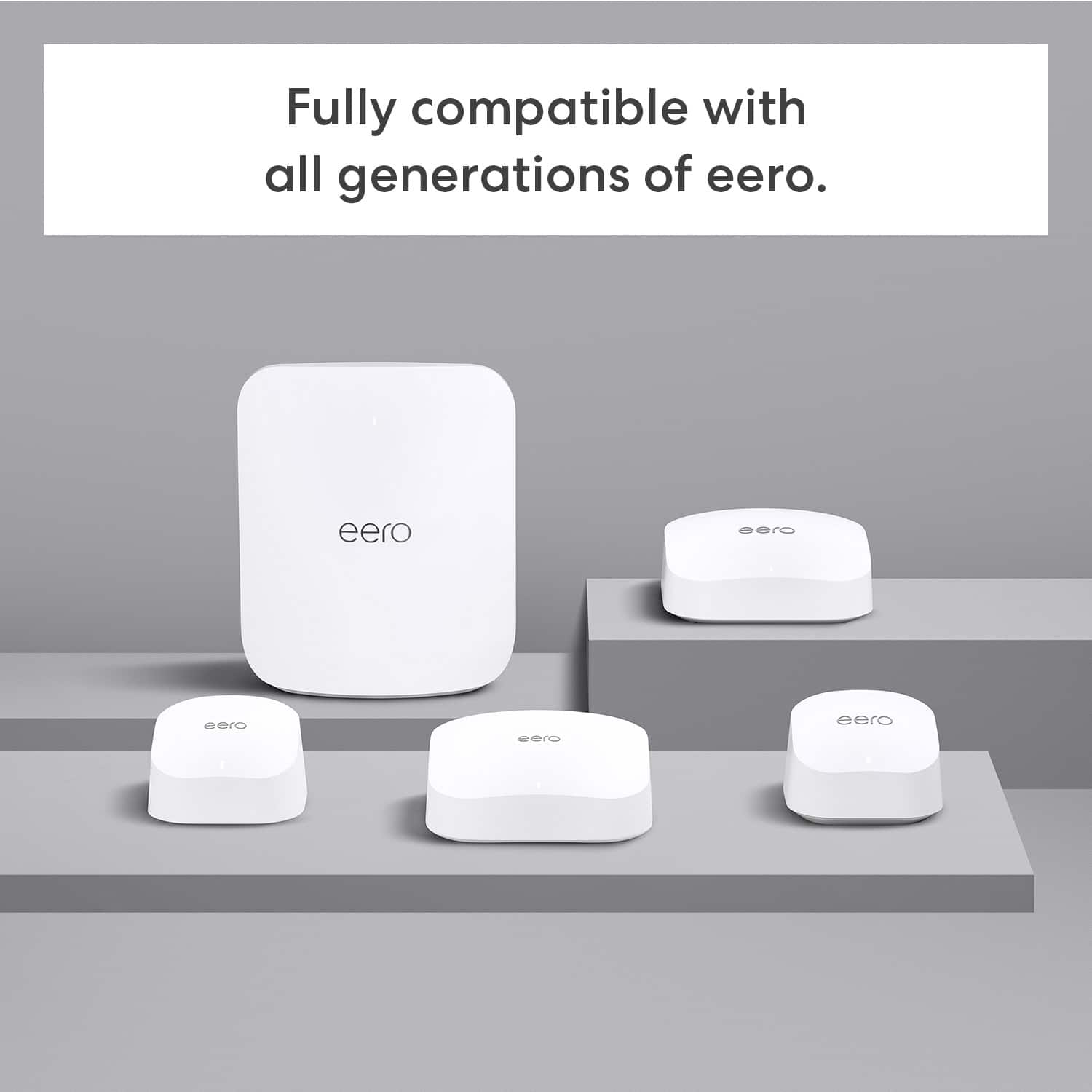
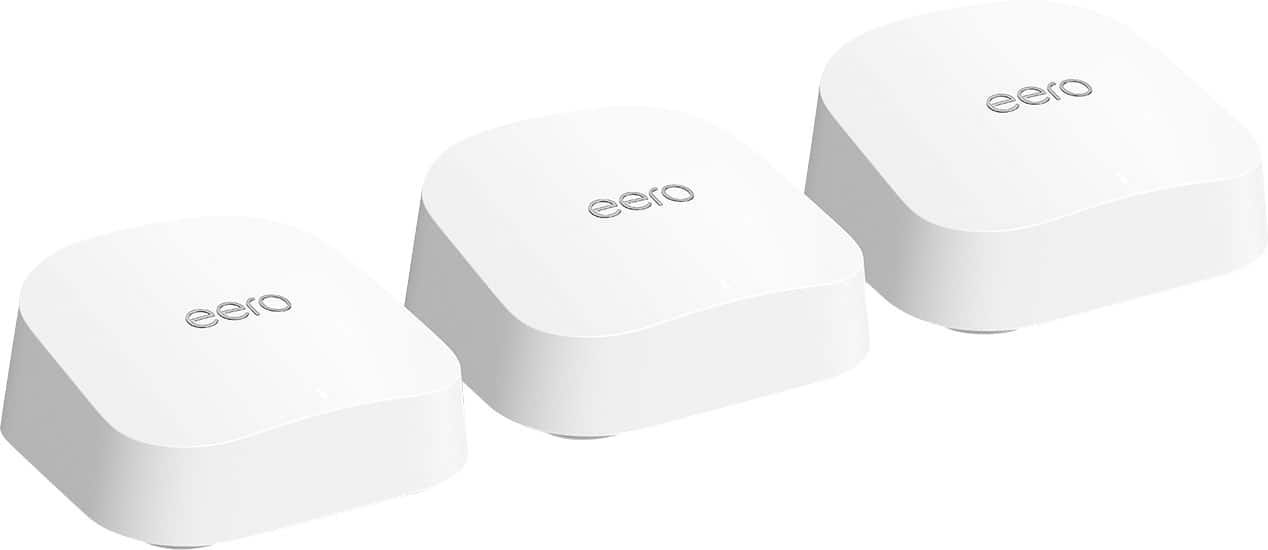
- A:Answer Hi carmstr835, Yes, you can add an eero 6 node to an existing eero 7 system. All eero devices are compatible with each other, regardless of their generation. You can easily add a eero 6 to your network using the eero app. I hope this answers your question!
Answered by Amazon Devices Customer Support
Q: QuestionWhat's the best placement when your house is wide where having problems in the bedrooms that are the longest distance away from the one connected buy wire? TY
Asked by Headset.
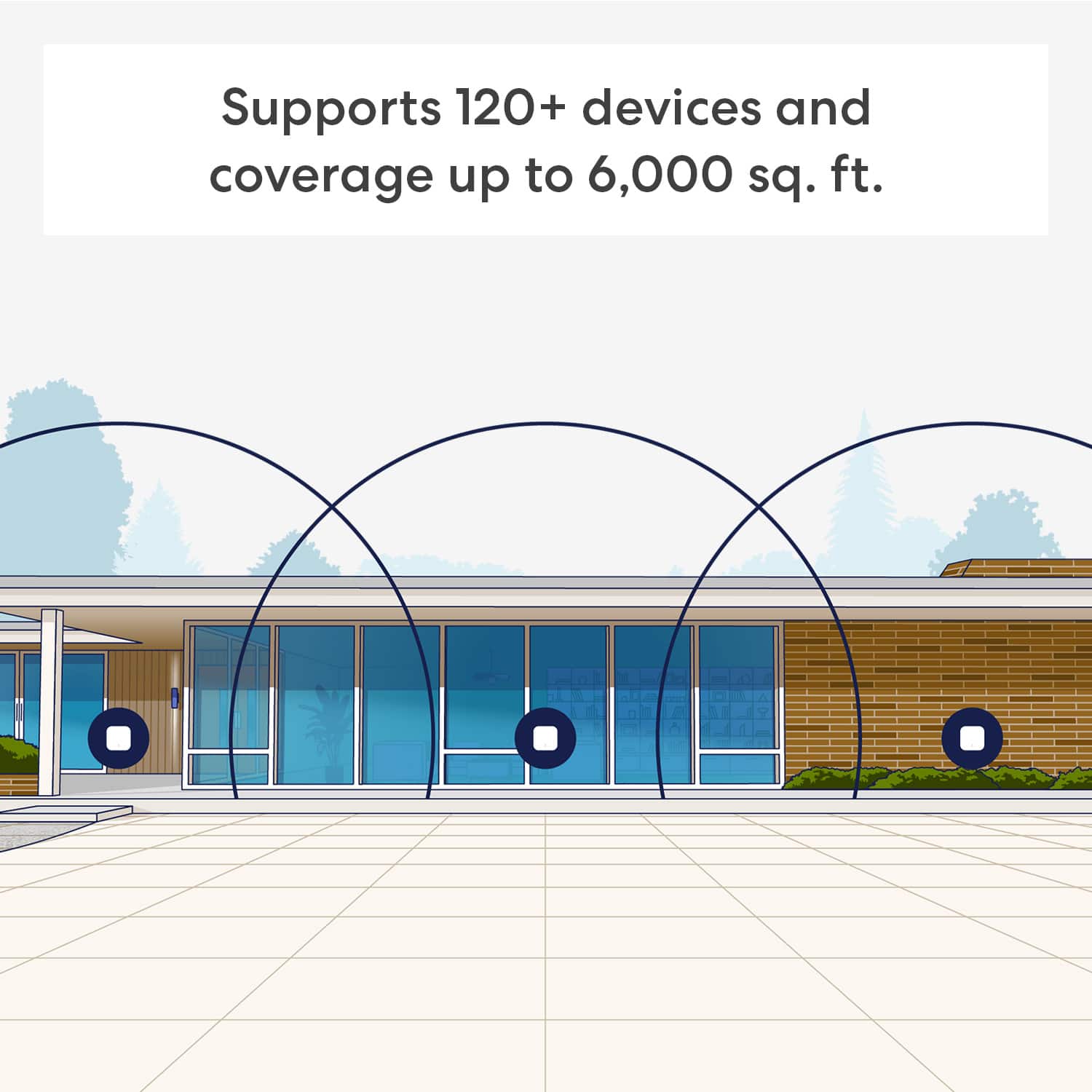
- A:Answer Hi G, The best placement for your eero 7 devices in a wide house with bedroom connectivity issues is to position your eeros in a central location between the primary eero connected to your modem and the furthest bedrooms. Place the additional eeros about 20-50 feet away from each other, optimizing for open space and minimal obstructions like metal objects or dense walls. I hope this answers your question!
Answered by Amazon Devices Customer Support
Q: QuestionIm being charged an annual fee of $179.99 for my Eero system plus what I paid initially. Can someone tell me what the annual charge is for?
Asked by Donnie4014.
- A:Answer I don’t know but I would find out If I get charged, I will cancel everything! These are terrible extenders.
Answered by ShoeLover
Q: QuestionWill this network work with my Verizon router?
Asked by Manny.
- A:Answer Hi Manny! Yes, the eero 7 mesh WiFi system will work with a Verizon router in bridge mode. The eero 7 can also function as a standalone router with Verizon Fios internet service. Hope this helps. Have a great day!
Answered by Amazon Devices Customer Support
Q: QuestionWill it work with Bridgenet?
Asked by Ped.
- A:Answer Hi Ped, thank you for your question. Eero 7 Mesh Wifi Systems can be connected through an active internet service provider modem, or fiber optic cable. I hope this helps, have a great day!
Answered by Amazon Devices Customer Support
Q: QuestionBefore I buying the eero system, I had linksys system. Will they work together if I connect them?
Asked by Chino.
- A:Answer They should, work with mine at one of my houses.
Answered by JoanneR
Q: QuestionWill these work as nodes with my nighthawk rs 200?
Asked by Anonymous.
- A:Answer I purchased the Netgear CM1000 Cable Modem to upgrade my old Netgear modem
Answered by MichelleR
Q: QuestionIs this false advertising? How can it claim wifi 7 but only go up to 5gz. Seems very misleading to the consumer. Wifi 7 uses 2.4, 5 and 6gz.
Asked by ConsumerAdvocate.
- A:Answer Hello! The Eero 7 Dual-band Mesh WiFi router does support WiFi 7. However if you are looking for even more power I would suggest you look at the Eero Pro 7 Tri-band Router. I hope this information helps. Have a great day!
Answered by Amazon Devices Customer Support
Q: Questionare these power over Ethernet?
Asked by Power.
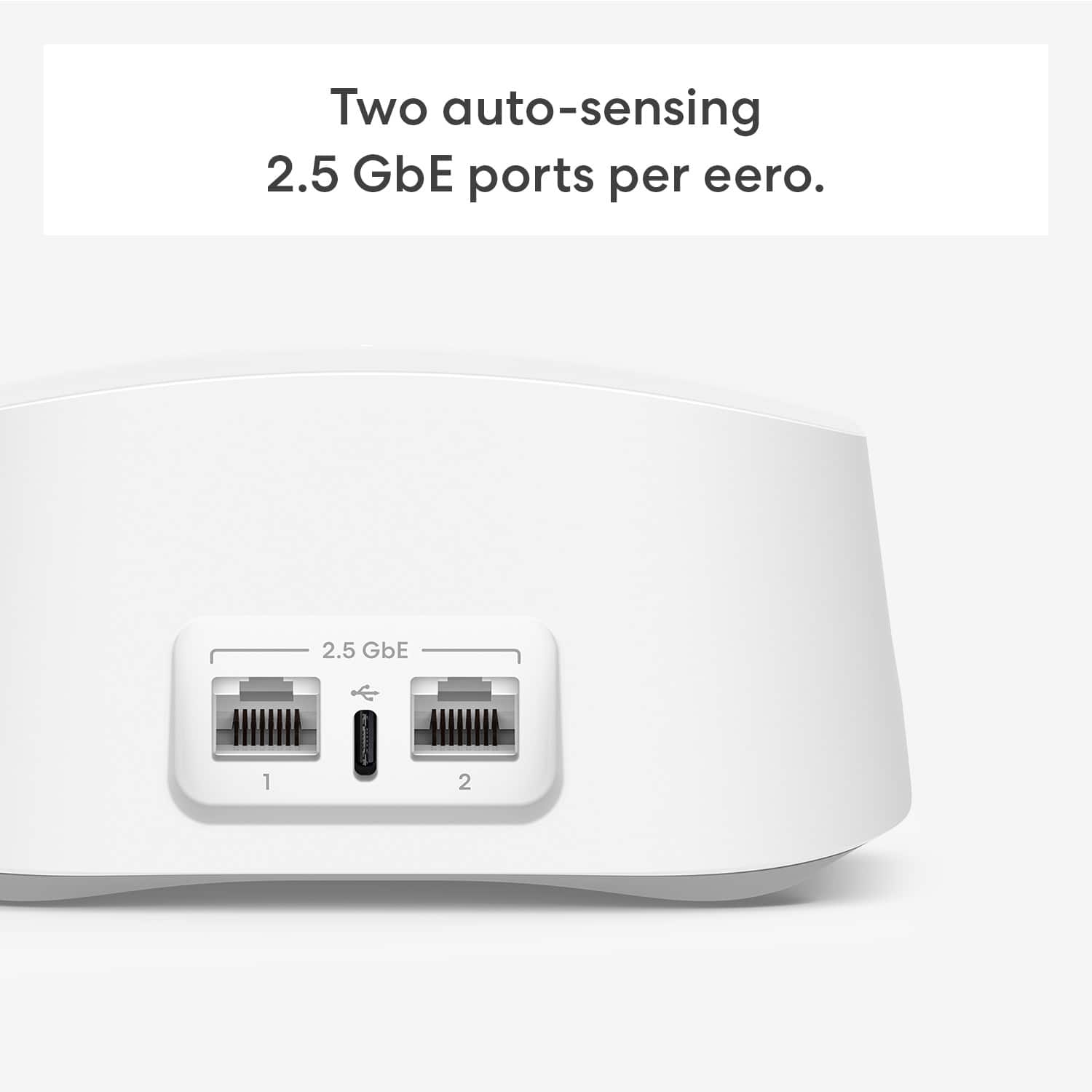
- A:Answer Hi Power, Thanks for reaching out! The eero 7 system does not support PoE. The eero 6 PoE, eero PoE Gateway, and eero Outdoor 7 are the eero devices that are fully compatible with PoE. I hope this helps. Have a great day!
Answered by Amazon Devices Customer Support
Page 3, Showing 41-50 of 50 questions
Best-selling whole home Wi-Fi systems
- $59.99$59.99The price was $89.99
- $139.99$139.99The price was $199.99
- $579.99$579.99The price was $699.99
- $249.99$249.99The price was $399.99
- $249.00$249.00The price was $299.99
- $173.00$173.00The price was $199.99
- $199.99$199.99The price was $349.99
- $549.99$549.99The price was $599.99