A:Answer Ron,
I think I understand your question.
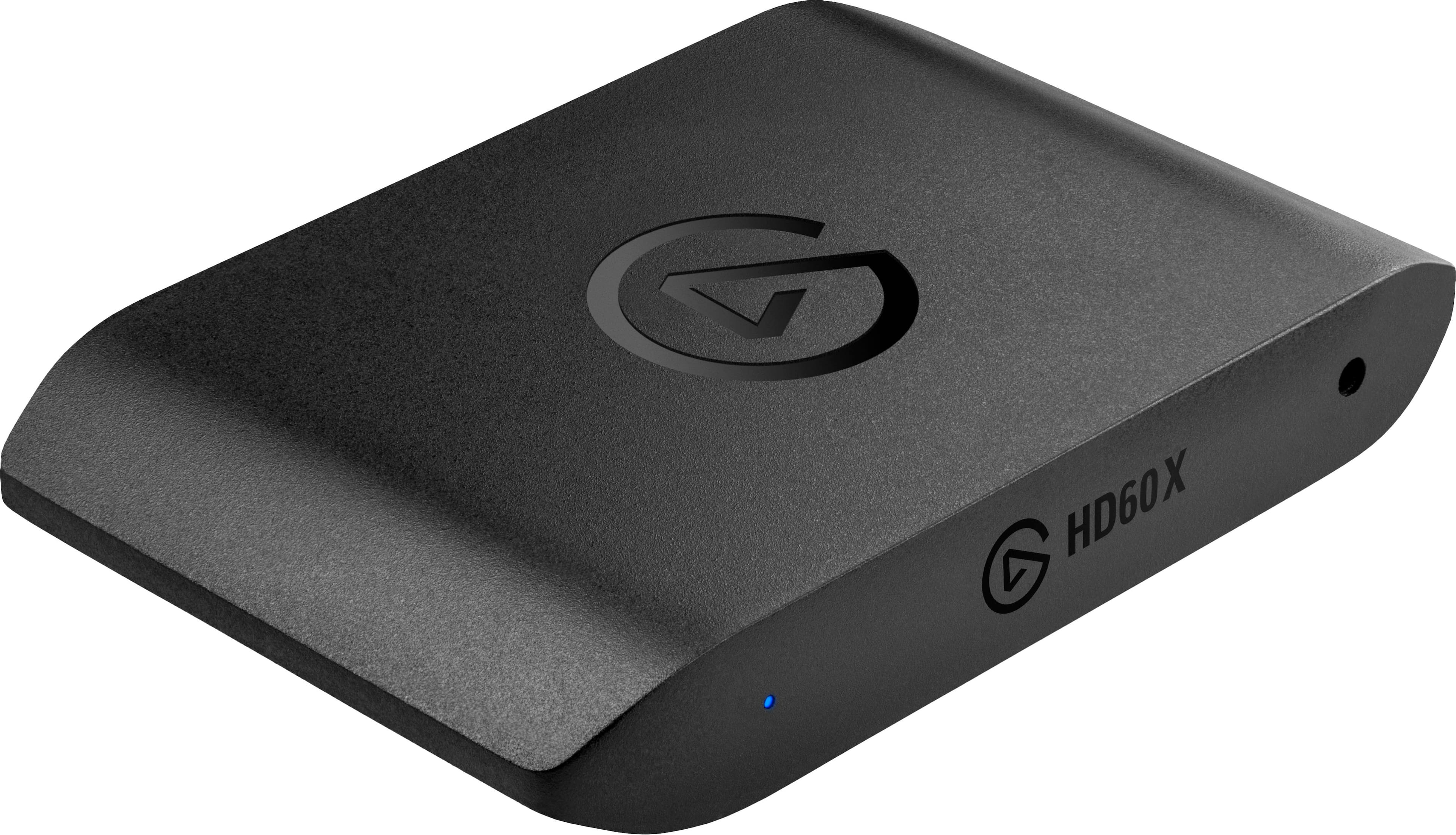
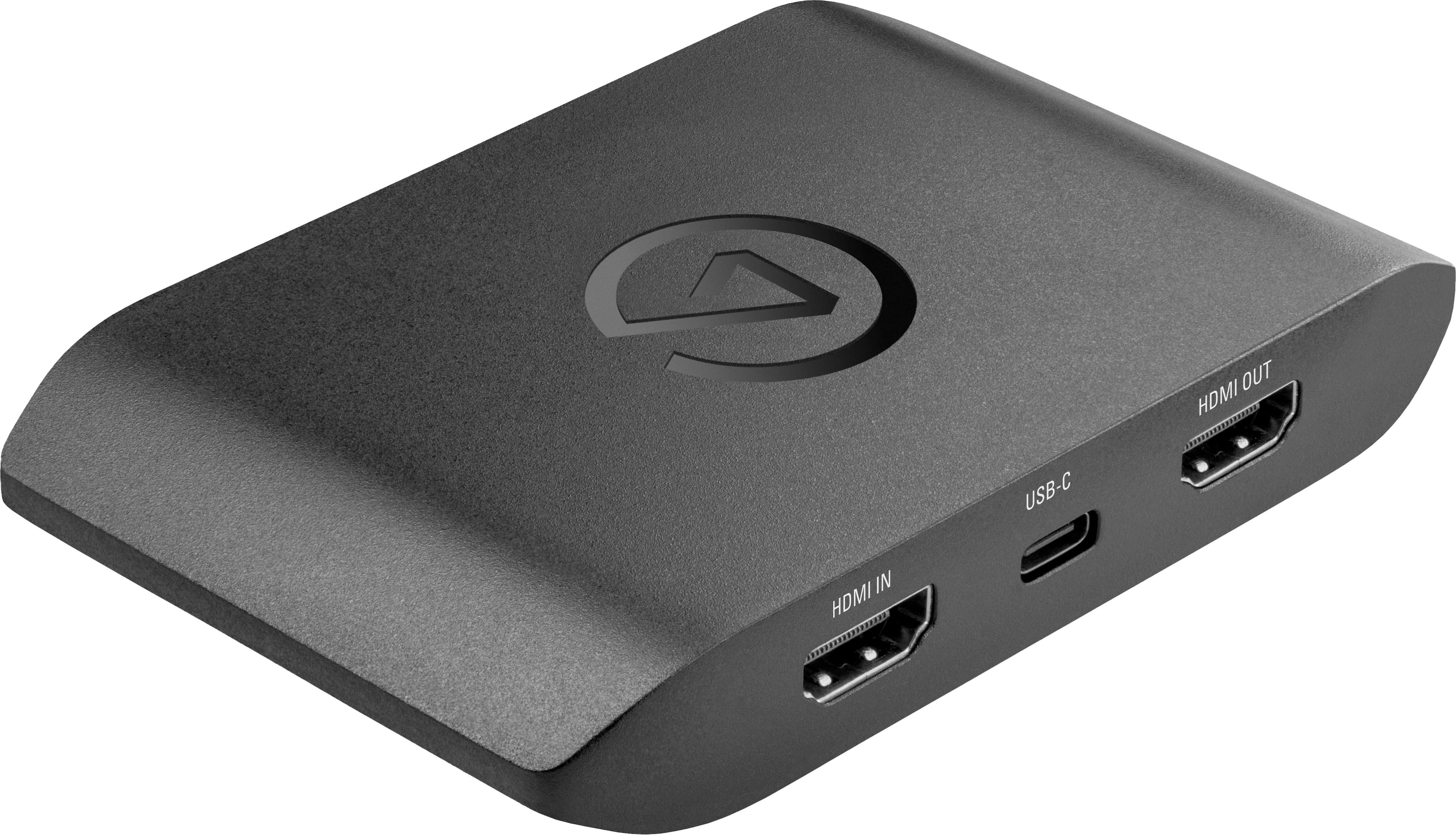
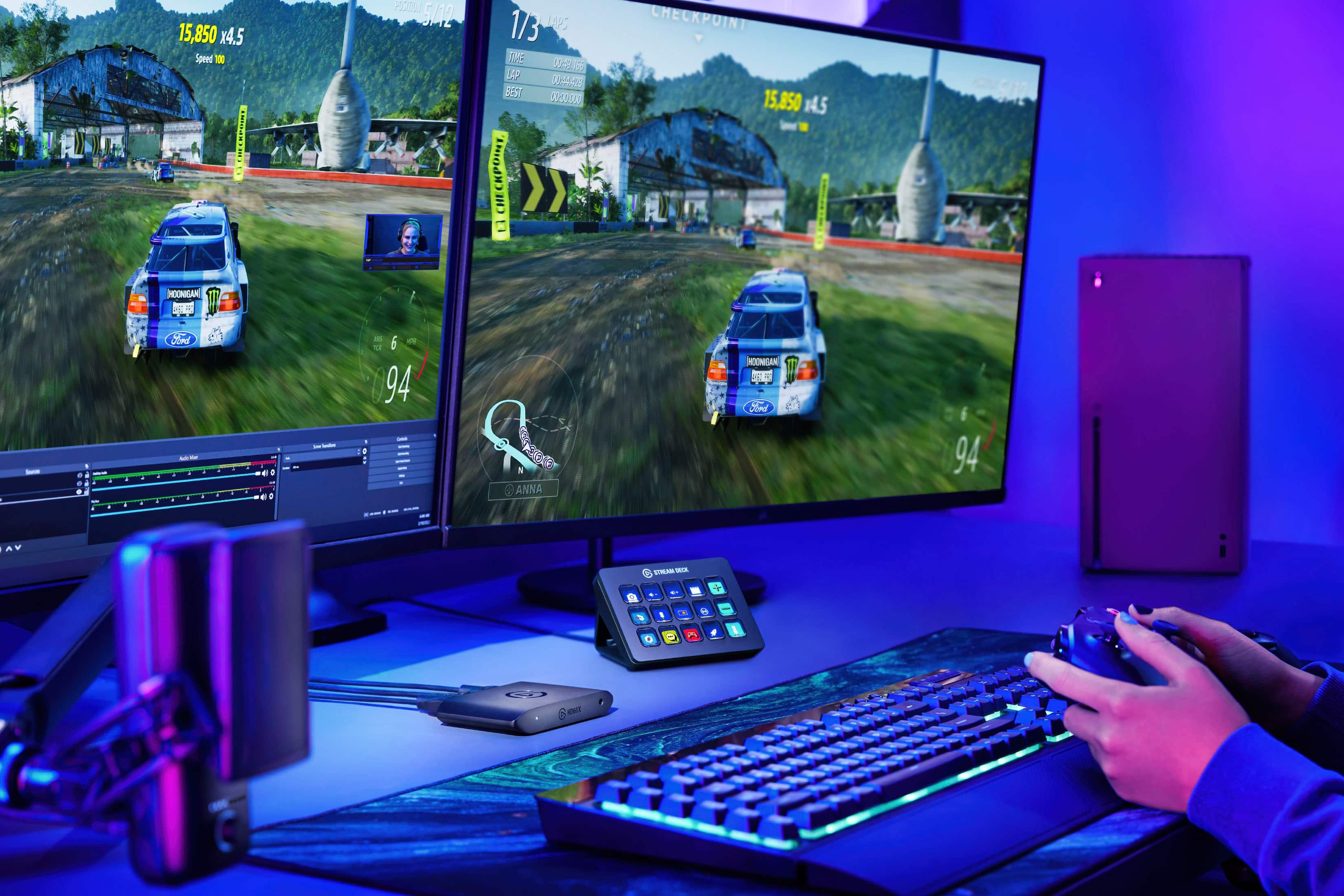
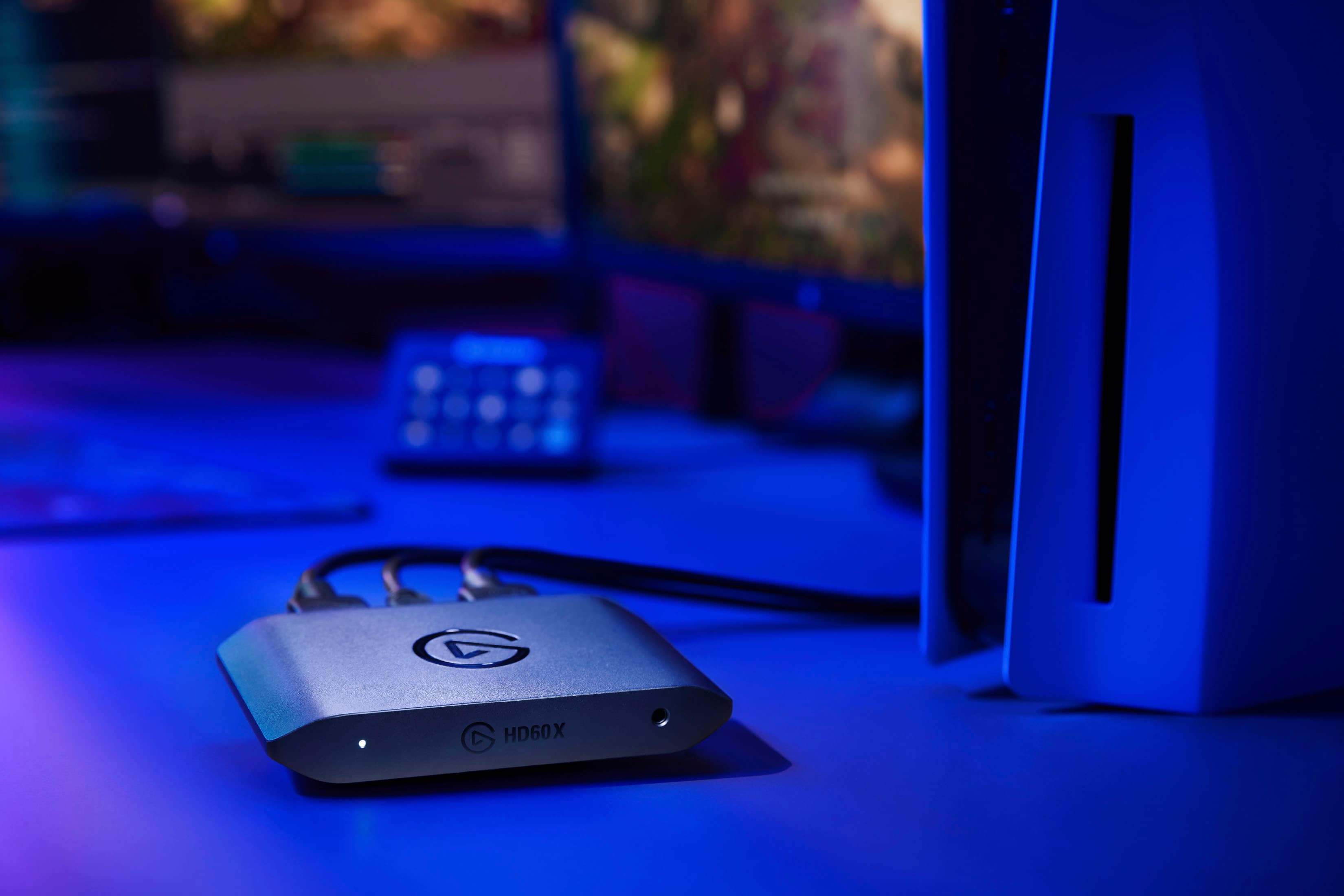
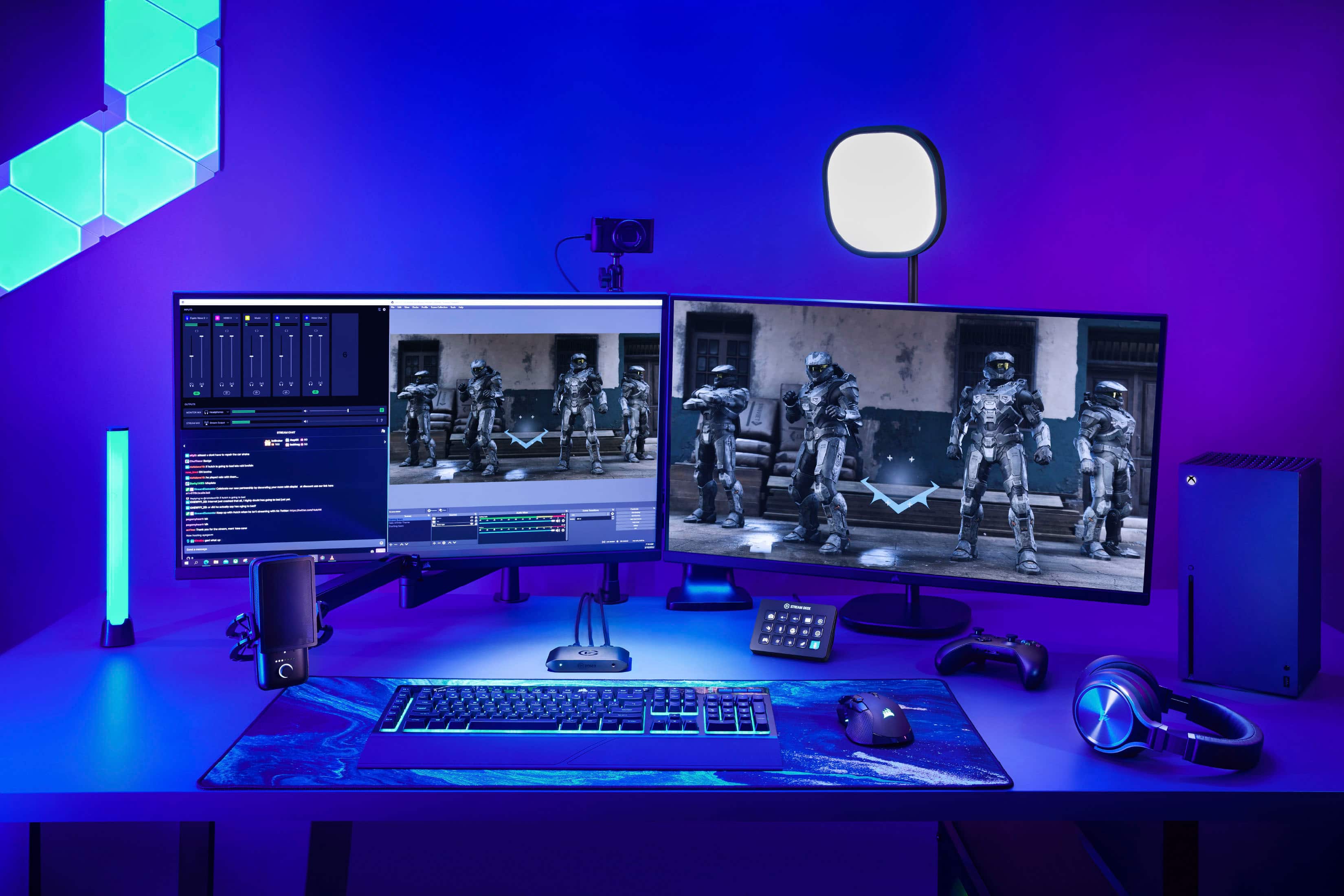
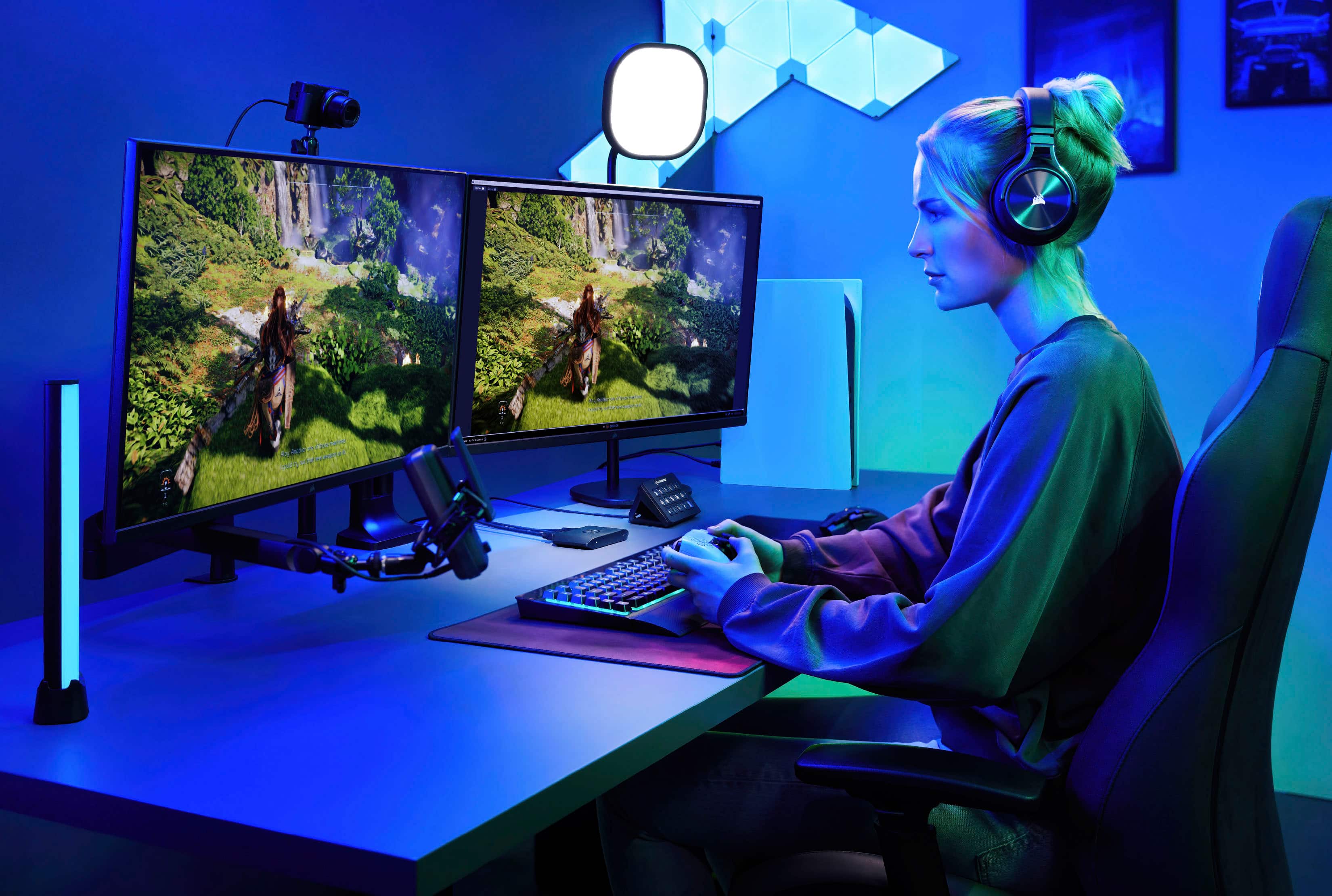
You would connect all of the necessary components (face cam, HMDI cables, stream deck, etc.).
Open the stream software of your choice, (I use OBS SE.LIVE). Once open, add the Elgato into a scene as both a video and audio source. You would then add the face cam, microphone, etc., into the scene.
Once you have done this you should be able to see and hear the gameplay on the second monitor. All you need to do then is click start streaming!
I have attached a photograph to help you understand.