Black Friday is hereShop new DoorbustersShop now

Main Content

Questions & Answers

Your price for this item is $2,499.99
Clearance
The comparable value price is $4,999.98
Page Showing 1-20 of 23 questions
  • QuestionIs the Ambient Light Rejecting screen design by Epson?

    Asked by Julie.

    • Answer I have seen this screen in action and the picture is amazing, even with a lot of ambient light. As an option compared to a 120" flat-panel TV (for about 1/20 the price) it can't be beat! I don't have one yet, but I plan to soon!

      Answered by Ruby

  • QuestionCan the included screen be raised and lowered remotely or does it have to be mounted on a wall?

    Asked by NeedNewProjector.

    • Answer Hello NeedNewProjector. The LS500 screen cannot be raised or lowered remotely. It can only be mounted on the wall. Regards, Sam - The Epson Team.

      Answered by Epson

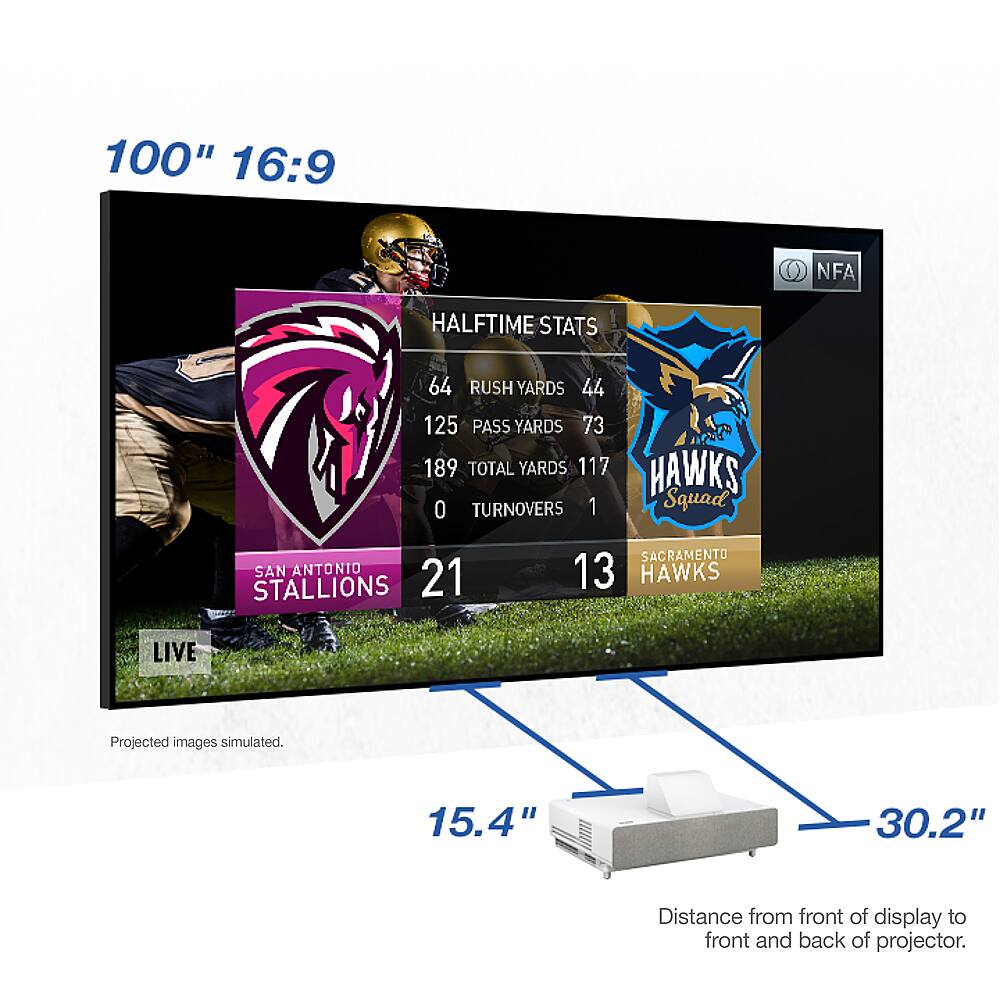
  • QuestionHi I just saw the Epson projector TV and I love it. However, what if the room is full of light. Can you still watch quality tv? Next, we are moving into a new home and I was wondering if there was a projector that didn't have to be 31 inches from the wAll

    Asked by Anonymous.

    • Answer Hi Robby127. The Epson - EpiqVision Ultra LS300 Projector does not support rear projection. For additional information, please visit the official Epson Support website. Regards, Kevin - The Epson Team.

      Answered by Epson

  • QuestionIs the ambient light rejecting screen design by Epson?

    Asked by Tyrone.

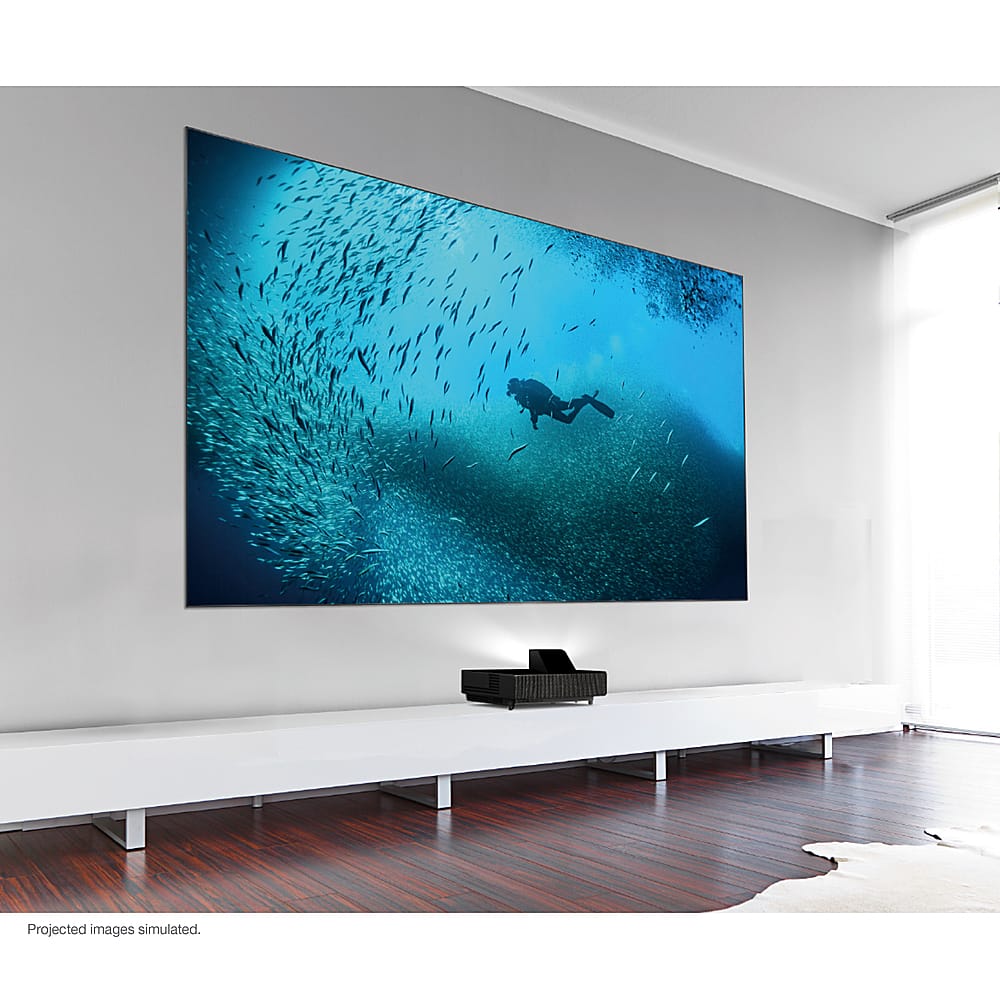
    • Answer Hi Tyrone, Yes. We designed the 100- and 120-inch display to optimize resolution and brightness – while minimizing the effects of ambient room lighting. Our Epson SilverFlex Ultra ALR Display is really amazing technology. Regards, Nancy - The Epson Team.

      Answered by Epson

  • QuestionDo I need any special furniture for the LS500?

    Asked by Anonymous.

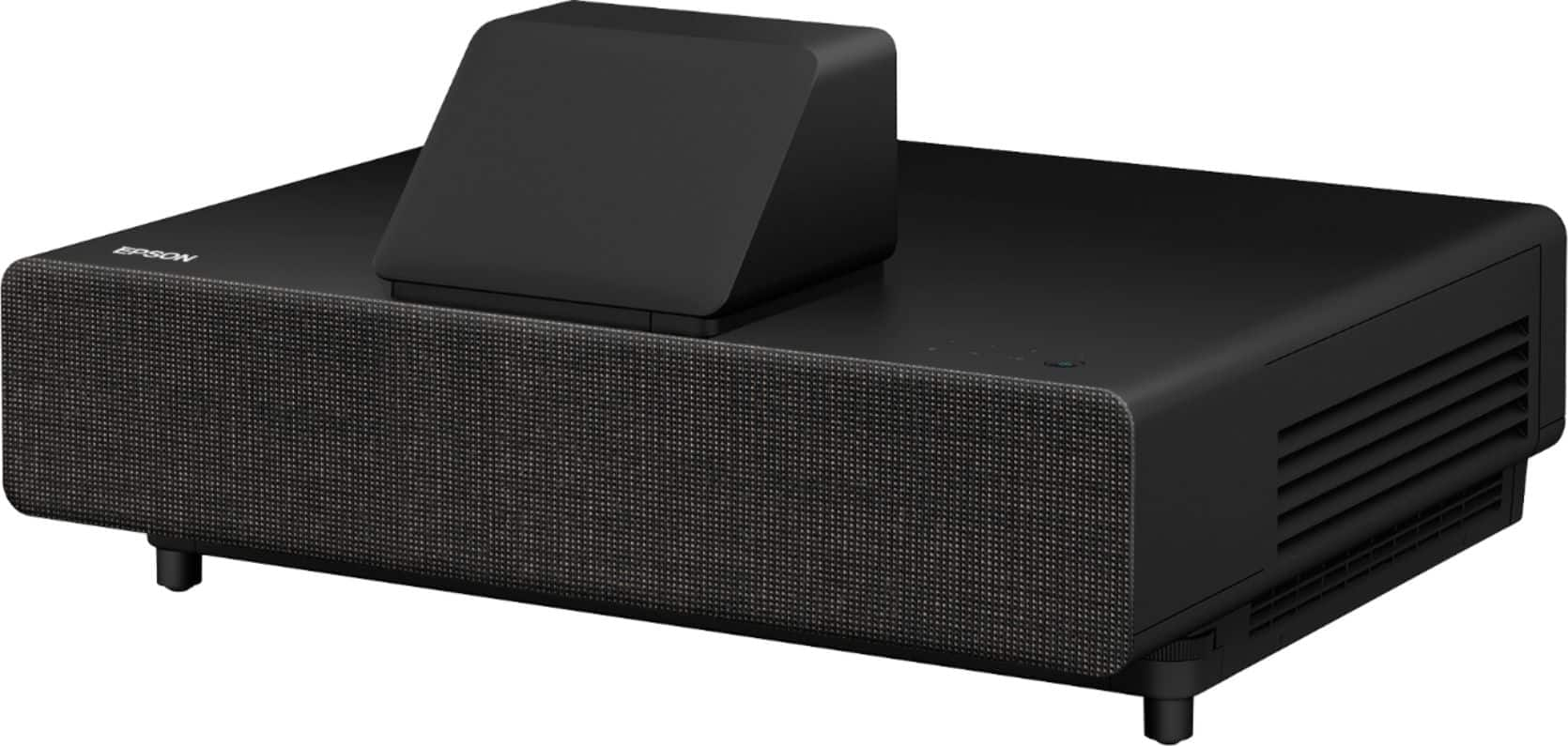
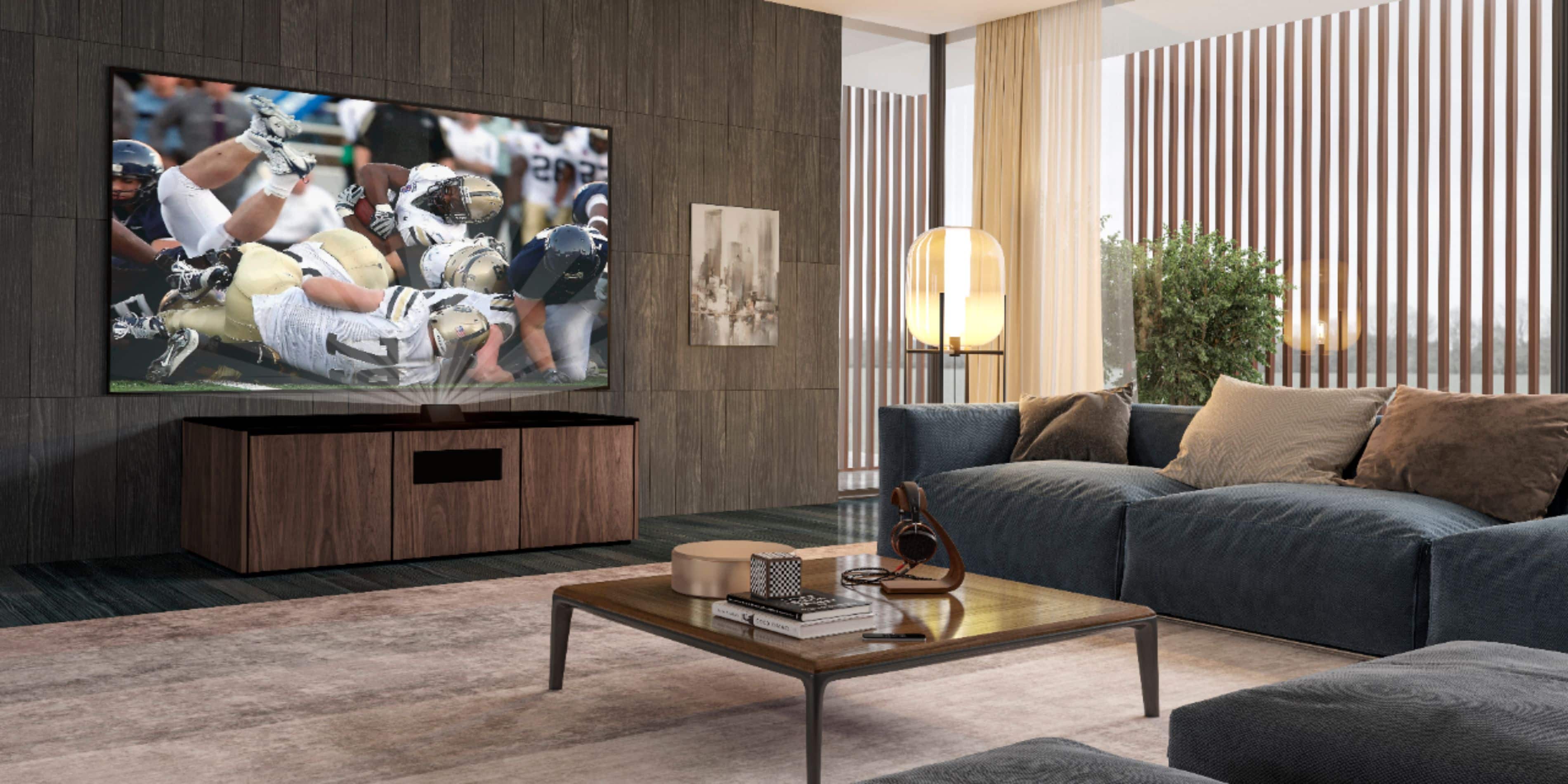
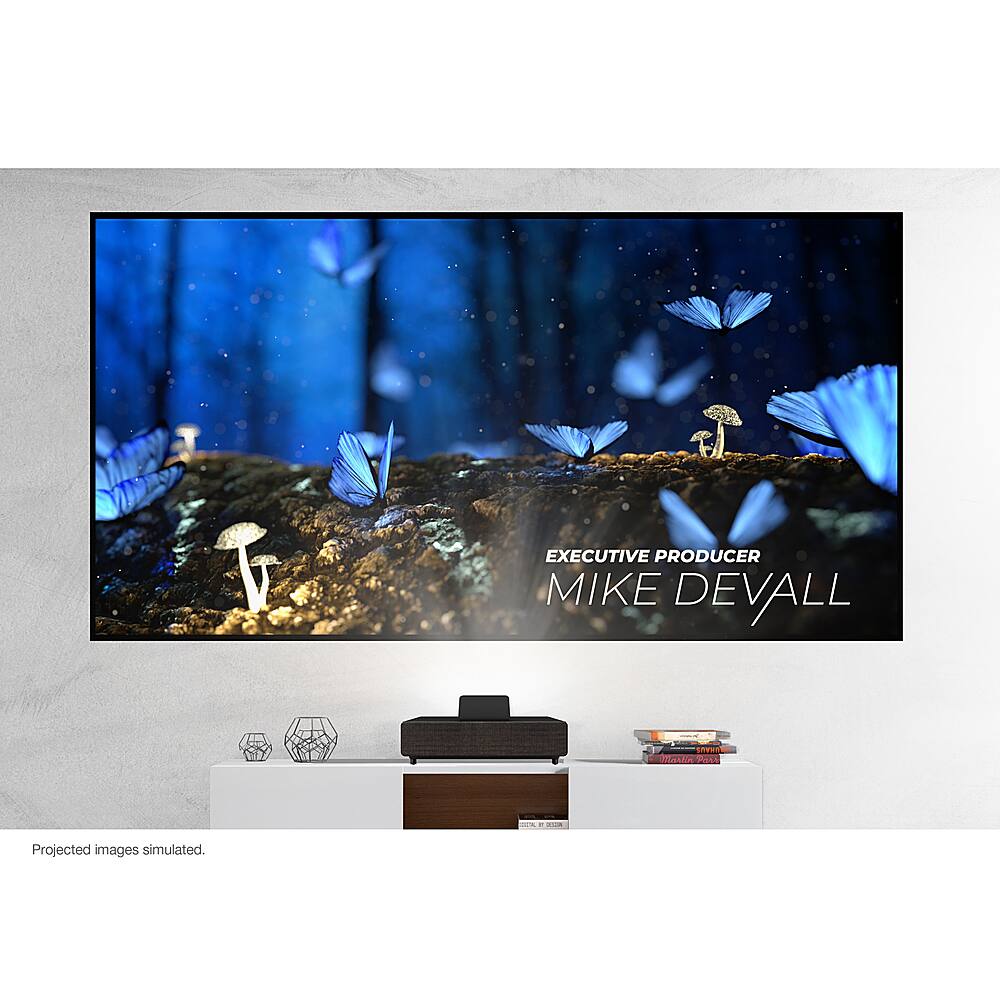
    • Answer Hi, No, most lowboy or side tables will work. Consider furniture with shelves for your video sources and audio gear. Salamander Company makes a quality cabinet specifically for the LS500. You can see it at your local Magnolia showroom or online. Regards, Nancy - The Epson Team.

      Answered by Epson

  • QuestionWho is EpiqVision designed for?

    Asked by Anonymous.

    • Answer Hi, Epson designed this product for people who want a larger TV experience in their homes. Today's TVs max-out at about 86". The Epson EpiqVision LS500 Laser Projection TV has very impressive performance. And, when this level of performance is being displayed at 100" or 120", the immersive experience is simply epic. Nothing else even comes close. Regards, Nancy - The Epson Team.

      Answered by Epson

  • QuestionCan I buy the Epson LS500 Ultra Short Throw Projector without the Epson Screen?

    Asked by Anonymous.

    • Answer Hi, Yes, you can purchase the projector separately through your local Magnolia store. We highly recommend using an appropriate screen. The picture will look much, much better than on a wall. A Magnolia associate can assist you with that. They can sell you other screens such as roll-downs, different sizes, etc. There are a number of great third-party screens that are also compatible with our Epson LS500 Ultra Short Throw Laser Array Projector. Regards, Nancy - The Epson Team.

      Answered by Epson

  • QuestionWhat comes in the box when I purchase?

    Asked by Nina.

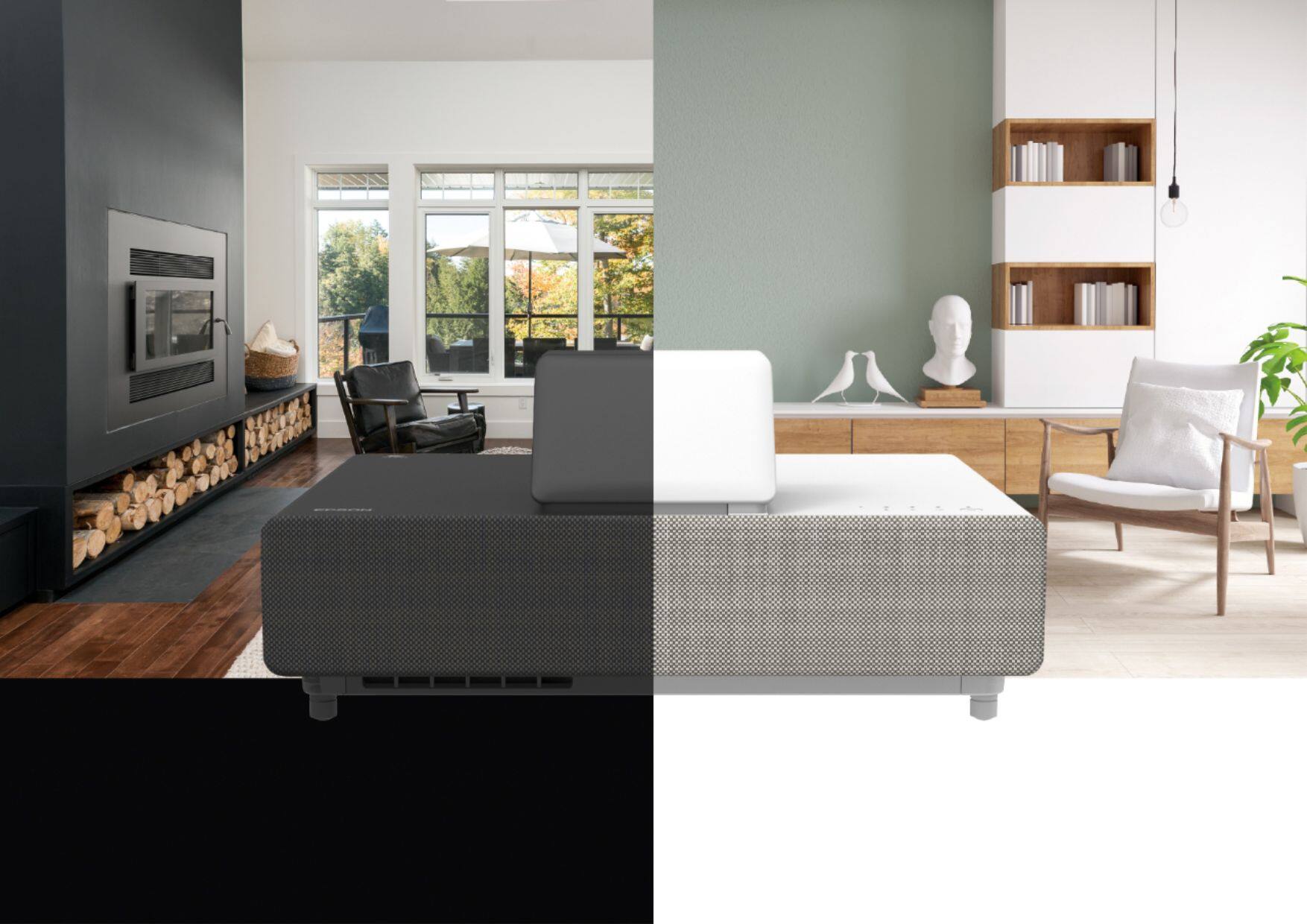
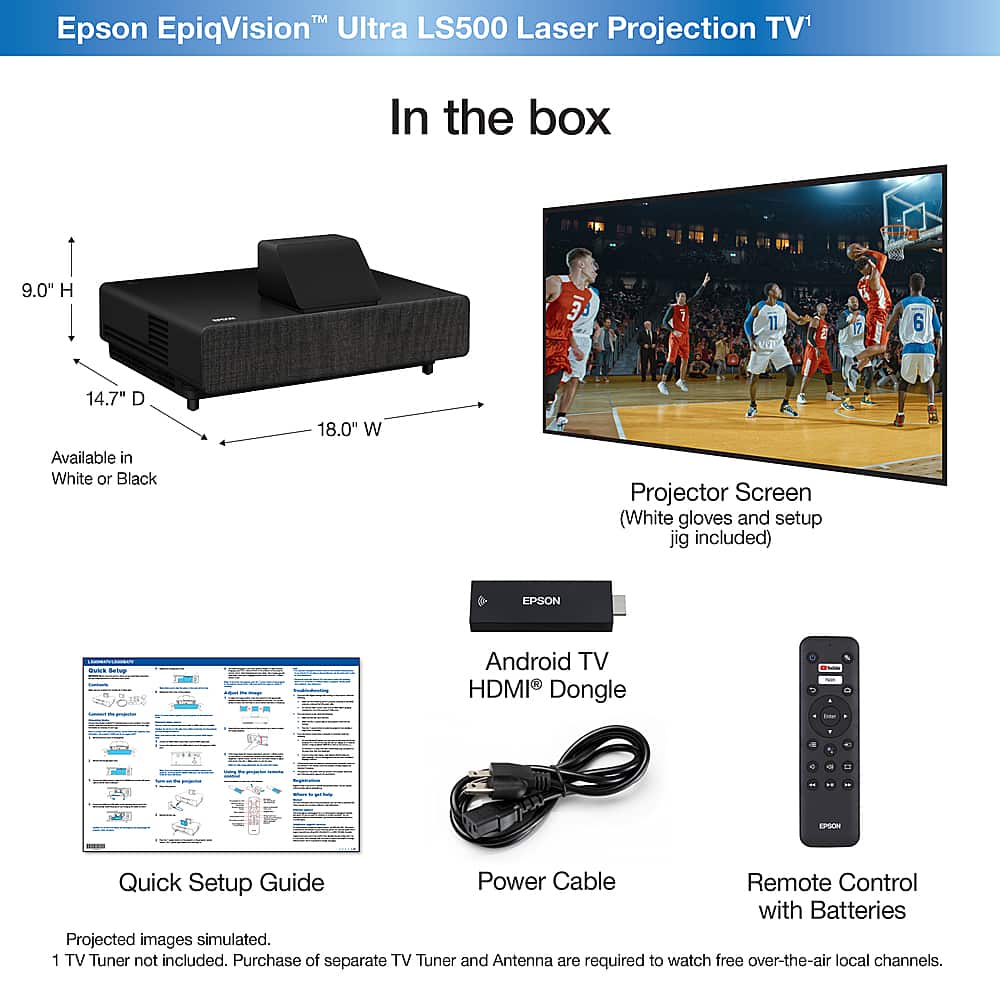
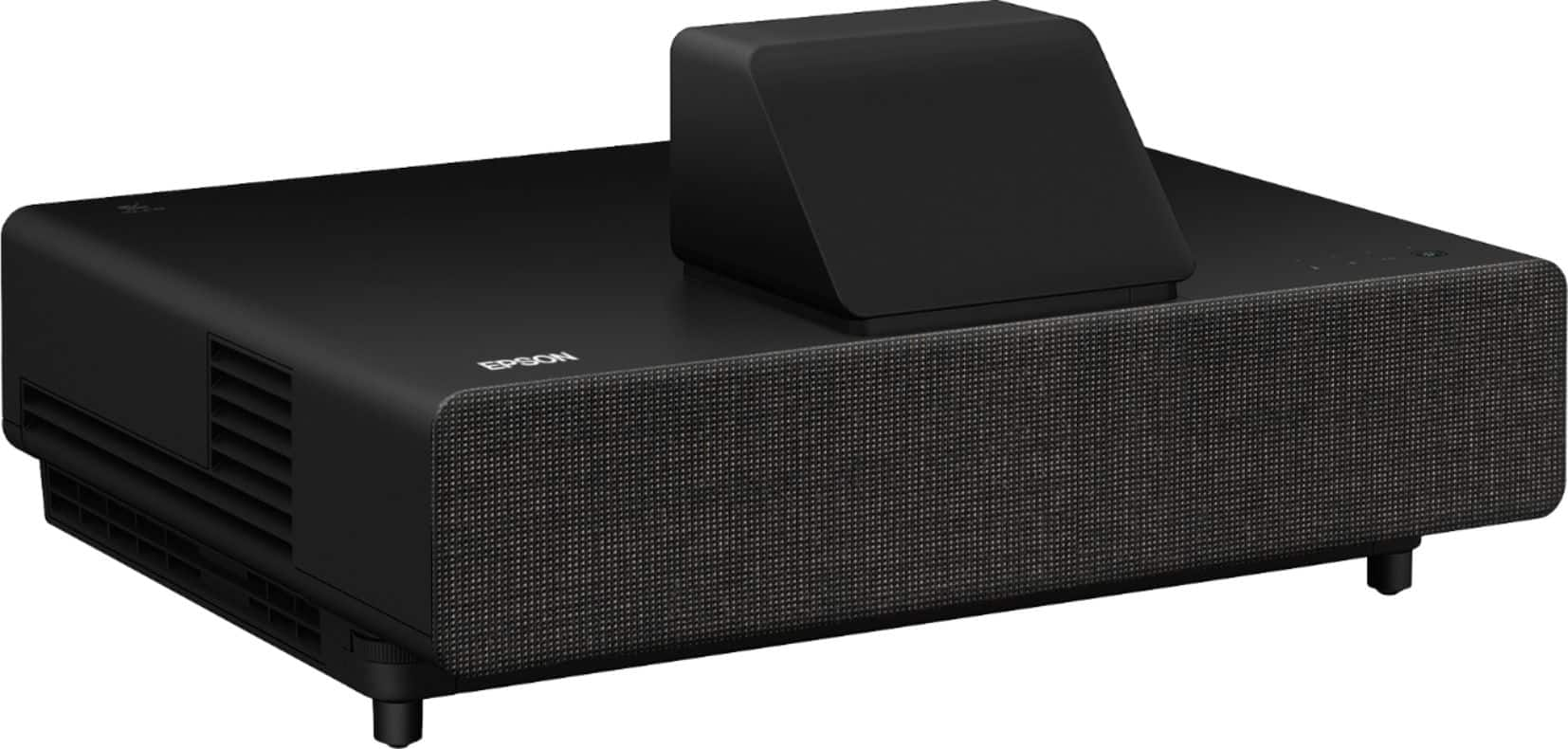
    • Answer Hi Nina, You get a single box with the following items inside: the Epson EpiqVision™ Ultra LS500 Laser Array Projector (in the color you’ve chosen – white or black), the Epson SilverFlex™ Ultra ALR Screen (in the size you’ve chosen – 100” or 120”), two pairs of white gloves to help with the screen assembly and installation, a quick setup guide, power cord, and the Android TV HMDI dongle with a remote and AAA batteries. You also get a cardboard jig to help you quickly align the projector to your wall. Regards, Nancy - The Epson Team.

      Answered by Epson

  • QuestionIs this a new technology? Why haven’t I heard of this type of system before?

    Asked by Nathan.

    • Answer Hi Nathan, For the most part, yes, this is a new technology. What makes this system stand out is Epson developed a 3-chip 3LCD ultra-short throw laser-array projector with 4,000 lumens for both color and white brightness. This level of color and white brightness is exceptional and unmatched. When you combine this level of performance with our specially designed ambient light rejecting screen, the results are amazing. Three years ago, when Epson set out to design a projector and screen to work together, a new-type of television experience was born. Regards, Nancy - The Epson Team.

      Answered by Epson

  • QuestionCan I see a demo of this before purchasing?

    Asked by Anonymous.

    • Answer Hi, Yes. Check out your local Magnolia showroom throughout the U.S. We recommend calling before to ensure the demo is setup in your local store. Regards, Nancy - The Epson Team.

      Answered by Epson

  • QuestionI noticed EpiqVision has Android TV support. Is it built-in? Or, is it an external stick?

    Asked by Anonymous.

    • Answer Hi, Epson developed its own Android TV streaming stick with a voice remote. It's an HDMI stick that fits cleanly inside the front HDMI compartment of the projector, so you never see the streaming stick itself. Of course, you can remove this and install your preferred streaming solution if you wish. Not all streaming sticks will fit completely inside the projector's front compartment. Regards, Nancy - The Epson Team.

      Answered by Epson

  • QuestionHow good is the 4K PRO-UHD performance?

    Asked by RigatoniFan22.

    • Answer Hi RigatoniFan22, You really have to see it for yourself. Epson’s latest 4K PRO-UHD technology is extremely impressive. It delivers what is probably the best 4K HDR home experience of anything in its class. Most live TV content is 720p or 1080p. Epson’s processing technology upscales the signal to 4K PRO-UHD. The results are impressive. This is one of the brightest Laser Array Projectors on the market, so the HDR performance is really amazing. If you’re like us and you want to enjoy every little detail and nuance TV has to offer, you’ll be very impressed with the EpiqVision Ultra LS500. Regards, Nancy - The Epson Team.

      Answered by Epson

  • QuestionHow can I watch live TV?

    Asked by Lllamamama.

    • Answer Hi Lllamamama, You have several options: 1) Subscribe to a streaming service like YouTube TV or Sling TV, 2) Connect an over-the-air tuner via HDMI, 3)Connect a cable box via HDMI. Regards, Nancy - The Epson Team.

      Answered by Epson

  • QuestionIs the display bright enough to watch TV in a bright room?  

    Asked by TIKA.

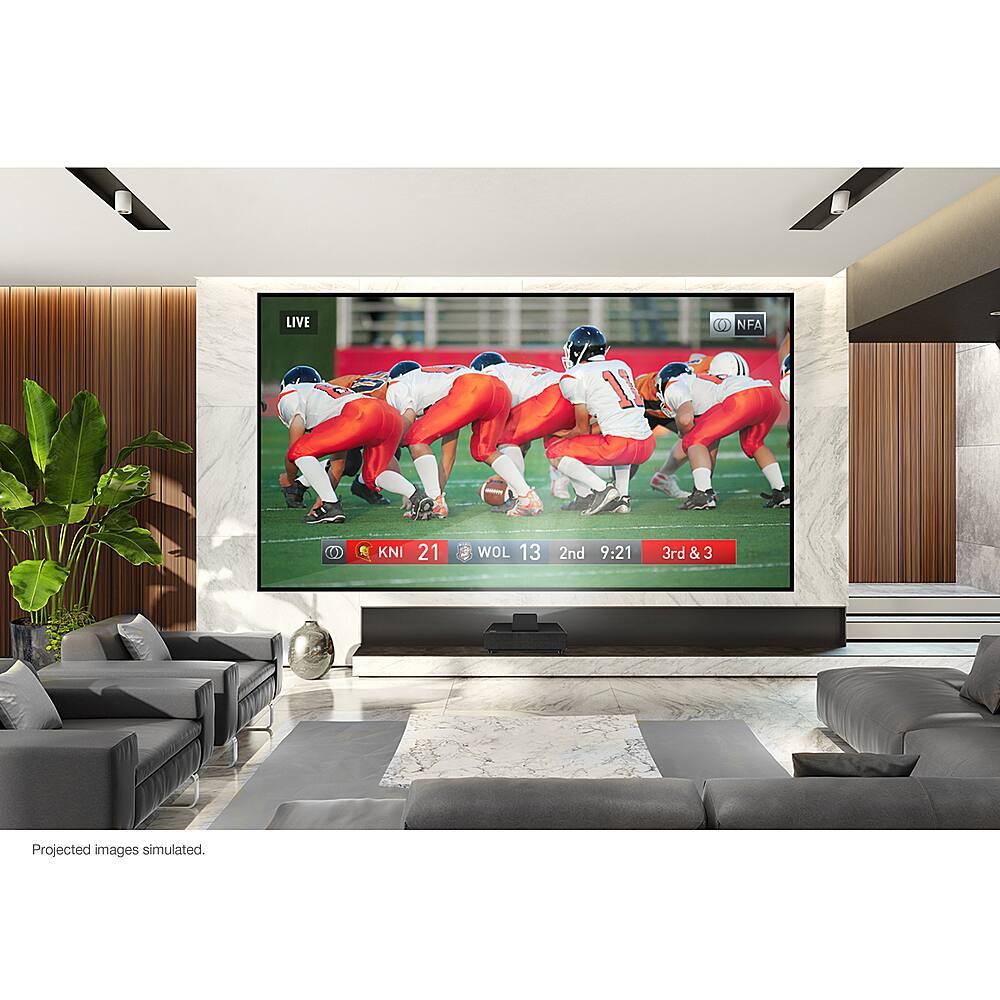
    • Answer Hi TIKA, Yes. One of the breakthroughs from Epson is our newest Ultra Short Throw Laser Array Technology. Combined with the special screen, the overall brightness of the picture is incredible. Search YouTube for customers and resellers demoing the product, or find a Magnolia store near you that is showcasing the product in their demo room. It's really amazing technology. Regards, Nancy - The Epson Team.

      Answered by Epson

  • QuestionCan I ceiling mount the Epson LS500 projector instead of placing it on a table below the screen?

    Asked by Kipper.

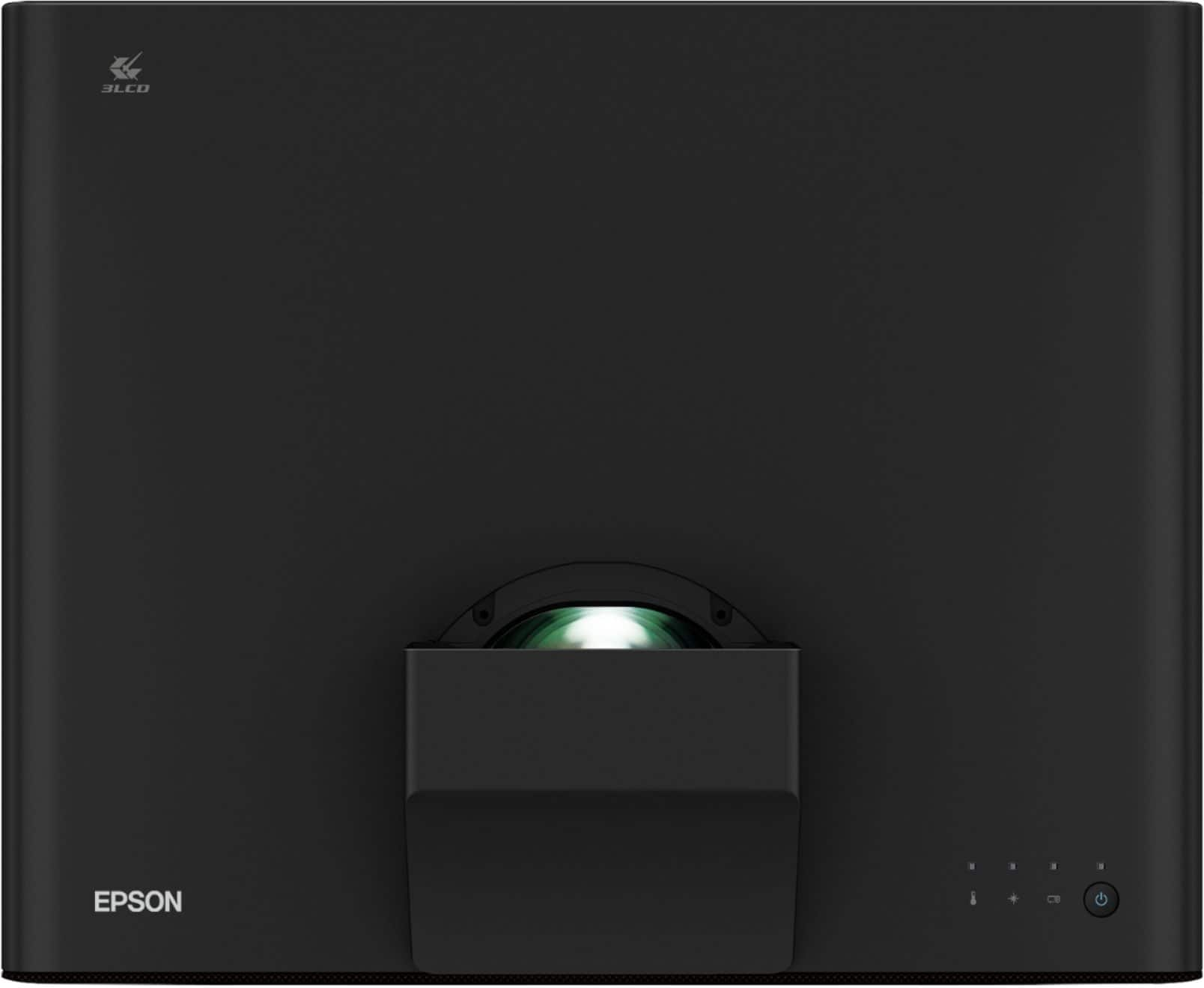
    • Answer Hi Kipper, No. The Epson Laser Projection TV system was designed so the Epson LS500 projector is placed on a table, centered, below the Epson SilverFlex ALR Screen. Regards, Nancy - The Epson Team.
      Answered by Epson

  • QuestionHow do I hook-up my cable box, streaming devices, or gaming consoles?

    Asked by OT.

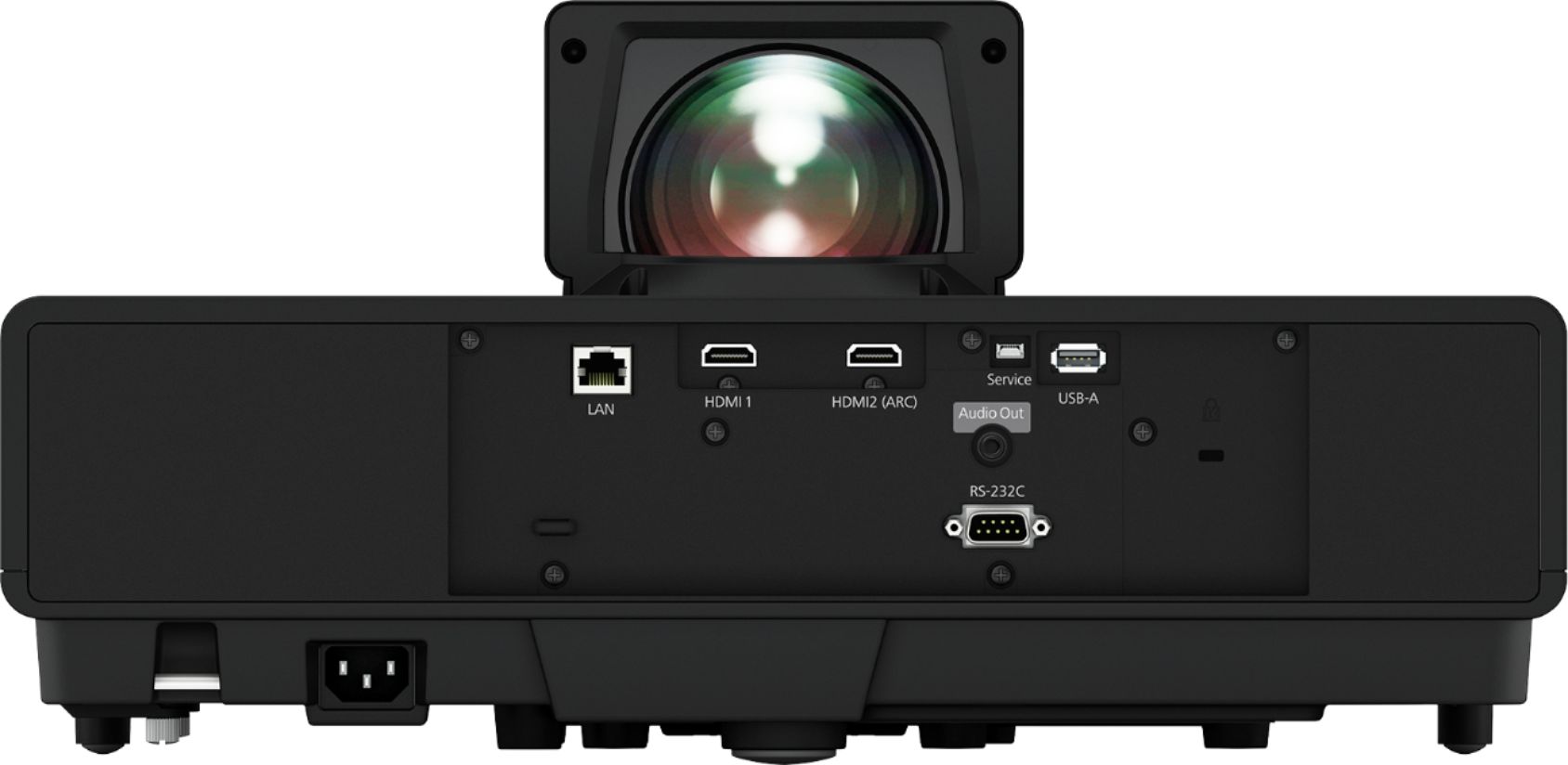
    • Answer Hi OT, Just like you do with any standard TV. Epson EpiqVision comes with two 18 Gbps HDMI 2.0 ports on the back and one 18 Gbps HDMI 2.0 port behind the front cover. (The front port may already be used for the Android TV stick from Epson.) Regards, Nancy - The Epson Team.

      Answered by Epson

  • QuestionIs there anything I need to do after the LS500, and screen are set up?

    Asked by ErikH.

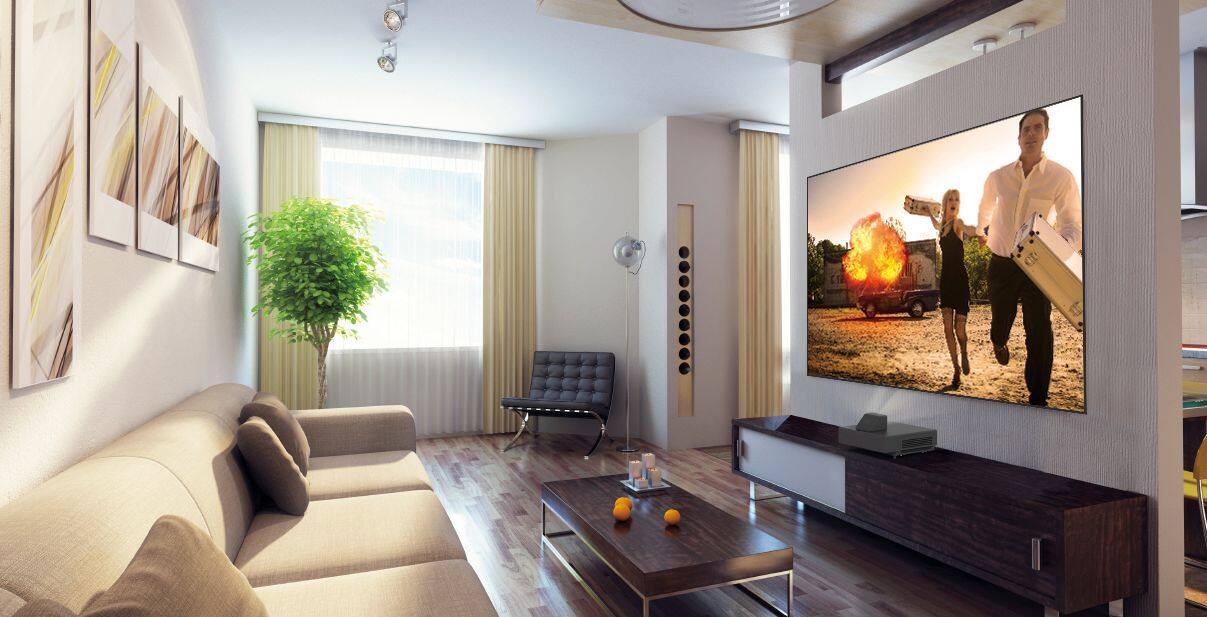
    • Answer Hi ErikH, Just focus the picture so you can see all the incredible detail in the image. If you have any questions, contact your Magnolia associate or call Epson’s customer support line. Regards, Nancy - The Epson Team.
      Answered by Epson

  • QuestionIs a separate audio system recommended for this TV?

    Asked by Becky.

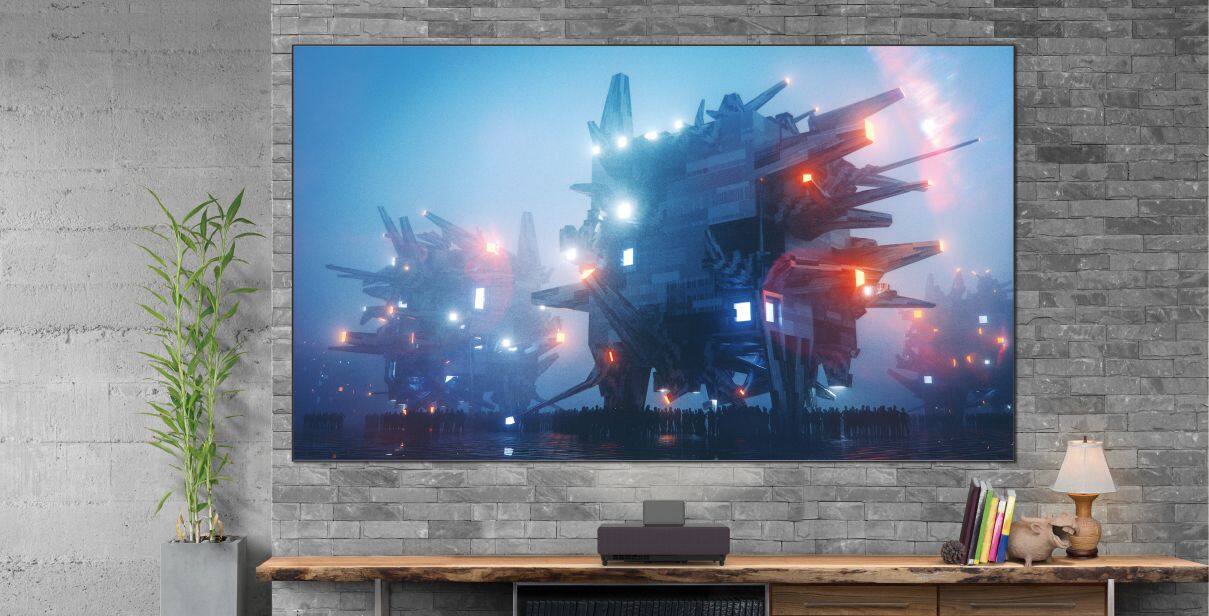
    • Answer Hi Becky, The built-in speakers sound great, but for a fully immersive experience you can connect an external audio solution. These include a sound bar, or a dedicated surround sound system connected using HDMI ARC. ARC is the audio return channel output connection on your projector. It sends the sound out to your audio system. Regards, Nancy - The Epson Team.
      Answered by Epson

  • QuestionCan I game on this display?

    Asked by JosieLouise.

    • Answer Hi JosieLouise. Yes, the Epson EpiqVision Ultra LS500 projector can be used for gaming on the latest generation of consoles. Regards, Bobby - The Epson Team.

      Answered by Epson

  • QuestionDoes the screen require power or any connections?

    Asked by Elliott.

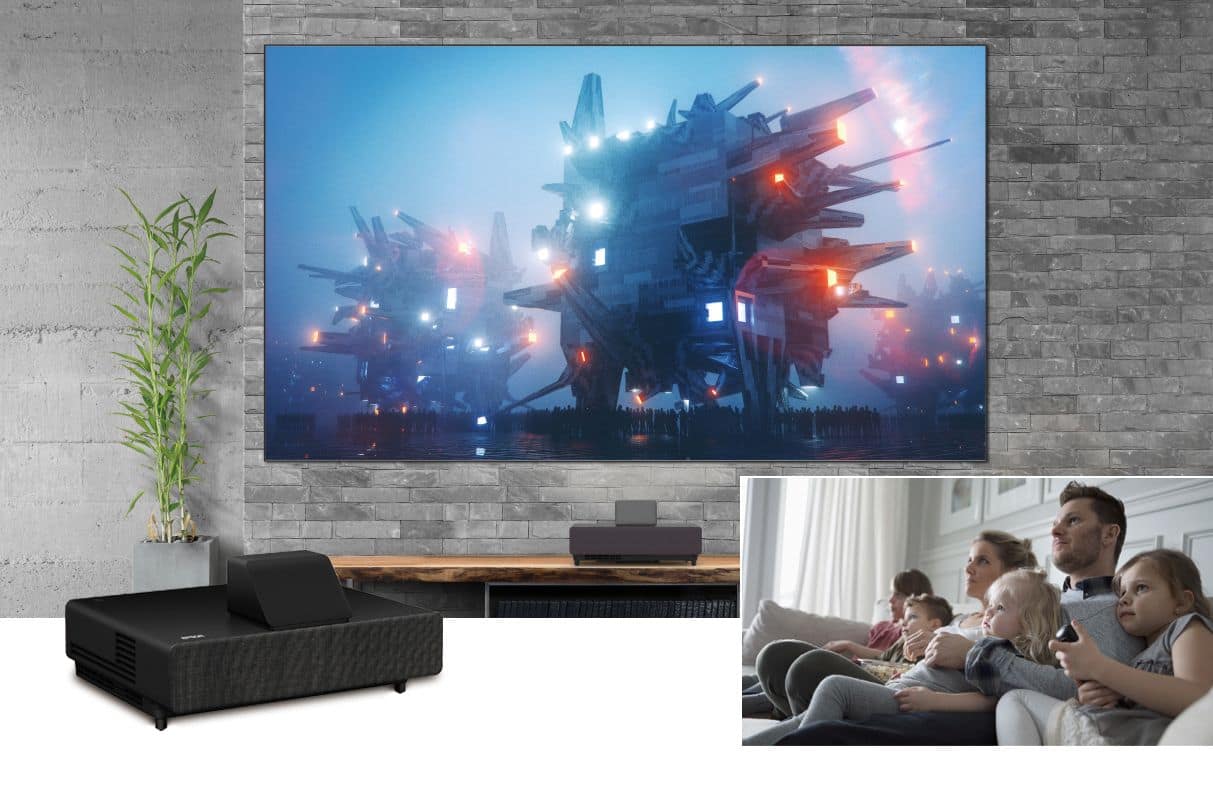
    • Answer Hi Elliott, No. The screen requires no power or connections to the projector. It simply hangs on your wall and it is relatively light. The 100" screen weighs 24.3 lbs. and the 120" screen weighs 28.7 lbs. Use a bubble level to make sure the screen is level. Regards, Nancy - The Epson Team.
      Answered by Epson