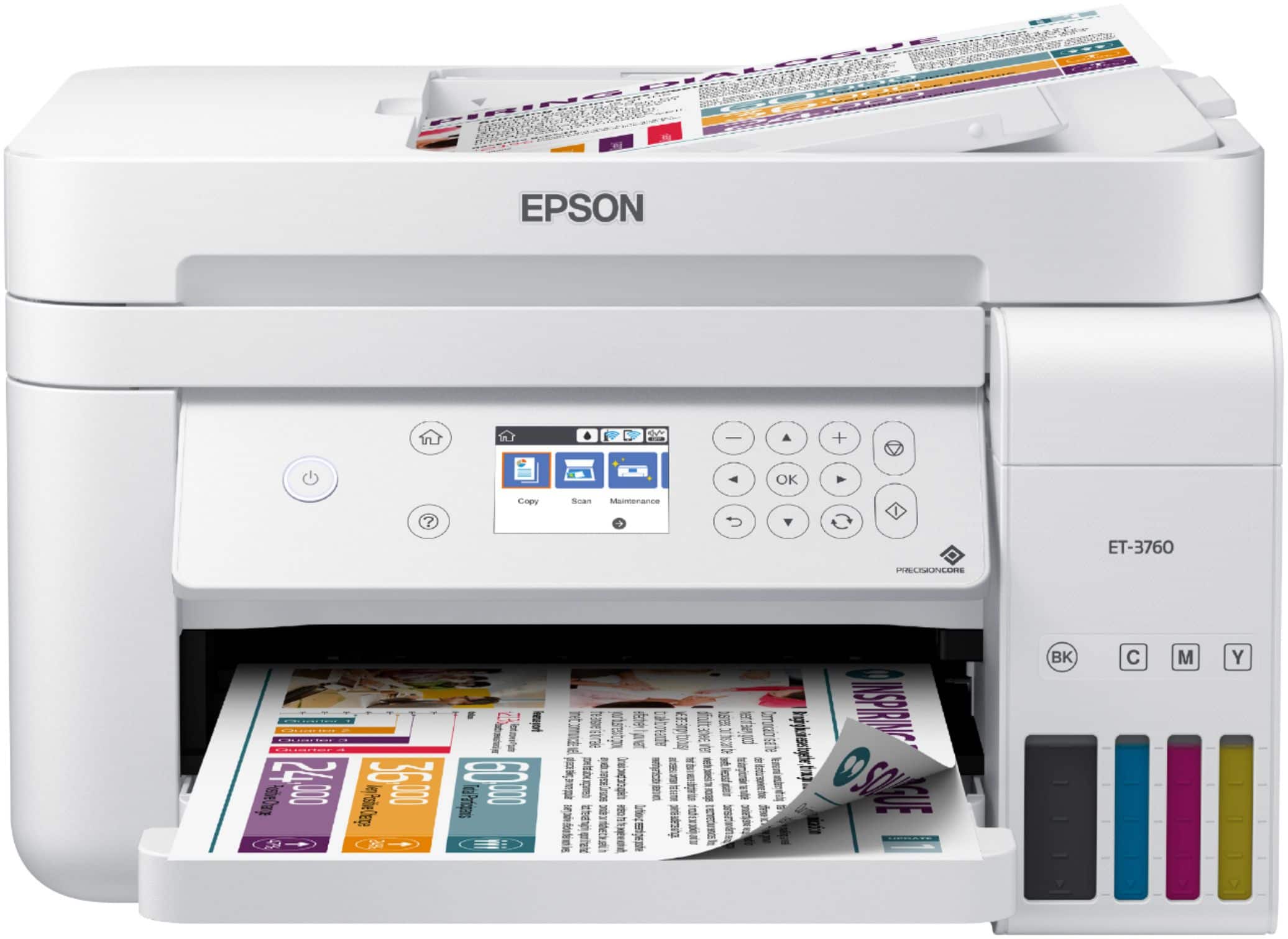
A:AnswerCould not find any USB ports on printer. Appears to have been designed to print via wifi from about any device using an email app, which I do not do.
A:AnswerHi blokjb, No, the ET-3760 does two-sided printing, but scans only one side per pass. Higher-end EcoTank printers have automatic two-sided copying. Regards, Mark - The Epson Team.
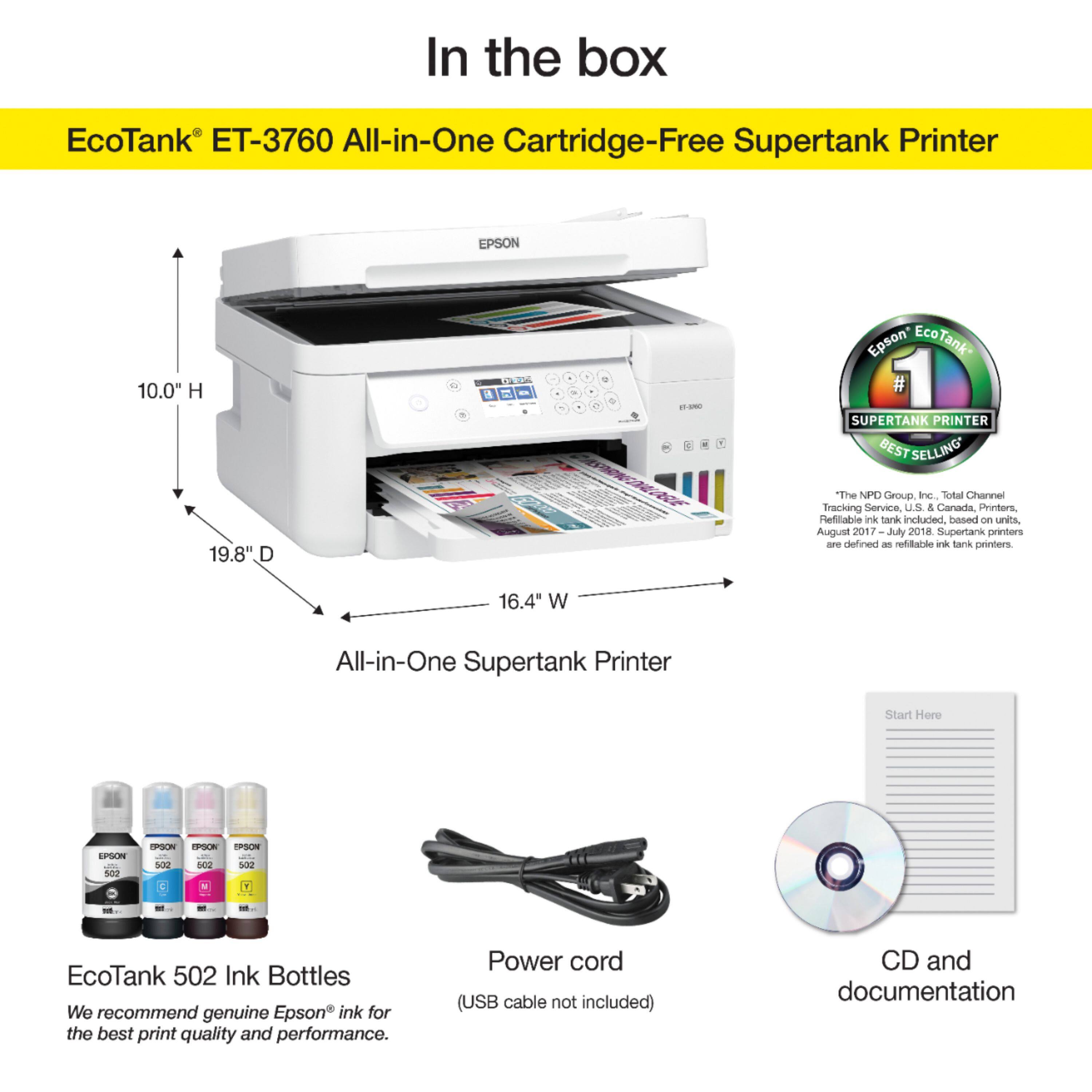
A:AnswerHi Rick, it is 9.1". When all trays are closed the ET-3760's dimensions are 14.8" x 13.7" x 9.1" (W x D x H). When all trays are open for printing and scanning the dimensions are 16.4" x 19.8" x 10.0". Regards, Mark - The Epson Team.
A:AnswerHi AJ76, The ET-3760 will print on photo paper in the following sizes: 4" x 6", 5" x 7", 8" x 10", letter, and A4. Regards, Mark - The Epson Team.
A:AnswerThat would not be acceptable for me but you might try cleaning the print heads. If that doesn't work I'd contact support. I'm sure there must be a 1yr warranty on this printer at least. This printer isn't a lower priced printer and nobody wants print quality as you've described . That would be unacceptable even with EPSON. If you can't fix it following the user guide contact SUPPORT.
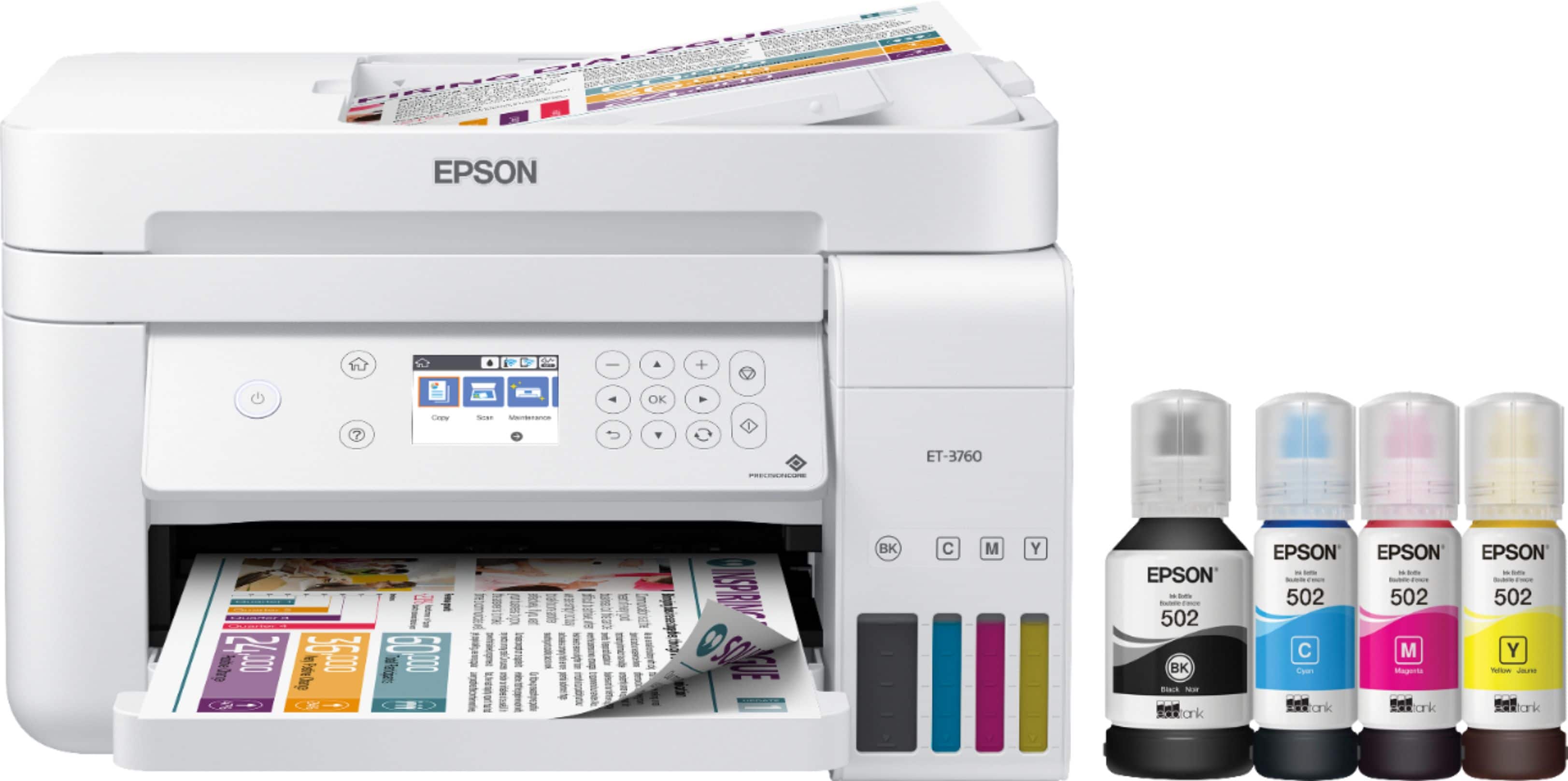
A:AnswerHi Rai. Yes, the Epson EcoTank ET-3760 includes four ink cartridges for the initial setup only. Most of this ink is used to charge the ink delivery system and the rest will be available for printing. Regards, Bobby - The Epson Team.
A:AnswerHi PaulQ. Epson Photo papers (up to 20 sheets) would be loaded into the paper cassette. If paper feeds incorrectly, or printing is uneven or smeared, load 1 sheet at a time. Regards, Bobby - The Epson Team.
A:AnswerI just bought the Epson ET-3760 and no it does NOT have fax. capabilities. The Epson ET-4760 has fax. I got fooled by this and thought it had fax capability when I bought it. The instructions includes how to connect the fax line but the instruction only applies to the ET-4760. It is a good thing I rarely use faxing.
A:AnswerYou can find the IP address on the printer screen. Go to Settings< General Settings < Network Settings < WiFi Direct Status. Then scroll down for you IP address.