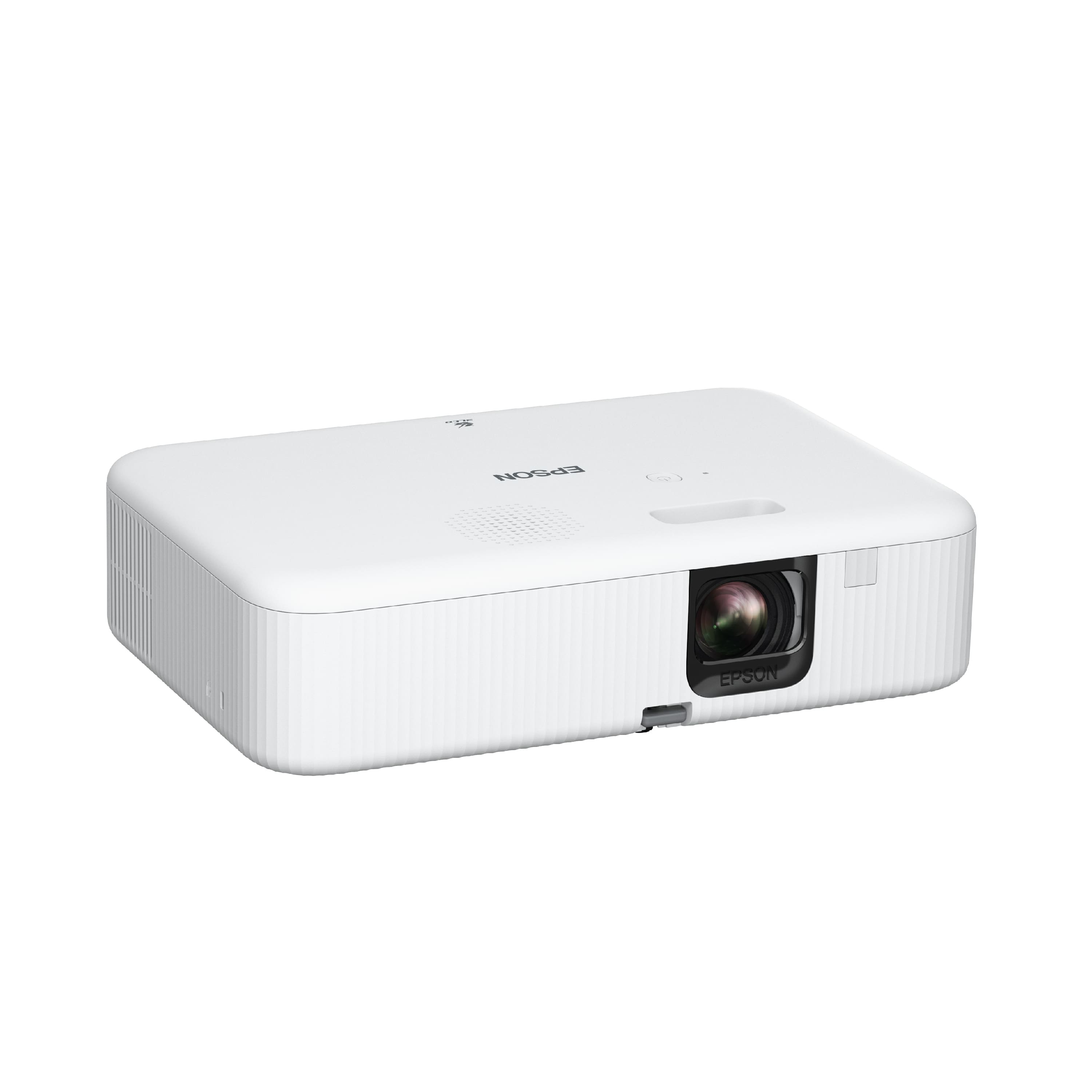
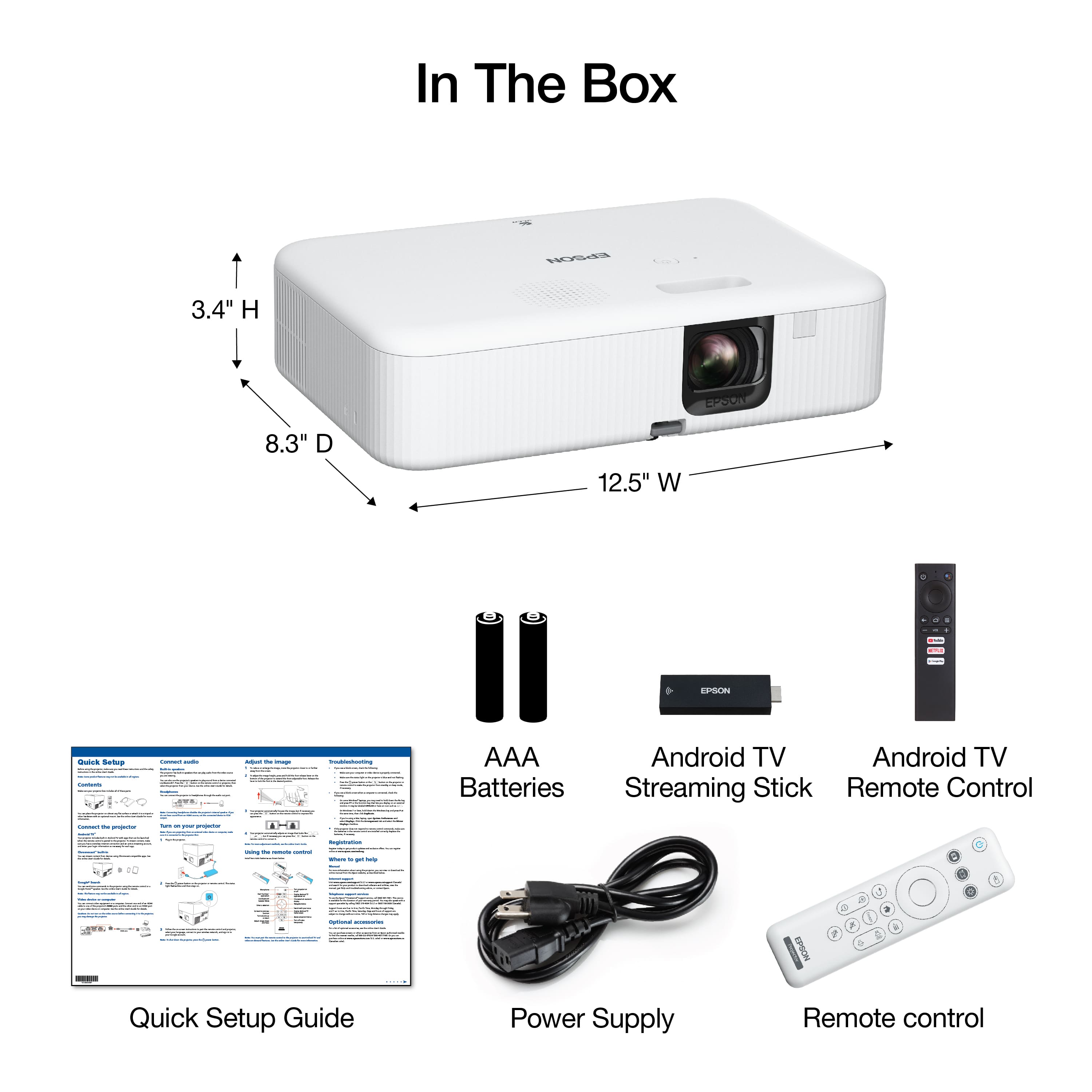
A:Answer Hello Kelvins. Yes, you can adjust the color temperature on the Epson CO‑FH02. Press the Menu button on the remote, go to Image > Expert Settings > White Balance, and select Color Temp. The higher values will give you a cooler image, and the lower values produce a warmer tone. You can also choose a more customized look under White Balance, where you can manually adjust the red, green, and blue (RGB) offset and gain levels. Regards, Kevin - The Epson Team.