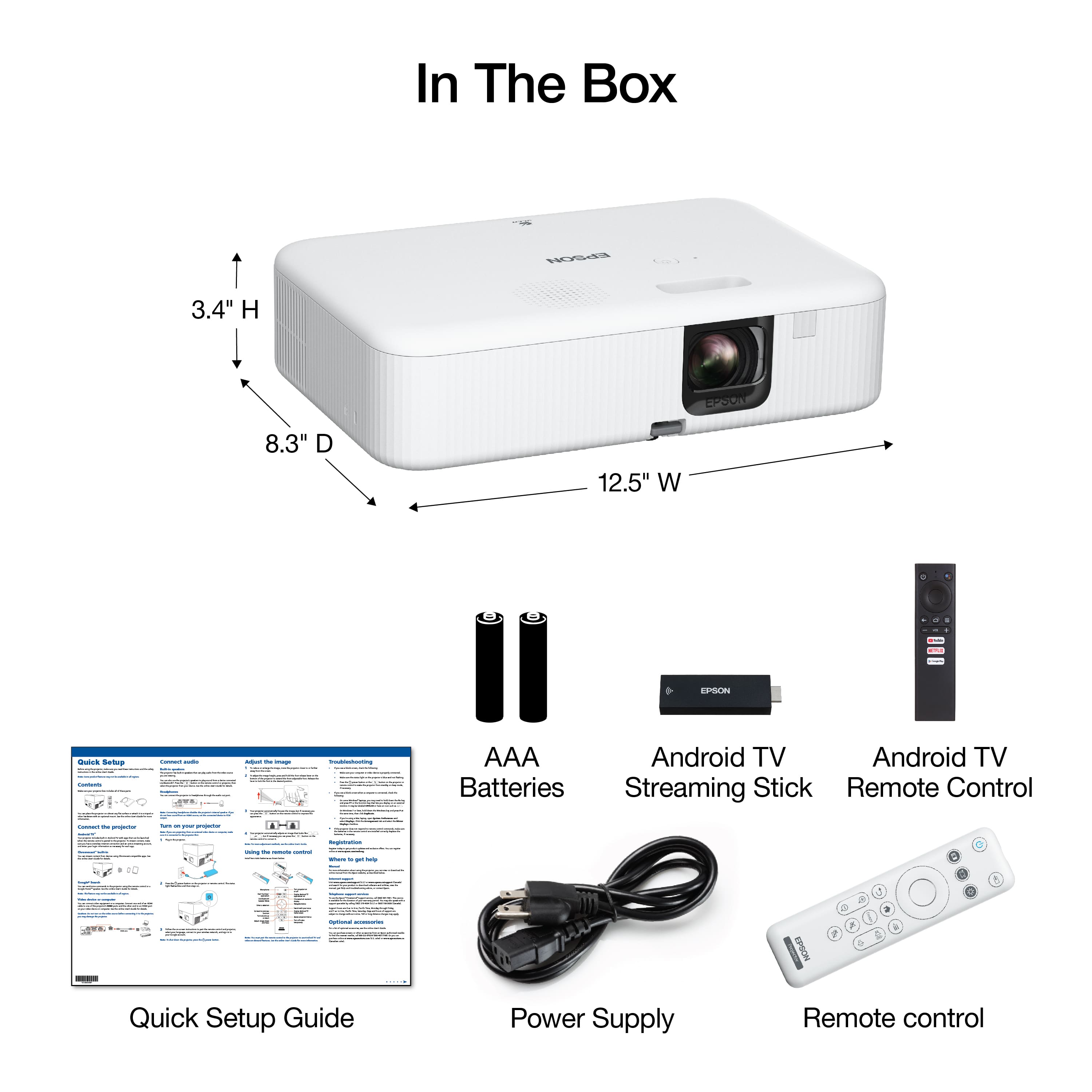
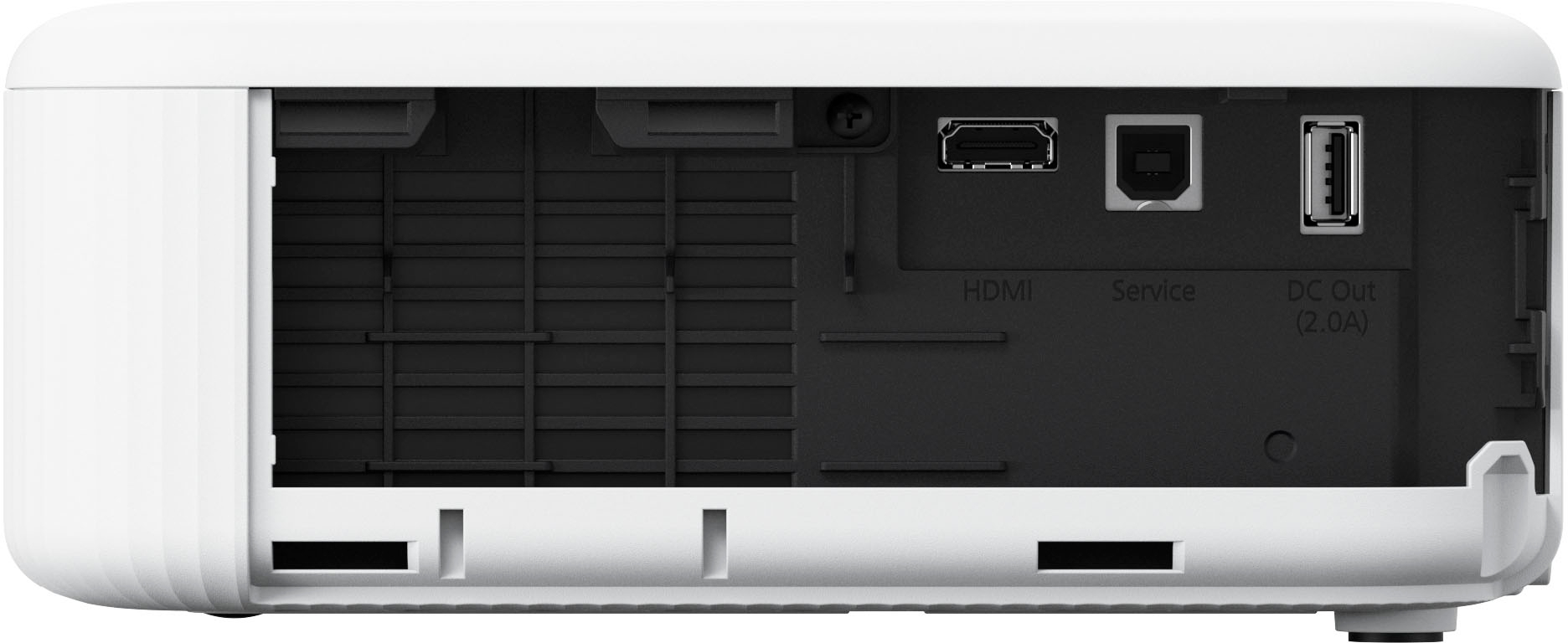
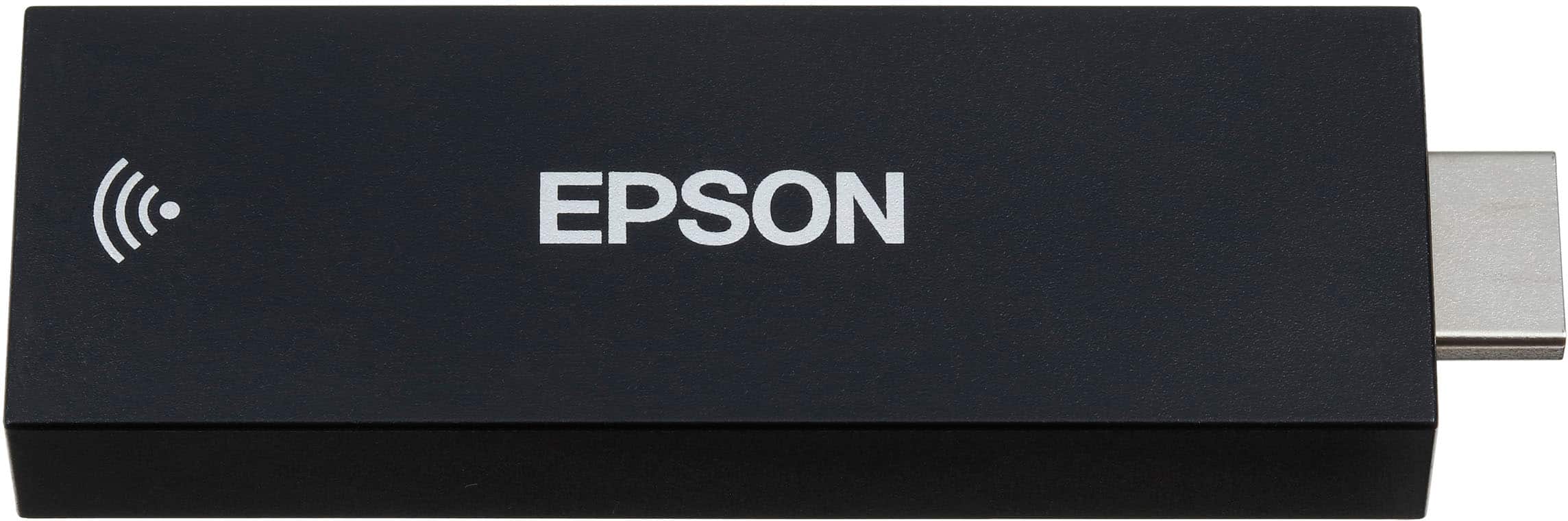
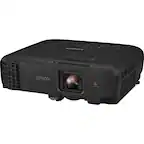
A:AnswerIf your AV receiver has HDMI then you can simply run the HDMI out from the receiver to the projector and then plug the Android stick into the back of your receiver.
A:AnswerHello Confused. Yes, you can set the sleep timer for 1 - 30 minutes. The option to make the change can be found under settings > operation settings > sleep mode timer. Regards, Kevin - The Epson Team.
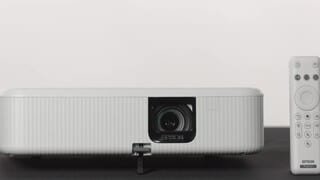
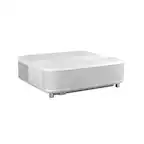
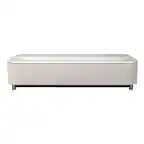
A:AnswerHi JohnnyISMO, The EpiqVision Flex CO-FH02 has a built-in speaker. It does not have audio output capabilities. Your option would be to send video from your receiver to the projector's HDMI port and audio to your speaker system. Regards, Mark - The Epson Team.
A:AnswerHello. Unfortunately, the CO-FH02 cannot wirelessly cast pictures from the iPhone. We recommend looking at the CO-W01 as it has built-in Wi-Fi and can be used with the Epson iProjection app to wirelessly project from your iOS device. Regards, Kevin - The Epson Team.