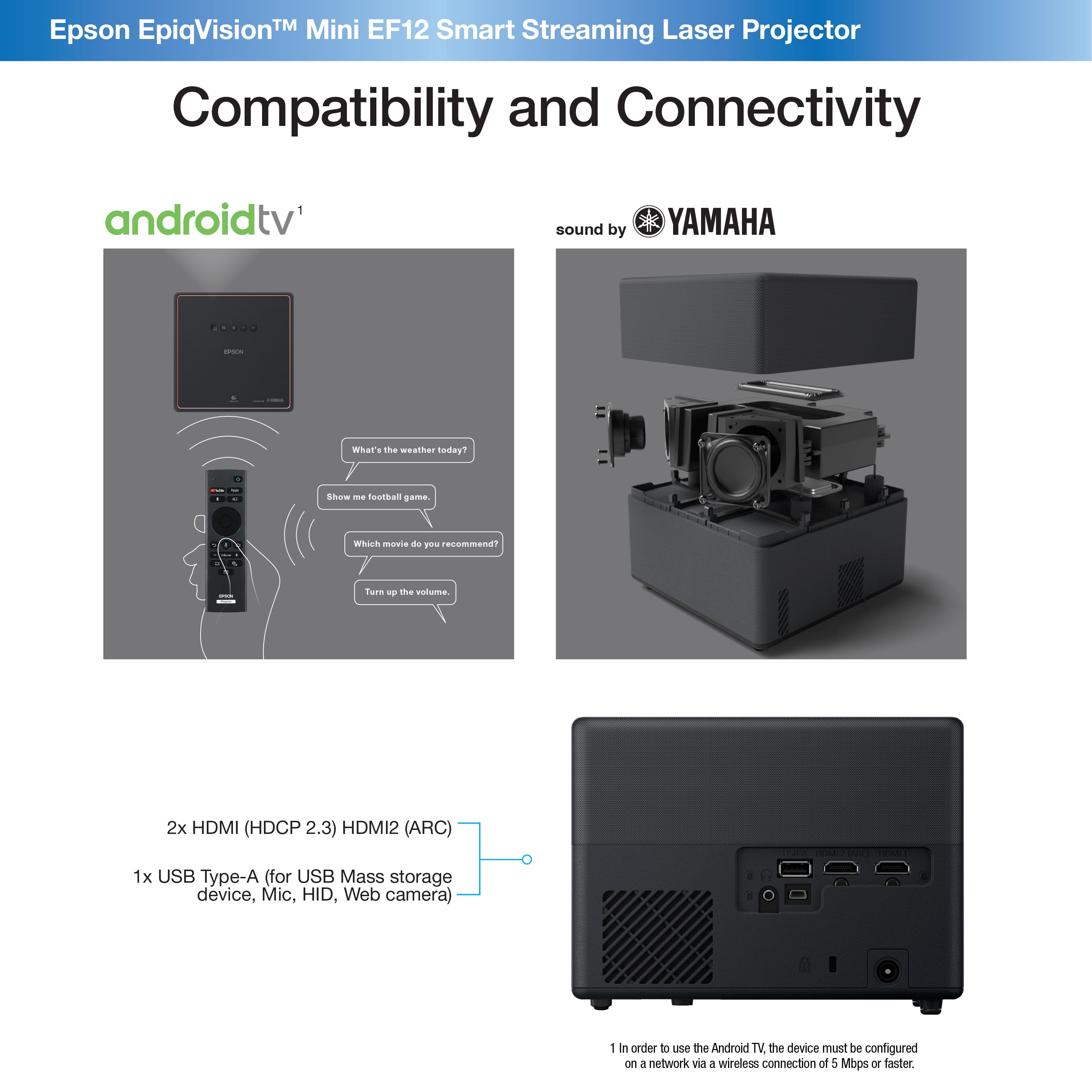
A:AnswerHi Kimo, Yes, you can connect an Bluetooth speaker to the EpiqVision Mini EF12 projector, Your Bluetooth audio device must support copyright protection (SCMS-T) and A2DP. You can also switch the projector to Bluetooth speaker mode to use the projector's excellent internal speakers to play audio from a tablet or smart phone. Regards, Mark - The Epson Team.
A:AnswerIt has over 100ms input lag, so no, it makes any kind of twitch(the genre, not the website) game pretty much unplayable. Non-twitch games like turn-based games work just fine, although the input lag is still noticeable and annoying.
A:AnswerHello Curious. To connect the iPhone as a video source, you would need to use an HDMI adapter made by Apple. Unfortunately, the EF12 cannot connect to your phone via Bluetooth. Regards, Kevin - The Epson Team.
A:AnswerHi Chase, We are in ongoing negotiations with Netflix, but we do not anticipate an agreement will be reached soon. There could be several reasons why your EpiqVision Mini EF12 is dropping its Wi-Fi connection. Please visit the Epson support site to see helpful FAQs, user's guides and videos to help resolve the issue. Regards, Mark - The Epson Team.
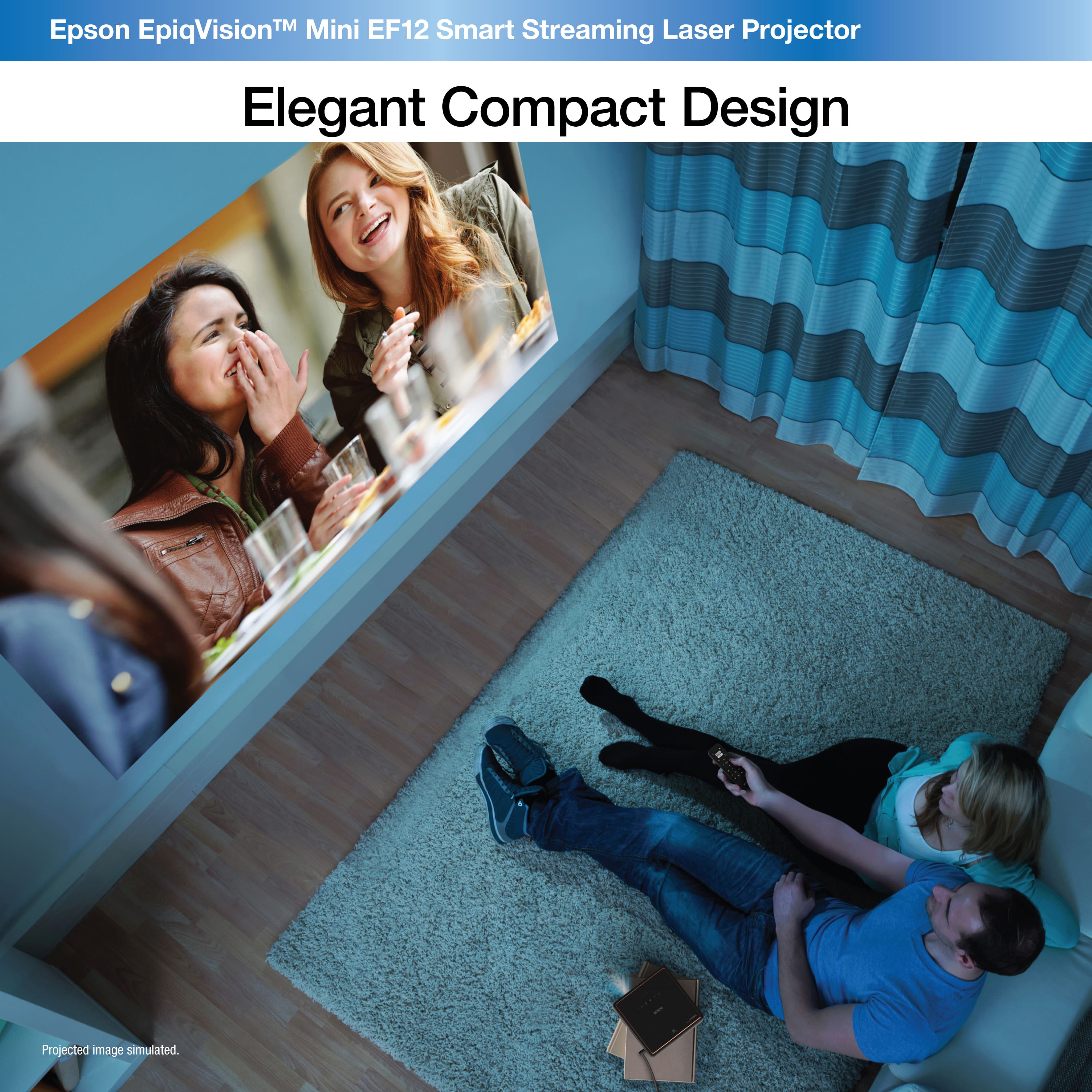
A:AnswerHi Alpaca, The best solution to wirelessly mirror audio and full-motion video from an Apple dervice is to use an Apple TV. The sound from the fan in the EpiqVision Mini EF12 projector is a very quiet 22 to 27 dB. The tradeoff is that the brighter the projector is, the closer the fan comes to 27 dB. Regards, Mark - The Epson Team.
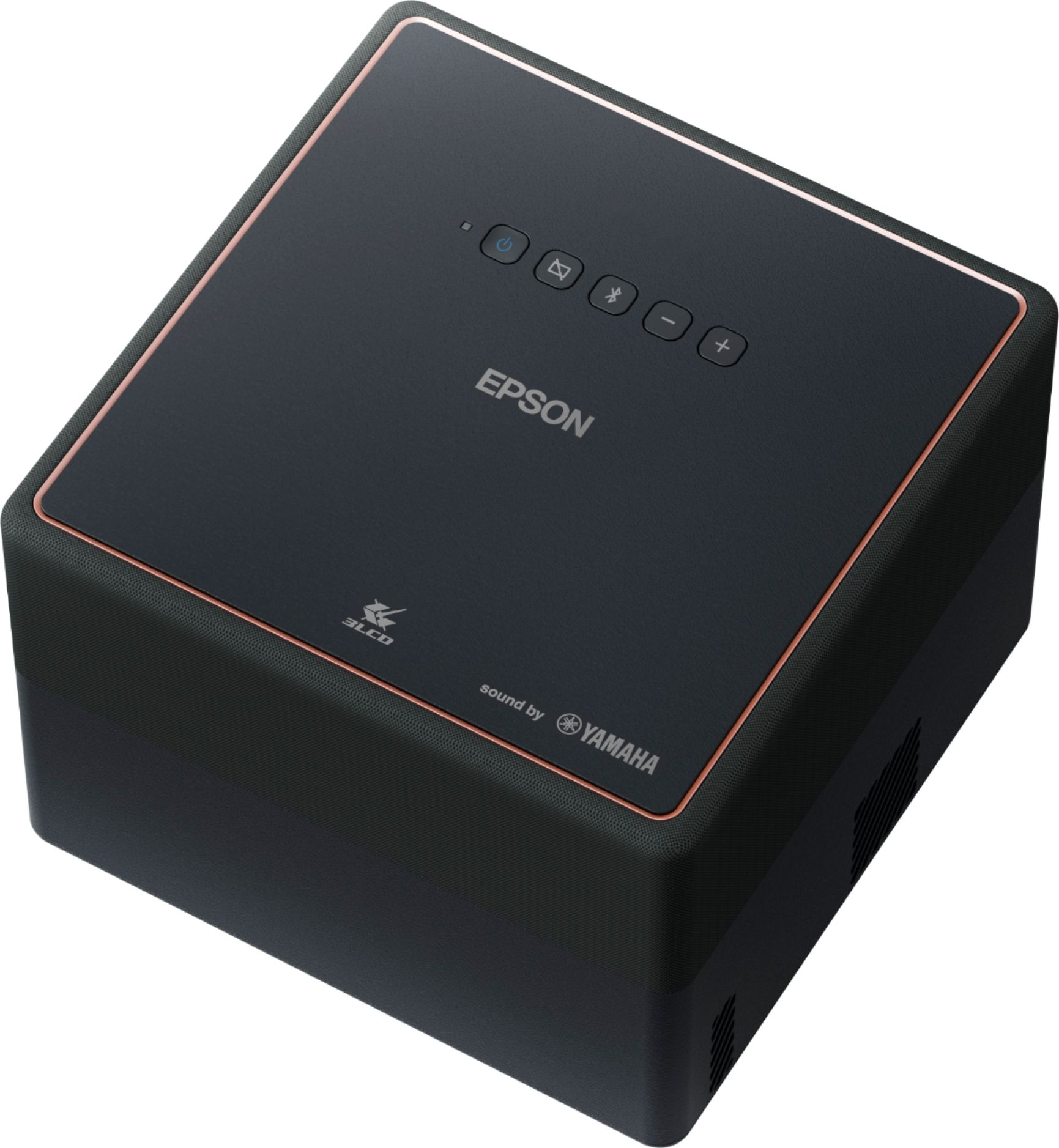
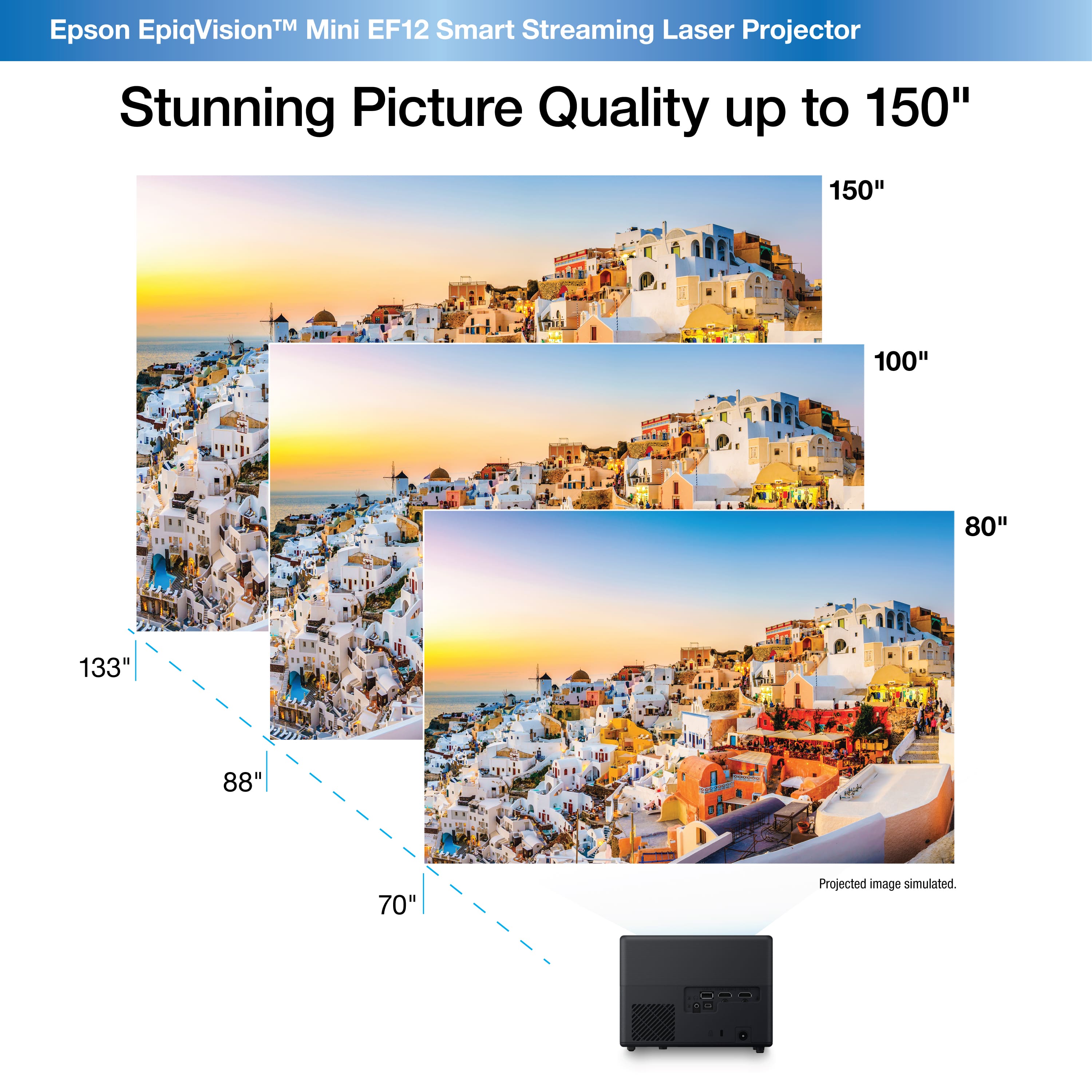
A:AnswerHi Brad, You can use any screen, or even a wall with the EpiqVision Mini EF12. The image quality is better with a screen or smooth white wall. Regards, Mark - The Epson Team.