A:AnswerDepends on device. I have a Samsung sound bar with Bluetooth capabilities and have it connected to my projector.
I have a Samsung Galaxy ss2 Ultra and you should be able to connect your phone to the device as well as display videos and such.
A:AnswerHello Joe. You can try correcting the image shape using the H/V Keystone adjustment. If that does not help, and the issue continues, please contact our Technical Support team by phone for additional assistance. Regards, Kevin - The Epson Team.
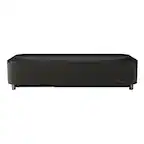
A:AnswerHi Bob, The EpiqVision Mini EF12 does not have Bluetooth mirroring capabilities. It does have built-in Chromecast that you can use to mirror Android or Apple phones. Regards, Mark - The Epson Team.
A:AnswerYou can, but you have to connect an external device (laptop, chromebook, etc) or cast to it using chromecast. I'd like to see the capability to add google docs to the projector (I've tried) and use presentations that have been stored on it, but it's not possible (that I've seen). That said, it's a great projector. We use it in a church like room and the image is great with minimal lighting.
A:AnswerHello. The EF12 can only use external Bluetooth speaker connections via the Android TV interface. Unfortunately, using a Bluetooth device outside of the interface will not work. Regards, Kevin - The Epson Team.
A:AnswerHi projectorguy, When you switch the EpiqVision Mini EF12 to Blank mode laser hours do not accumulate because laser output is at zero lumens. Regards, Mark - The Epson Team.
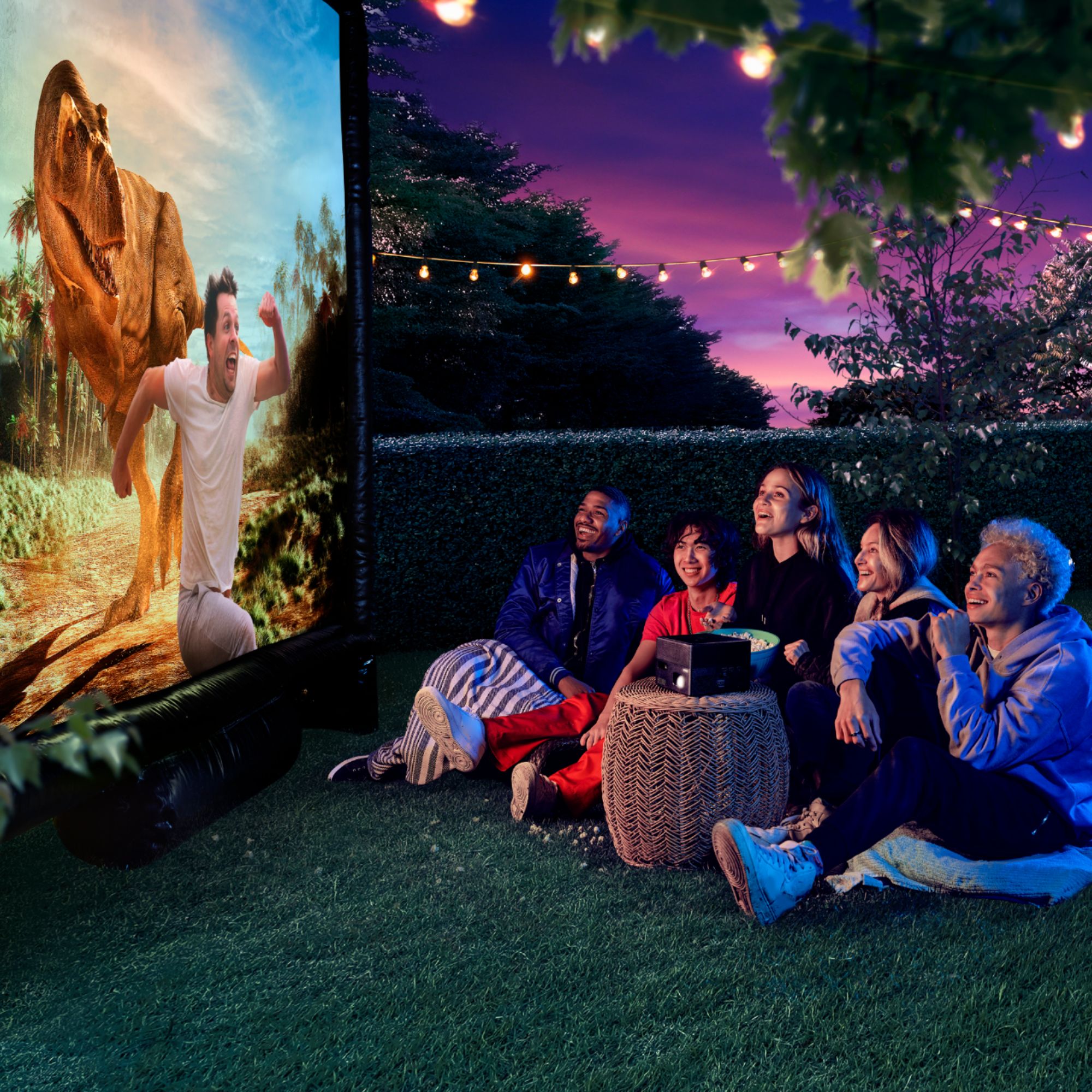
A:AnswerHi Josh, The EpiqVision Mini EF12's projected image will appear bright in a dimly-lit room, or outside at night. If you want to project outdoors in daylight conditions consider a projector that is brighter like the Epson Home Cinema 880. Regards, Mark - The Epson Team.
A:AnswerI tried and it didn't work. We ended up purchasing a small wireless controller (USB receiver) from Amazon that has a built in lsser pointer for $20. Maybe something changed with a firmware update.
A:AnswerHello Eike. When your PS5 is connected to the EF12 Projector, it should display anything being sent from the video source. Most limitations would be from the video source itself. Regards, Kevin - The Epson Team.
A:AnswerHi Sam, The Android TV device included with the EpiqVision Mini EF12 supports Chromecasting, so as long as your Oculus also supports it you should be able to do mirroring. Regards, Mark - The Epson Team.

A:AnswerHello Z. The EF12 can display 4K HDR with the following refresh rates 23.98/24/25/29.97/30. The refresh rate on your console may be set higher than the supported options. With 1080p HDR, the EF12 supports higher refresh rates such as 23.98/24/25/29.97/30/50/59.94/60. We recommend starting there; if you need additional assistance, please reach out to our Technical Support team by phone. Regards, Kevin - The Epson Team.
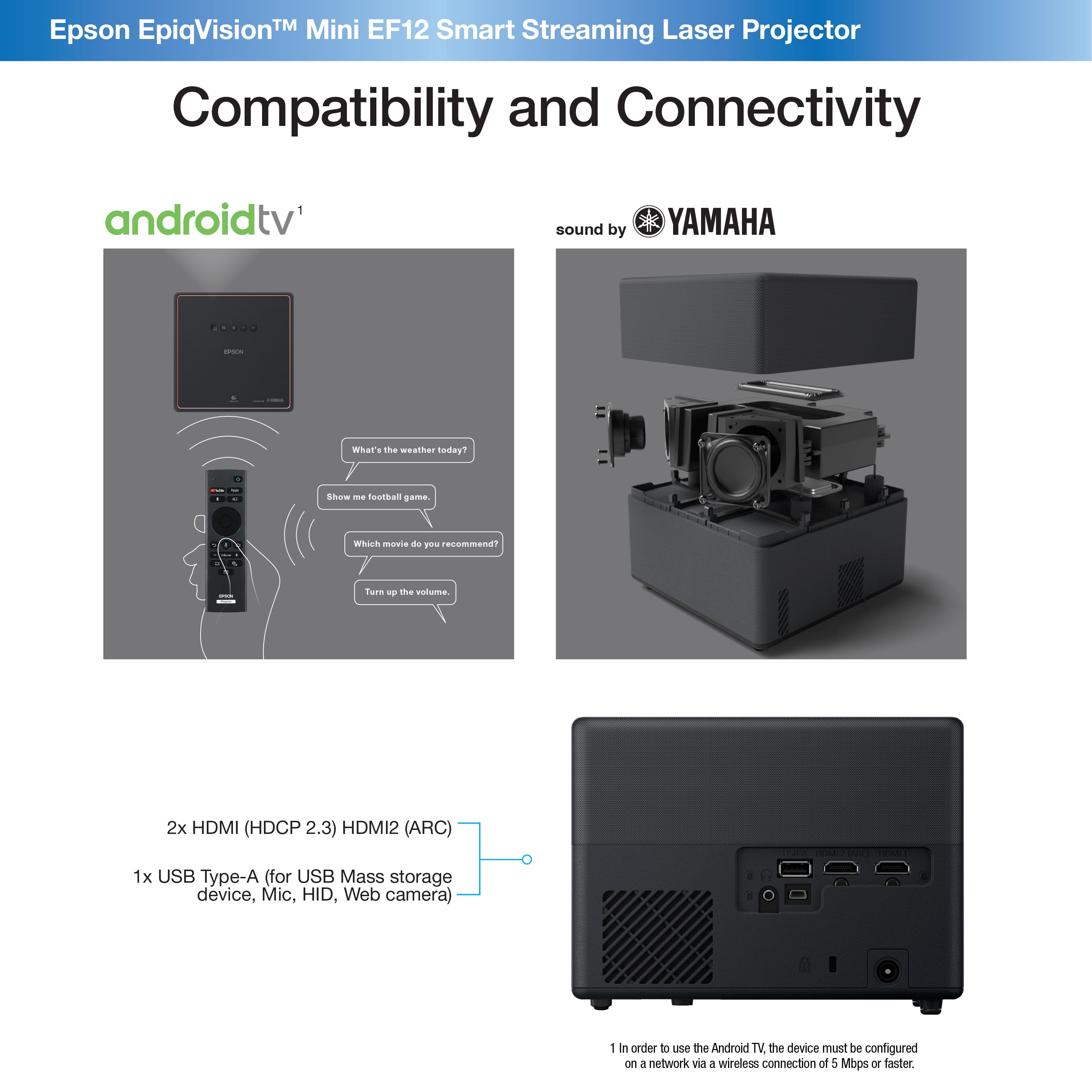
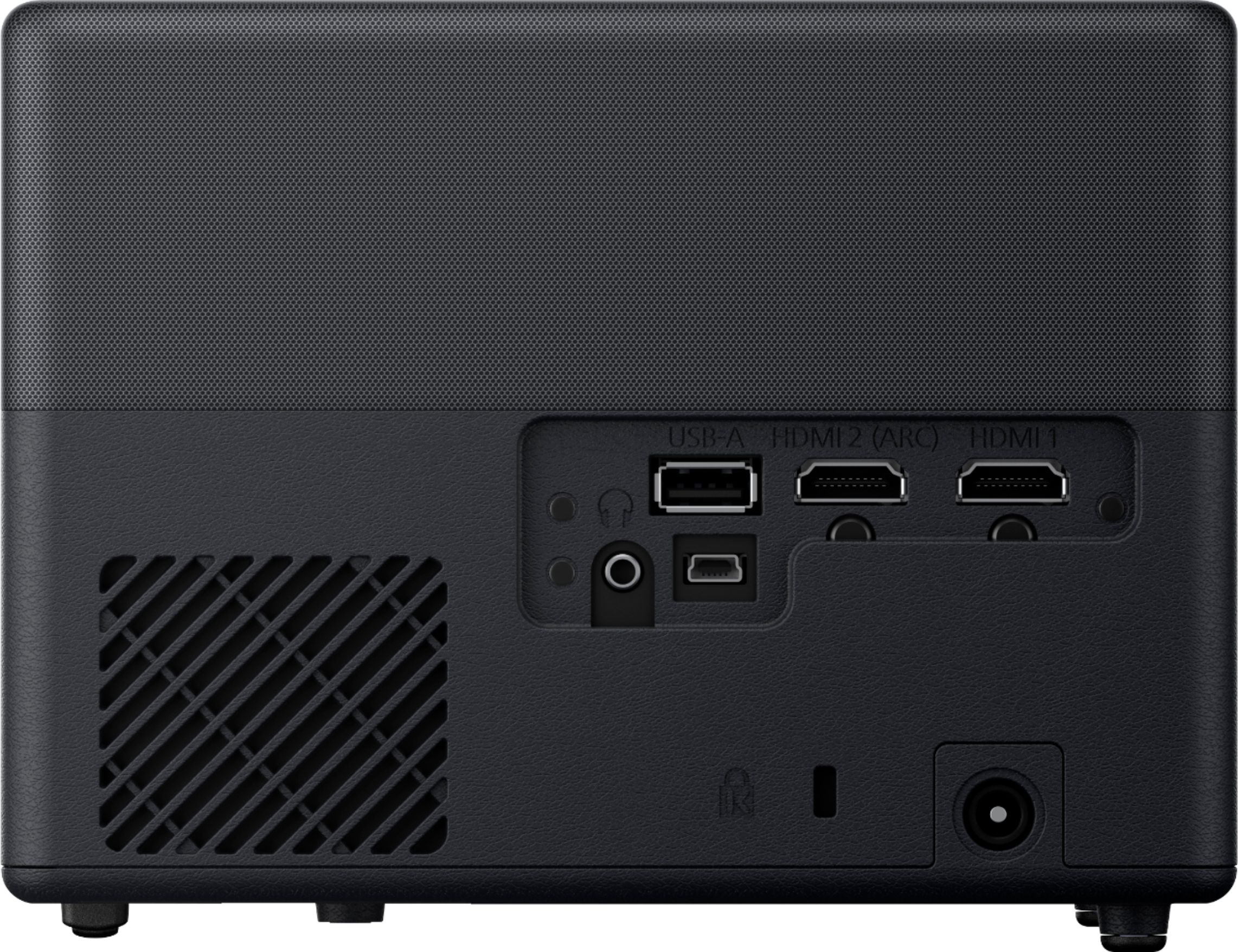
A:AnswerHello Silverwolf. The EF12 does not include a built-in channel tuner. However, you can connect devices to the projector using an HDMI connection. Regards, Kevin - The Epson Team.