A:AnswerI asked one of the salesman at Best Buy and he said they don't have any printers that enlarge. He said you have to do it on the computer. I guess they don't make them like they used to.
A:AnswerI haven't used any of my glossy or high quality matte paper yet but was impressed with just standard 92 brightness copy paper for the one full sheet photo I printed.
By what I have seen so far it is probably one of the better printers in the price range and just read all the reviews for more details
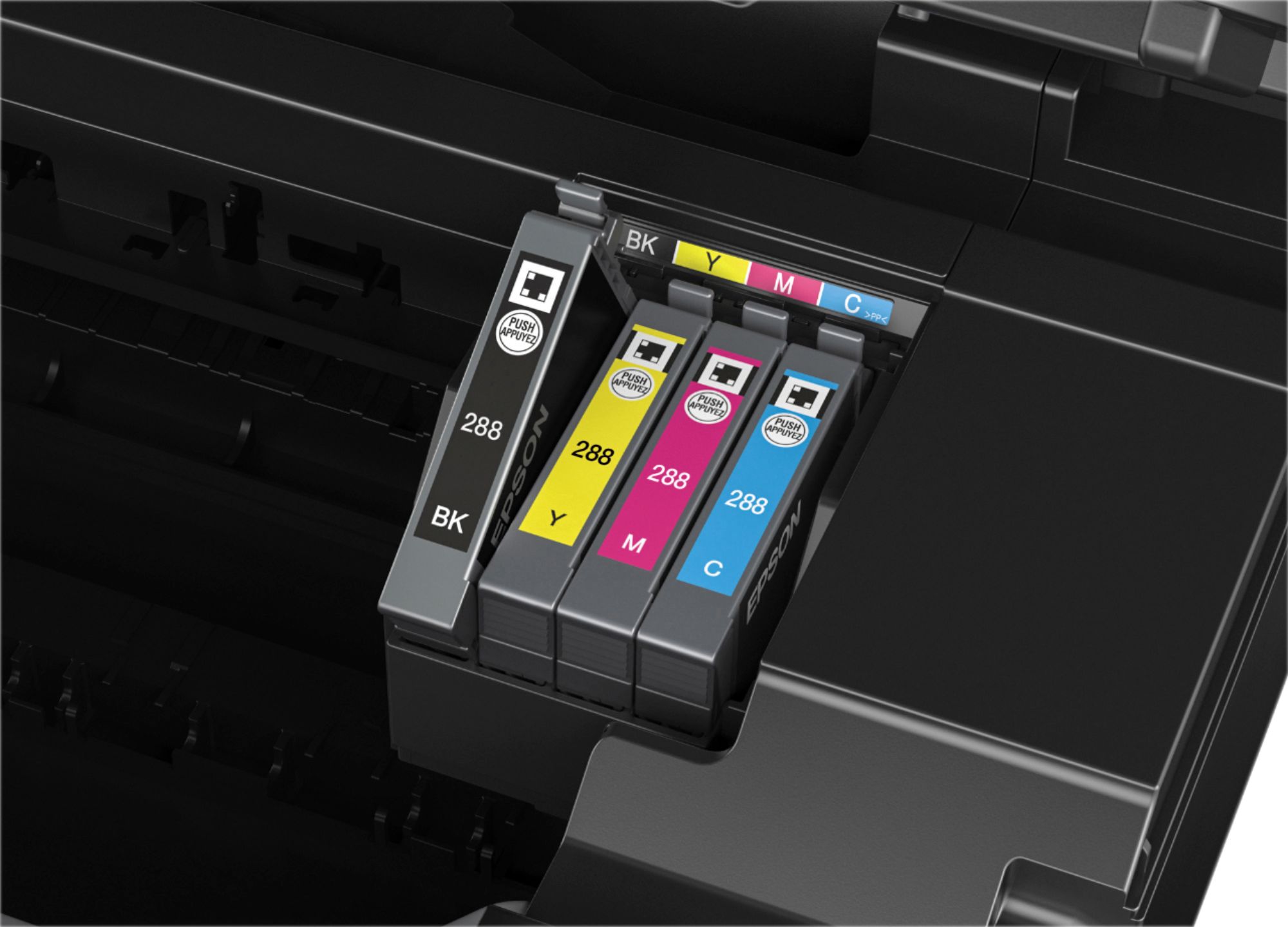
A:AnswerYou must have all four cartridges in working order. However, if you only print Greyscale/Black & White, the color cartridges should last indefinitely; you will only use them when cleaning or aligning print heads.
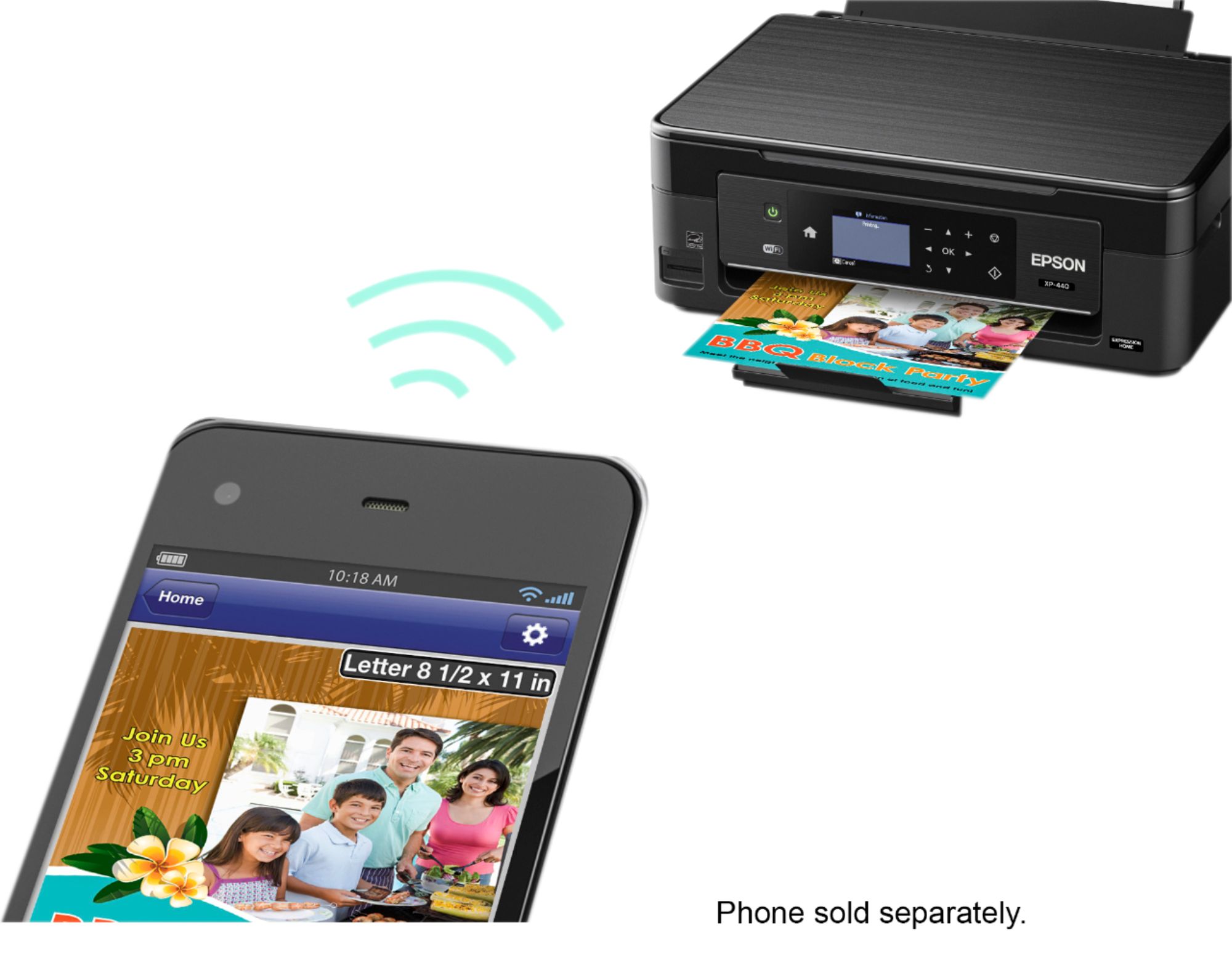
A:AnswerYou can connect your iPad directly to the printer without home WiFi. The printer produces/broadcasts its own WiFi SSID which you can find in your iPads WiFi settings... the network will be called “Direct-xxxxxx” (the exact name and password will display on your printers onboard screen). Simply connect as if you were connecting to a personal home router.
Unsure offhand if it also has Bluetooth connectivity but as long as your device has WiFi (regardless of a home WiFi network), you can connect wirelessly to the printer.
A:AnswerYes, I just installed software and once it’s setip on your computer you can customize and access the printers functions online. You can even print via email and customer the email adddress for your printer....wild!