A:Answerif it crashes right out of the box, review your setup, your ink install and paper install. If all are right, return for exchange don't mess with it. even the best can be bad.
A:AnswerIt created a beautiful picture on iron on paper for me. I was able to mirror. I had one momentary struggle, but once I put the disk in and downloaded all the drivers, it gave me the option to mirror.
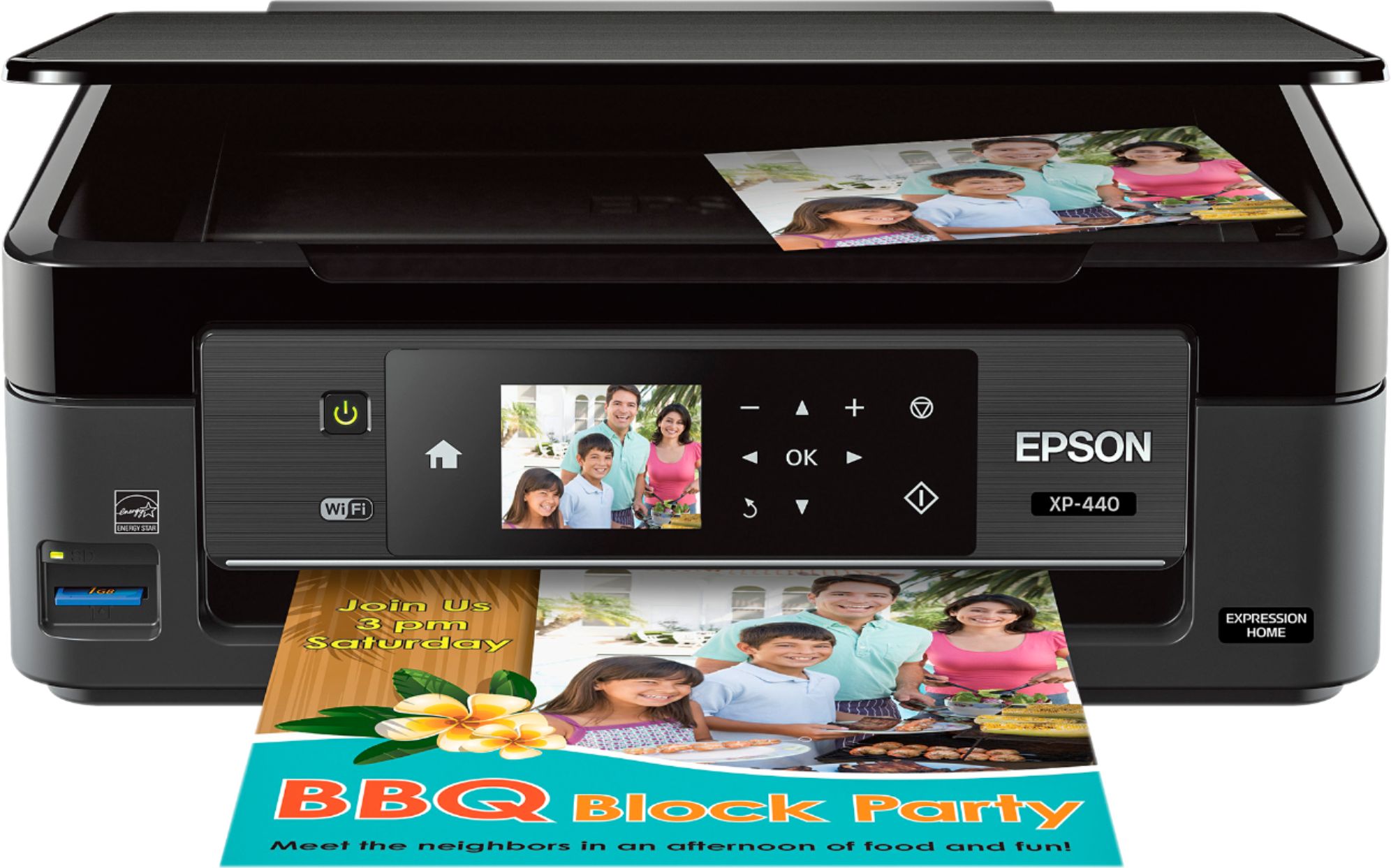
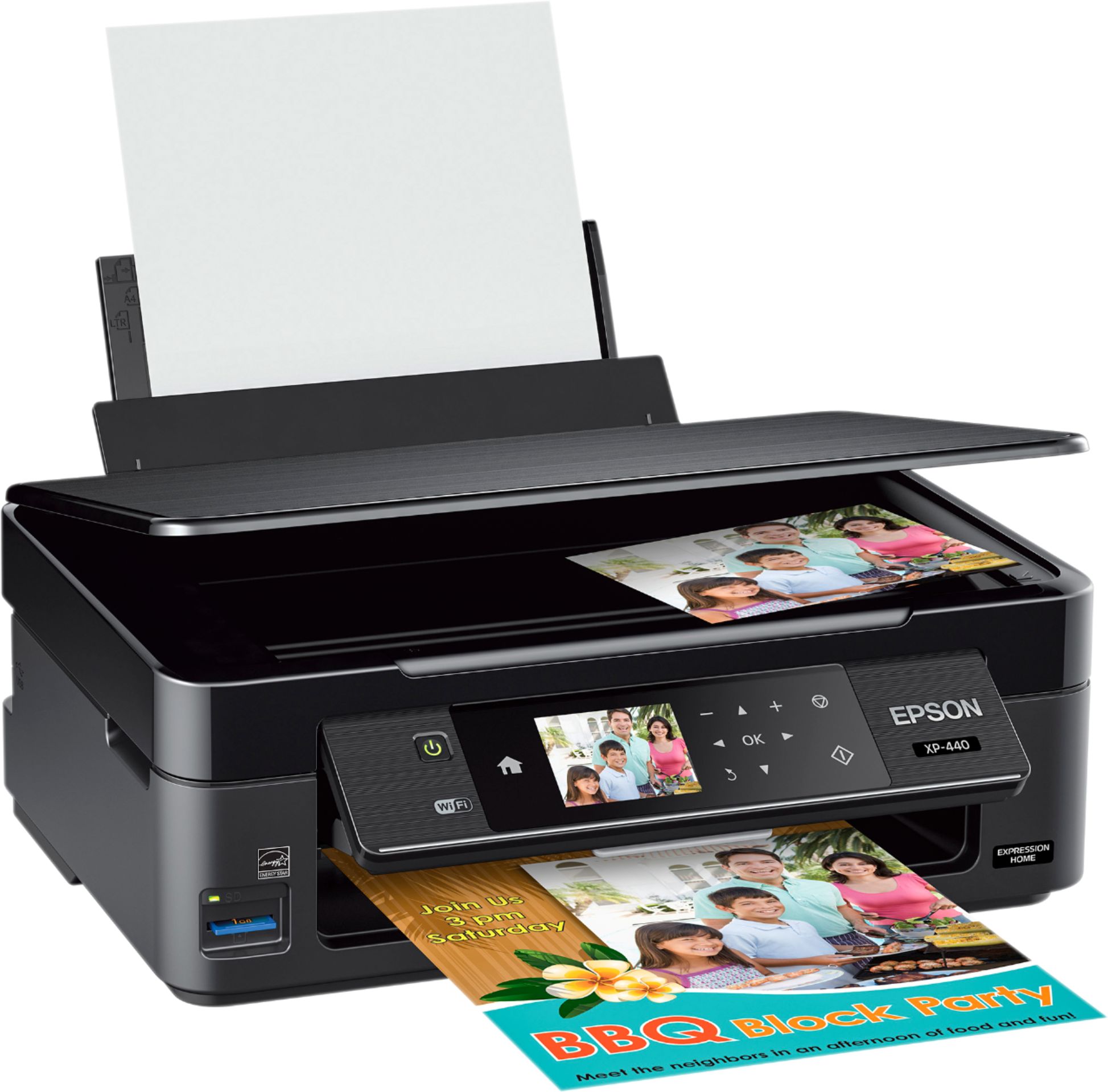
A:AnswerYes, the compatible paper sizes are: 3.5" x 5", 4" x 6", 5" x 7", 8" x 10", Letter, Legal, A4, B5, A5, A6, half letter, executive, user definable (3.5" – 44" in length.
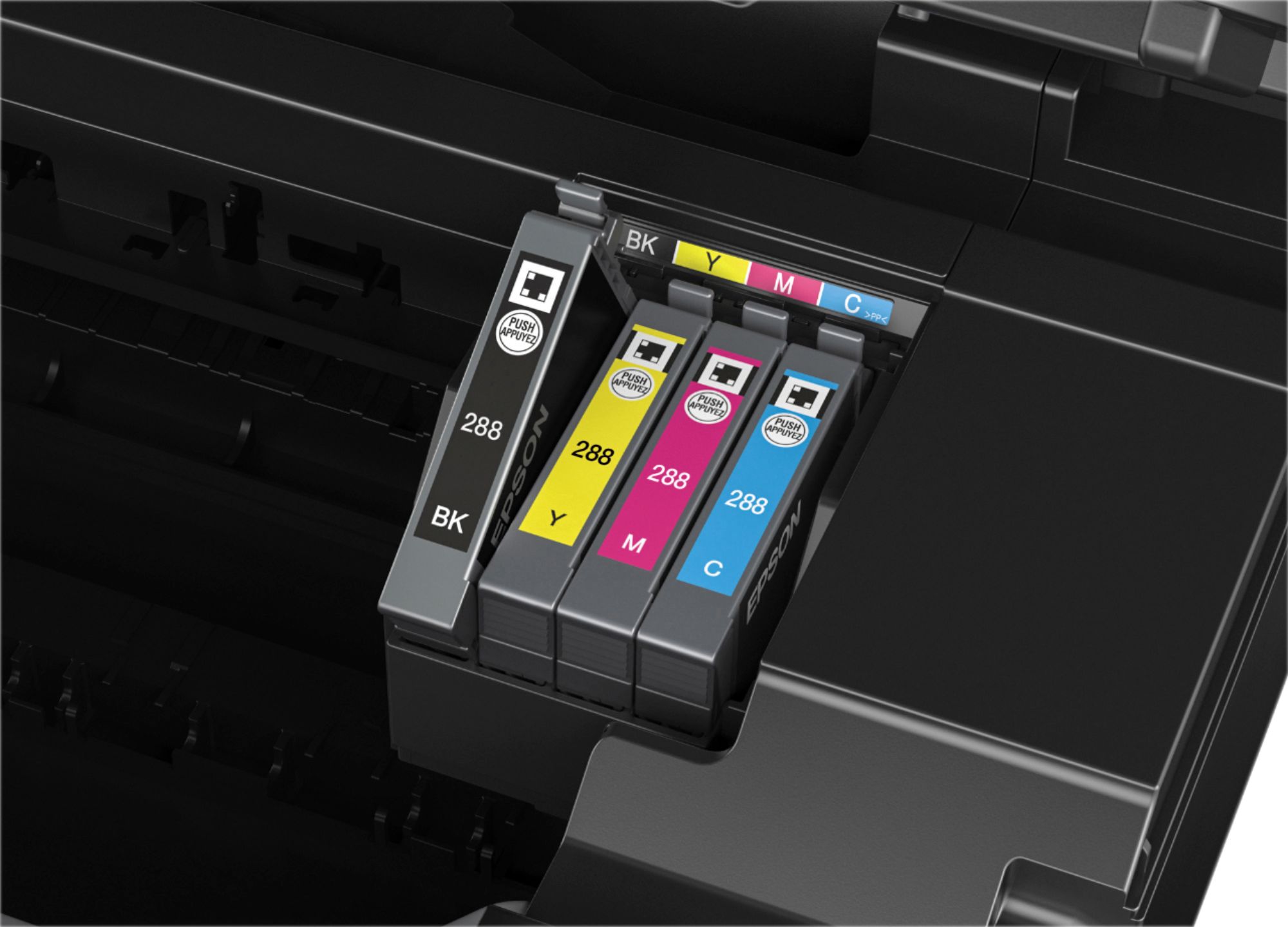
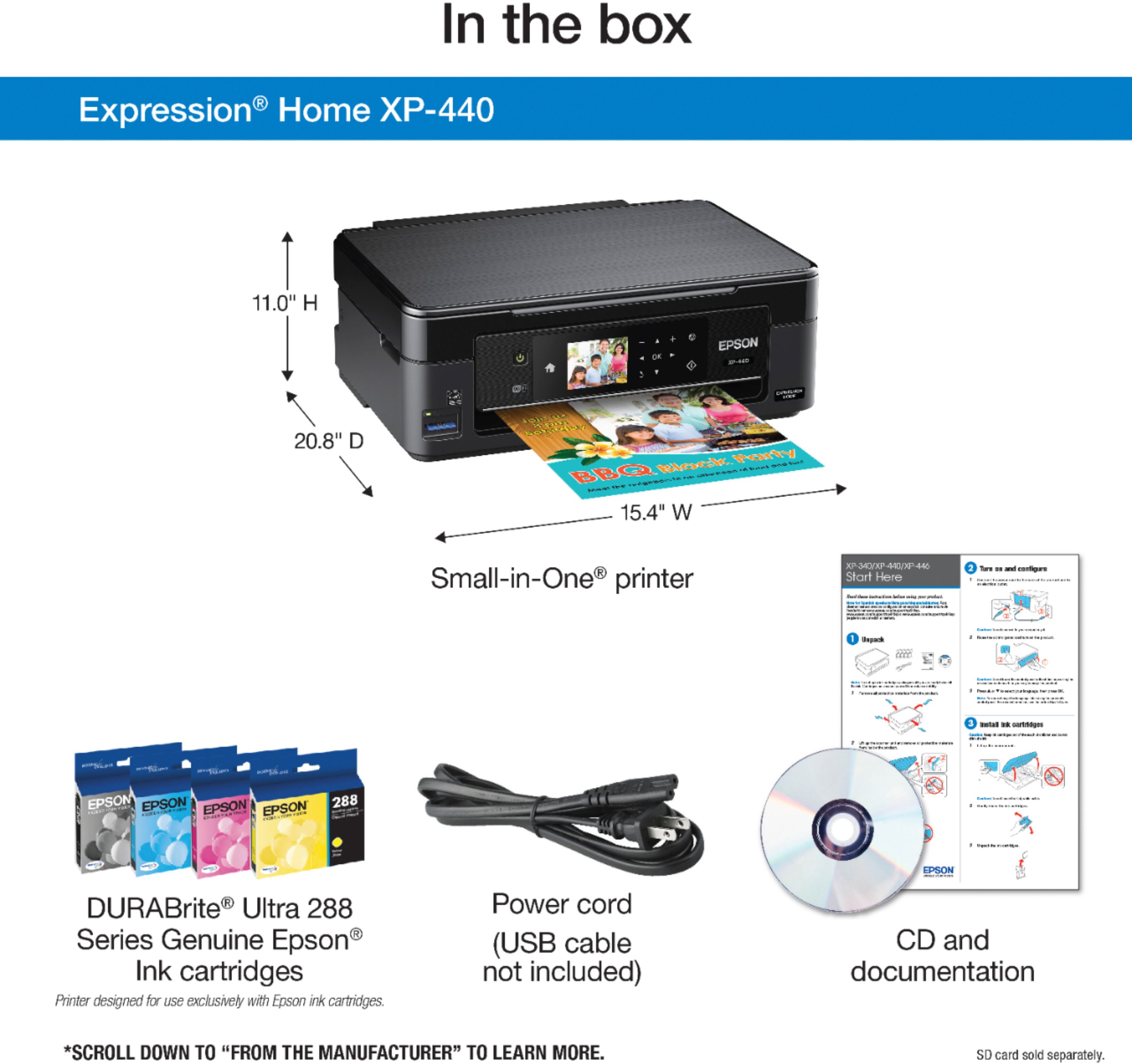
A:AnswerIt comes with 4 color cartridges, black, blue, yellow and and red,, all 4 sit in a tray inside the printer, depends on what your printing it will combine the colors.
A:AnswerYes, it can. Use the normal printer/usb cable and it will work fine. I have had to do that when the Epson wireless software was causing problems.
A:AnswerSeveral factors may cause the product to print blank pages, such as print settings, low ink, or the product itself. ... Print a nozzle check pattern to see if any of the nozzles are clogged. Clean the print head, if necessary. Make sure the paper size, orientation, and layout settings in your printer software are correct.
Go to Epson Support Panel and read settings.
Now click on Control Panel -> Device & Printers.
Click “Manage Printers”
Right-click the printer and select “See What's Printing”
Click “Printer” and select “Use Printer Off-line” to remove the check mark.