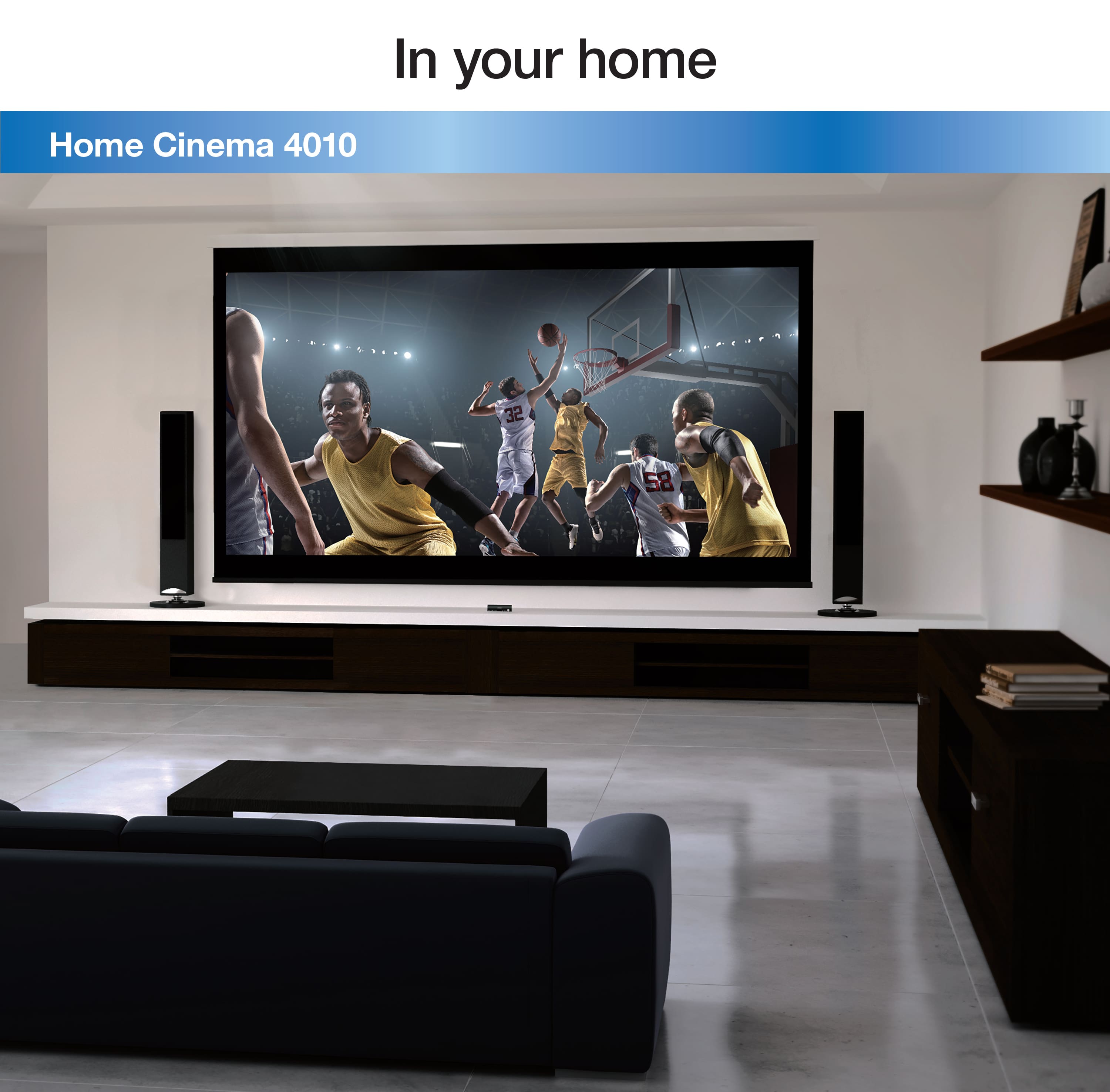
A:AnswerHello Bday. Yes, the Home Cinema 4010 would be a great addition to a home theater room. For more information on specifications, please visit the official Epson Support page. Regards, Kevin - The Epson Team.
A:AnswerHello Red. Its possible that this might be sound bar related, if we can be of assistance please visit our official Support Page to contact our technical support team. Regards, Kevin - The Epson Team.
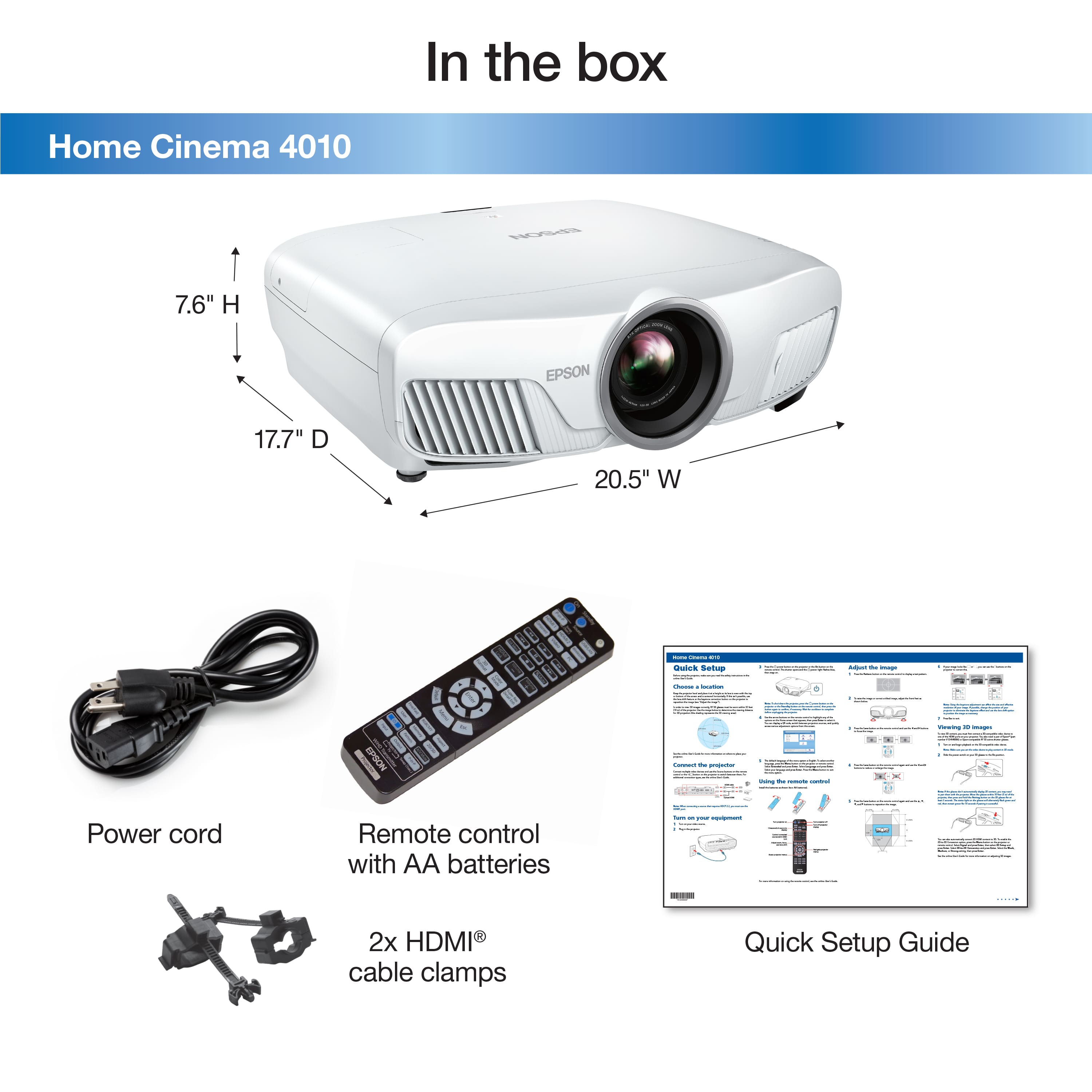
A:AnswerHi Mike, The Home Cinema 4010 uses active 3D. A compatible pair of RF 3D glasses is required. The glasses are not included with the 4010. Regards, Mark - The Epson Team.
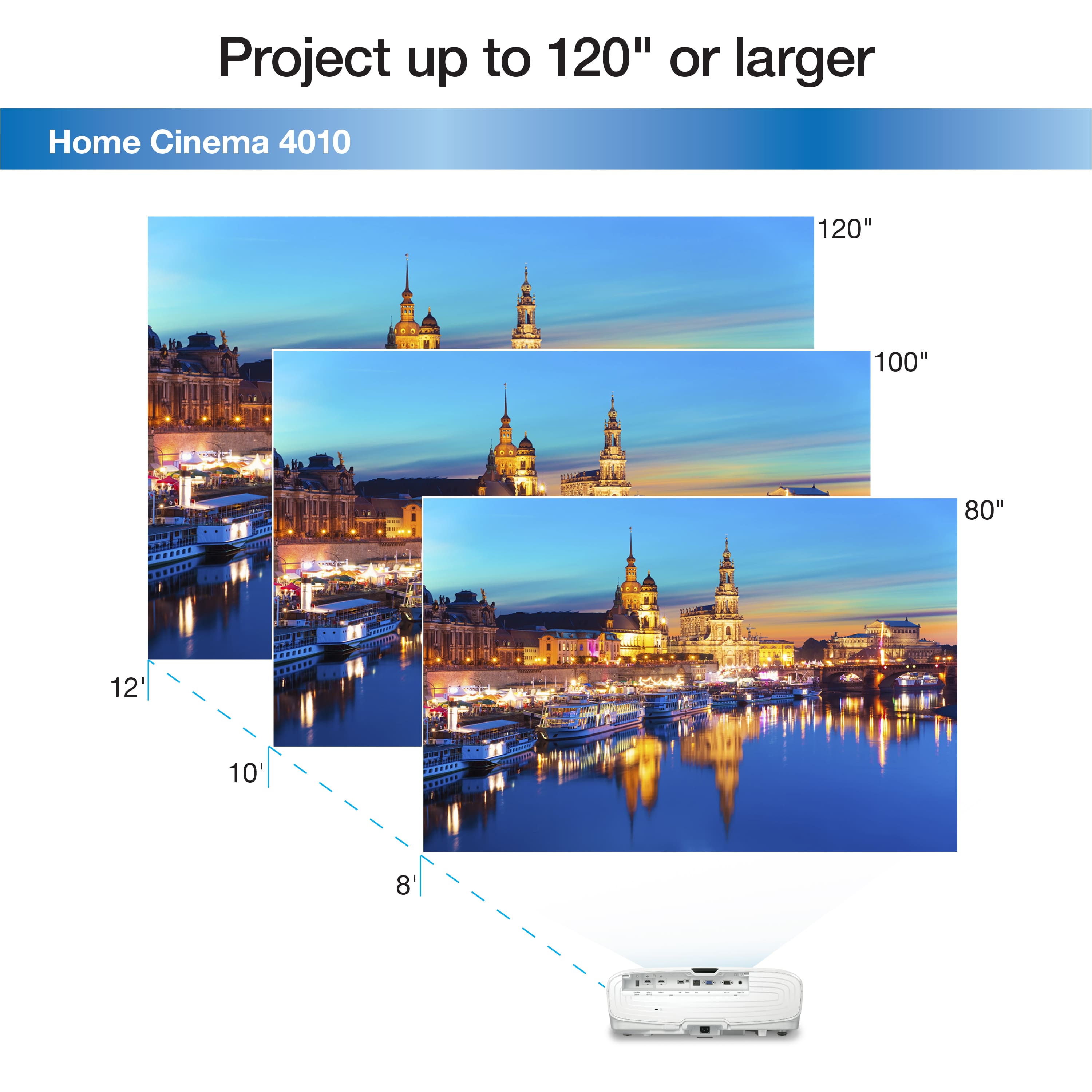
A:AnswerHi NEJSR. The Epson Home Cinema 4010 would need to be positioned at least 10.56 feet (126.72 inches) from the screen to project a 110-inch image. For more information, visit the official Epson Support website. Regards, Bobby - The Epson Team.
A:Answer30. It claims 60 but more faux stuff like the 4k. Really 2k. Dont bother great projector for setting up and watching bluray but not streaming anything. If u can afford it get the 5050ub if not...get a benq ht3550 or tk850
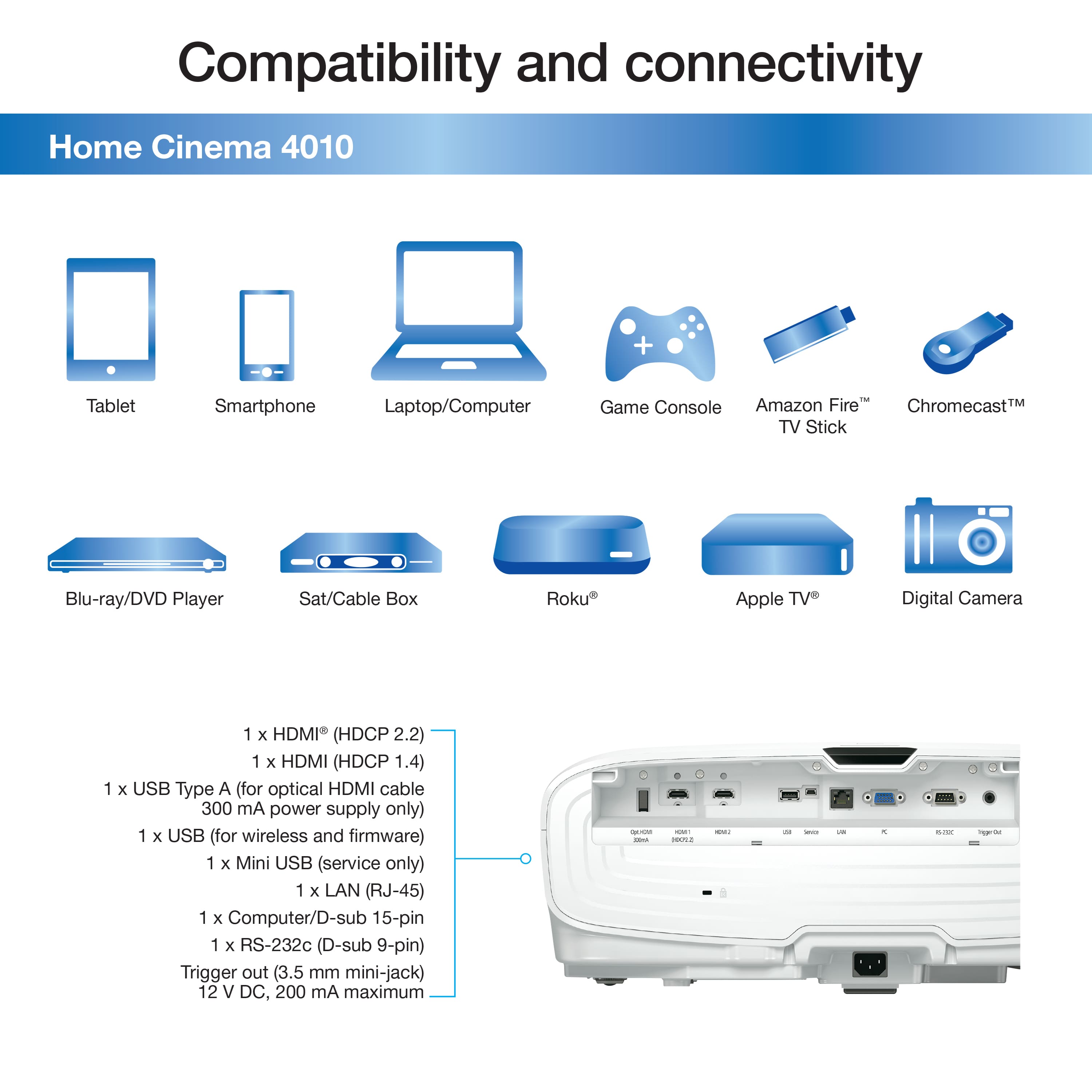
A:AnswerHi Jace, The Fire Cube will work with your HC 4010, but the Fire Cube specs are much higher than the projector can display. You just have to go into the Fire Cube settings and set the following max resolution settings: 4K @24Hz with 10-bit HDR with a max of 4:2:2 Chroma subsampling (pixel encoding) Or 4K/60p (60 Hz) 10-bit SDR. Visit the Epson support site to review FAQs for displayable resolutions. Regards, Mark - The Epson Team.
A:AnswerHi. In order to obtain a 300" image, you would need to position the Epson Home Cinema 4010 further away from the screen. Regards, Bobby - The Epson Team.
A:AnswerHi RJ. The Epson Home Cinema 3800 projector was not designed with ports for audio out. To add sound, you can connect your video source and speakers to an audio video receiver, then
connect the receiver to the projector using one of the receiver's compatible video outputs (an HDMI
connection provides the best image quality, if available). You can also connect speakers to any video
source that has its own speaker connections. Regards, Bobby - The Epson Team.
A:AnswerHi help, Do you mean your Home Cinema 4010 projector goes into sleep mode when it is not receiving a signal? If so, adjust or turn off the sleep mode interval in the Operations menu. Regards, Mark - The Epson Team.