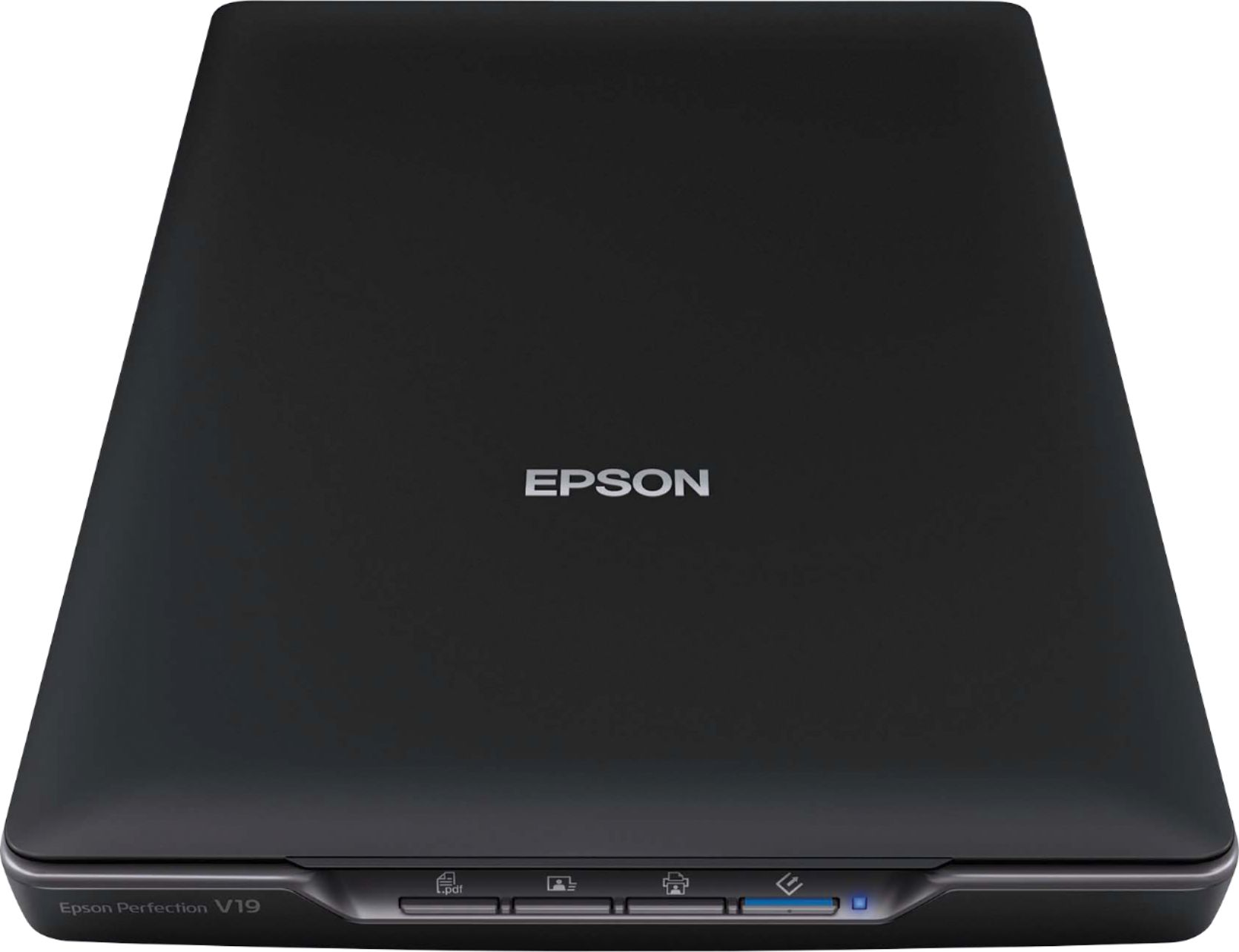
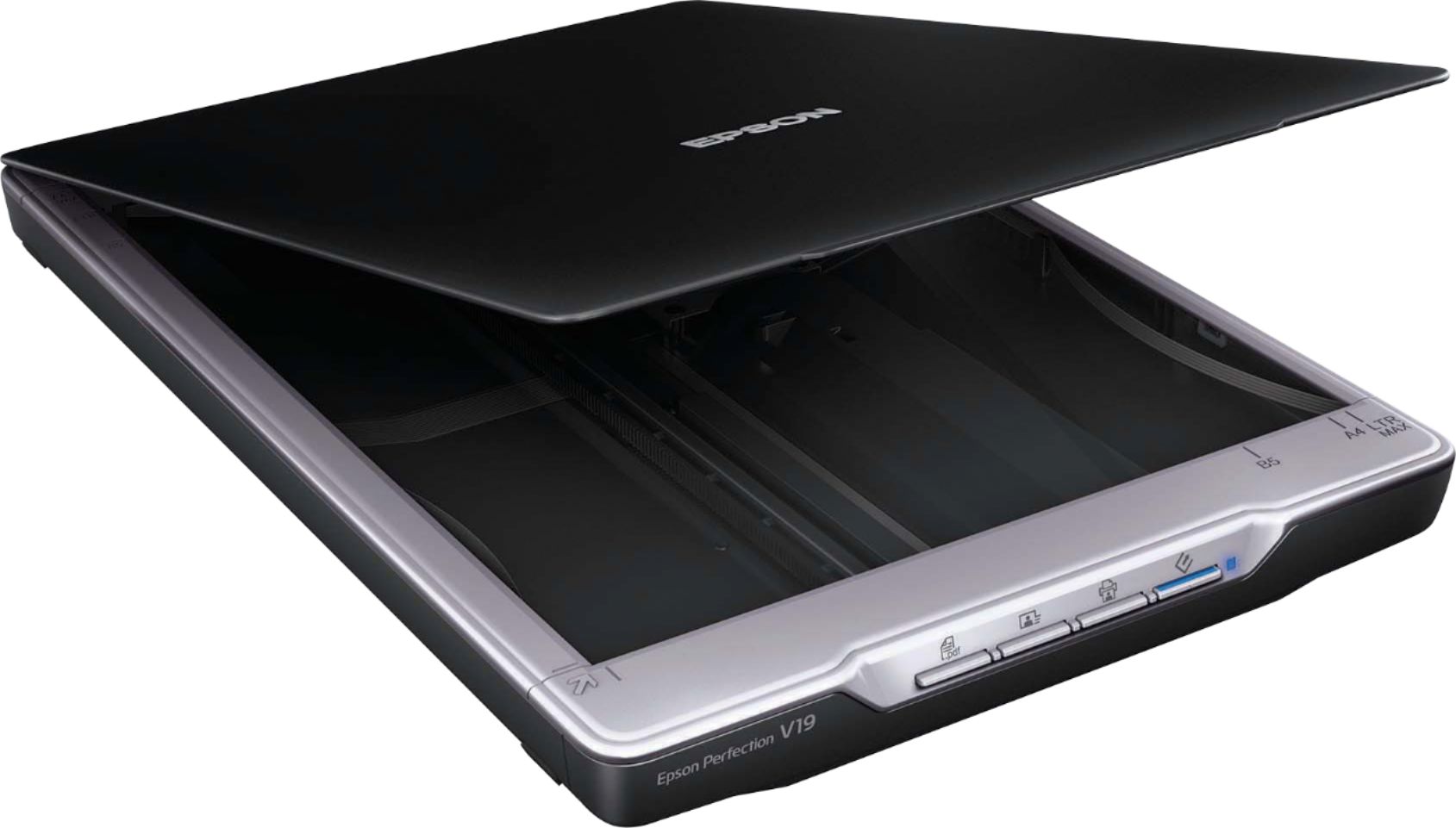
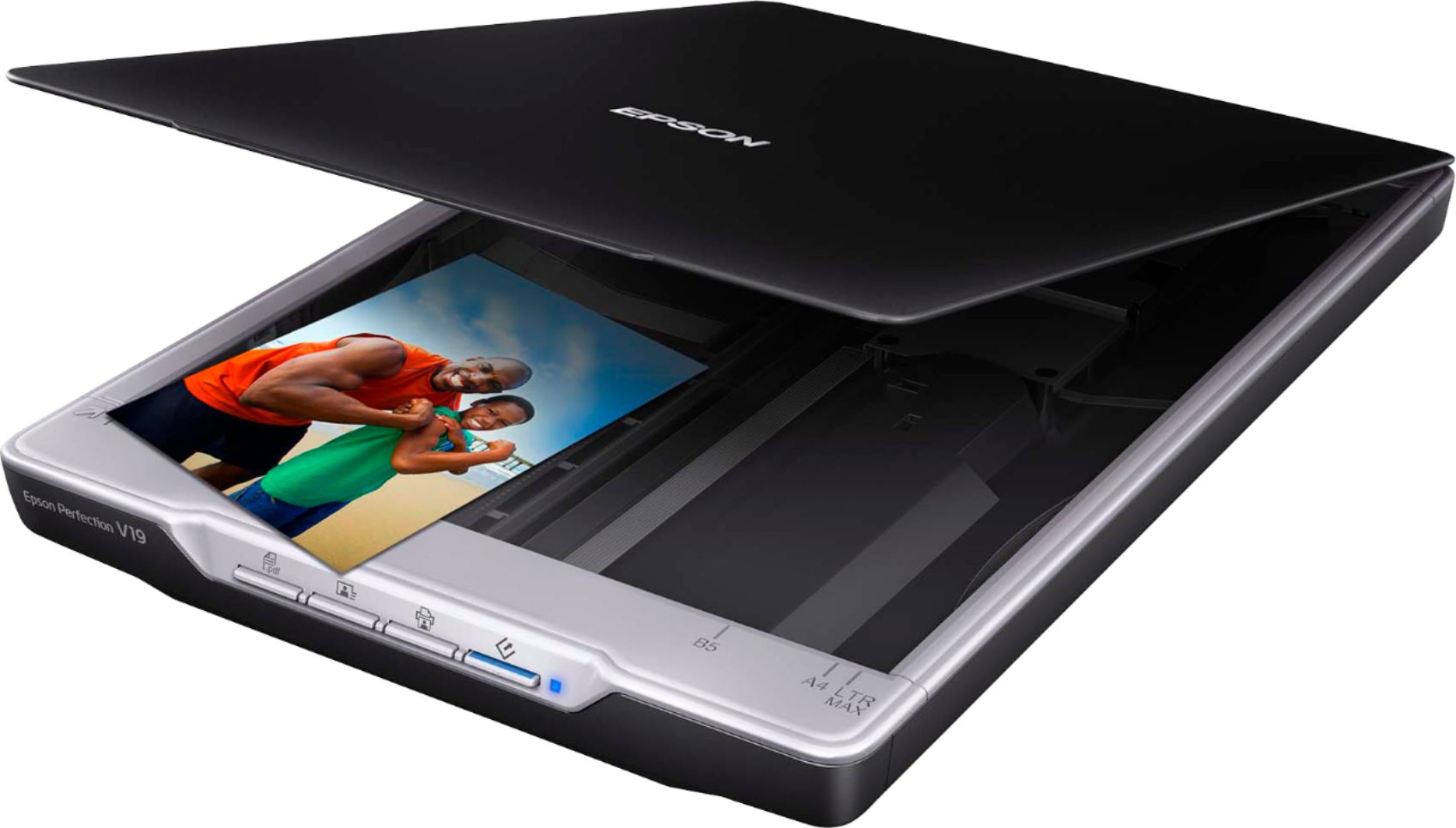
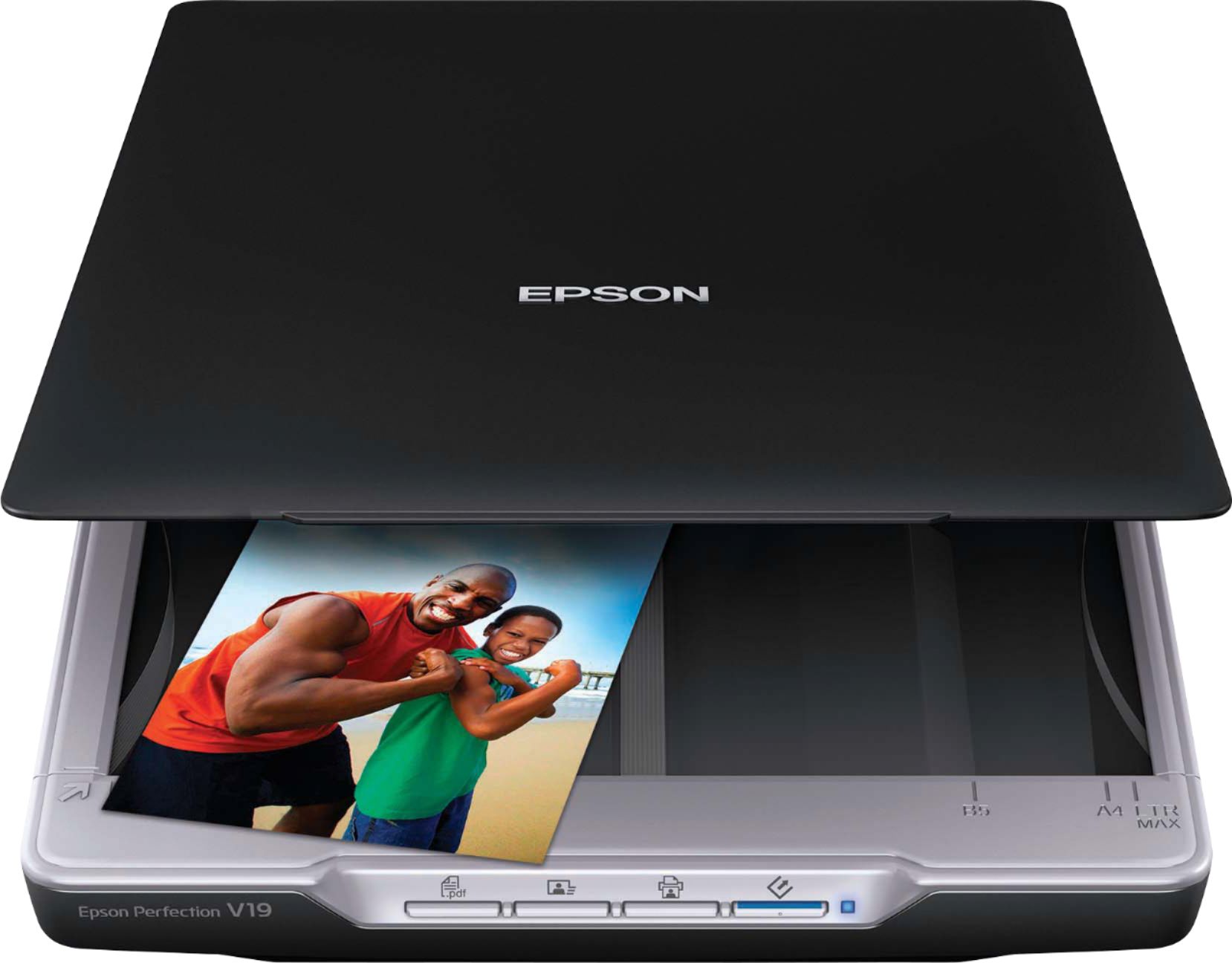
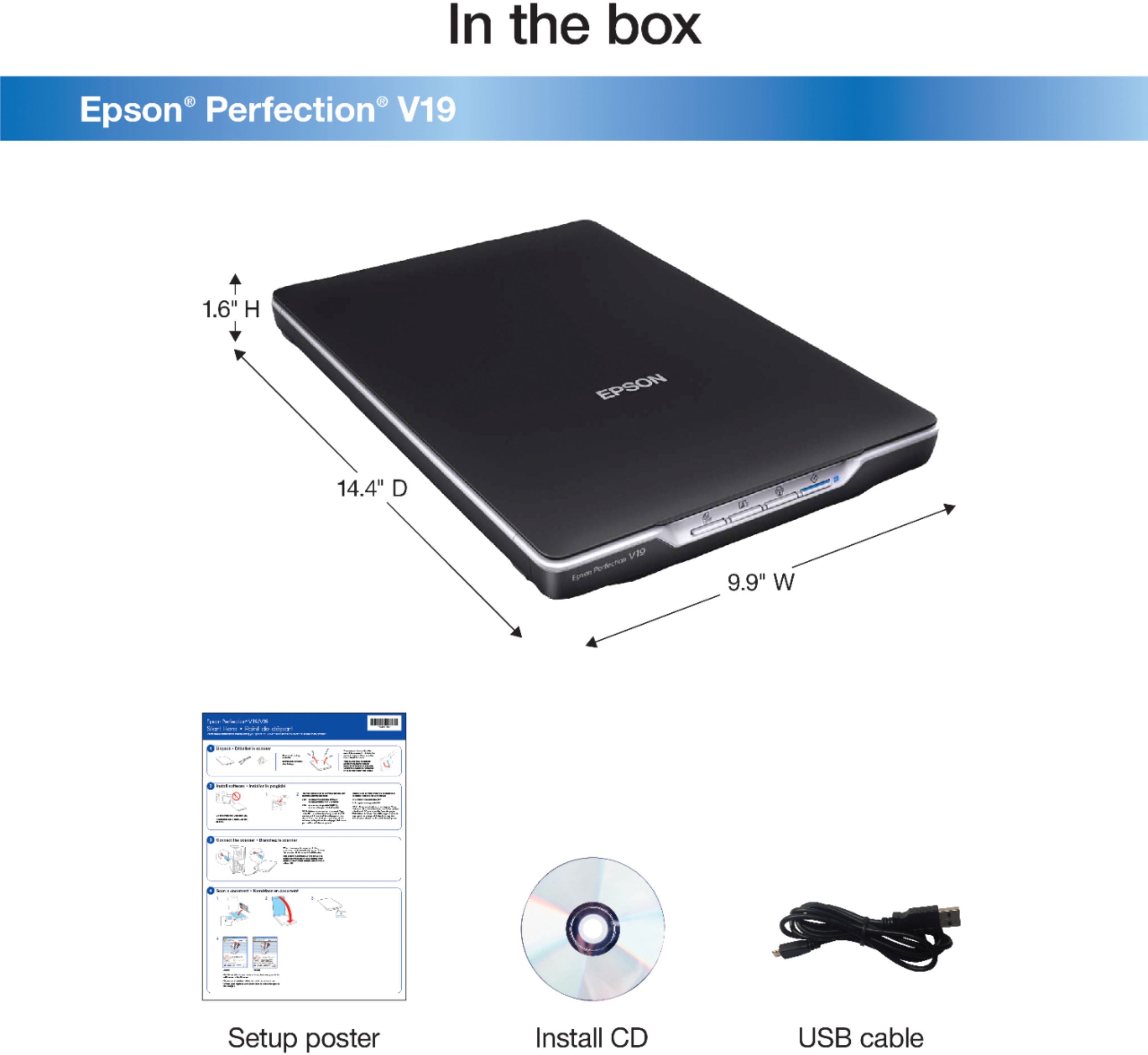
A:AnswerIt works perfectly in Windows 10. After unpacking follow the simple setup with a DVD reader on your computer if you have one, or go online with the instructions provided and download the software first. After that is done, simply plug in the USB cable provided into a USB port on the computer and the other end in the back of the scanner. It will automatically recognize the scanner. That is the communication and power cable all in one. It works great.
A:AnswerThis product only has software support (drivers) for Windows and Mac operating systems. It will likely not provide full functionality with your Chromebook.
A:AnswerI'm not sure that's possible, since the power to run the scanner comes through the USB cable that connects it to the computer.
Without a computer, there is no power, and no on-screen control panel.
A:AnswerYes......good quality scans.....you should be able to save photos directly to the flash drive as long as it's plugged in at the time of the scan.