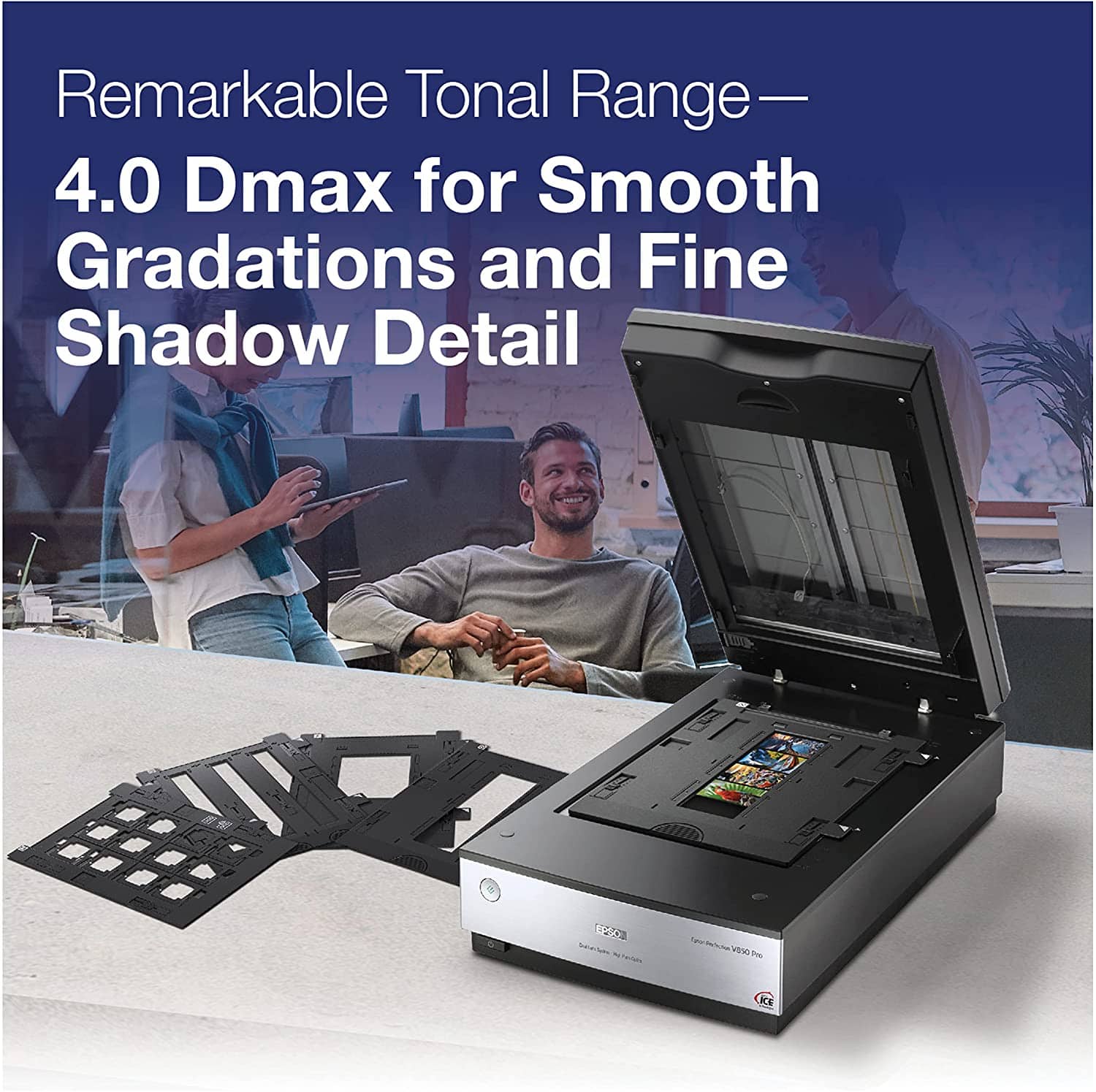
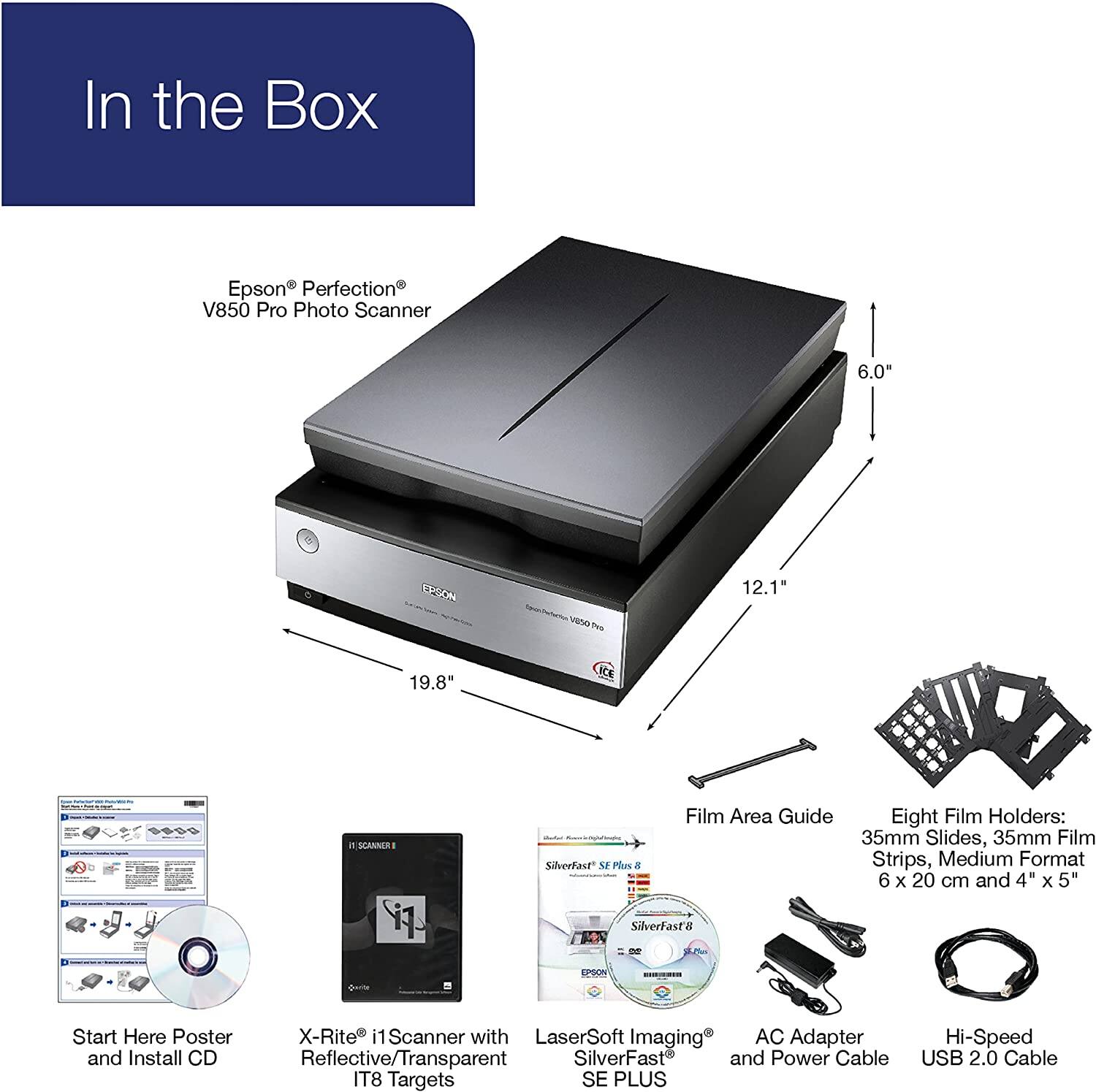
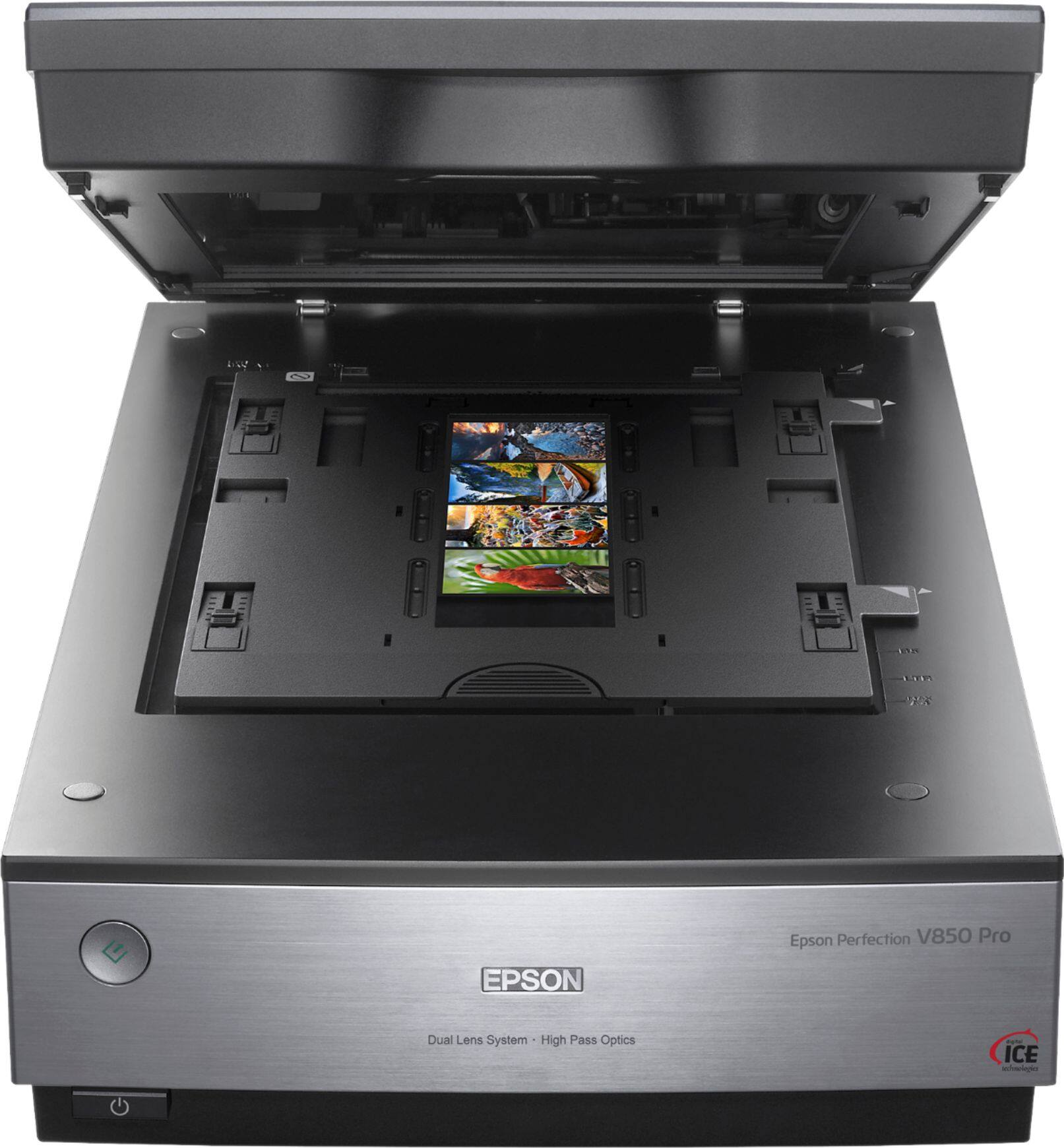
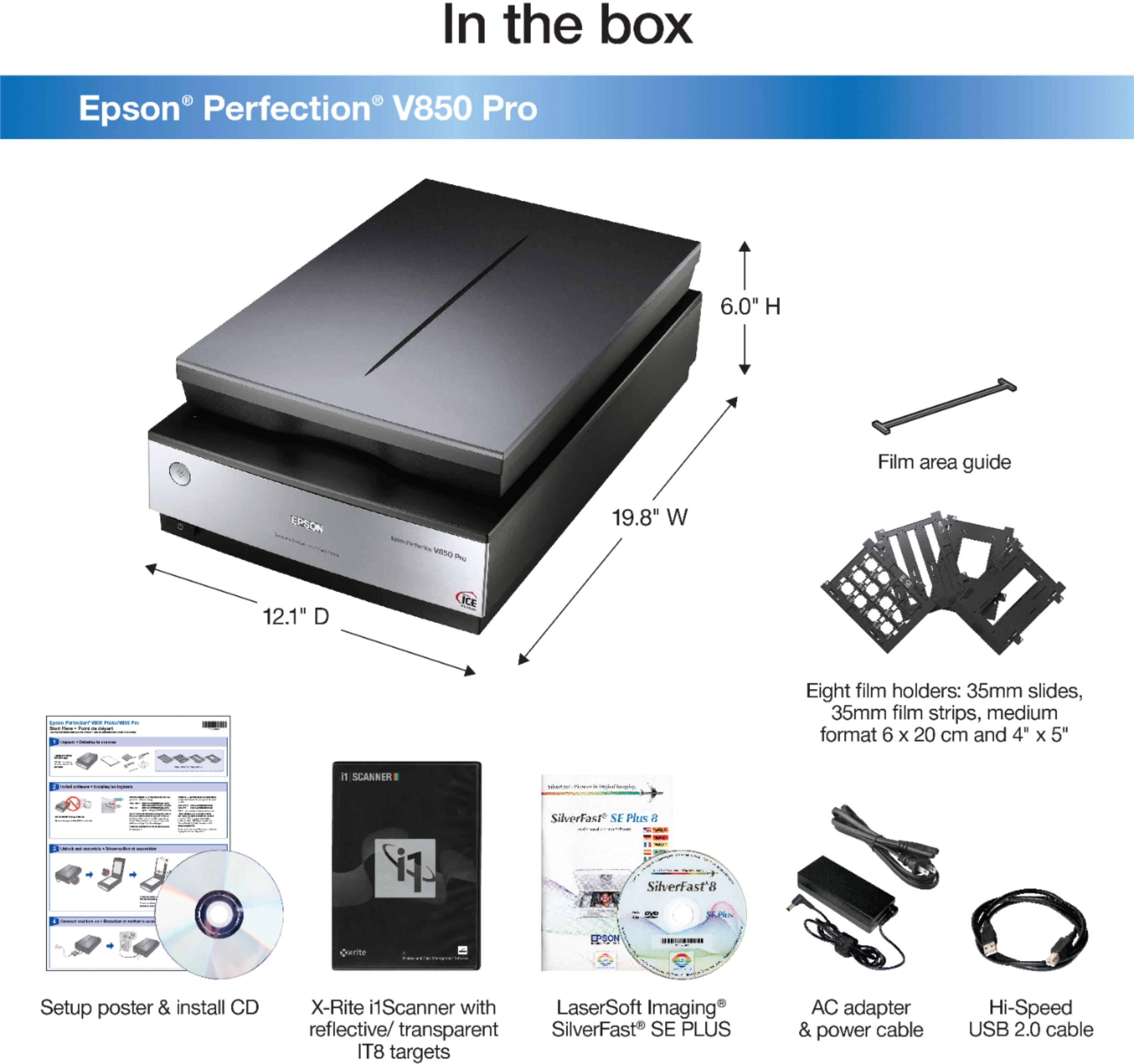
A:AnswerHello. Yes, the V850 can scan 120mm film in those sizes. The transparency unit used for scanning film measures 8" x 10". Regards, Kevin - The Epson team.
A:AnswerHello. Yes, there is a Linux driver for the V850 Scanner. We have a separate Linux Support page on our official Epson site where you can find the driver. Regards, Kevin - The Epson Team.
A:AnswerHello HistoryPhotos. Yes, the V850 Photo Scanner works with glass negatives. When scanning, depending on the quality of your negatives, you can choose color positive transparency or negative B&W to see if either selection gives you better results. Regards, Kevin - The Epson Team.
A:AnswerNo, it's not designed for that. But why would you want to? You don't need a scanner to make a digital copy. The photo on your phone is already digital, just copy/transfer it over to your PC.
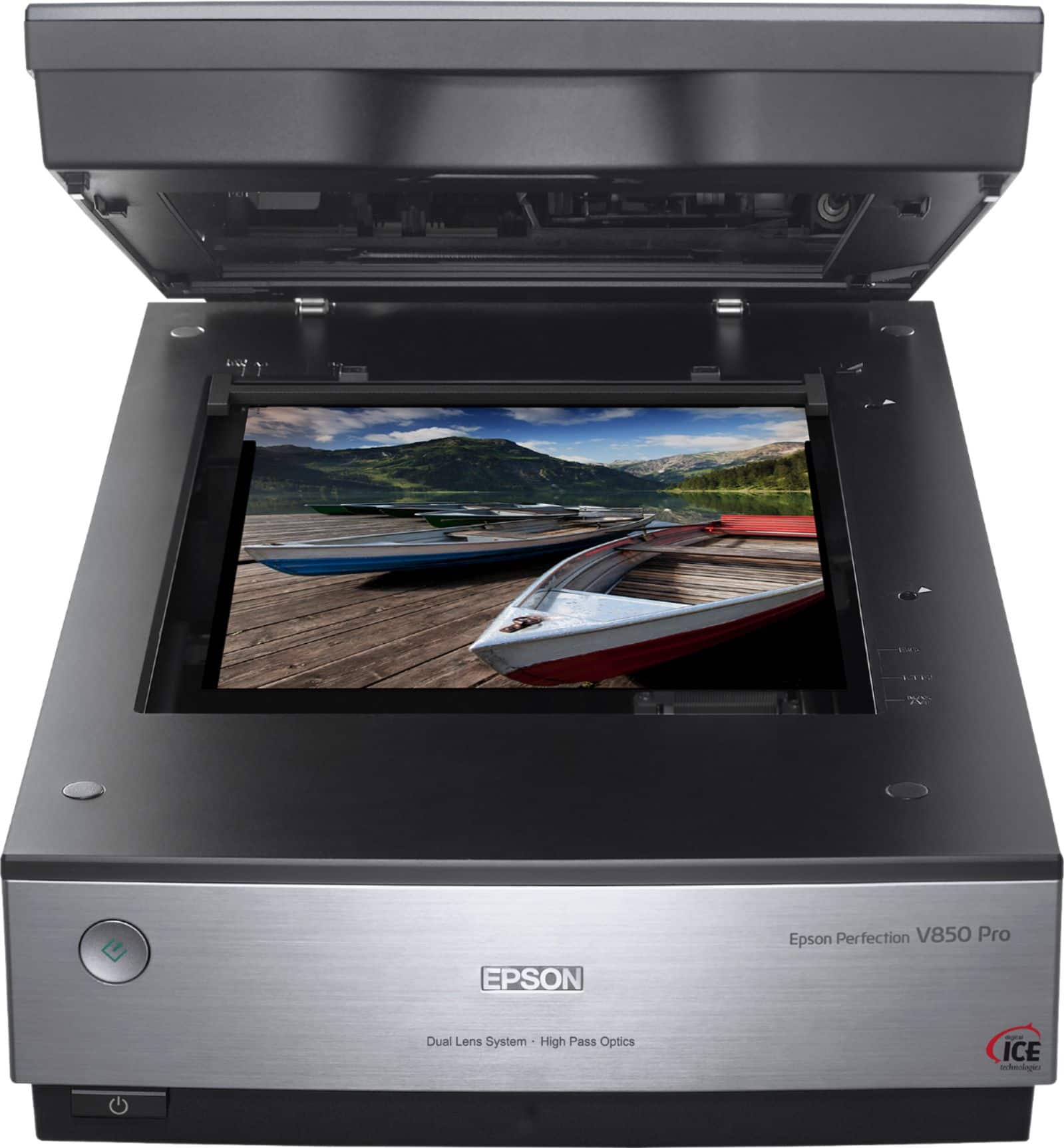
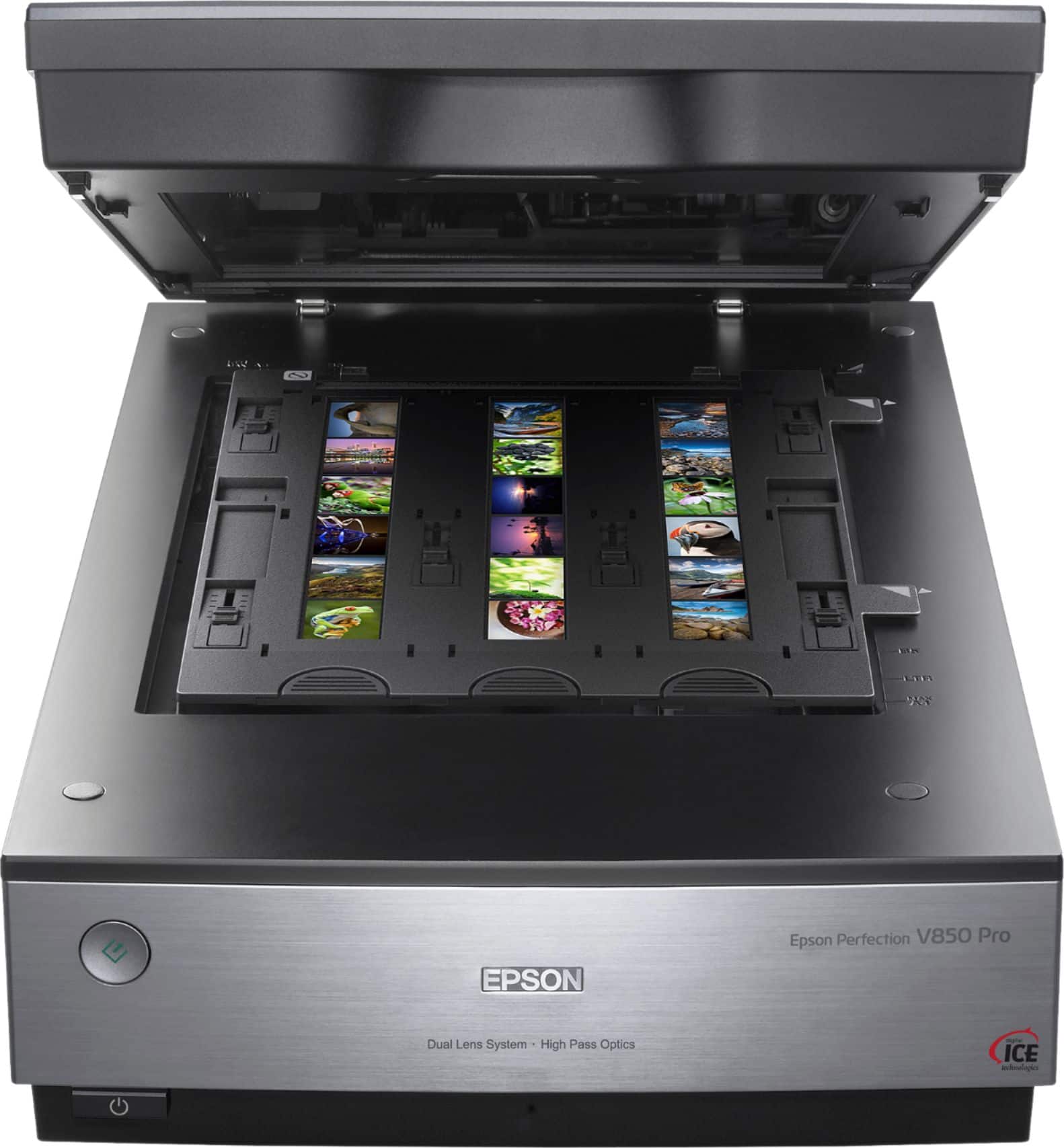
A:AnswerHello sizes. Yes, the V850 will scan documents also. It has a built-in transparency unit that works with film, screen positives, and negatives. The largest supported size for a negative would be 8" x 10", and you can also scan 35mm slides/film strips. Regards, Kevin - The Epson Team.
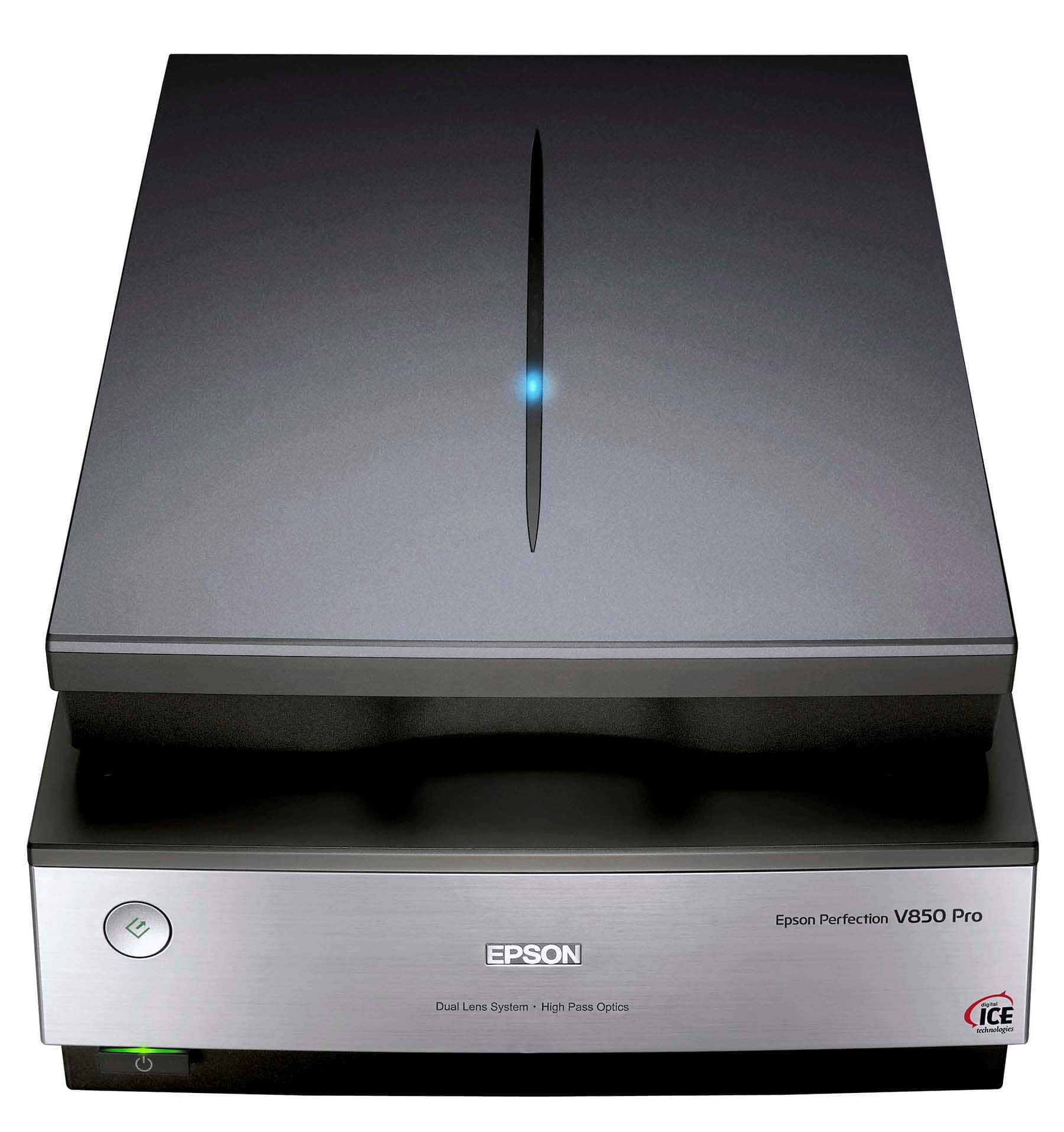
A:AnswerHello keymanji. Currently, the V850 Photo Scanner has the highest resolution and largest scan size offered by BestBuy. Please note with the Epson Scan software, you can stitch images together to create a larger photo. Regards, Kevin - The Epson Team.
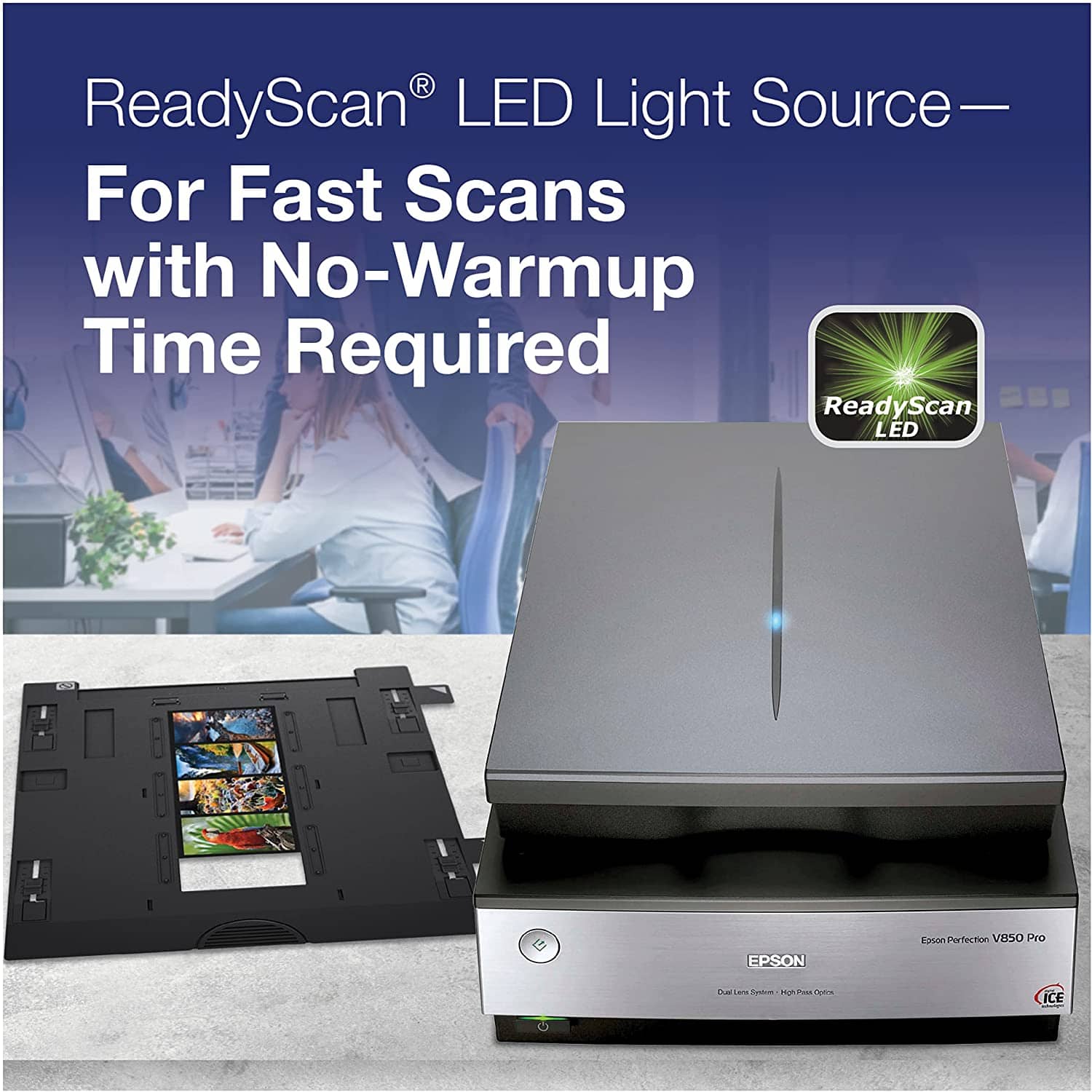
A:AnswerHello Photoguy. Yes, the V850 Pro Photo Scanner will work macOS 12. You can download the latest driver and software from our official Epson Support page. Regards, Kevin - The Epson Team.