A:AnswerHello jeffr. Yes, the ES-200 Document Scanner is compatible with macOS 11. To download the latest scanner driver and software, please visit our official Epson Support page. Regards, Kevin - The Epson Team.
A:AnswerHello Cindy. We have not tested "Neat Booking" with the Epson ES-200. We recommend reaching out to their support team directly to confirm compatibility. The scanner includes Epson ScanSmart software, which allows you to easily scan, edit, organize, and share documents. For additional information on the Epson ScanSmart software, please visit our official Epson Support page. Regards, Kevin - The Epson Team.
A:AnswerHello SennyBlint. Unfortunately, we don't recommend loading a stapled document in the ES-200. It can damage both the document and the scanner. Regards, Kevin - The Epson Team.
A:AnswerHi, Yes, the WorkForce ES-200 is Big Sur compatible. Please download the latest drivers from the Epson support site. Regards, Mark - The Epson Team.
A:AnswerI had the same problem, and the same experience with the telephone representative. I was disappointed with the lack of understanding by the company, so I bought a Brother scanner instead.
A:AnswerHi Janet. We would like to hear more about this issue. Please contact our Advanced Support Team at (562) 276-4382; Hours: Monday - Friday, 7 am - 4 pm PT. Regards, Kevin - The Epson Team.
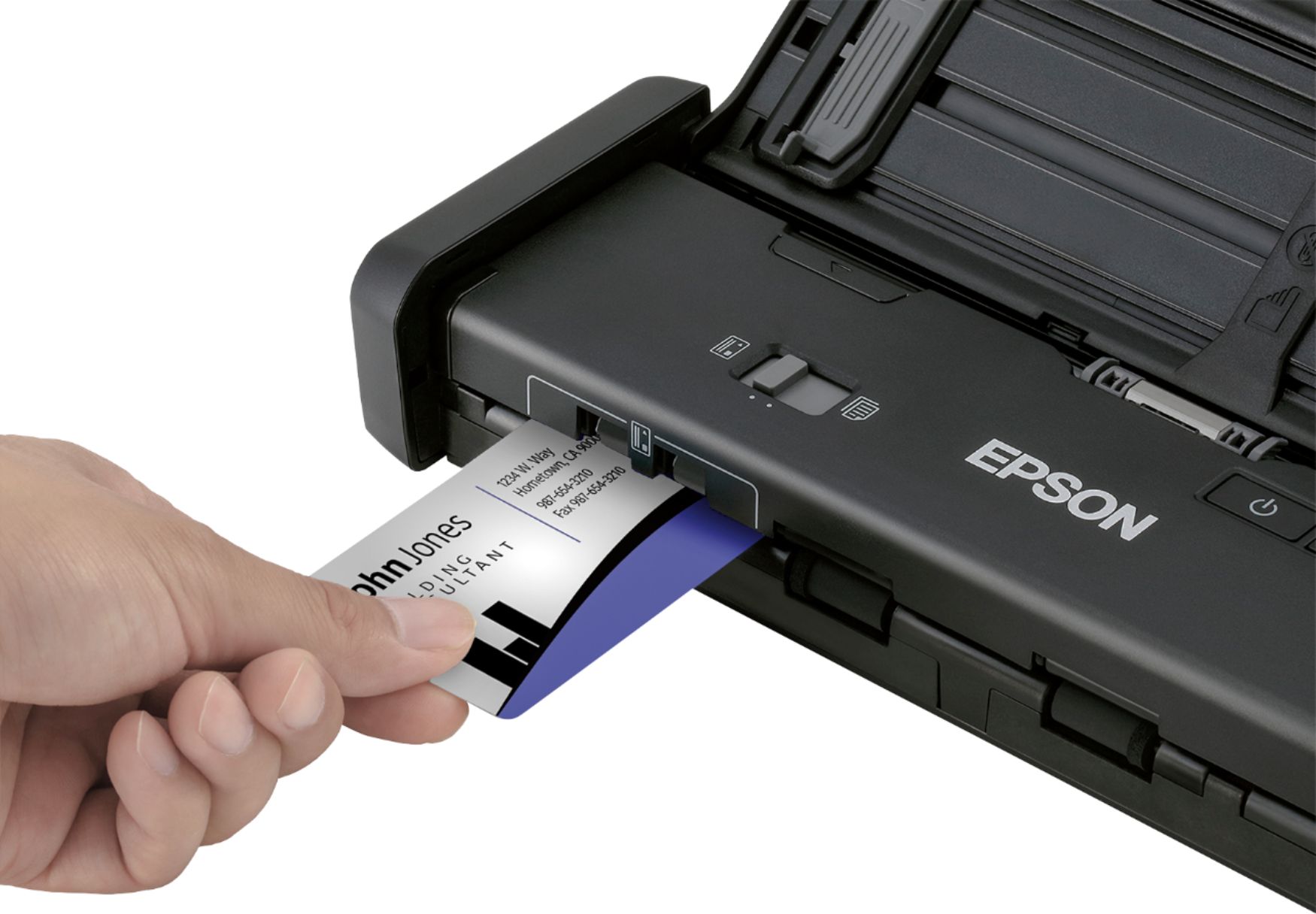
A:AnswerHi Lynn. The Epson WorkForce ES-200 was not designed to scan photos. The feed rollers may be damaged or cause damage to the photos themselves. Regards, Bobby - The Epson Team.
A:AnswerHi bgfoto. Yes, the Epson WorkForce ES-200 was not designed to scan magazine and book pages. Please visit the official Epson Support website for more information. Regards, Bobby - The Epson Team.

A:AnswerHi Sand. Yes, the Epson WorkForce ES-200 supports scanning Legal sized documents. The maximum document size supported for scanning is 8.5 × 44 inches. Regards, Bobby - The Epson Team.
A:AnswerHi Myra, The WorkForce ES-200 is compatible with the latest Mac OS, Big Sur, OS 11. Please download the latest drivers from the Epson support site. Regards, Mark - The Epson Team.
A:AnswerHi Hurti, You can save a scanned document to your phone and then send it to Dropbox using Epson's free iPrint app. There may be a third-party app that will allow scanning directly to Dropbox on your iPhone. Regards, Mark - The Epson Team.

A:AnswerHi runm8t, The Epson ES-200 is Catalina compatible. Be sure to download the latest drivers from the Epson support site. It is not Chromebook compatible. Regards, Mark - The Epson Team.

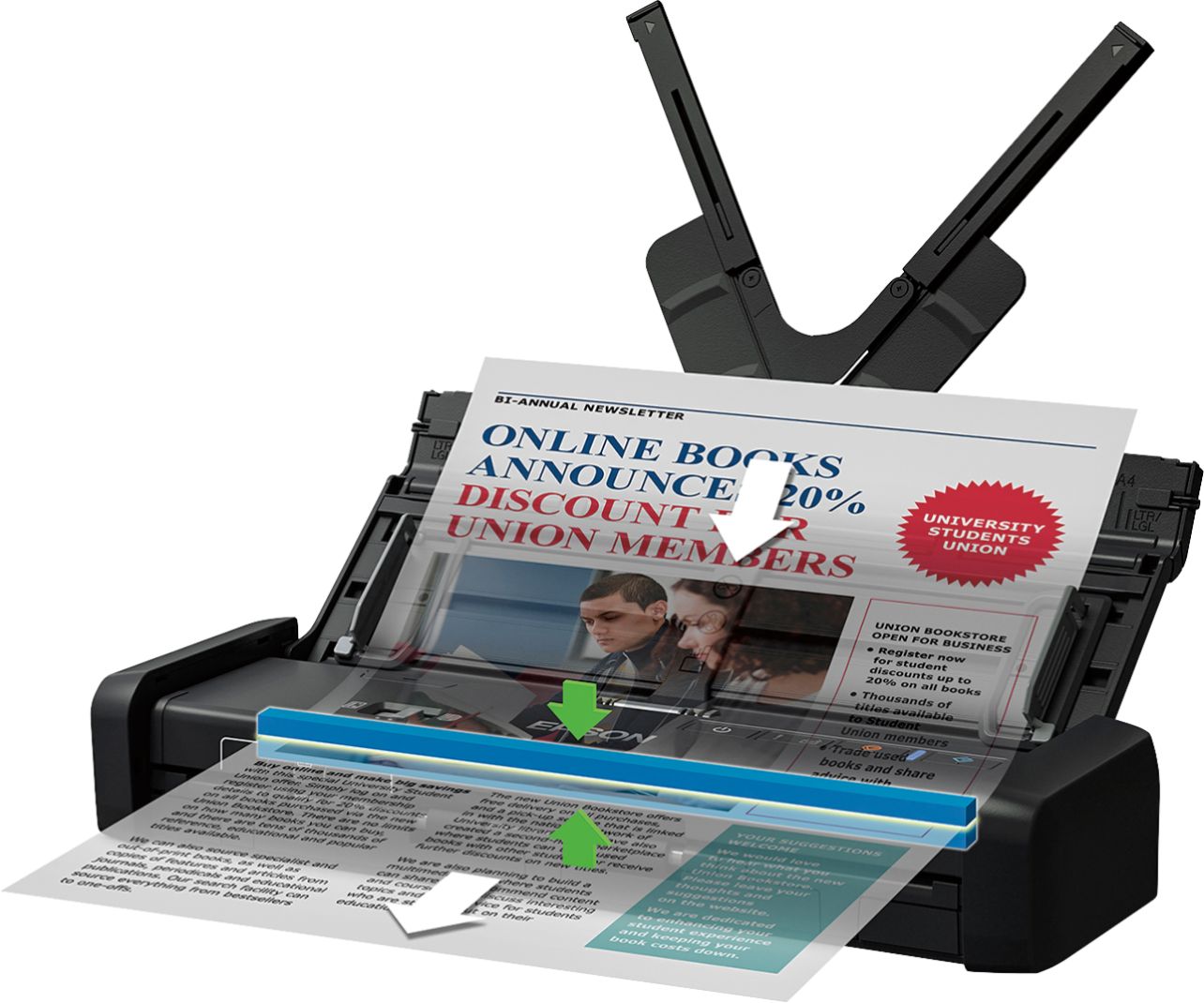
A:AnswerHi Rocky, The Epson ES-200 Mobile Duplex Scanner will pick one sheet at a time when scanning. Hope this answers your inquiry. Regards, Eduard - The Epson Team.