Questions & Answers
- Model:
- B11B252201
- |
- SKU:
- 10840447
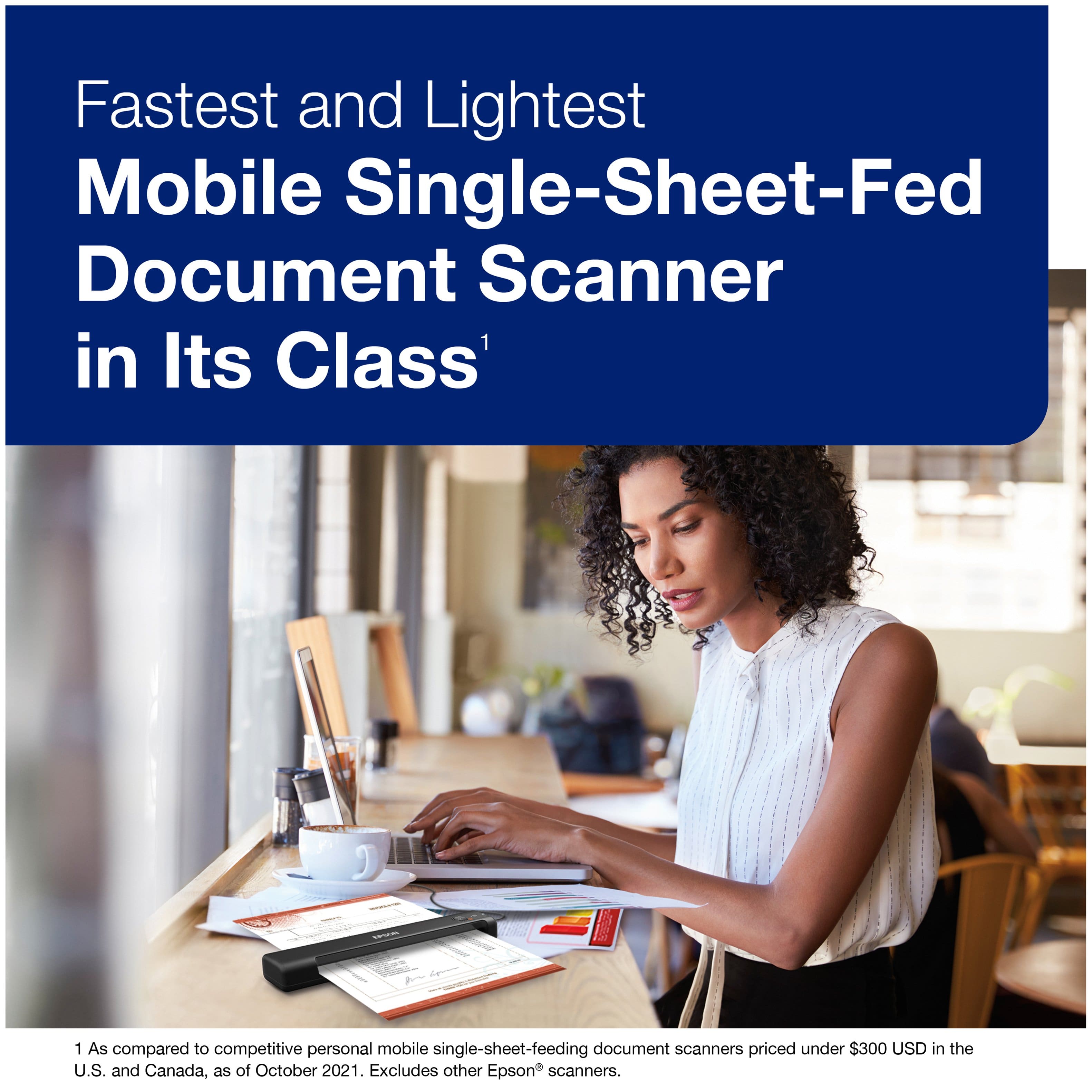
Highly rated by customers for: Ease of use, Scan Quality, Size
$159.99$159.99
Page Showing 41-60 of 181 questions
Q: QuestionDoes this include the scan smart software license that is required to use the receipt scan smart software? Or does it only include the trial?
Asked by Dianna.
- A:Answer Hello Dianna. The ES-50 will work with the standard Epson ScanSmart software. If you're looking to use the ScanSmart Accounting Edition software, the license is sold separately. Regards, Kevin - The Epson Team.
Answered by Epson
Q: QuestionCan this document scan laminated documents?
Asked by AF.
- A:Answer I believe it could
Answered by JessicaH
Q: QuestionIf the scanner cordless and requires no internet?
Asked by Anonymous.
- A:Answer It is not cordless. No internet is needed.
Answered by JessicaH
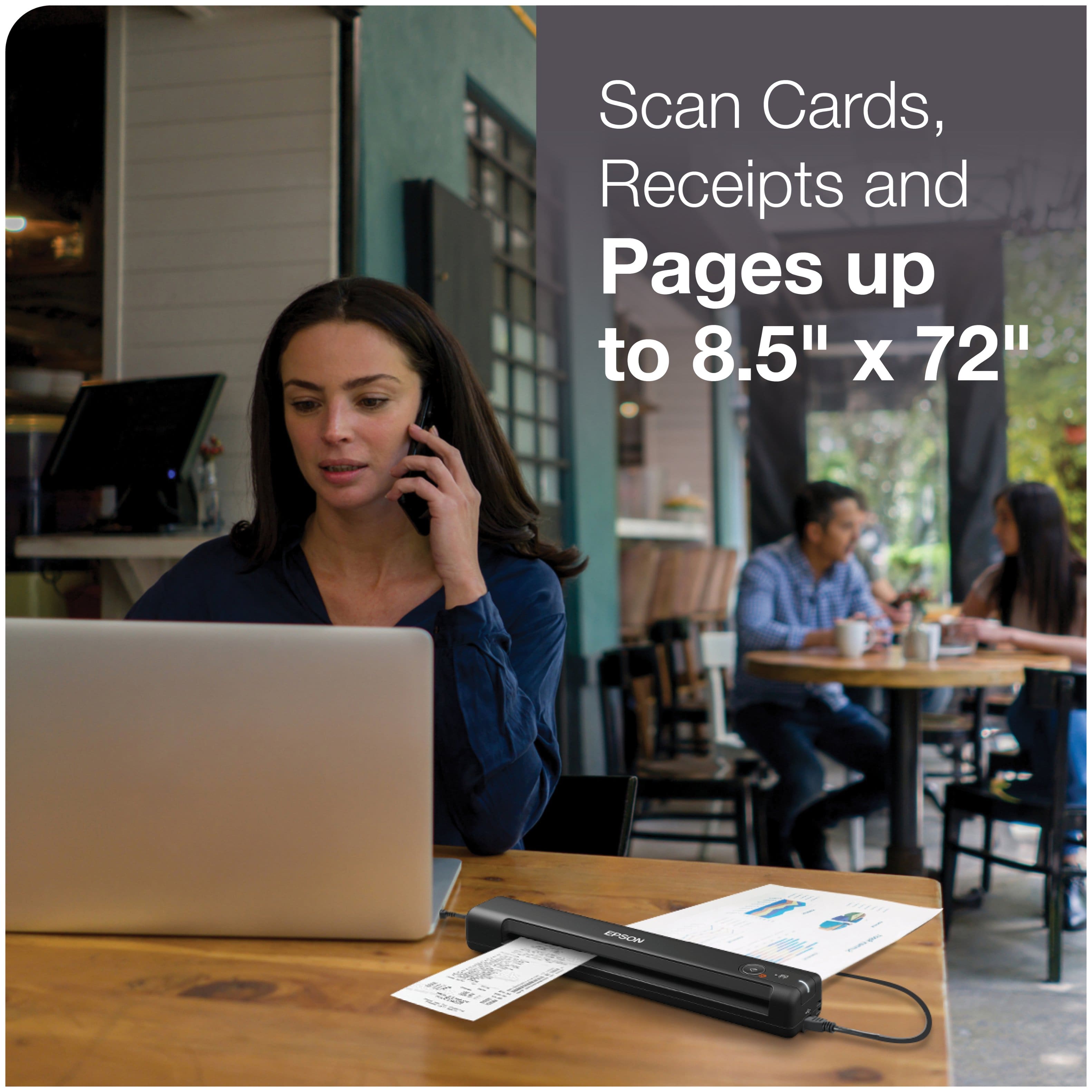
Q: QuestionIs this scanner good for scanning receipts?
Asked by Marco.
- A:Answer Yes it would be great for that.
Answered by JessicaH
Q: QuestionIs it hard to set up on computer?
Asked by HV.
- A:Answer Hello HV. The ES05 should be very straightforward to set up. It comes with a setup guide, which is also available on our official Epson Support page. If you need assistance, our Technical Support representatives can also help you over the phone. Regards, Kevin - The Epson Team.
Answered by Epson
Q: QuestionOur company has multiple locations, would this scanner be able to scan the receipts from different locations and put them into separate locations so the receipts are not getting mixed together?
Asked by Anonymous.
- A:Answer Hello. You can choose where to save scanned files by selecting a destination in the software. If your company has a shared network folder that users across different locations can access, you can save your scanned files there, too. Regards, Kevin - The Epson Team.
Answered by Epson
Q: QuestionCan I can business cards into a microsoft excel file
Asked by Businesscards.
- A:Answer Hello Businesscards. Yes, the ES-50 can save your scans in one of the following editable Microsoft Office file formats: Microsoft Word (.docx), Microsoft Excel (.xlsx), or Microsoft PowerPoint (.pptx). Regards, Kevin - The Epson Team.
Answered by Epson
Q: QuestionPuppy chewed my cord replacement option????
Asked by Craig.
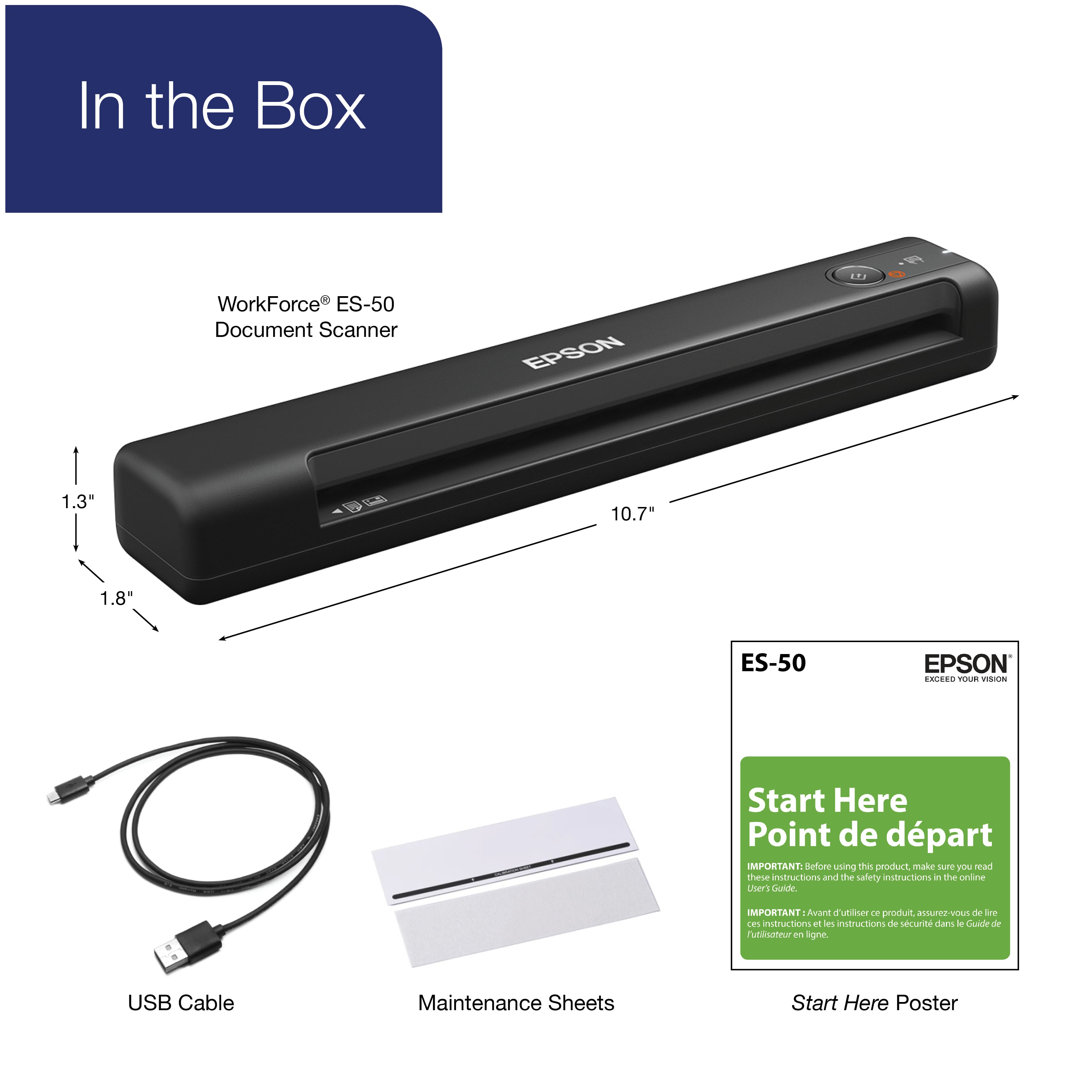
- A:Answer Hello Craig. You will need a Micro USB to USB cable to connect your device. These cables should be available at Best Buy. Regards, Kevin - The Epson Team.
Answered by Epson
Q: QuestionDoes this scanner connects computet and scanner with wifii?
Asked by Nesto.
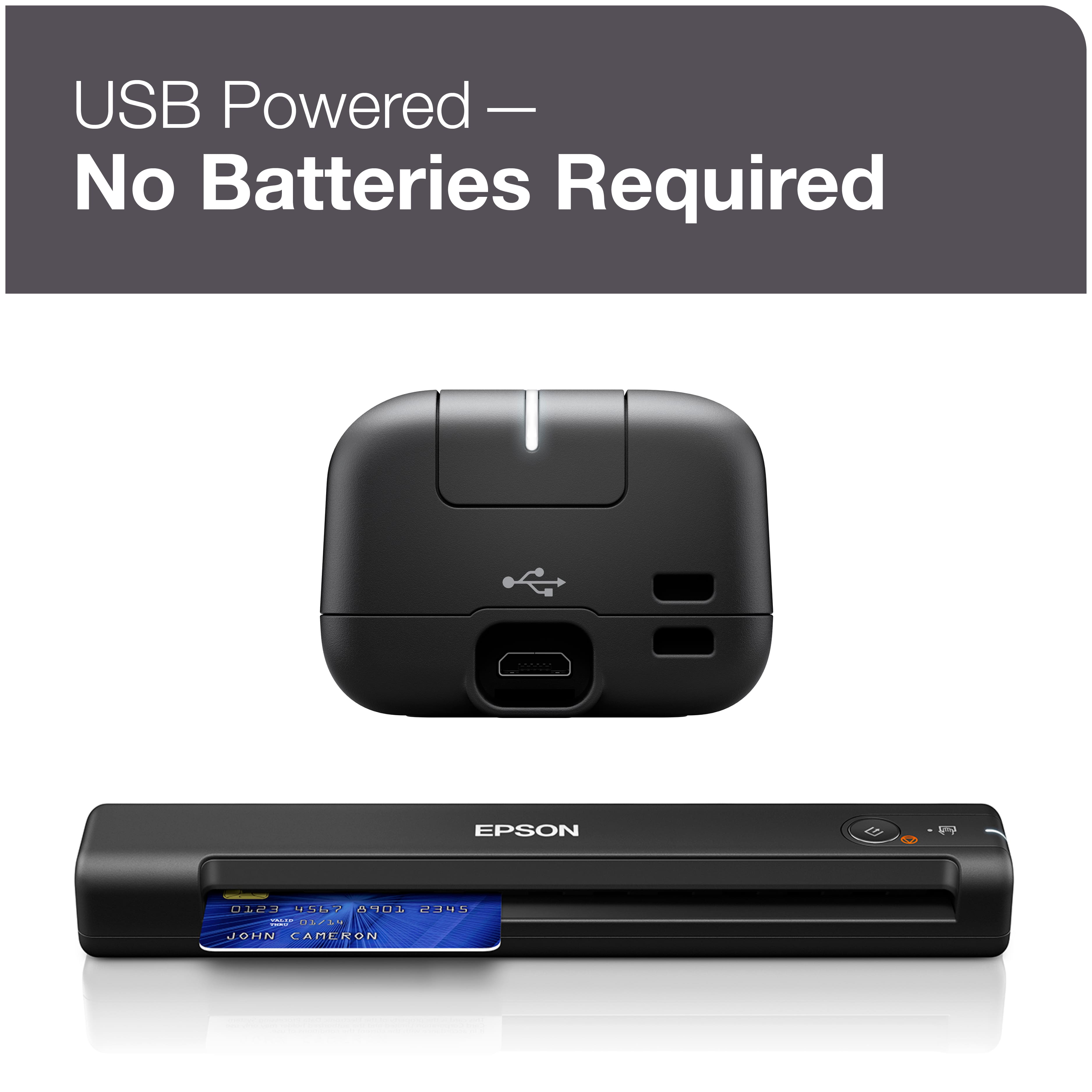
- A:Answer No. Scanner connects using hard wire to a computer as a device for that particular computer. It can’t be found as a network connection.
Answered by Bear45
Q: QuestionCan it scan 8 x 10 photos?
Asked by Anonymous.
- A:Answer Yes, but the quality is very basic. The software is mainly for document handling.
Answered by Bear45
Q: QuestionDoes it work with a ipad
Asked by Me.
- A:Answer Hello Me. The ES-50 can only be used with a computer. We recommend looking at the ES-60W for a similar model that will work with your iPad. Regards, Kevin - The Epson Team.
Answered by Epson

Q: QuestionCan I scan documents on this to Box.com
Asked by DrewT.
- A:Answer It saves to PDF which allows you to move files easily to any OS/PC. It connects via USB but not with Wifi. Although not familiar with box.com
Answered by DavidC
Q: Questionis this a duplex scanner?
Asked by Diana.
- A:Answer Hello Diana. Unfortunately, the ES-50 is not a duplex scanner. We recommend looking at the ES-C320W for a similar scanner that can capture two sides in one pass. Regards, Kevin - The Epson Team.
Answered by Epson

Q: Questiondoes it scan dual side?
Asked by Diana.
- A:Answer Hello Diana. Unfortunately, the ES-50 is not a duplex scanner. We recommend looking at the ES-C320W for a similar scanner that can capture two sides in one pass. Regards, Kevin - The Epson Team.
Answered by Epson

Q: Questiononce I have document scanned to scanner can I email the document from the scanner direct to someone else's email??
Asked by nnn.
- A:Answer Hello nnn. The ES-50 can only scan documents and save them directly onto your computer. Once the document is saved, you can send it via email. Regards, Kevin - The Epson Team.
Answered by Epson

Q: QuestionDoes the printer communicate with PCL3
Asked by Lost.
- A:Answer Hello Lost. The ES-50 is a single-function scanner that does not have printer functionality. We recommend looking at our Epson All-in-One printers, which include PCL support, such as the ET-5880. Regards, Kevin - The Epson Team.
Answered by Epson

Q: QuestionCan I send document to scanner through blue tooth
Asked by Dave.
- A:Answer Hello Dave. The ES-50 does not include Bluetooth functionality and can only be used with a computer via a USB connection. We recommend looking at the ES-60W. It does not have Bluetooth, but it is a similar scanner that can be used on a computer, smartphone, or tablet wirelessly over Wi-Fi. Regards, Kevin - The Epson Team.
Answered by Epson

Q: QuestionWhat formats are you able to save examples “pdf” ‘jpeg” etc.
Asked by PamelaC.
- A:Answer Hello PAC. You can save scanned originals as PDF, JPEG, or TIFF files. Regards, Kevin - The Epson Team.
Answered by Epson

Q: QuestionI have a Samsung G14 phone. Can this printer be hooked up to my phone to print documents?
Asked by Kimberly.
- A:Answer Hello Kimberly. Unfortunately, the ES-50 will not work with your phone. We recommend looking at the ES-60W for a similar scanner that you can use with smartphones, tablets, and computers. Regards, Kevin - The Epson Team.
Answered by Epson

Most-viewed items
- $379.99$379.99The price was $449.99
- $329.99$329.99The price was $379.99
- $169.99$169.99The price was $199.99
- $438.99$438.99The price was $596.00
- $399.99$399.99The price was $419.99
- $438.99$438.99The price was $527.92
- $399.98$399.98The price was $433.56
- $421.49$421.49The price was $440.49
- $403.99$403.99The price was $414.00