A:AnswerI belive so,you can buy it and try it and if you dont like it return it.Is very easy to use,my husband uses it with his iphone and he uses the app,very easy to se ut up and to use it.
A:AnswerHello mike. The ES-50 should work with a Dell laptop running Windows 7 - 11. You can visit our official Epson Support page to download the latest driver if your laptop has a compatible operating system. Regards, Kevin - The Epson Team.
A:AnswerHello Curious. It should be a very straightforward process. We recommend you visit the official Epson Support page first to download the latest driver and software for the scanner. Then you can connect the scanner to your laptop and follow the steps on the screen to complete the installation. Regards, Kevin - The Epson Team.
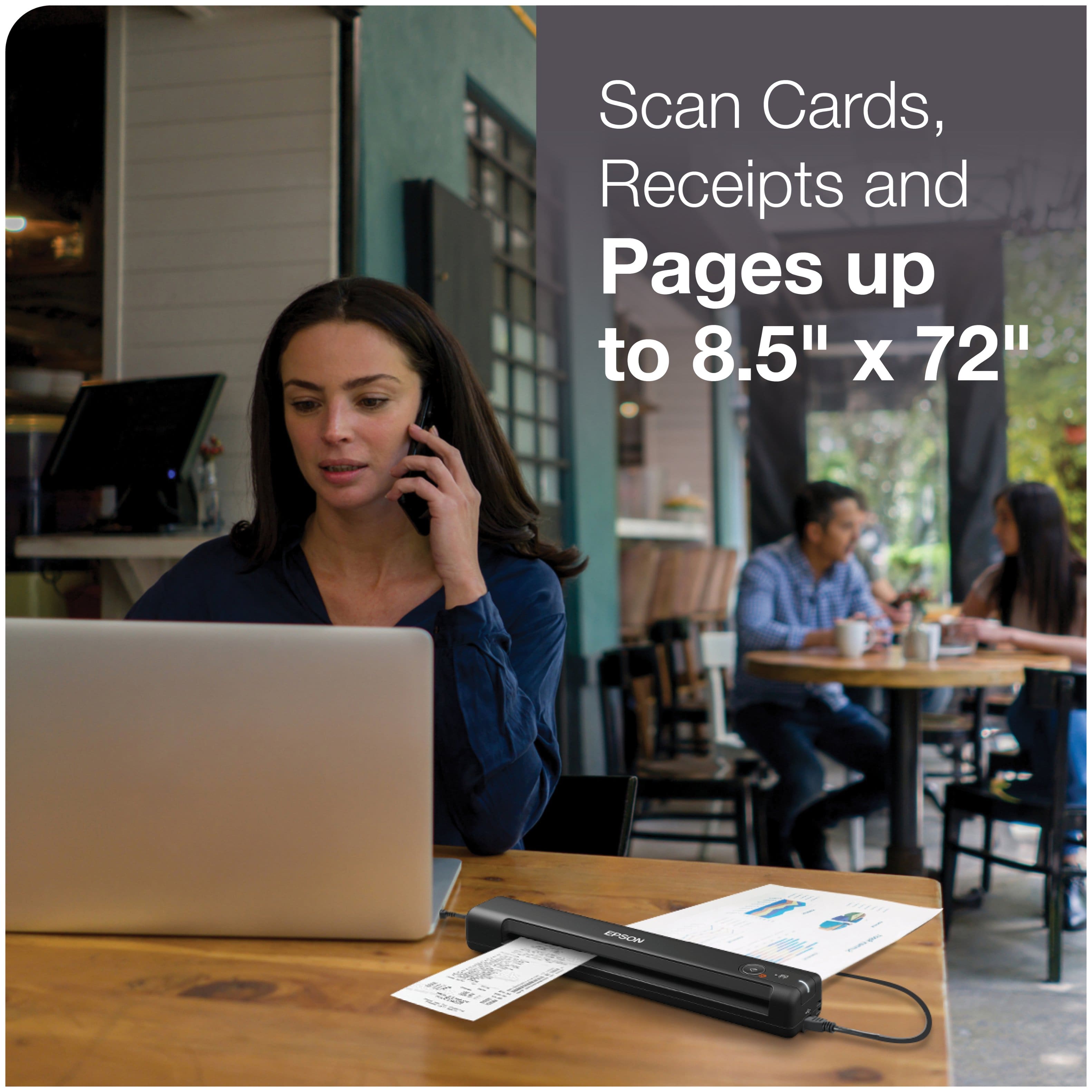
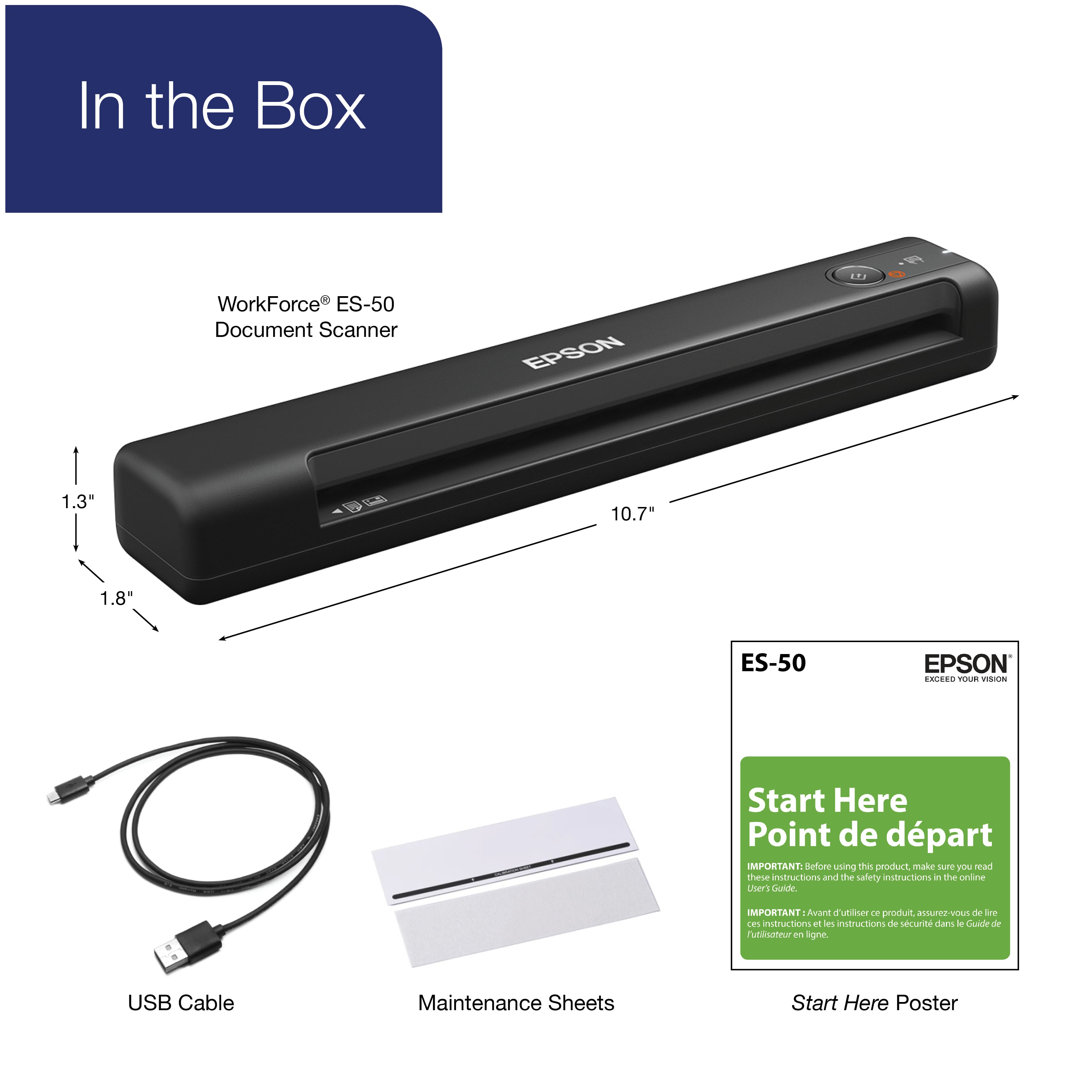
A:AnswerHello oldMarineMike. The ES-50 is designed to scan documents, receipts, ID & business cards. We recommend looking at Scanners such as the V39, V600, or the FF-680W for photos. Regards, Kevin - The Epson Team.
A:AnswerHello Trish. Yes, the ES-50 Scanner will work with Apple computers running macOS 14.x. You can find the latest software and scan driver on our official Epson Support page. Regards, Kevin - The Epson Team.
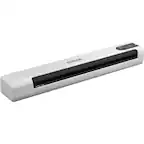
A:AnswerYes, you will have to download the documents and then print from your computer. Scanning the receipts is easy with this ES-50 document scanner. You have the option of how you want the documents, ie PDF, JPG etc. This will give you a record as well.
A:AnswerHello richardjohn. Unfortunately, there are no drivers available for the ES-50 as it is not supported to work on a Chromebook at this time. Regards, Kevin - The Epson Team.
A:AnswerHello NoNickname. The ES-50 can scan approximately ten pages per minute. This estimate is based on a paper size of 8.5" x 11" scanned at 300 dpi. Regards, Kevin - The Epson Team.
A:AnswerHello Bob. Yes, the ES-50 will work on any MacBook Air running macOS 10.11 - 13. You can find the latest driver and software available on our official Epson Support page. Regards, Kevin - The Epson Team.
A:AnswerHello Queen. The ES-50 is a single-function scanner with no printing capability. We recommend looking at our All-In-One Epson printers. Regards, Kevin - The Epson Team.