Black Friday is hereShop new DoorbustersShop now

Main Content

Questions & Answers

Page Showing 81-100 of 174 questions
  • QuestionWill it scan driver license

    Asked by kaaprha.

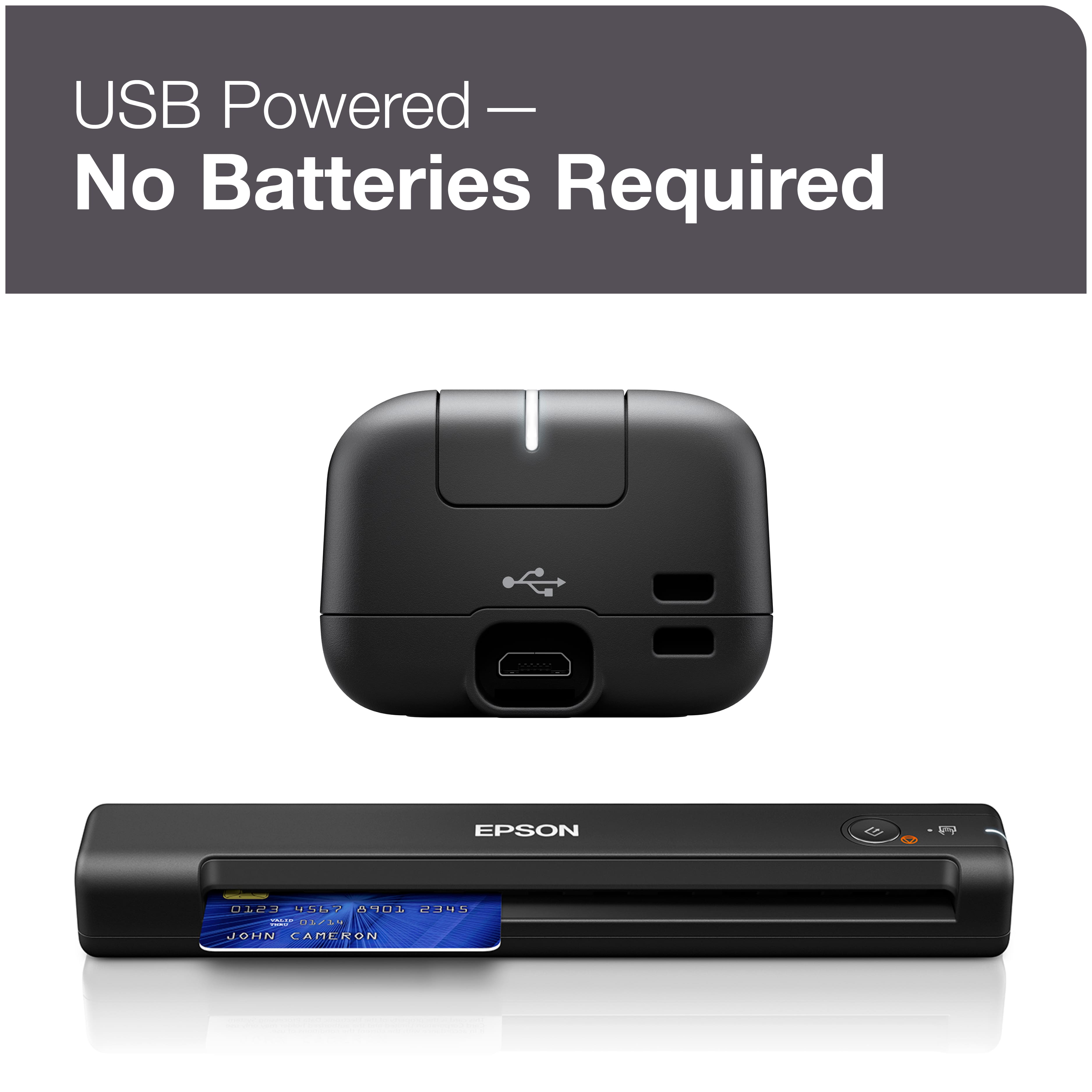
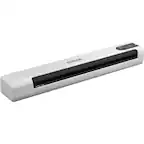
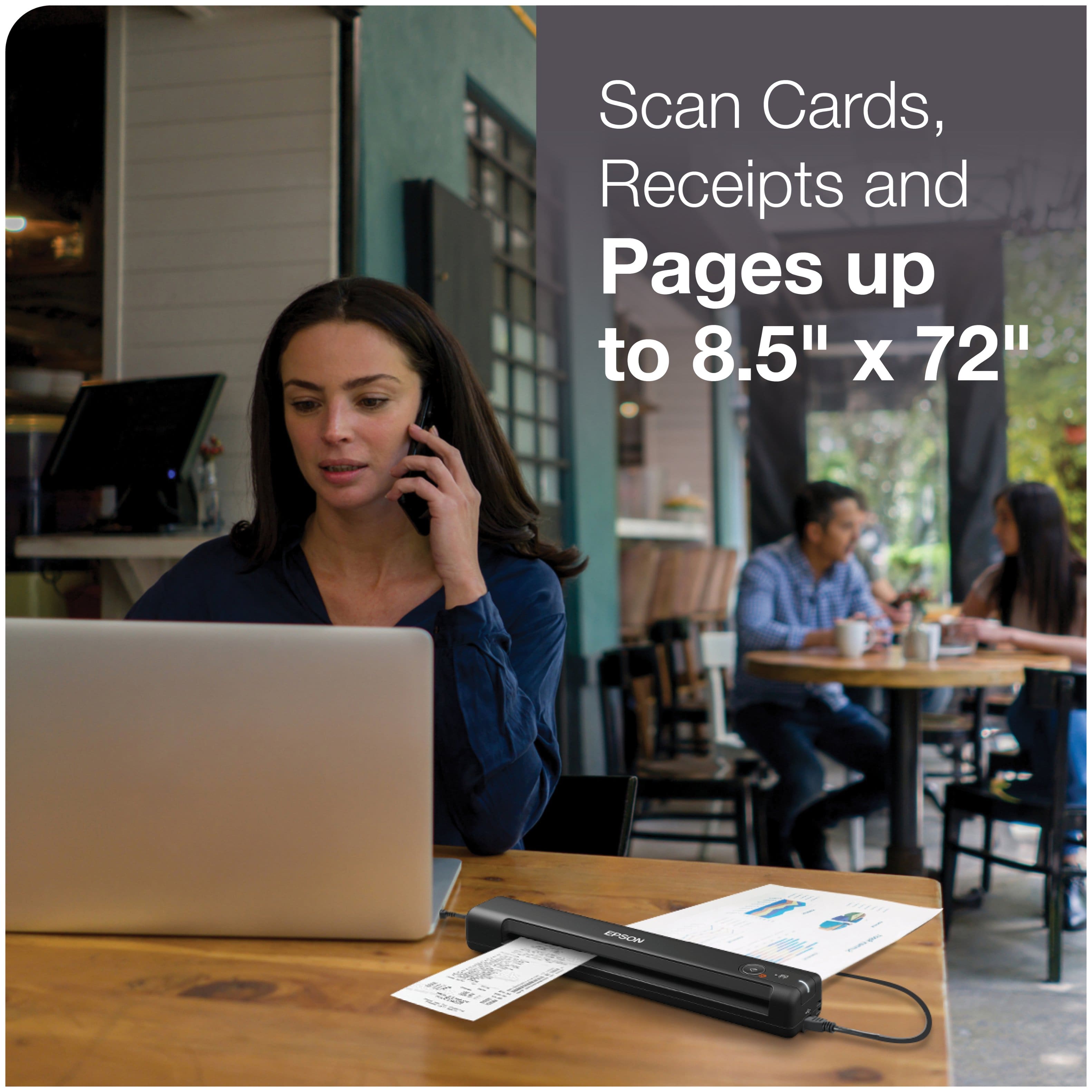
    • Answer Hello kaaprha. The ES-50 can scan plastic and laminated cards. Plastic cards must be 2.1" × 3.3" in size and no more than 0.05 inches in thickness. Regards, Kevin - The Epson Team.

      Answered by Epson

  • QuestionIs this windows 11 compatible?

    Asked by sportnet23.

    • Answer Yes, it installed and works fine on my Windows 11 laptop.

      Answered by Andyhjr

  • QuestionIs this scanner compatible with a Microsoft Pro?

    Asked by Nisha.

    • Answer Worked just fine with Windows 11 and using office 360

      Answered by DonnaG

  • QuestionDoes it scan slides

    Asked by slides.

    • Answer Hi slides, No, you cannot scan slides using the ES-50 Scanner. Slide scanning requires a transparency unit (TPU). Higher-end Epson phot scanners have TPUs, like the Epson Perfection V600 Photo Scanner, which is currently in stock at Bestbuy.com. (Inventory levels can change.) Regards, Mark - The Epson Team.

      Answered by Epson

  • QuestionHow long will it take me to scan a 300 page document?

    Asked by Anonymous.

    • Answer Best to contact the manufacturer. It suits my purpose of less than 10 scans a year.

      Answered by User

  • QuestionCan this scanner print documents? Is there a portable machine that both scan and print documents?

    Asked by SCAN.

    • Answer No, it is a scanner only.

      Answered by JacobR

  • QuestionDoes this scanner work on my MAC?

    Asked by Deacon37.

    • Answer works on both the Apple and PC

      Answered by AirPods

  • Questiondoes the ES50 save directly to a MS Word 2020 file? or is there an intermediate step, such as converting a PFD to a Word file?

    Asked by rockydan8.

    • Answer Hello rockydan8. The ES-50 supports saving scanned originals as a Microsoft Word (.docx) file. You can specify and choose the file type in the Epson ScanSmart software. Regards, Kevin - The Epson Team.

      Answered by Epson

  • QuestionDoes this scanner have OCR

    Asked by Jim.

    • Answer Yes, it has OCR.

      Answered by JacobR

  • QuestionDoes it tie in with quickbooks?

    Asked by greg.

    • Answer I’m not sure but you can try

      Answered by Alicialoveit

  • QuestionIs it compatible with windows 11?

    Asked by Anonymous.

    • Answer Yes

      Answered by Jason

  • QuestionIs this scanner compatible with mac book air laptop that is mac OS BIG SUR version 11.4 ?

    Asked by D.

    • Answer Nope didnt work for mine or windows

      Answered by Elii

  • Questionis this compatible with windows 11

    Asked by bigal.

    • Answer Hello bigal. Yes, the ES-50 is compatible with Windows 11. Please visit our official Epson Support page to download our latest scan driver software. Regards, Kevin - The Epson Team.

      Answered by Epson

  • QuestionCan you plug this to a phone to use as a mobile scanner if your job requires you to be able upload information.

    Asked by Tony.

    • Answer Hello Tony. The ES-50 can only be connected to a computer running macOS or Windows operating system. We recommend looking at the ES-60W mobile scanner as it can be connected to iPhone or Android devices. At the time of this posting, it is currently in stock on BestBuy's website; please be aware that inventory is subject to change. Regards, Kevin - The Epson team.

      Answered by Epson

  • QuestionCan it scan to a tablet or phone?

    Asked by iPad.

    • Answer Hello iPad. The ES-50 is only compatible work with computers. We recommend looking at the ES-60W as it is a similar scanner and is compatible with tablets and phones. You can use the Epson DocumentScan app with the scanner on the iOS or Android device. Regards, Kevin - The Epson Team.

      Answered by Epson

  • QuestionDoes this scanner also fax documents or files

    Asked by kb.

    • Answer hi kb, Sorry, no the ES-50 Mobile Color Sheetfed Document Scanner does not fax. That feature is available in some Epson's business all-in-one products, which which print, scan, copy and fax. They do not come in the small form factor of the ES-50. Regards, Mark - The Epson Team.

      Answered by Epson

  • QuestionIs this scanner compatible with an iMac with macOS Monterey 12.0.1?

    Asked by KB.

    • Answer Hello KB. Yes, the ES-50 Scanner is compatible with Apple computers running macOS 12. To download the latest software, please visit our official Epson Support page. Regards, Kevin - The Epson Team.
      Answered by Epson

  • QuestionCan you scan a business card?

    Asked by Markb.

    • Answer Yes you can scan credit cards, business cards, envelopes, documents, etc. Certain items such as photos or odd-shaped items will need a thin plastic "carrier sheet" to place it in so that the machine doesn't jam. If the business cards have raised letters you may need to do this, but most should work fine. You can look up the user guide for the Epson ES 50 for more information on what can and cannot be scanned.

      Answered by 6thGenFL

  • QuestionIs it compatable with a Samsung tablet?

    Asked by Nicole.

    • Answer If your Samsung tablet has a USB port you can download the Epson DocumentScan app to scan on your Android device. If your tablet has a USB-C port, you will need to purchase an adapter because the ES-50 has USB-A.

      Answered by 6thGenFL

  • Questionwhat thickness of paper can it scan...e.g Bristol board

    Asked by emmo.

    • Answer Check user guide for this scanner: User's Guide - ES-50/ES-60W/ES-55R/ES-65WR - Epson (sorry, not allowed to put in URLs).

      Answered by 6thGenFL