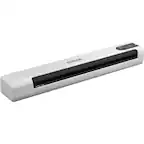
A:AnswerES-50 will work with iOS and Android devices with a downloaded app. Chromebook doesn't meet the specs of Windows or Mac which are listed in the requirements of the User's Guide. There is no mention of Chromebook OS. There are other more expensive Epson portable scanners which work with Chromebook operating system by scanning directly to Google Drive cloud based storage. I don't think I am suppose to mention other products by name but should be easy for you to find.
A:AnswerThat's a no-go for staples, carbon copies and other bulky items though it will scan credit cards and envelopes apparently though I have never tried it. Even papers with hole punches can get jammed and would need a carrier sheet.
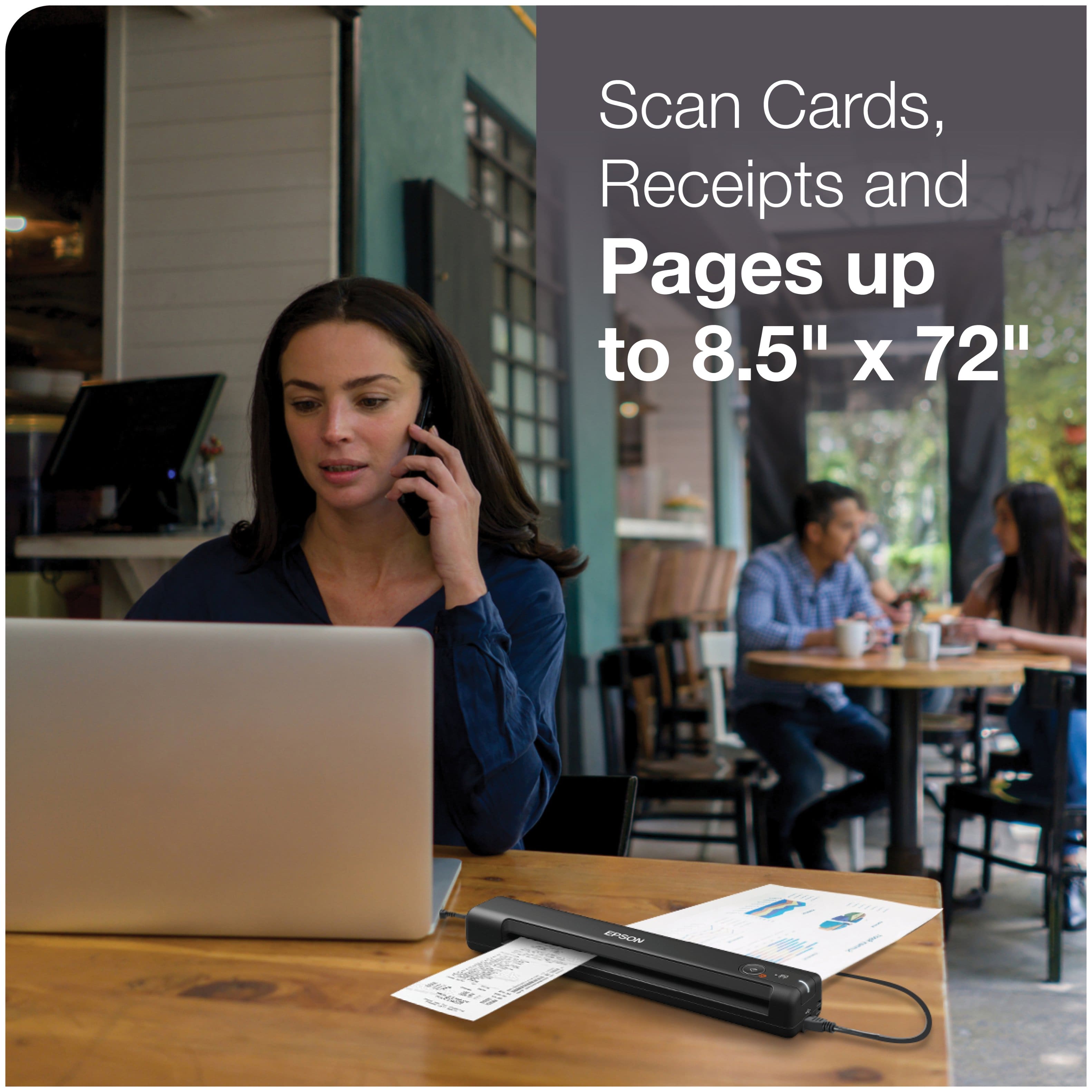
A:AnswerScanning is 8.5x11. Takes about 5-7 seconds to scan one page, You can't scan multiple pages at one time. You can send to email or save to your computer as PDF.
A:AnswerScanned docs can be saved into Excel, Word and Power Point. In theory, Microsoft should correlate data into a worksheet or spreadsheet. Recommend reviewing with Microsoft or Epson ( 562-276-4382 www.epson.com/support ) technical service.
A:AnswerHello Deanne. Unfortunately, the ES-50 is not supported to work on a Chromebook at this time. For future updates, please visit our official Epson Support page. Regards, Kevin - The Epson Team.
A:AnswerHi Rainbow, The ES-50 can scan documents to your computer which can be loaded into QuickBooks. You also have the option of upgrading to Epson's ScanSmart Accounting Edition software which scans directly to QuickBooks. See the Epson support site for details. Regards, Kevin - The Epson Team.
A:AnswerHi BOB. The Epson ES-50 is compatible with computers running the MAC OS 11.x.x operating systems. If you need more information, please visit the official Epson Support website. Regards, Kevin - The Epson Team.
A:AnswerHi DJ. The Epson WorkForce ES-50 scanner is compatible with computers running macOS 10.11.x - 11.x operating systems. Regards, Bobby - The Epson Team.
A:AnswerHi MAC1, ES-50 drivers for Mac OS X 10.14.6 are available on the Epson support site. Please download the latest drivers from there. If you have earlier scanner drivers you should uninstall them before installing the latest version. regards, Mark - The Epson Team.
A:AnswerHi Himsa, The ES-50 does not have drivers for an iPad. Please explore Epson's wireless scanner line. They can communicate with an iPad or iPhone via WiFi. Regards, Mark - The Epson Team.
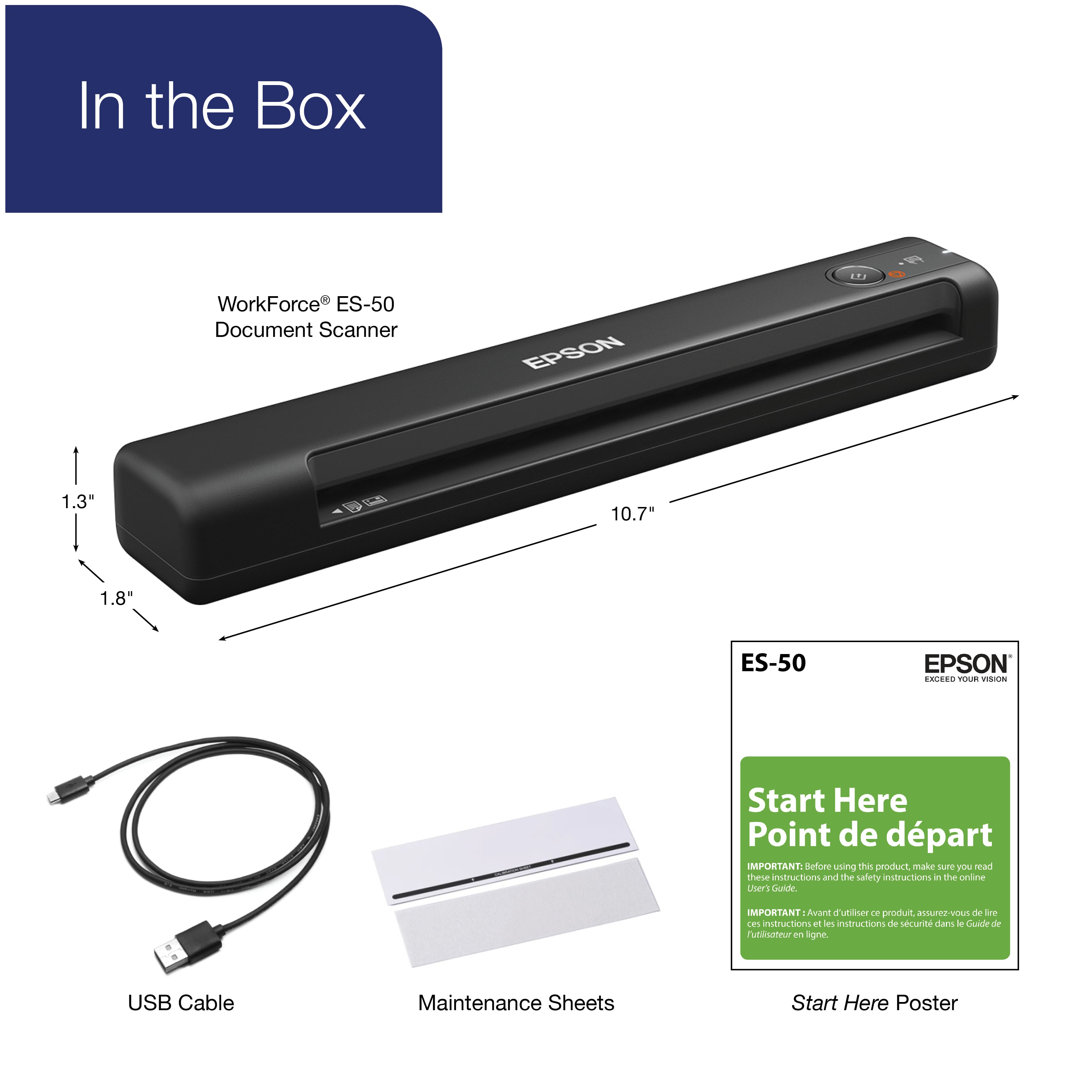
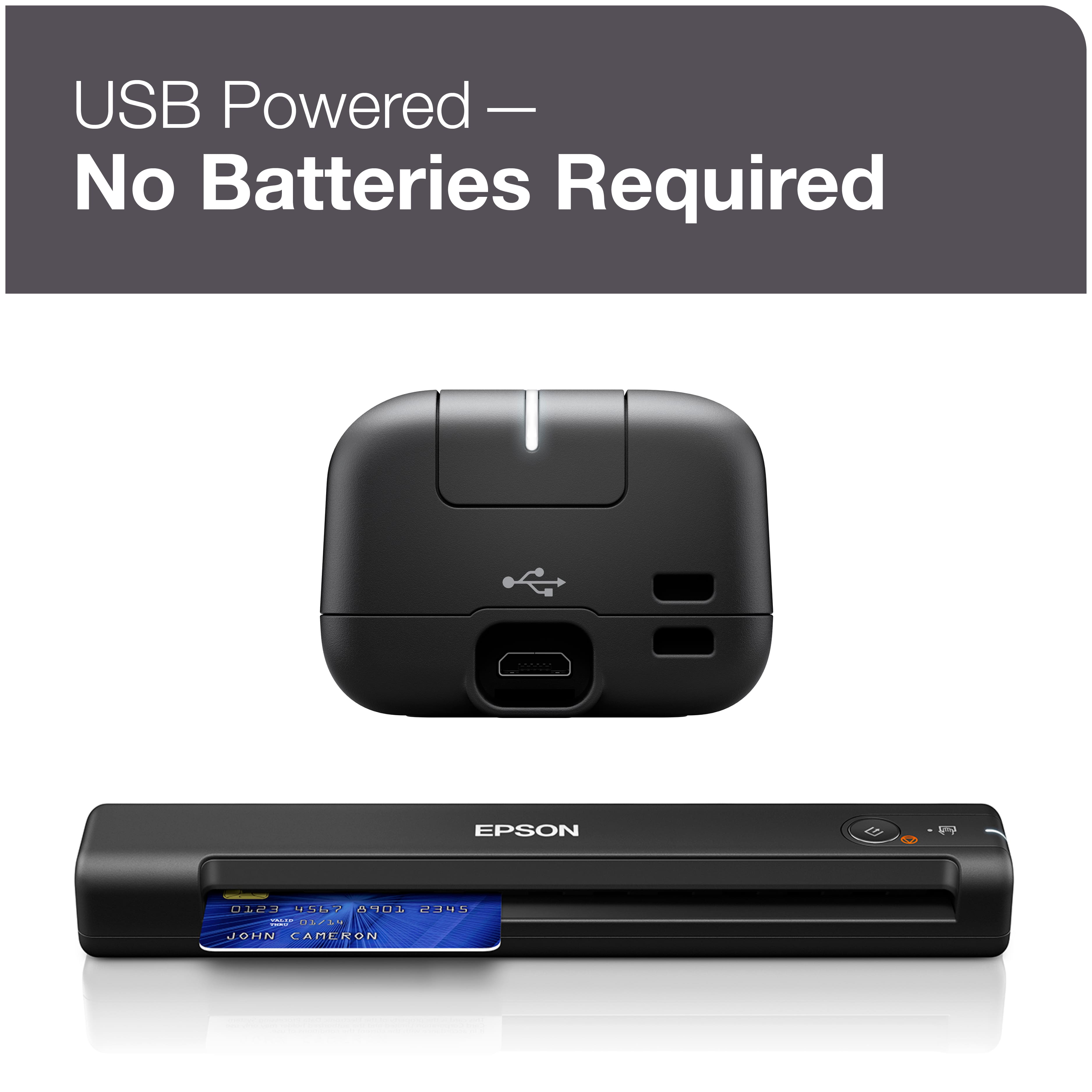
A:AnswerHi Dave, The ES-50 is not a wireless scanner. It connects using a USB 2 cable. So, yes, you can use it without WiFi. Regards, Mark - The Epson Team.

A:AnswerI only use it to scan documents on my travel. Everything I had scanned has been very clear and in PDF files. After the documents is scanned, you can adjust documents brightness and crop tool via their free software.
A:AnswerHi Nisknik05, The ES-50 can scan documents to your computer which can be loaded into QuickBooks. You also have the option of upgrading to Epson's ScamSmart Accounting Edition software which scans directly to QuickBooks. See the Epson support site for details. Regards, Mark - The Epson Team.