A:AnswerHi BOB. The Epson ES-50 is compatible with computers running the MAC OS 11.x.x operating systems. If you need more information, please visit the official Epson Support website. Regards, Kevin - The Epson Team.
A:AnswerHi DJ. The Epson WorkForce ES-50 scanner is compatible with computers running macOS 10.11.x - 11.x operating systems. Regards, Bobby - The Epson Team.
A:AnswerHi MAC1, ES-50 drivers for Mac OS X 10.14.6 are available on the Epson support site. Please download the latest drivers from there. If you have earlier scanner drivers you should uninstall them before installing the latest version. regards, Mark - The Epson Team.
A:AnswerHi Himsa, The ES-50 does not have drivers for an iPad. Please explore Epson's wireless scanner line. They can communicate with an iPad or iPhone via WiFi. Regards, Mark - The Epson Team.
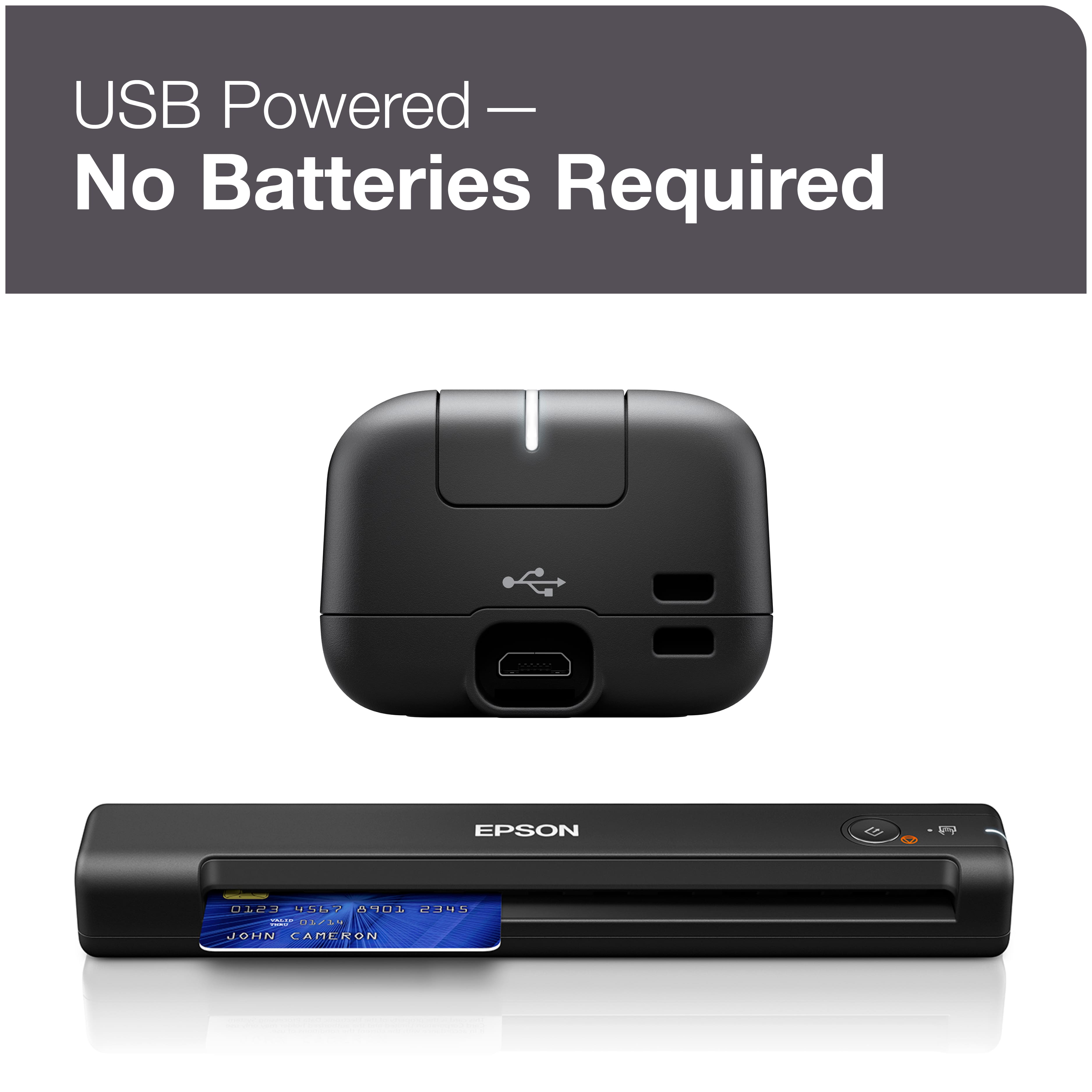
A:AnswerHi Dave, The ES-50 is not a wireless scanner. It connects using a USB 2 cable. So, yes, you can use it without WiFi. Regards, Mark - The Epson Team.
A:AnswerI only use it to scan documents on my travel. Everything I had scanned has been very clear and in PDF files. After the documents is scanned, you can adjust documents brightness and crop tool via their free software.
A:AnswerHi Nisknik05, The ES-50 can scan documents to your computer which can be loaded into QuickBooks. You also have the option of upgrading to Epson's ScamSmart Accounting Edition software which scans directly to QuickBooks. See the Epson support site for details. Regards, Mark - The Epson Team.
A:AnswerHi Rick, The ES-50 scanner includes OCR software to convert scanned text to readable characters, that can be saved as a PDF or Word document. Regards, Mark - The Epson Team.
A:AnswerHi Anita, As long as your MacBook is running a version of OS X between 10.11 and 10.15, we have drivers available to make it work. If you buy one, please download the latest drivers from the Epson support site. Regards, Mark - The Epson Team.
A:AnswerHi, Drivers on the Epson site for the ES-50 Mobile support the latest version of OS X. As long as your Mac runs version 10.11 or higher, then it is supported. Regards, Mark - The Epson Team.
A:AnswerHi Tosh, Yes, the Epson WorkForce ES-50 can scan delicate, torn or fragile documents using the carrier sheet. For details, visit the Epson support site. Regards, Alexander - The Epson Team.
A:AnswerHi Nauset, Yes, the scanner driver of the Epson WorkForce ES-50 works with macOS 10.14.x up to the latest macOS 10.15.x. Regards, Alexander - The Epson Team.