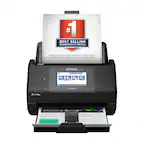
A:AnswerHello Fulfillment. The ES-580W does include an on-screen keyboard. Please see the User's Guide on our official Epson Support page for more information on the different keyboard functions. Regards, Kevin - The Epson Team.
A:AnswerHello Alex. Yes, you can scan envelopes on the ES-580W. We recommend using an optional carrier sheet for valuable original documents, as this may wrinkle or damage the original. You can create a multi-page document and save it as a PDF file using the Epson software. Regards, Kevin - The Epson Team.
A:AnswerHello Lionel. You can setup the ES-580W by downloading and install the latest driver on our website. For information on how to installing, and setting up your printer please visit the official Epson Support page. Regards, Kevin - The Epson Team.
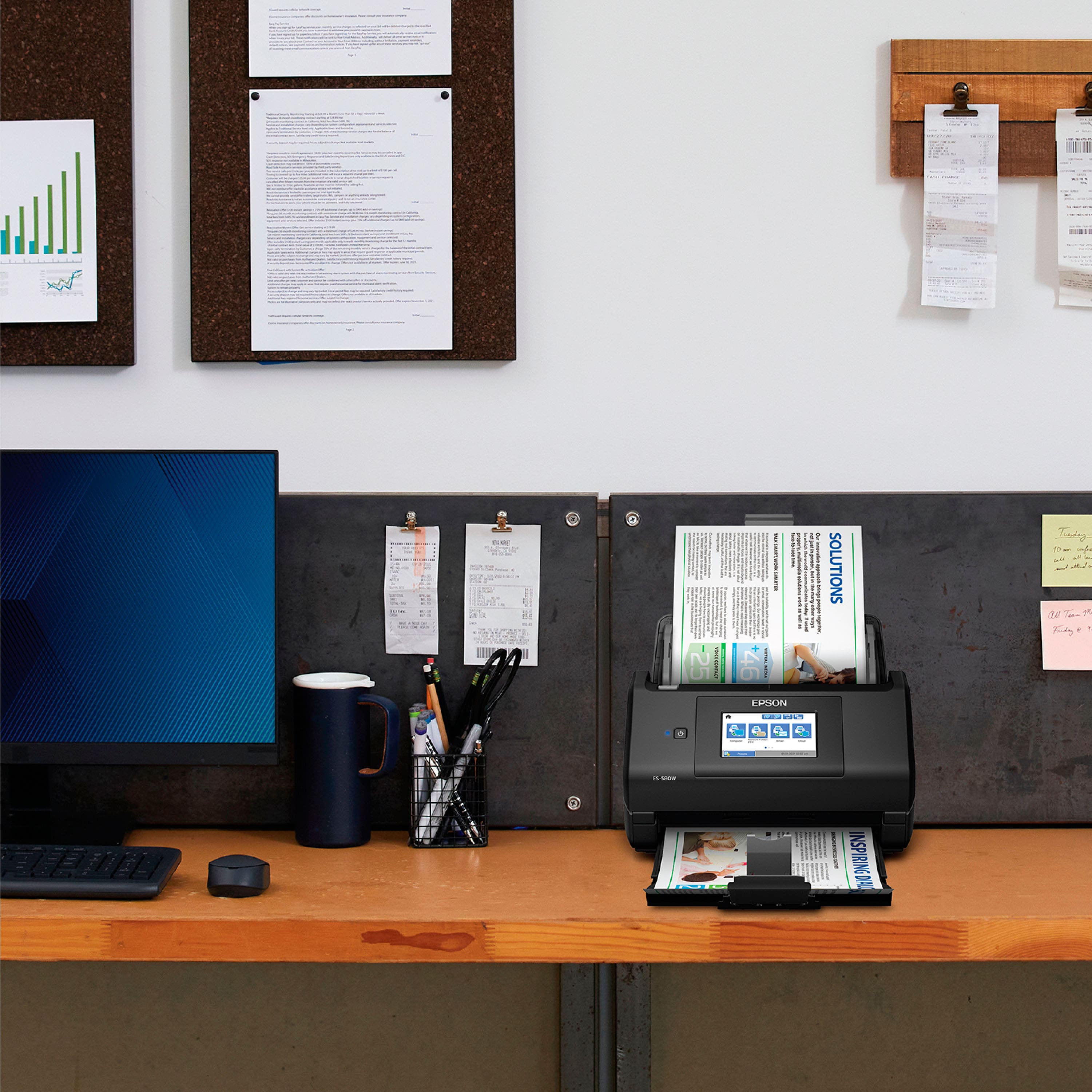
A:AnswerHi jjmeck, The WorkForce ES-580W feeds grocery story receipts to produce clear, readable scans. Minor creases will not prevent the receipts from being scanned. Regards, Mark - The Epson Team.
A:AnswerHi zzzz. Yes, the Epson WorkForce ES-580W can save your scans in one of the following editable Microsoft Office file formats: Microsoft Word (.docx), Microsoft Excel (.xlsx), or Microsoft PowerPoint (.pptx). Regards, Kevin - The Epson Team
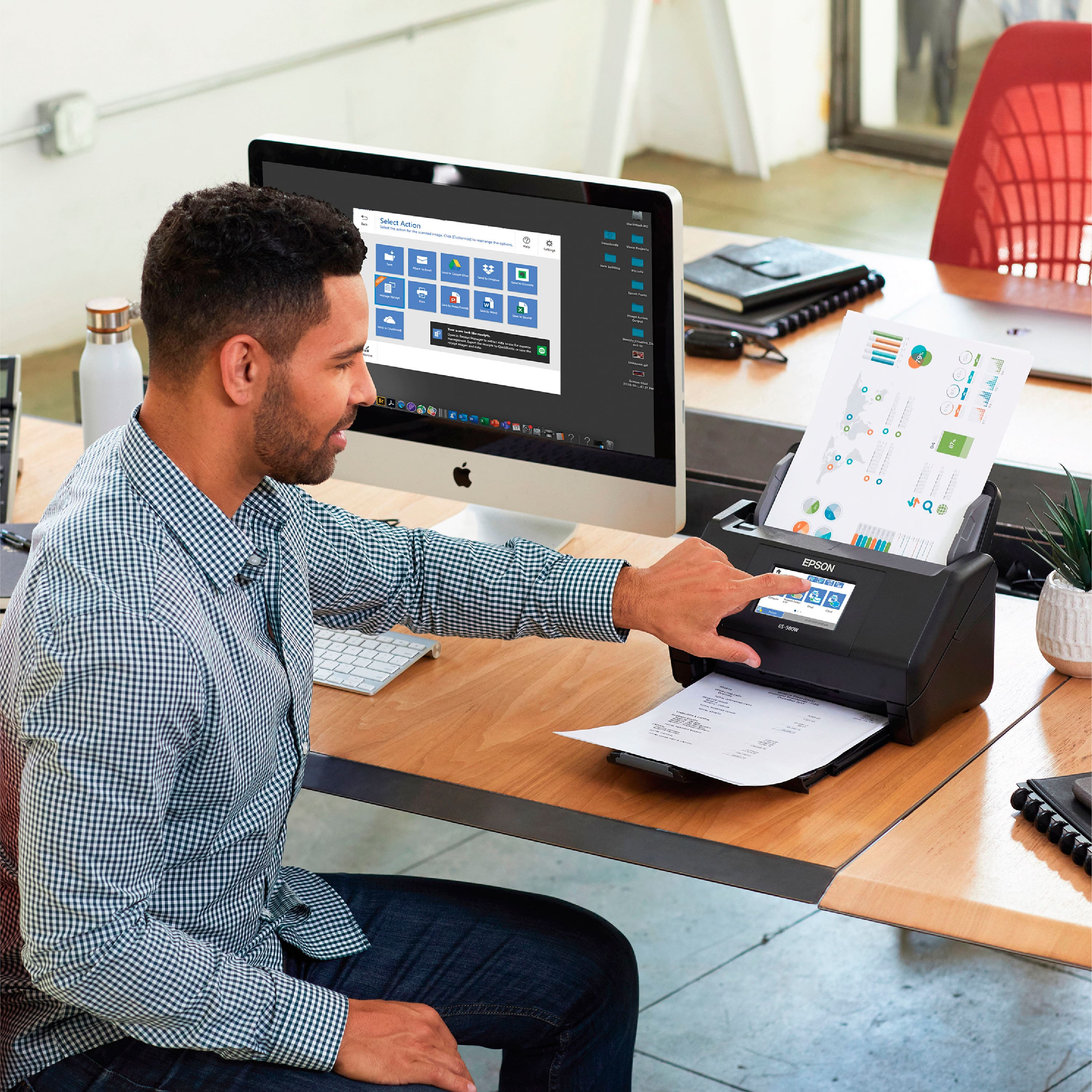
A:AnswerHi ChazMac, Sorry, the ES-580W can scan directly to a cloud service or email account, but you must run Epson ScanSmart Software on a connected computer to use the feature. Regards, Mark - The Epson Team.
A:AnswerHi Lindalu, The ES-580W is a fast, efficient scanner. Sorry, it is not a fax machine. Please consider one of the WorkForce all-in-one products. Many of those include fax capabilities. Regards, Mark - The Epson Team.
A:AnswerHi Tasha, The software that comes with the ES-580W allows you to do this manually, but it does not support the automatic creation of a new file every five scanned sheets. Regards, Mark - The Epson Team.
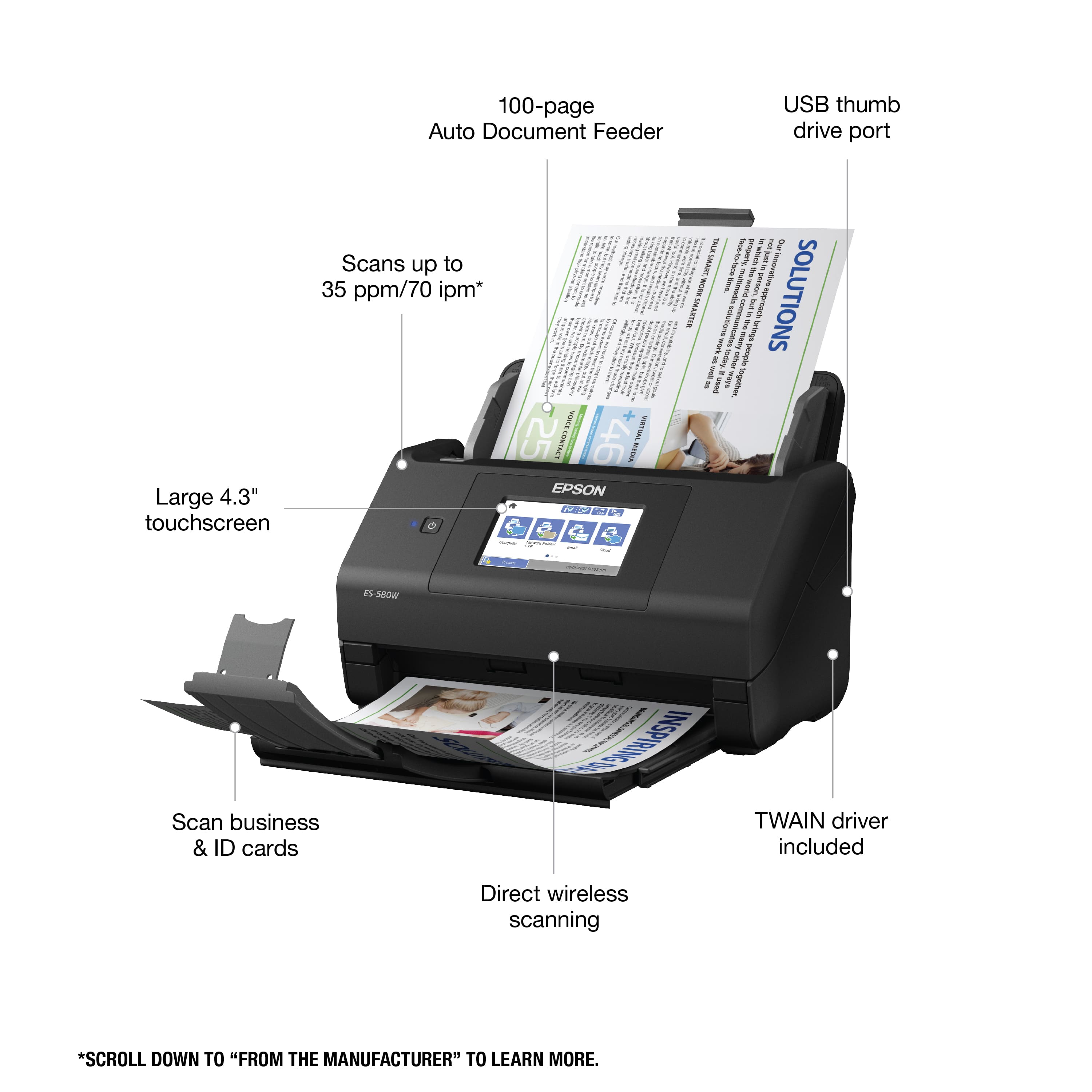
A:AnswerHi, Yes, the WorkForce ES-580W can be used to scan directly to a flash drive. The port is on the back of the scanner. Regards, Dylan - The Epson Team.
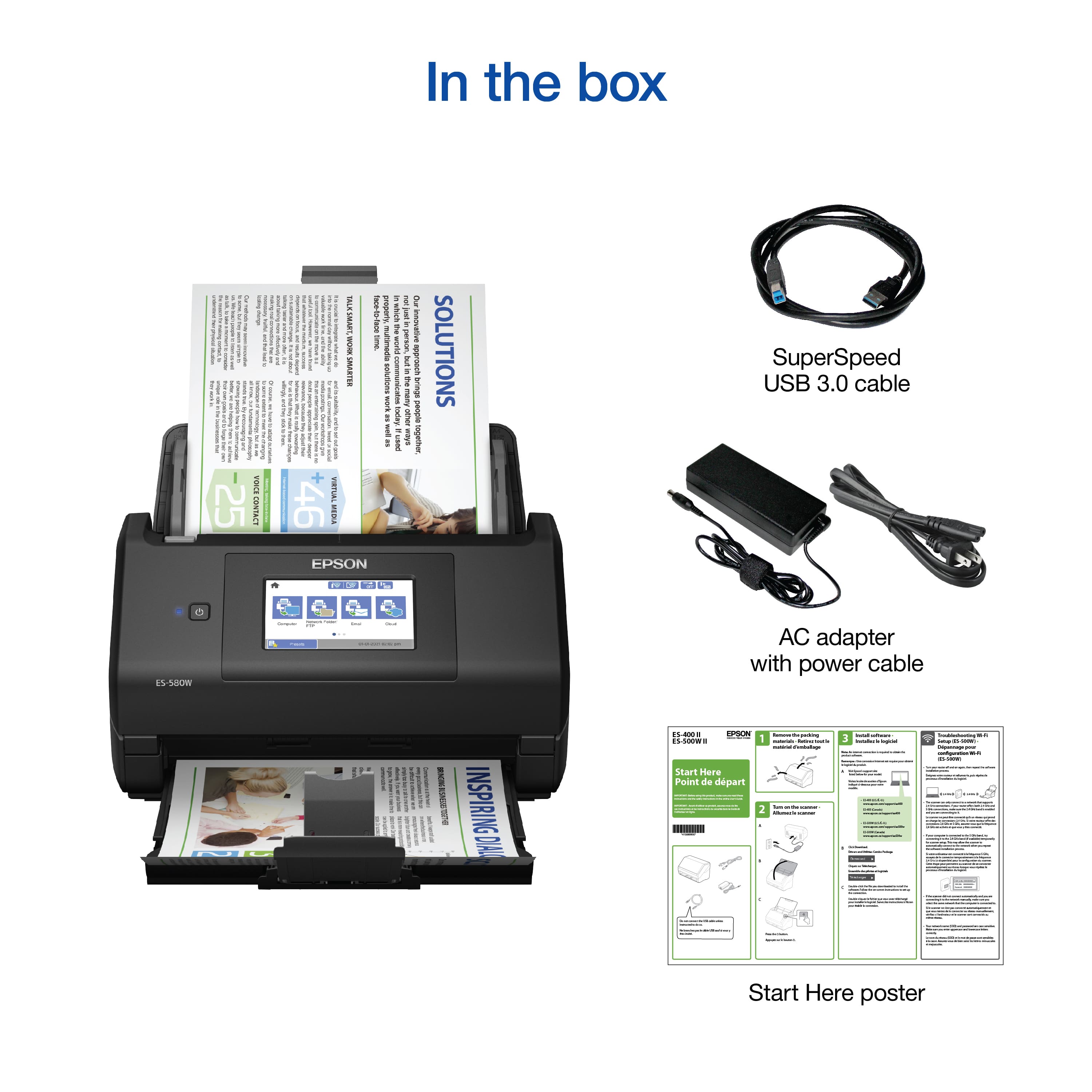
A:AnswerHi RBKush, When you installed the Epson ES-580W software did you use the Combo Package installer? Did it run normally and install all software including ScanSmart? Did you connect the USB cable when the installer's onscreen instructions indicated you should? Did you maker sure your computer's firewall was not preventing the scanner from connecting? If you answered "yes" to all these questions, please call the Epson support number listed on the Start Here poster that came with your scanner for assistance. Regards, Mark - The Epson Team.
A:AnswerHelo Patrick. To create a searchable PDF with the ES-580W, you must scan the document using the Epson ScanSmart software. To download the latest Epson ScanSmart software, please visit our official Epson Support page. Regards, Kevin - The Epson Team.
A:AnswerHi Rosie. Yes, the Epson WorkForce ES-580W was designed to automatically scan 2-sided documents. Visit the official Epson Support website for more information. Regards, Bobby - The Epson Team.