A:AnswerTry unplugging it for a minute and then plugging it back in. Sometimes I still need to power it down and back up after unplugging it one more time. But unplugging it seems to be the "reset" feature.
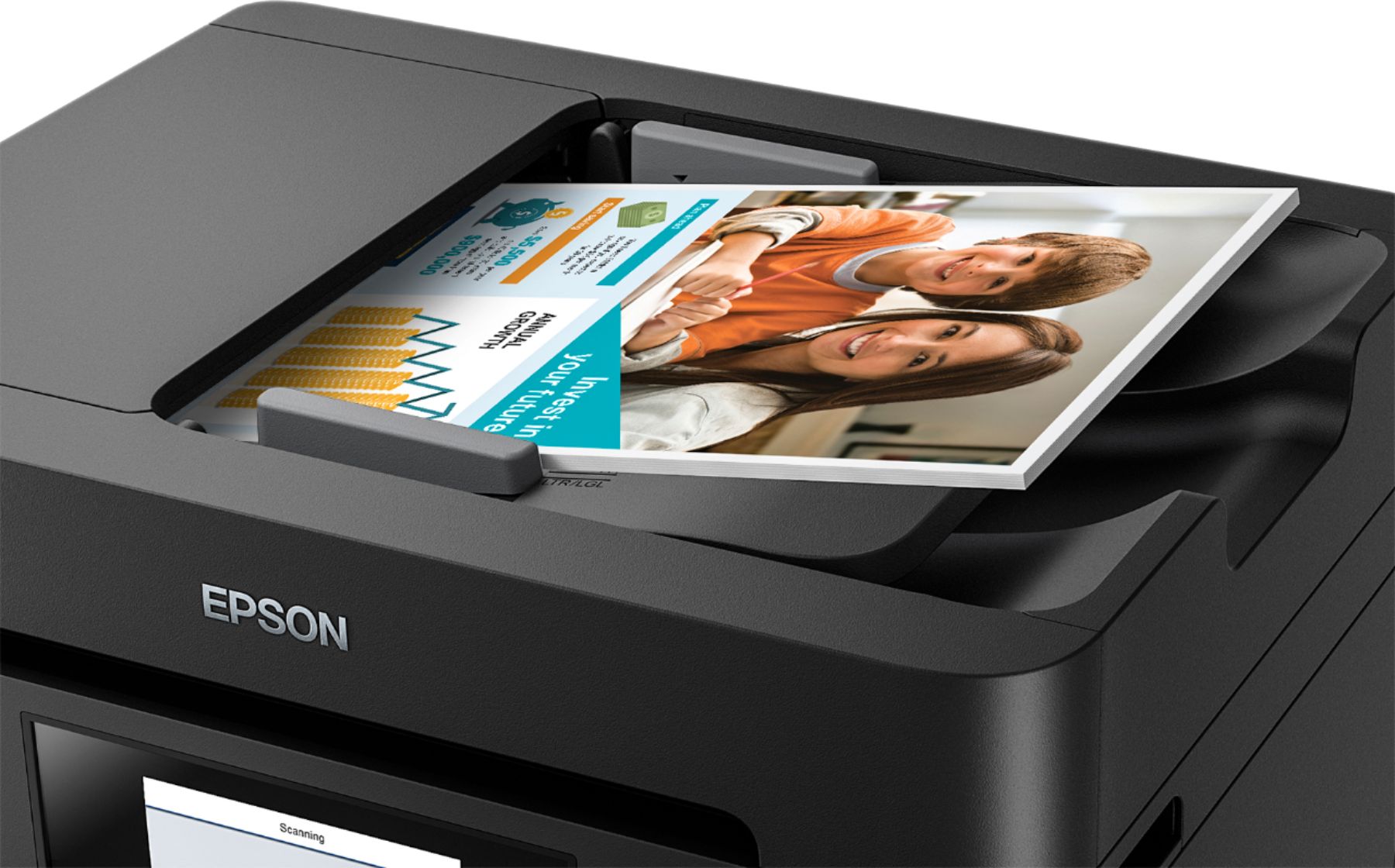
A:AnswerYes you can scan a multiple page document. The limit is the doc feeder. It has a 50 page max. But I just scanned a 113 page document into 3 segments and then used Adobe Acrobat to merge into the original 113 page document.
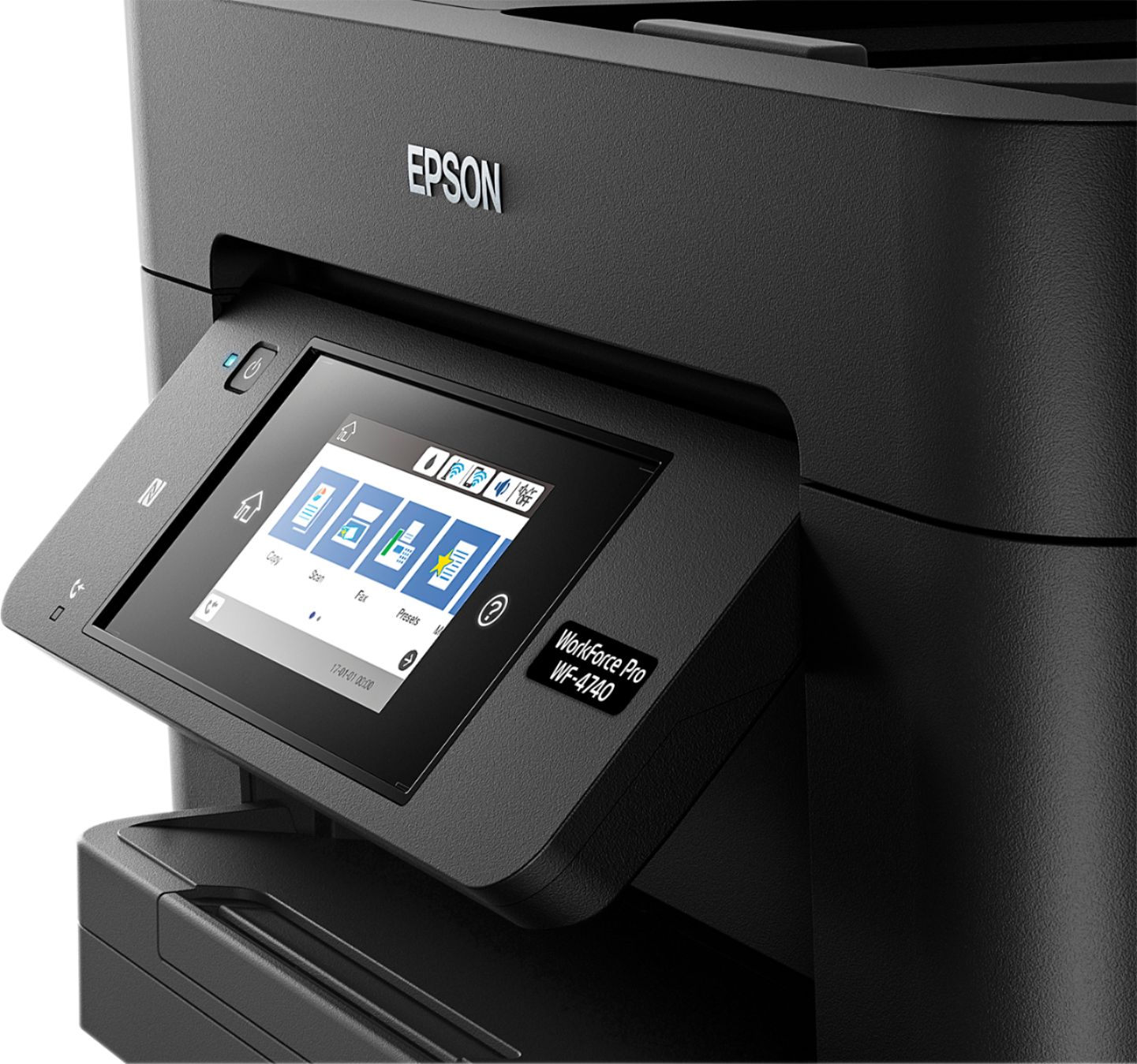
A:AnswerFor copies, yes you can. On the printer touchscreen touch "Copy" then touch "Reduce/Enlarge" then you can either choose one of the presets or type in an actual percentage.
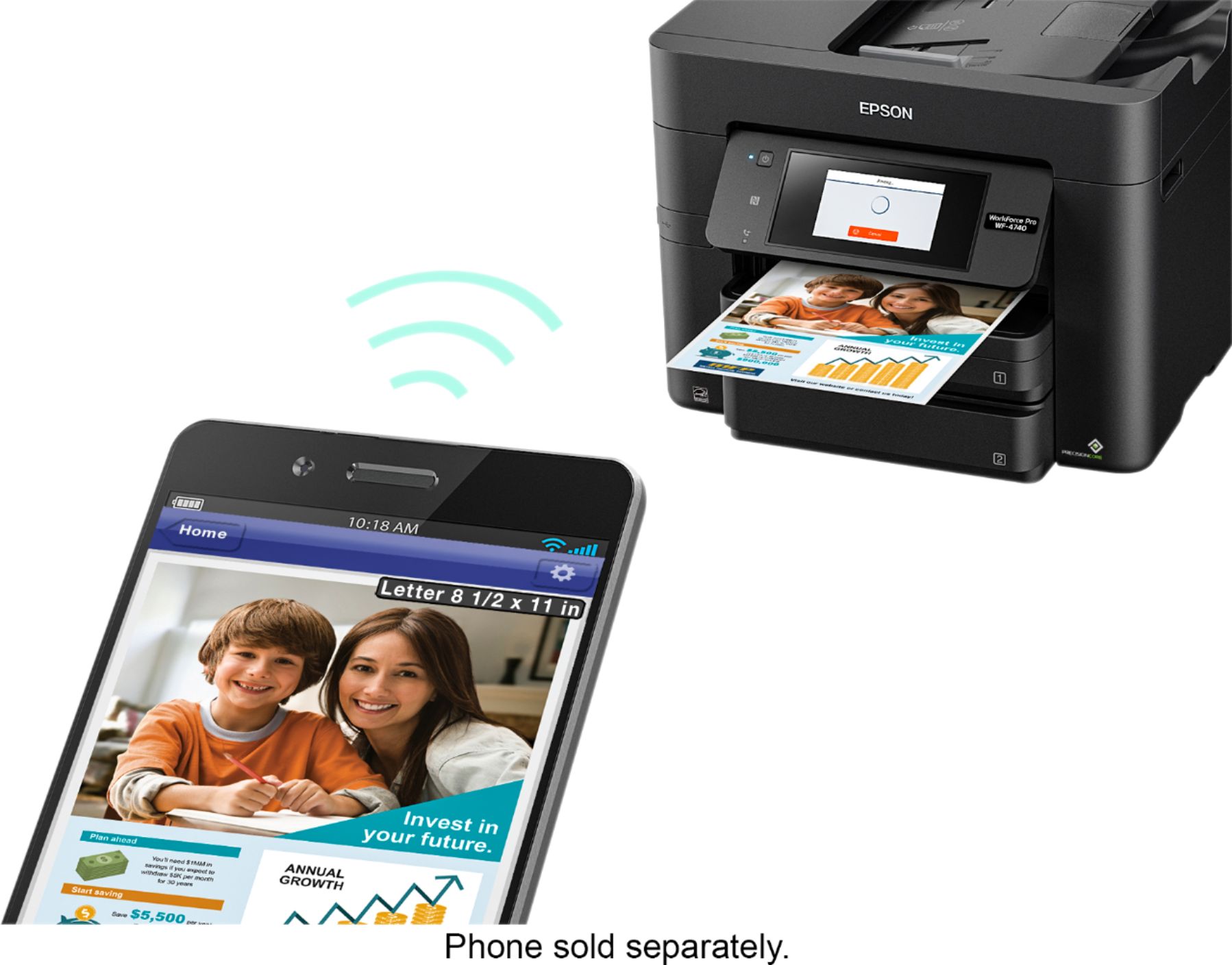
A:AnswerIt is very easy. The printer walks you through the steps. Some knowledge is necessary. Must know your WiFi name and password. If it cannot connect you will need to have tech knowledge to complete or call Best Buy tech support.