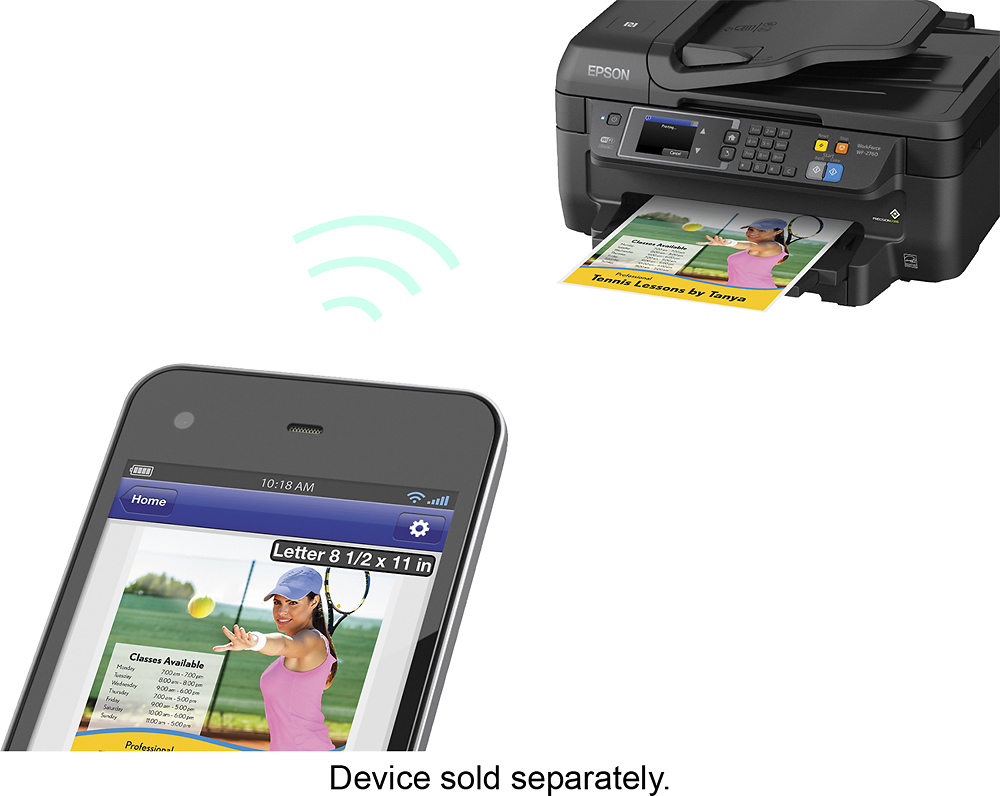
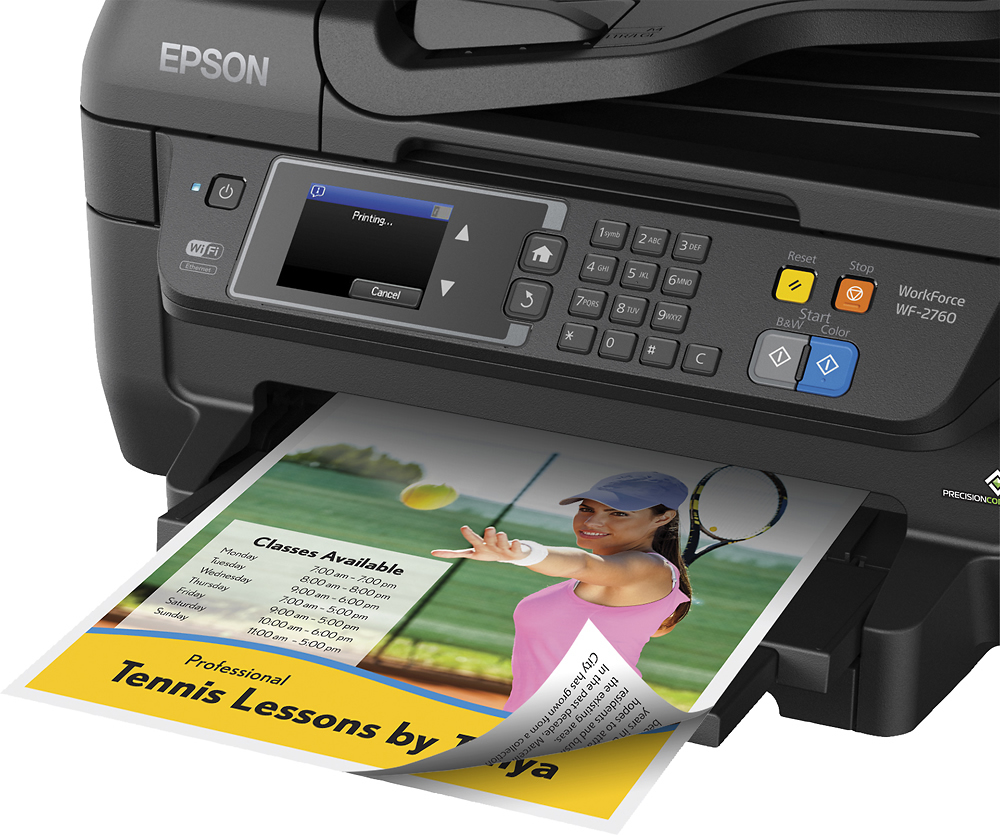
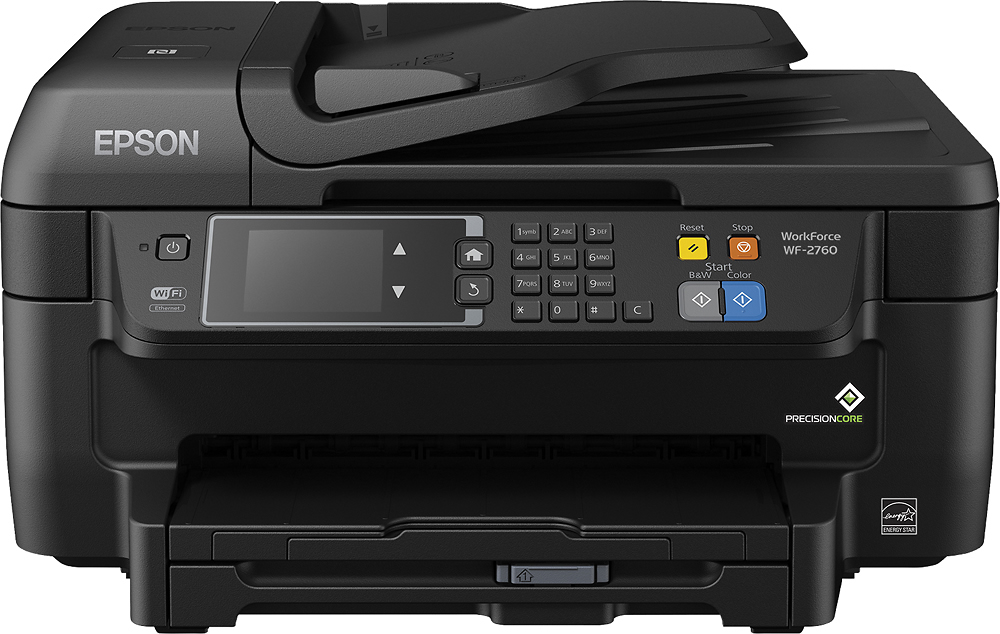
A:AnswerYes, if you connect it to your network (wired or wireless) you can use it from multiple devices. Similarly you can use it with more than one mobile device if using google cloud print or airprint.
If you connect the printer via USB cable you can only connect it to one computer at a time. I'm not sure if you can use both usb and network at the same time.
A:AnswerThe printer should connect to the laptop, if there is any troubles with the computer not allowing it to connect, then you may try to plug a usb cable into it for a hard wired connecting from the computer to the printer and it should work just fine at that point.
A:AnswerWe don't have a CD drive on our computer either, but still managed to set it up fine. And we used a cable with it, but I can't remember if it came with one. I want to say it did, but I'm not 100% sure. In any case, using a cable is an option, so you don't have to go wireless.
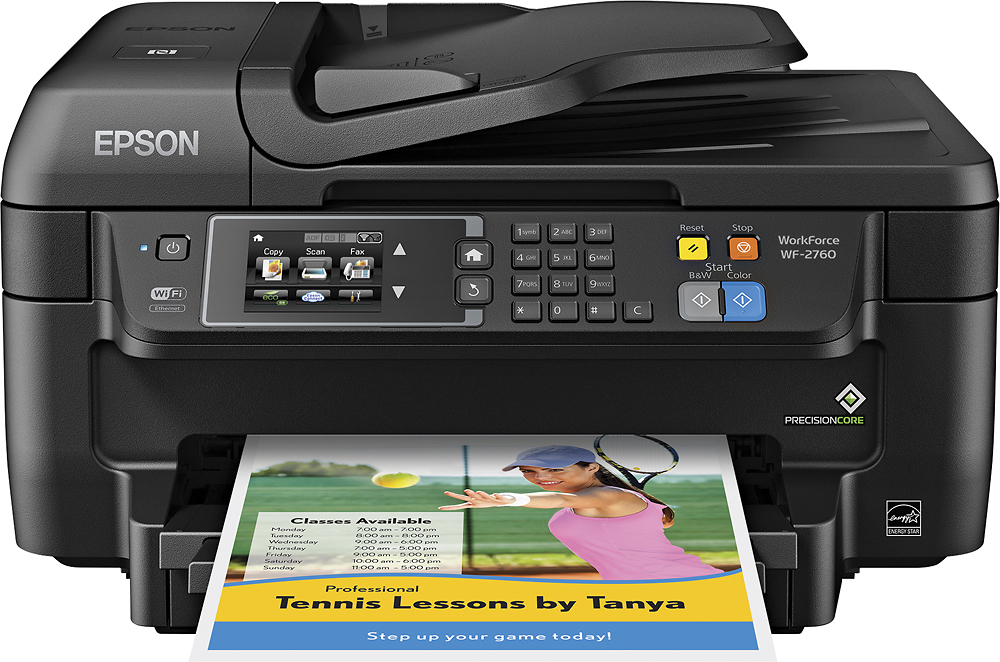
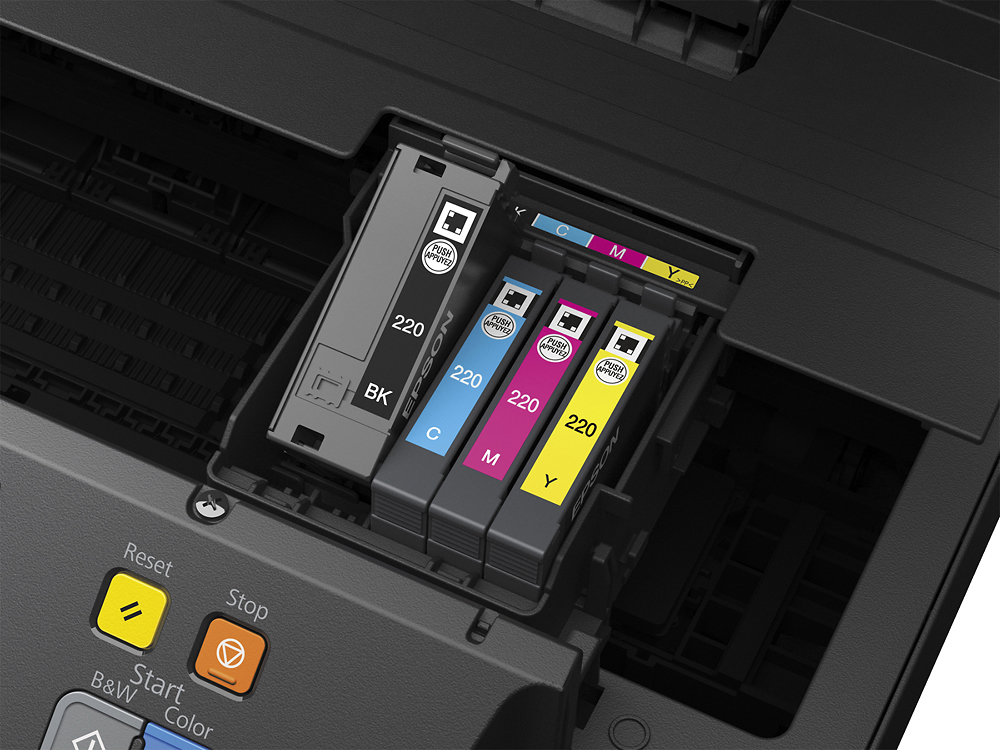
A:AnswerI have this printer and that is not the case with my WF-2760. I just change the color that has run out and have not been required to change any of the other colors that still have ink. Perhaps a tech person at the store can help with that as it is not an issue with my printer.
A:Answerthe answer should be yes. However, I have not been able to print from my phone yet.
Also, at least once a day, the printer goes off line and I have to unplug the router for a few seconds and then restart my computer before it will print.
A real pain! Not sure why I haven't sent it back yet.