Questions & Answers
- Model:
- C11CK63201
- |
- SKU:
- 6516130
Highly rated by customers for: Print Quality, Ease of use, Size
$119.99Your price for this item is $119.99
Page Showing 41-60 of 170 questions
Q: QuestionDo I need a specific chord to fax?
Asked by Mich.
- A:Answer Hello Mich. The printer must be connected to a telephone landline to send and receive faxes. Regards, Kevin - The Epson Team.
Answered by Epson

Q: QuestionWill this printer work with a 5g network
Asked by Jc.
- A:Answer Apparently not. I tried connecting it with our 5G network, but couldn't make the connection work.
Answered by BShoe
Q: QuestionDo you have to connect to a landline in order to fax?
Asked by Tigger.
- A:Answer Yes
Answered by KevinU
Q: Question1 year ago you answered a question saying that there are no scan drivers. Has that changed? Can it scan now?
Asked by John.
- A:Answer We've used the printer to scan documents, and it does fine for us. Mind you, when scanning to PDF, that needs to be done from the destination computer (unless you have a computer connected directly to the printer via USB).
Answered by BShoe
Q: QuestionDoes this printer work with magnetic ink for check printing?
Asked by D.
- A:Answer Hello. The WF-2930 is designed to only work with Epson 232 and 232XL Ink. Unfortunately, magnetic ink will not work with the machine. Regards, Kevin - The Epson Team.
Answered by Epson

Q: QuestionDoes this printer use the 410 cartridges ?
Asked by Chas.
- A:Answer Hello. The WF-2930 is designed to only work with Epson 232 and 232XL Ink Cartridges. Unfortunately, 410 Ink Cartridges will not work with the machine. Regards, Kevin - The Epson Team.
Answered by Epson

Q: Questioncan this be used for sublimination
Asked by evie.
- A:Answer Hello evie, the Epson Workforce WF-2930 is designed to use only genuine Epson-brand ink cartridges. Other brands of ink cartridges, and ink supplies, are not compatible, and even if described as compatible, may not function properly or at all. Please ensure you have installed Epson genuine cartridges. If you are still having problems, you may contact our Epson Advanced Support Team at (800) 241-5794; Hours: Monday – Friday, 7 a.m. to 4 p.m. (PT). Sincerely, Alissa A. – The Epson Team
Answered by Epson

Q: QuestionDoes this automatically scan/copy both sides of a page of does it have to be done manually
Asked by CoreyJ.
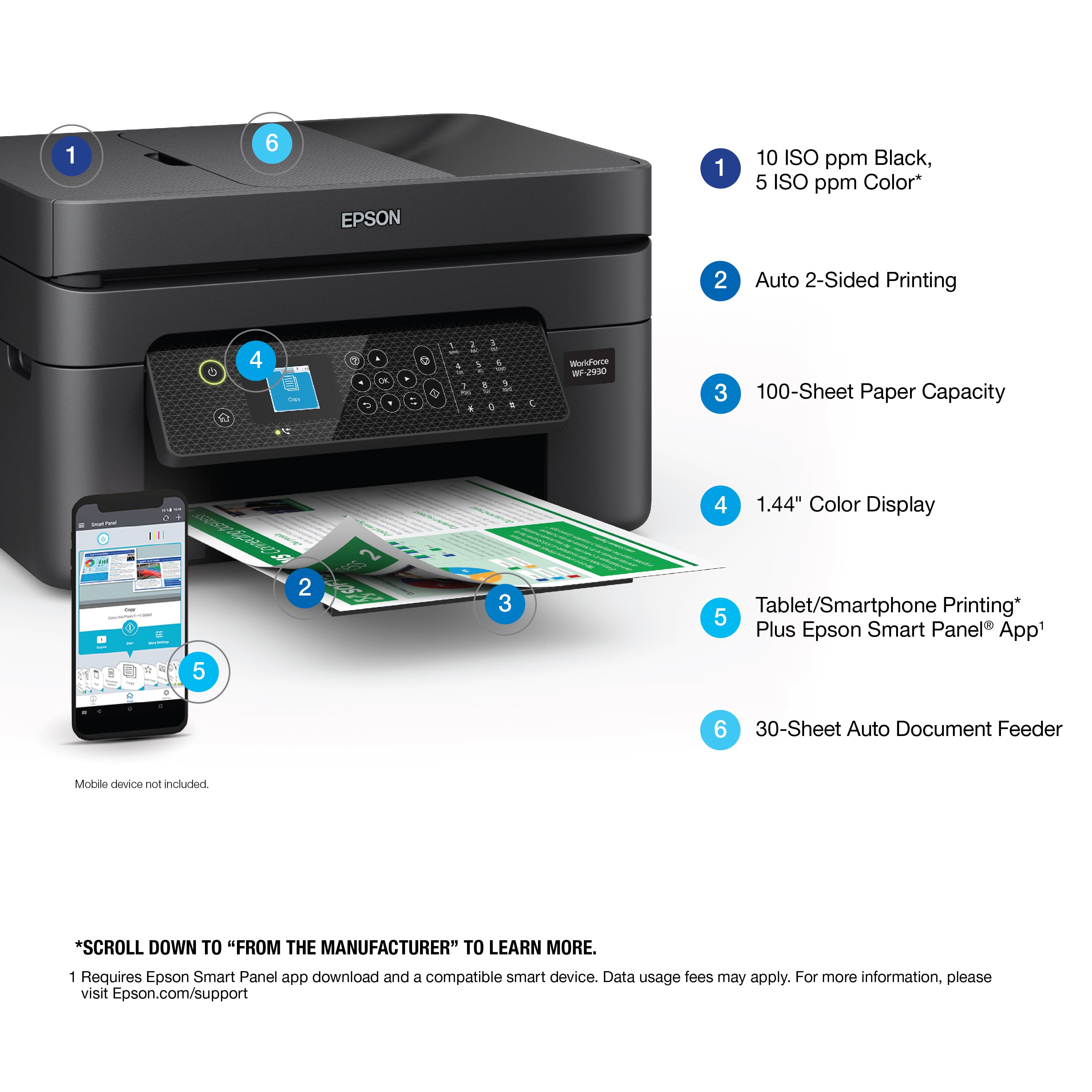
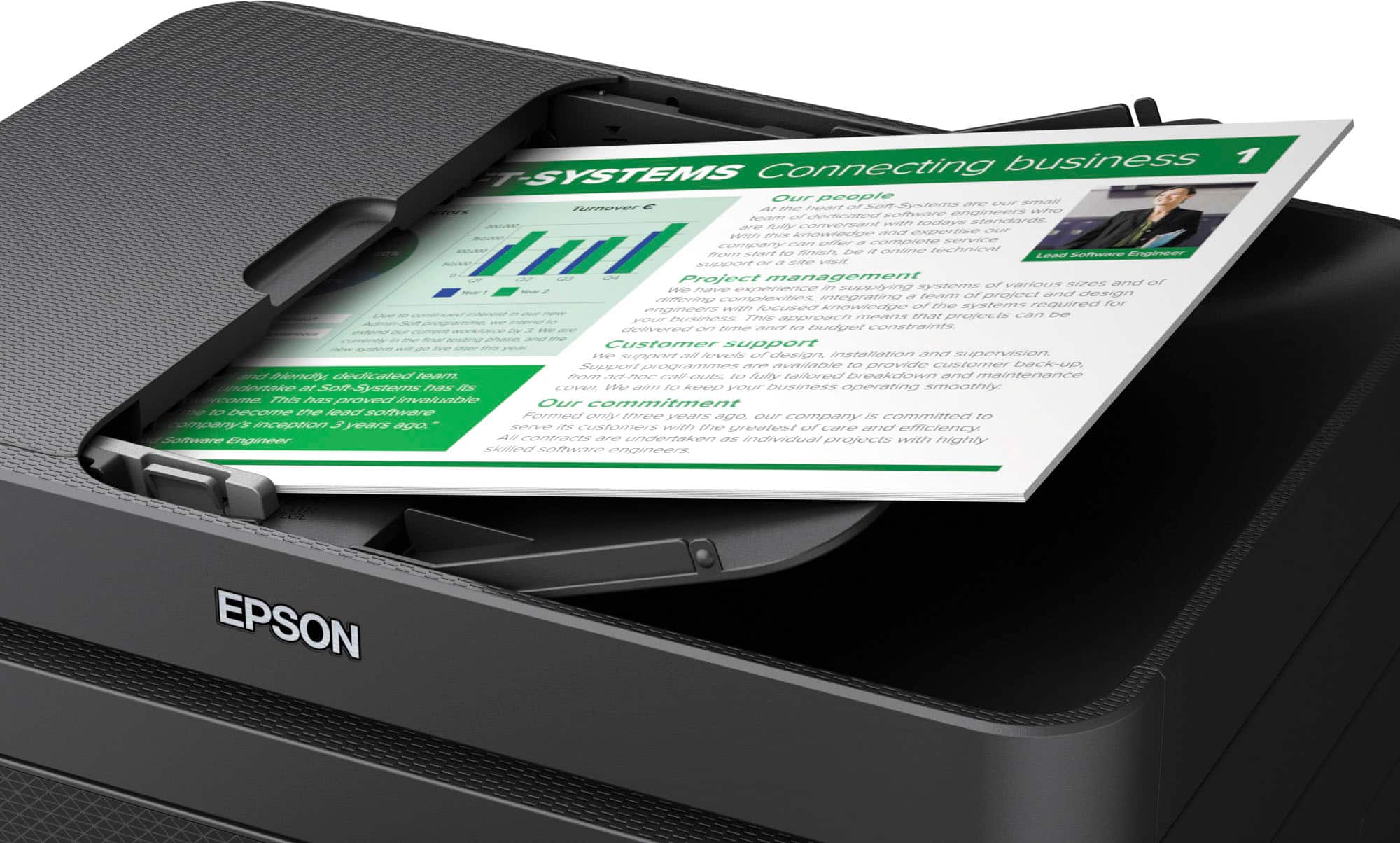
- A:Answer Hello CoreyJ. The WF-2930 only has automatic 2-sided printing. You must manually flip the page to scan/copy both sides. We recommend looking at the WF-4830, as it is a similar printer with automatic 2-sided print, copy, and scan functionality included. Regards, Kevin - The Epson Team.
Answered by Epson

Q: QuestionWhat size cartridges does the WF-2930 use?
Asked by shacha.
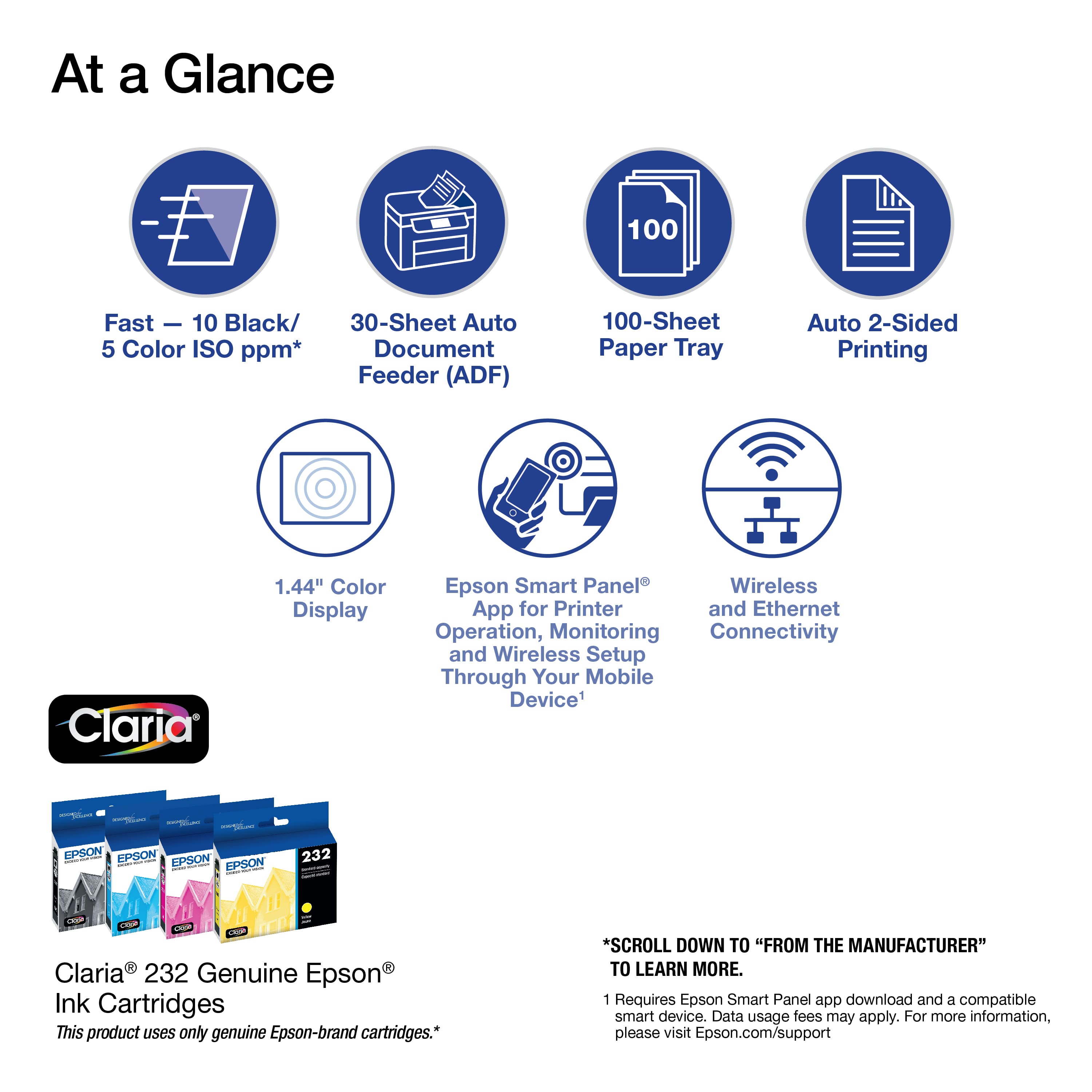
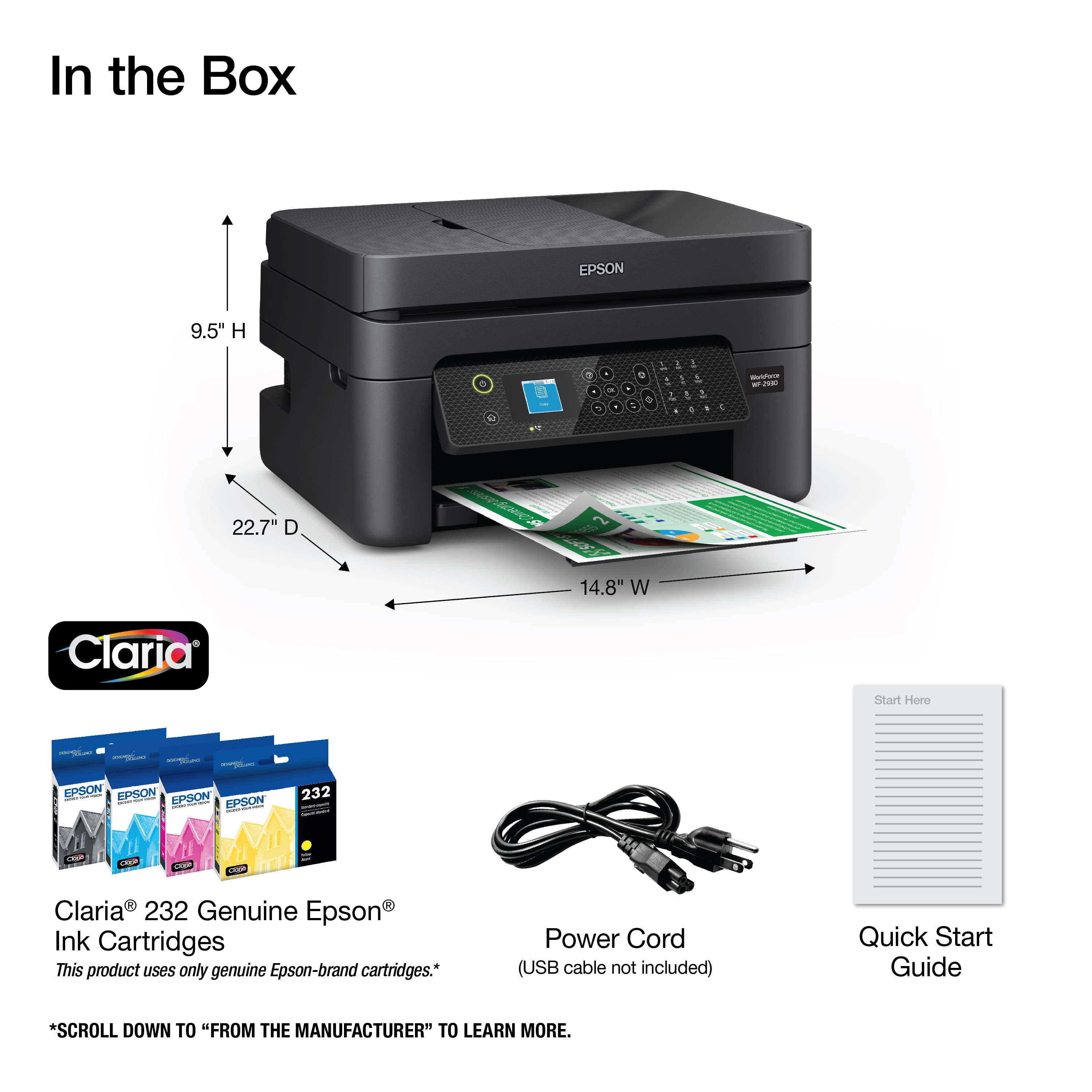
- A:Answer Hello shacha. The WF-2930 is designed to work with Epson T232 and T232XL Ink Cartridges. Regards, Kevin - The Epson Team.
Answered by Epson

Q: QuestionCan you change individual ink cartridges or do you have to replace them all at one time
Asked by Jersey.
- A:Answer You can change individual cartridges
Answered by JessicaS
Q: QuestionI’ve changed the ink twice now and it won’t print well. The black ink is always splotchy and not fully opaque. How do I fix this
Asked by Anonymous.
- A:Answer Hello. We recommend printing out a nozzle check from the maintenance menu. If you have missing segments in the color patterns, try running cleanings from the same menu. If this does not fix your quality issue, please reach out to our Technical Support team by phone for assistance. Regards, Kevin - The Epson Team.

Answered by Epson

Q: QuestionHOW TO CHANGE/INSTALL INK CARTIDGE
Asked by Lois.
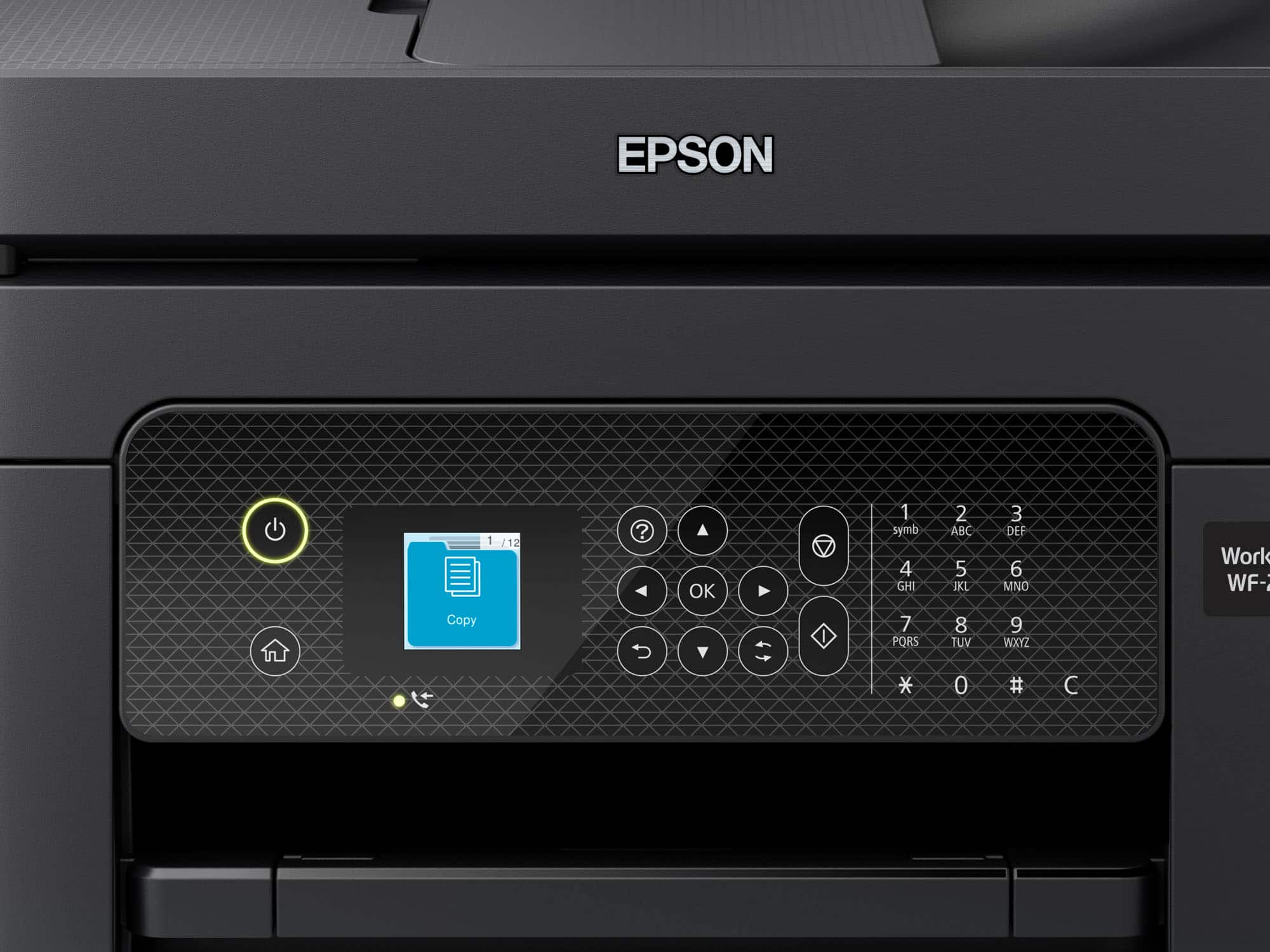
- A:Answer Hello Lois. You can change the Ink cartridge by going into the maintenance menu from the home screen and selecting Ink Cartridge(s) Replacement. There will be step-by-step instructions on the screen that you can follow. If you need additional assistance, you can download the User's Guide on our official Epson Support page and there are details on how to replace the Ink Cartridges on page 205. Regards, Kevin - The Epson Team.
Answered by Epson

Q: QuestionCan this printer perform two-sided scanning?
Asked by Barndog.
- A:Answer Hello Barndog. You can only scan both sides of a document by manually flipping the page. Unfortunately, automatic 2-sided scanning is not available on this model. Regards, Kevin - The Epson Team.
Answered by Epson

Q: QuestionCan you do sublation(sp) paper to make tumblers from with this printer?
Asked by Rexington.
- A:Answer Hello Rexington. The WF-2930 is not designed for sublimation. Using sublimation ink may damage the print head and affect warranty coverage. Regards, Kevin - The Epson Team.
Answered by Epson

Q: QuestionDoes this printer print two sided
Asked by MillieJo.
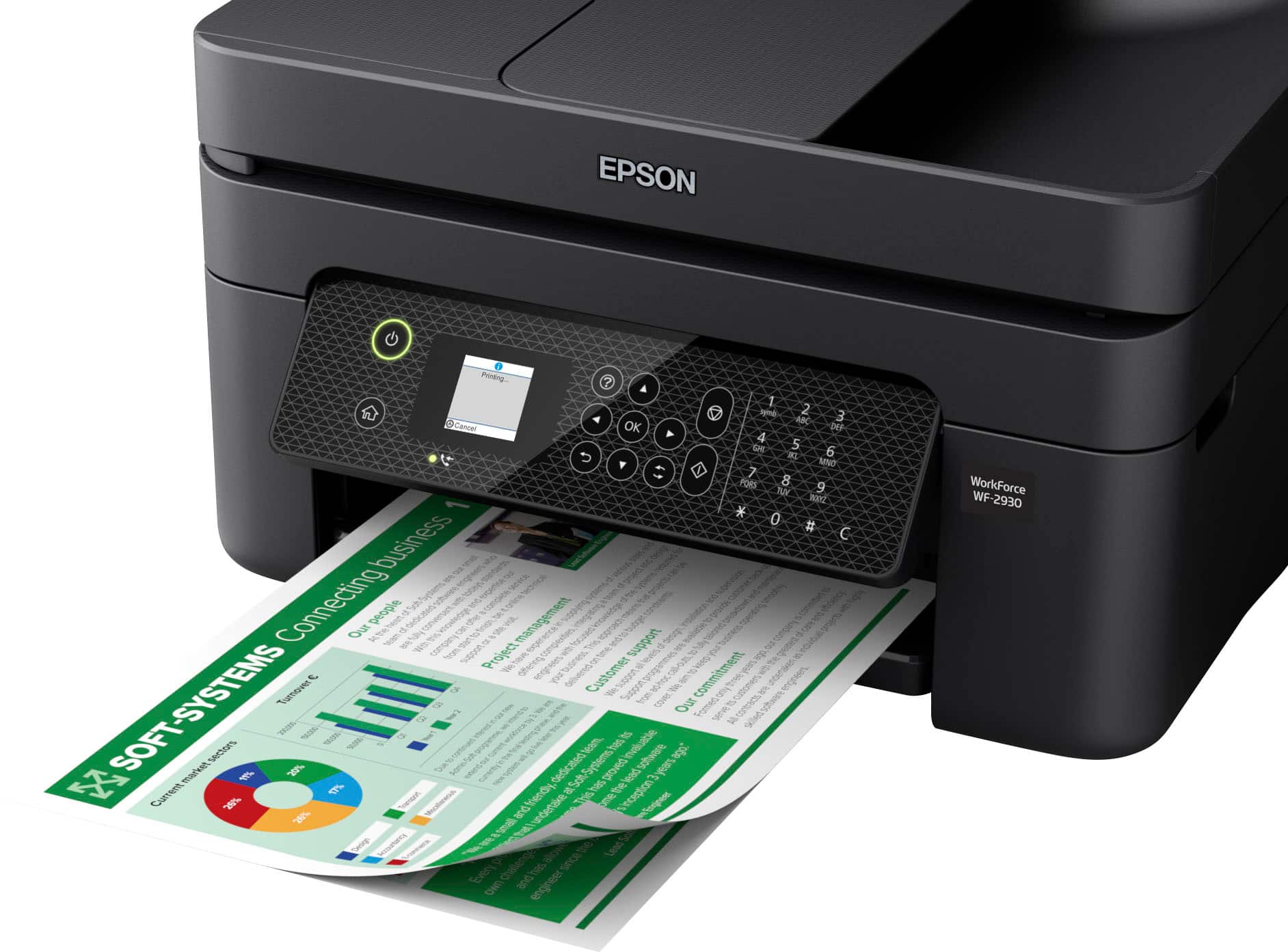
- A:Answer Yes it does. You just have to make sure the appropriate box on the print settings is checked off and you'll be good to go.
Answered by BrianC
Q: QuestionIs this compatible with windows 11 on desktop.
Asked by Fatboy.
- A:Answer Yes it is compatible.
Answered by user758908
Q: QuestionCan you walk me through how to change my Epson WF-2930 printer to "copy1?"
Asked by Katie.
- A:Answer Arrow over on the settings tab.
Answered by user758908
Q: QuestionWill the wf 2930 be compatible with windows 7
Asked by KpWj.
- A:Answer I'm sure it can
Answered by user822483
Q: Questionwill this do al the stuff my epson workforce 500 does and is it setup easy, plug in, done?
Asked by sarge.
- A:Answer Yes. Set up is easy. Plug in and follow onscreen prompts.
Answered by user758908
Q: QuestionWhar kind of ink do I need for this printer?
Asked by Anonymous.
- A:Answer Proprietary brand of printer cartridges: "232", for this model.
Answered by UserFromTyngsboroughMA
Most-viewed items
- $79.99Your price for this item is $79.99$149.99The comparable value for this item is $149.99
- $49.99Your price for this item is $49.99$89.99The comparable value for this item is $89.99
- $149.99Your price for this item is $149.99$249.99The comparable value for this item is $249.99
- $209.99Your price for this item is $209.99$309.99The comparable value for this item is $309.99
- $99.99Your price for this item is $99.99
- $37.99Your price for this item is $37.99$53.99The comparable value for this item is $53.99
- $159.99Your price for this item is $159.99$239.99The comparable value for this item is $239.99
- $129.99Your price for this item is $129.99$199.99The comparable value for this item is $199.99
- $69.99Your price for this item is $69.99$140.99The comparable value for this item is $140.99
- $59.99Your price for this item is $59.99$89.99The comparable value for this item is $89.99
- $69.99Your price for this item is $69.99$107.99The comparable value for this item is $107.99
- $139.99Your price for this item is $139.99$179.99The comparable value for this item is $179.99
- $229.99Your price for this item is $229.99$379.99The comparable value for this item is $379.99
- $129.99Your price for this item is $129.99$159.99The comparable value for this item is $159.99
- $229.99Your price for this item is $229.99$323.99The comparable value for this item is $323.99
- $149.99Your price for this item is $149.99$215.99The comparable value for this item is $215.99
- $129.99Your price for this item is $129.99$249.99The comparable value for this item is $249.99
- $603.98Your price for this item is $603.98$699.99The comparable value for this item is $699.99