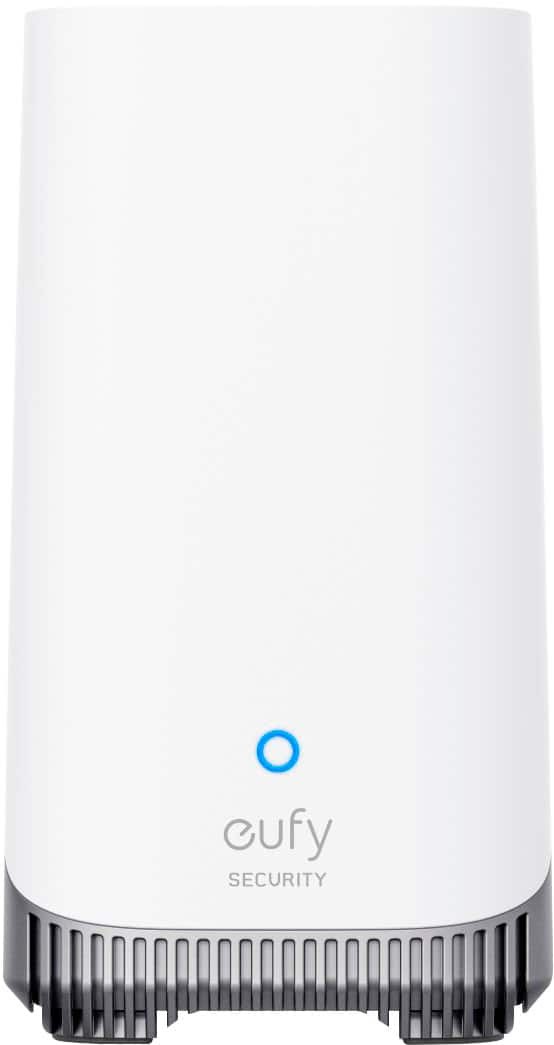
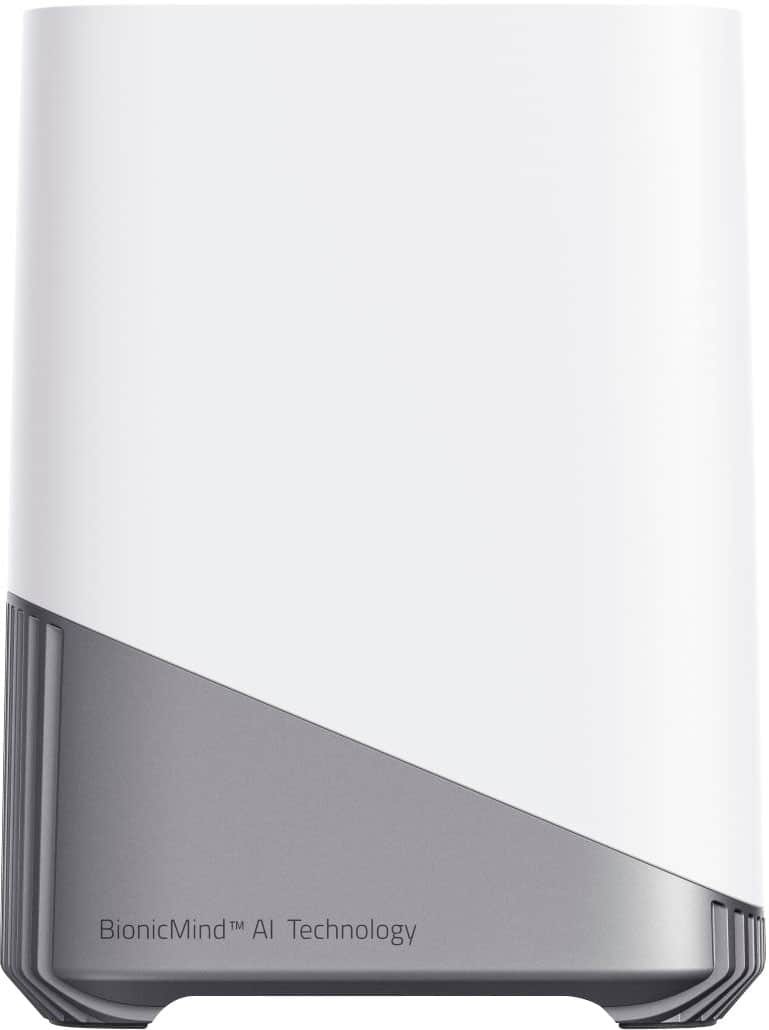
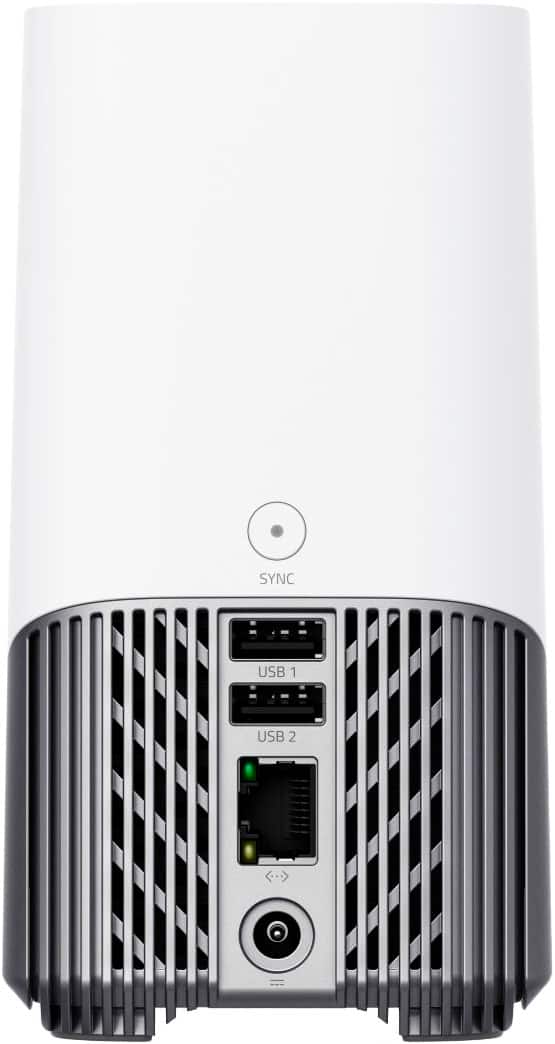
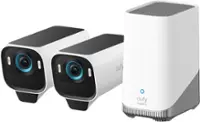
A:AnswerPer Mfg: "If your camera can't reach your Wi-Fi network, you can expand the reach of your Wi-Fi network by setting HomeBase S380 to act as a Wi-Fi repeater. By placing it within range of your camera, it relays the wireless signal and eliminates the problem.
Note: When HomeBase S380 is switched to Wi-Fi Repeater Mode, the number of devices that can be connected will be halved due to a reduced total bandwidth."
The base has no battery, and requires continuous power.
A:AnswerI actually contacted their tech support on this question. Their angle of coverage actually focuses down, not out. So we had to adjust our cameras so that they actually pointed higher than we thought they should. If you have purchased their cameras, the help section actually has diagrams of the angles of coverage they suggest their cameras have.
A:AnswerUsually, problem is WiFi Network or Internet Provide have very poor UPLOAD speed.
Try taking the homebase and 1 camera to your friend's home and try again.
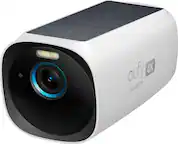
A:AnswerYes, you can use the eufyCam 3 system with an internet extender. The eufyCam 3 connects to the HomeBase 3, which requires an internet connection. If your extender is providing a stable 2.4GHz Wi-Fi signal, you can connect the HomeBase 3 to it wirelessly after the initial setup.
Here's how you can connect the HomeBase 3 to your Wi-Fi extender:
Initially, connect the HomeBase 3 to your router using the provided Ethernet cable for the setup process.
Once the HomeBase is set up and connected to the eufy Security app, go to the HomeBase settings in the app.
Find the Wi-Fi setup option and follow the instructions to connect the HomeBase to your Wi-Fi extender's network.
Make sure that the Wi-Fi extender is within a good range of your router to ensure a strong and stable connection. If the connection is weak or unstable, it may affect the performance of your eufyCam 3 system.
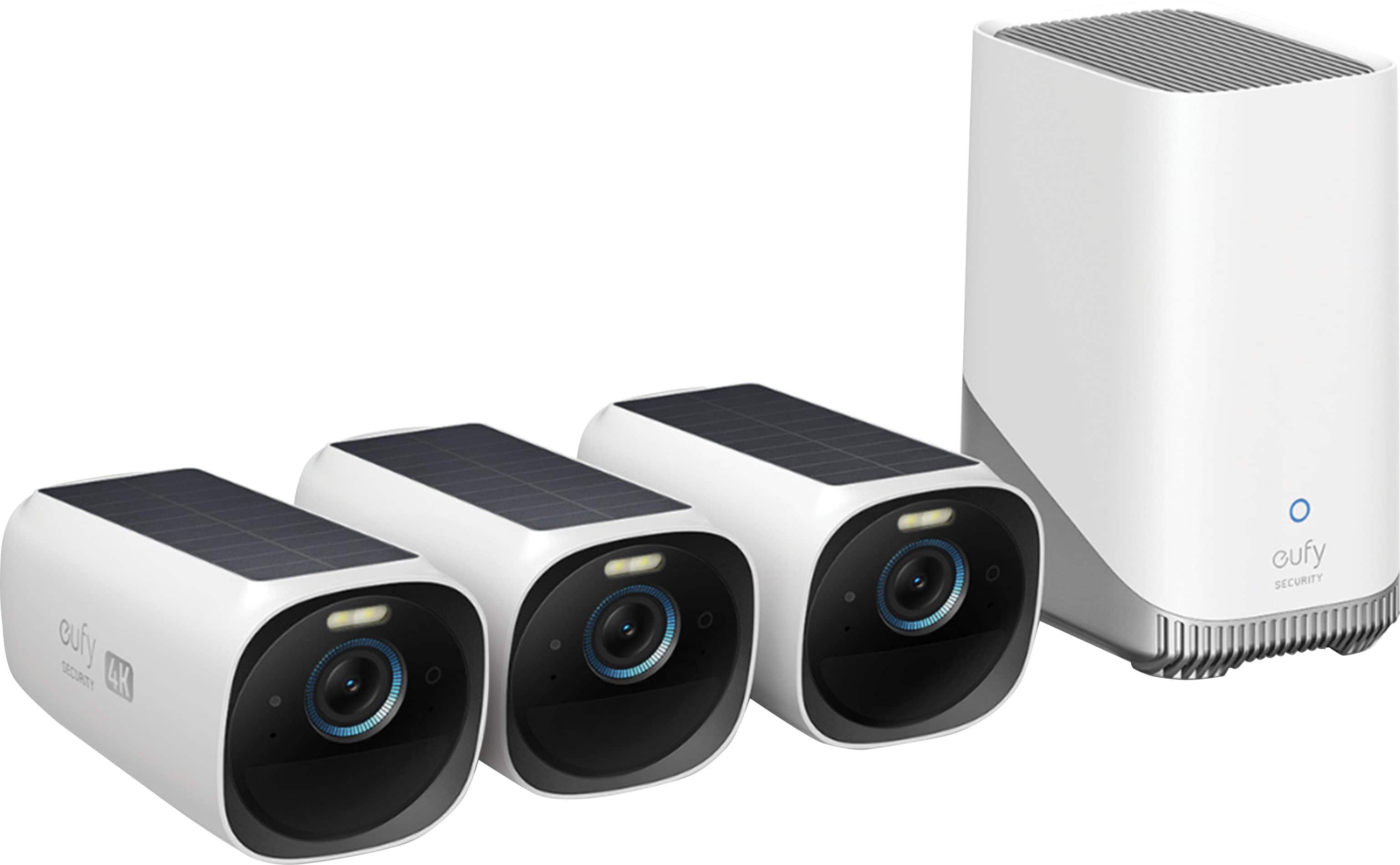
A:AnswerIt's not. You'll need to purchase Homebase 3. Homebase 2 is an older hardware that was bundle with Eufy dualcam, or sold separately amd compatible with 2k cameras.
I started out with Eufy door dualcam. Came with Homebase 2. I learned that it wasn't compatible with the 4k cam and had to purchase HB3. The dualcam was not compatible with HB3 (at the time) so i had 2 Homebase units until Eufy released a firmware update for the HB3 that added more product compatibility.
A:AnswerI havent tried it on my PC, but I look at it on my phone. It records events for 15 or 20 sec. You can look at these. Remember that the more you watch live, the battery could go dead.
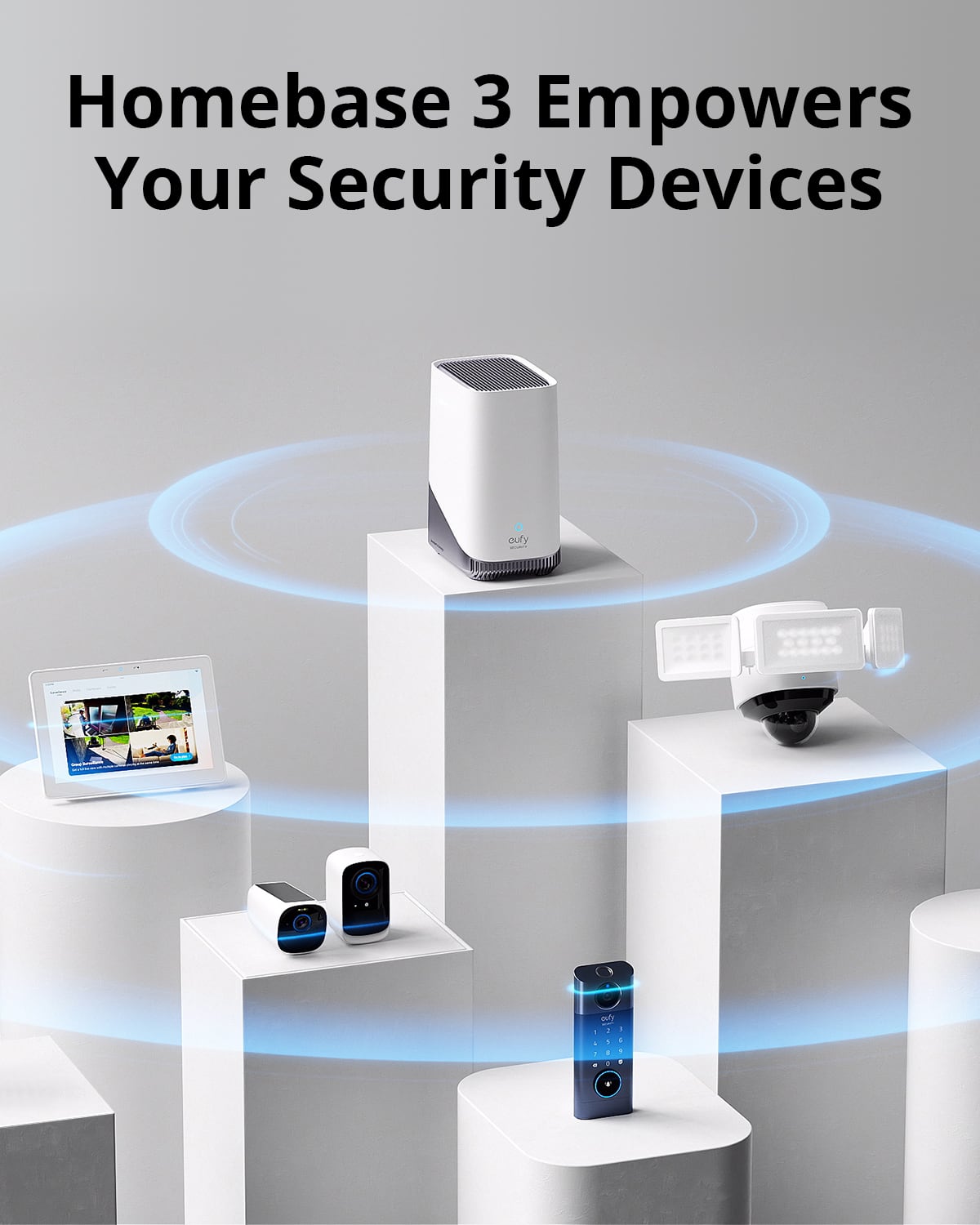
A:AnswerYou can refer to the link below about the compatibility with the Homebase 3.
https://support.eufy.com/s/article/Centralize-Your-Security-Ecosystem-with-HomeBase-3