Winter SaleEnds 1/19. Limited quantities. No rainchecks.Shop now

Main Content

Questions & Answers

Winter Sale Deal
Your price for this item is $539.99
The comparable value price is $859.99
Page Showing 21-40 of 133 questions
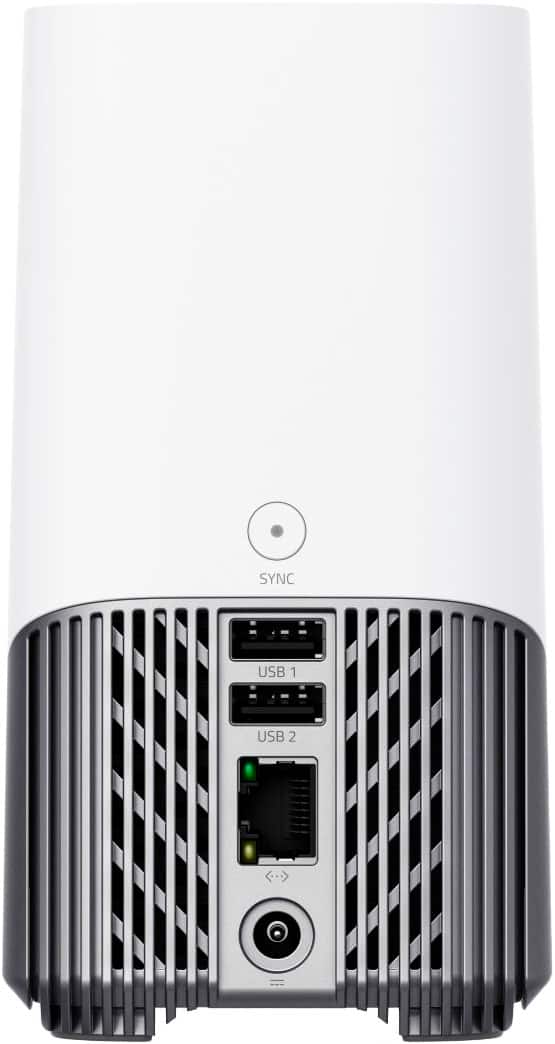
  • QuestionDoes this camera need internet connection? My internet connection is pretty slow and there are a lot of power off in my town so my internet connection is also very instable. Also the weather is humid, does this camera resist humid weather?

    Asked by Itzel.

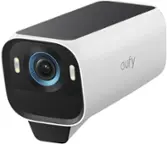
    • Answer The eufyCam 3 camera requires an internet connection for setup and operation through the eufy HomeBase 3. Specifically, the HomeBase 3 needs to connect to the internet using an Ethernet cable for its first setup. Once set up, stable internet is recommended to ensure optimal performance of the camera system. Regarding the weather conditions, the eufyCam 3 is weather-resistant with an IP67 rating, meaning it can handle humid conditions, as well as outdoor environments generally. Additionally, its operational temperature range is from -4°F to 122°F (-20°C to 50°C). However, if the internet is highly unstable or nonexistent in your area, this may significantly impact the camera's connectivity, notifications, or remote access through the app. Similarly, power outages could disrupt the HomeBase and the camera's connectivity.

      Answered by Eufy Team

  • QuestionCan the eufy cam be connected to power like i have on my Arlo Pro 2's

    Asked by shotgun77.

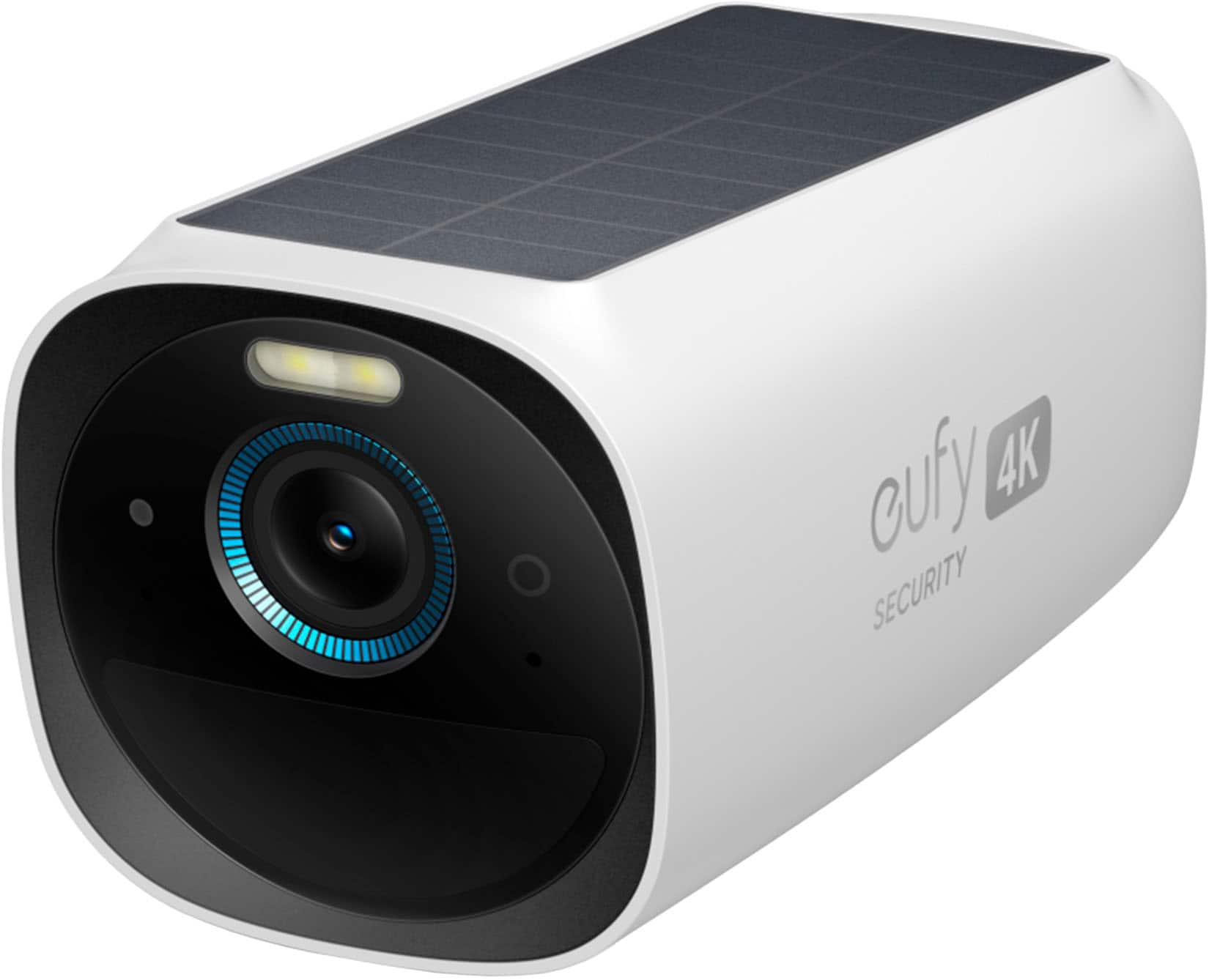
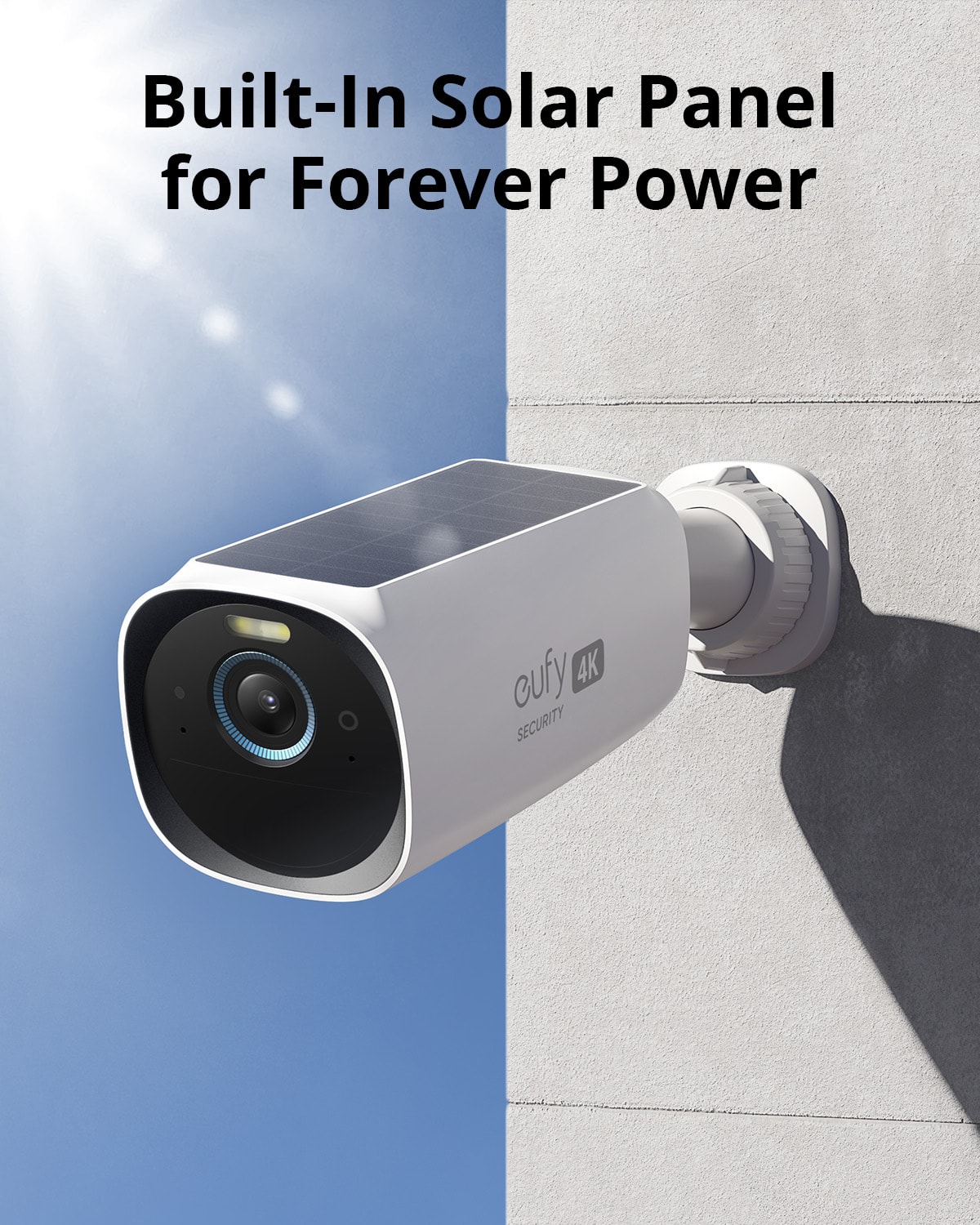
    • Answer Yes, the eufyCam 3 can be connected to a power source similarly to how you've connected your Arlo Pro 2 cameras. The eufyCam 3 is designed primarily as a wireless security camera with a built-in solar panel that allows for self-sustaining power through sunlight. However, it also features a USB-C port that you can use to charge the camera's internal battery. If you prefer or need to have the camera connected to a constant power source—perhaps due to limited sunlight in the installation area—you can use the USB-C port to connect the eufyCam 3 to an external power supply. This means you can keep the camera continuously powered without relying solely on solar charging or battery power.

      Answered by Eufy Team

  • QuestionWhat is the capture delay in between recordings? Are you able to set your own 5,10, 15 seconds?

    Asked by Baldeagledh.

    • Answer The eufyCam 3 3-Camera Indoor/Outdoor Wireless 4K Security System does have a pre-buffer recording feature, which means it captures video 4 seconds before the actual motion event is detected. However, as of the current information available, the system does not allow users to set their own delay time, such as 5, 10, or 15 seconds between recordings.

      Answered by Eufy Team

  • QuestionDoes the camera have the option to continuously record?

    Asked by Anonymous.

    • Answer The eufyCam 3 system does not support continuous 24/7 recording. The cameras in the eufyCam 3 system are designed to record video when they detect motion. This approach helps to conserve the battery life of the cameras, ensuring that they can operate for an extended period without needing frequent recharges. If you are looking for a camera that supports continuous recording, you might want to consider the eufy Indoor Cam series, which can record 24/7 when the Continuous Recording feature is enabled in the eufySecurity app. However, for outdoor cameras like the eufyCam 3, the recording is triggered by motion events to maximize efficiency and battery life.

      Answered by Eufy Team

  • QuestionCan the data be backed up on icloud or some other internet storage system?

    Asked by jd.

    • Answer I don't think so. If you want to backup video footage, you're better off buying a Samsung SSD 870 Evo (sata 2.5") 1TB hard drive. It's compatible with the S380 Homebase, and you won't have to worry about some lousy meCloud nonsense. The drive slides right into the top portion of the homebase. And make sure you READ the instruction booklet before adding the hard drive!!

      Answered by JohnR

  • QuestionDoes the home base record audio?

    Asked by Eddie.

    • Answer Yes. You can toggle audio recording on and off, so it’s optional but will record audio if desired.

      Answered by mrce

  • QuestionIs this a two way audio system?

    Asked by Fred.

    • Answer Yes! You can hear what's going on, and while monitoring, you can speak to whoever is nearby.

      Answered by JohnR

  • QuestionWill these cameras work with 800mbps internet speed?

    Asked by KSC.

    • Answer Yes.

      Answered by Eufy Team

  • QuestionHow long does it take to charge when only charging via solar?

    Asked by King.

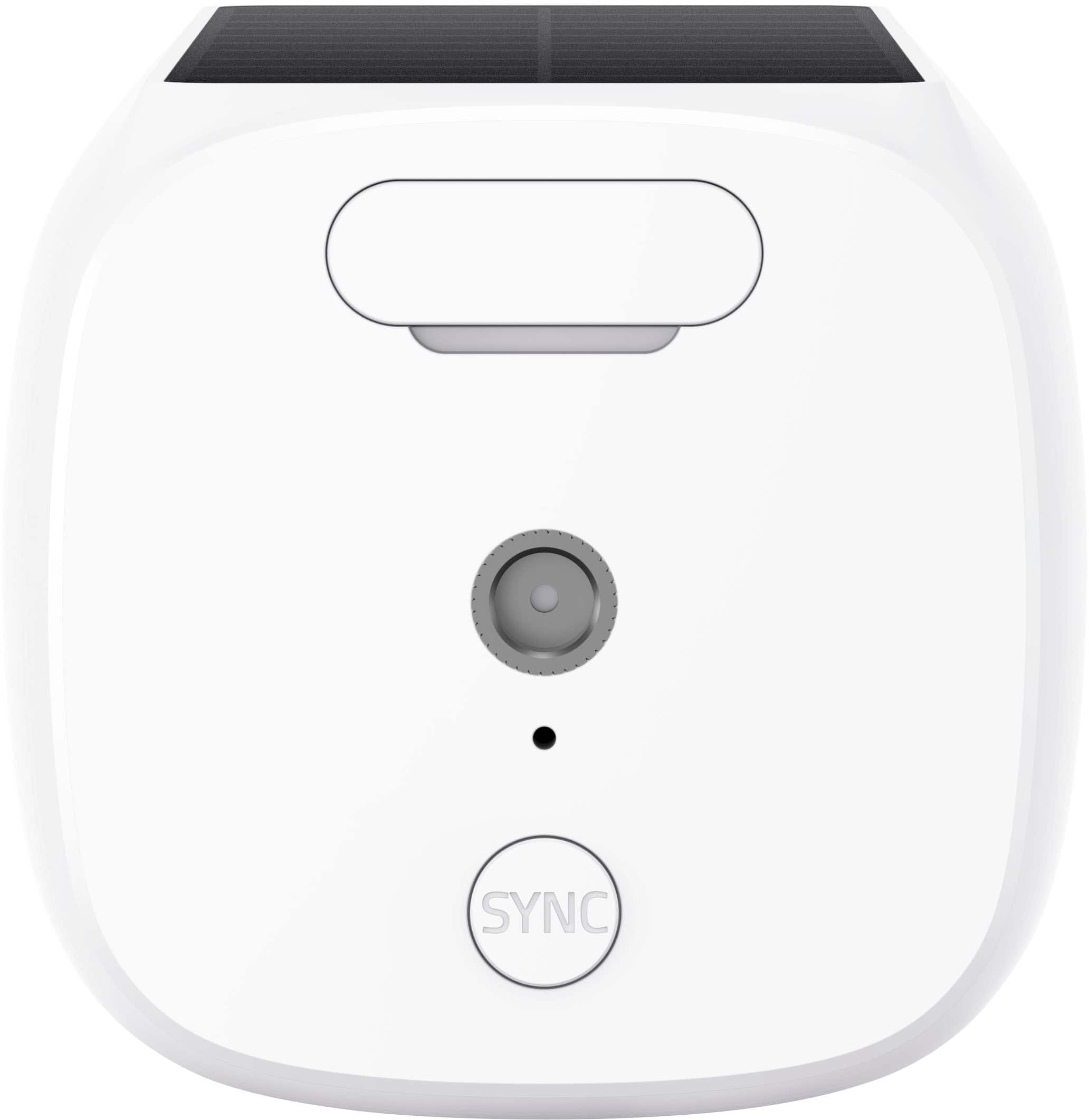
    • Answer If camera is fully charged when installed, approx. 2 hours of sunlight can maintain a full charge. You will need a decent charge to sync on initial setup or you will receive setup error..hope this helps.

      Answered by Jason

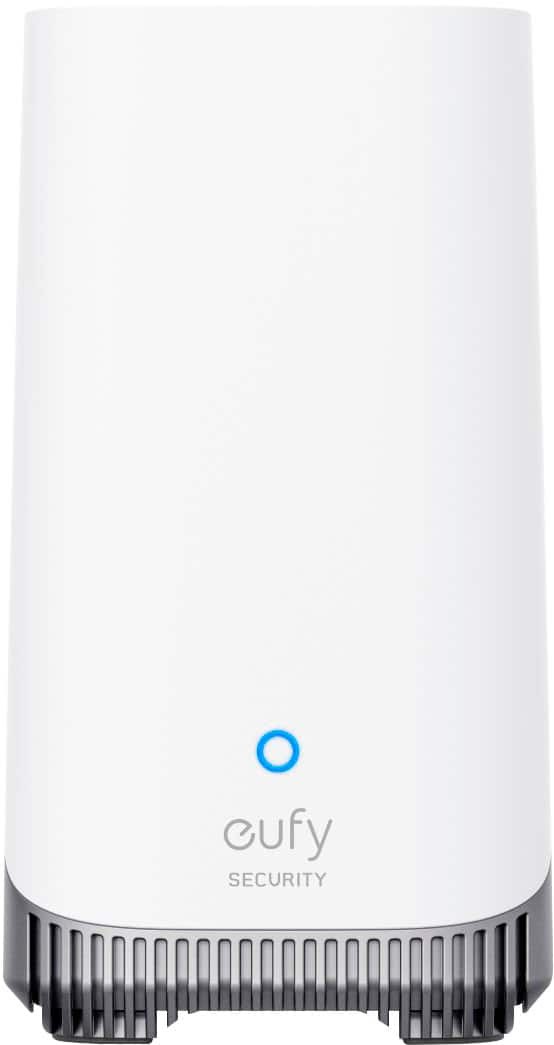
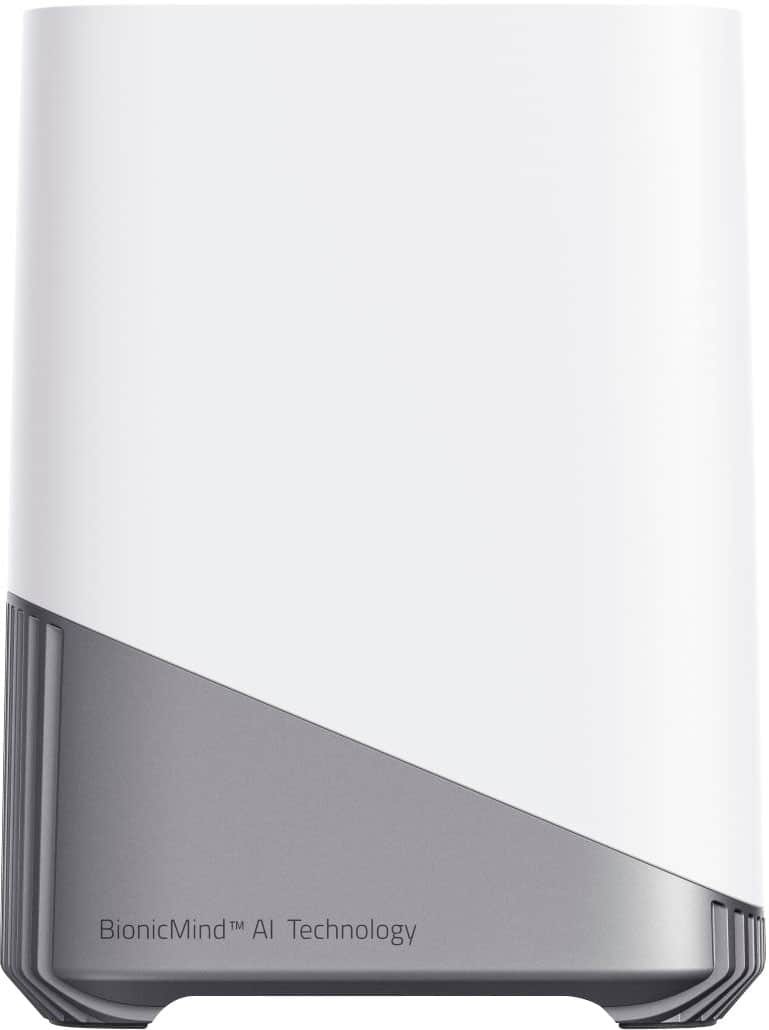
  • QuestionDo I need a homebase for this product?

    Asked by Anonymous.

    • Answer Yes.. homebase 3

      Answered by Trimmer

  • QuestionWhat is the home base used for?

    Asked by safehome26.

    • Answer Security

      Answered by MLJames

  • QuestionWhat is the difference between this and the Pro version?

    Asked by Awgunman75.

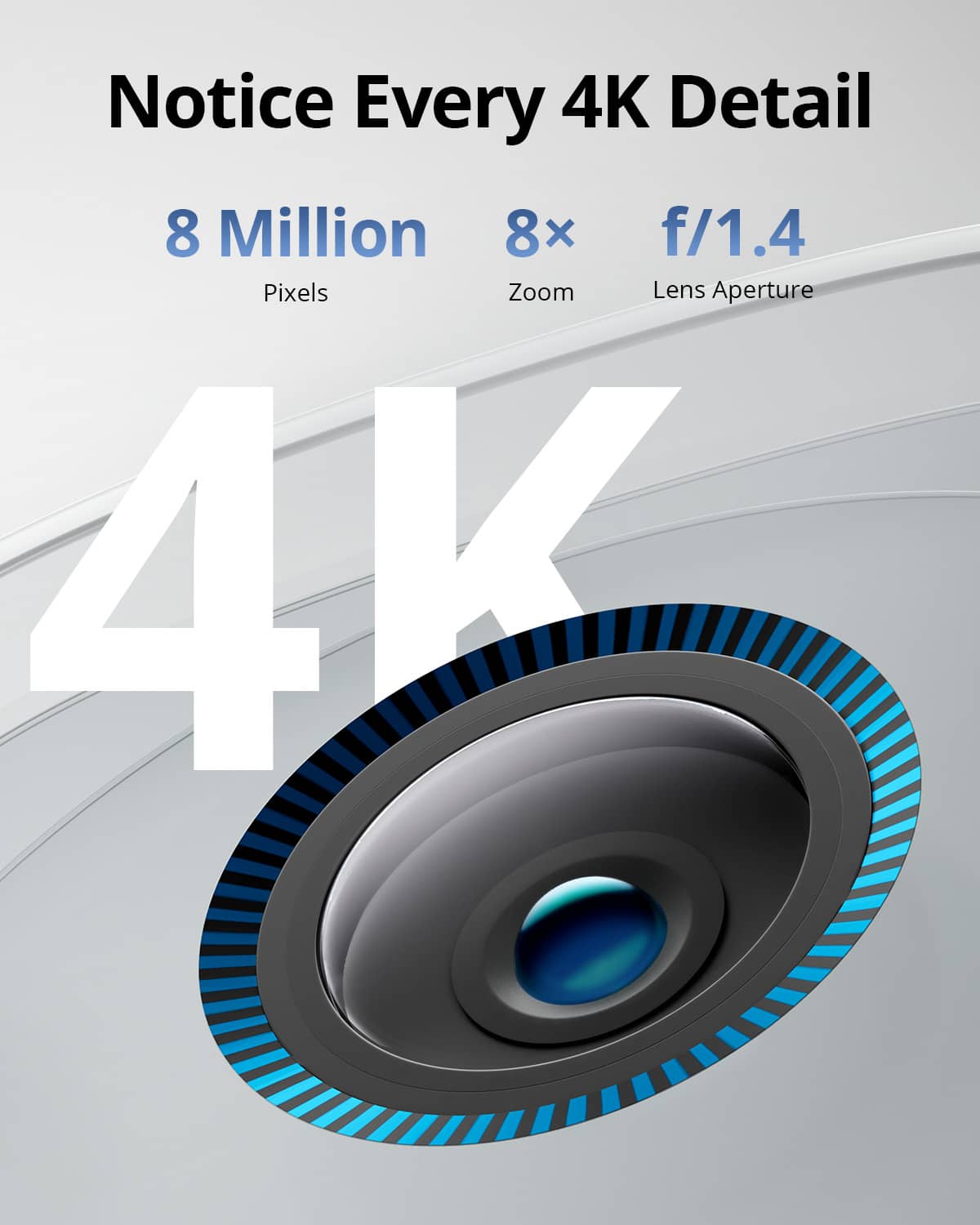
    • Answer The eufyCam 3, also known as S330 eufyCam, and its Pro version have distinctions in features and specifications. Below are some key points about eufyCam 3 (S330): Video Quality and Resolution: Both the eufyCam 3 and eufyCam 3C offer 4K resolution (3840x2160), with a 135° viewing angle. Battery and Power: The eufyCam 3 includes a larger battery capacity of 13,400mAh compared to other models, which allows up to one year of battery life (300 seconds recording per day). It has integrated solar charging for continuous power with at least 2 hours of direct sunlight daily. The Pro version usually provides similar power features but may come with advanced charging or battery technology. Weatherproof and Build: The eufyCam 3 has an IP67 weatherproof rating, perfect for outdoor use. AI Features: Both versions include detection features like Human, Vehicle, and Pet Detection, ensuring advanced security. Voice Assistant and Connectivity: Compatible with Alexa and Google Assistant (but not Apple HomeKit). Operates on 2.4GHz Wi-Fi. Spotlight and Night Vision: Includes a spotlight (100lm brightness) and advanced infrared/color night vision up to 25 ft. The eufyCam 3 Pro, being labeled as a higher-end model (e.g., S3 Pro), is likely to have enhanced features, such as a modified design, improved AI abilities, or extended functionality. If you are specifically looking at the eufyCam 3 Pro (S3 Pro), it also belongs to the new flagship series and might include the latest advancements in the eufyCam family. These models are part of Anker's ZX IOT business line focusing on smart cameras and IoT devices.

      Answered by Eufy Team

  • QuestionCan you hook them up to a monitor that doesn't have WiFi

    Asked by JamieT.

    • Answer The eufyCam 3 can work without WiFi for specific functionalities. While all live views and recorded videos on the eufySecurity app require a 2.4GHz WiFi network, the camera does save recordings to the microSD card in the HomeBase. This allows recording to continue even in a WiFi outage, as long as there’s no power outage. However, directly connecting it to a monitor without WiFi support is not possible, as the eufy system relies on the app's WiFi connection to access the recordings and live view.

      Answered by Eufy Team

  • QuestionDo you need the base with the camera?

    Asked by Jill.

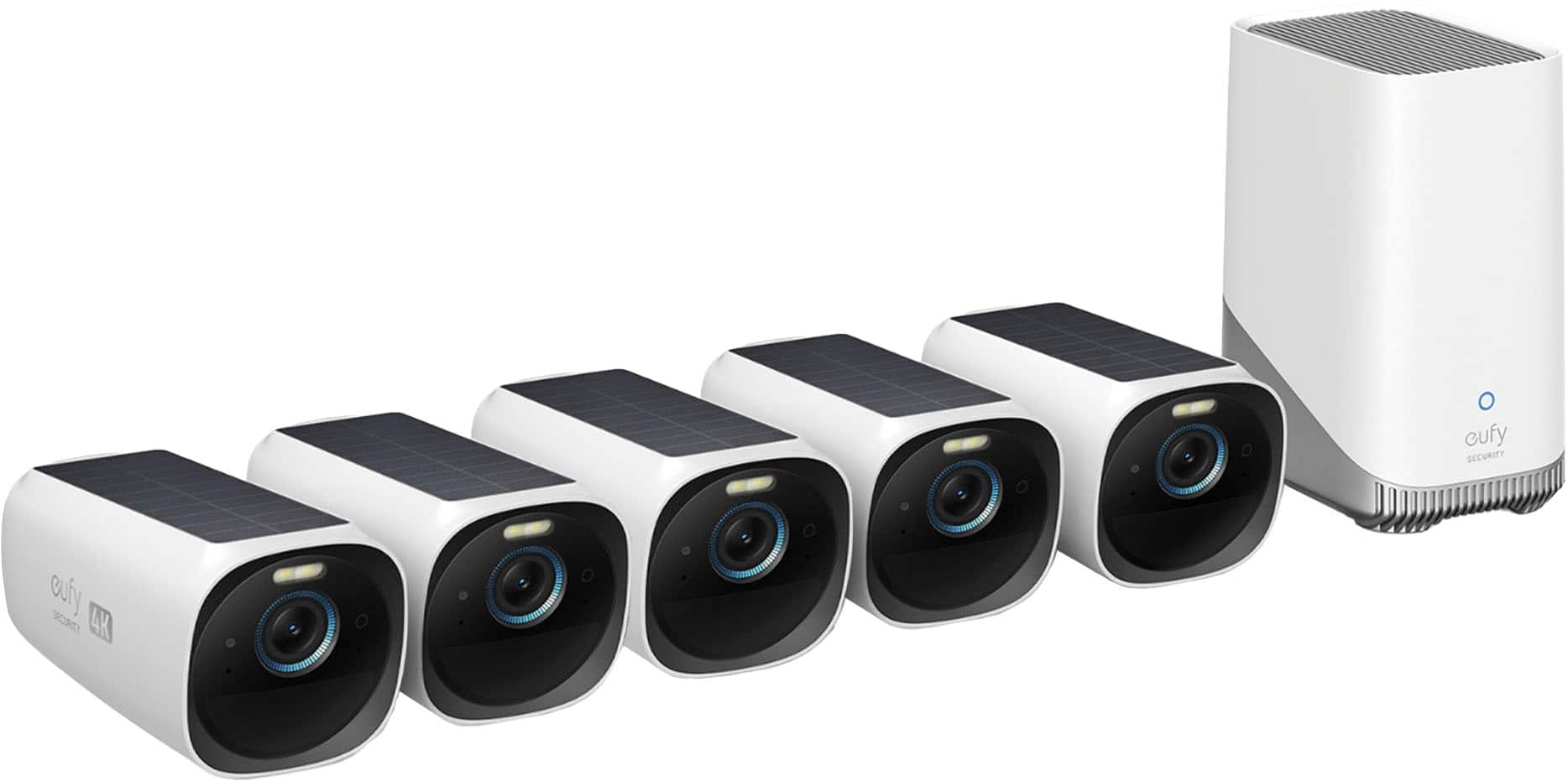
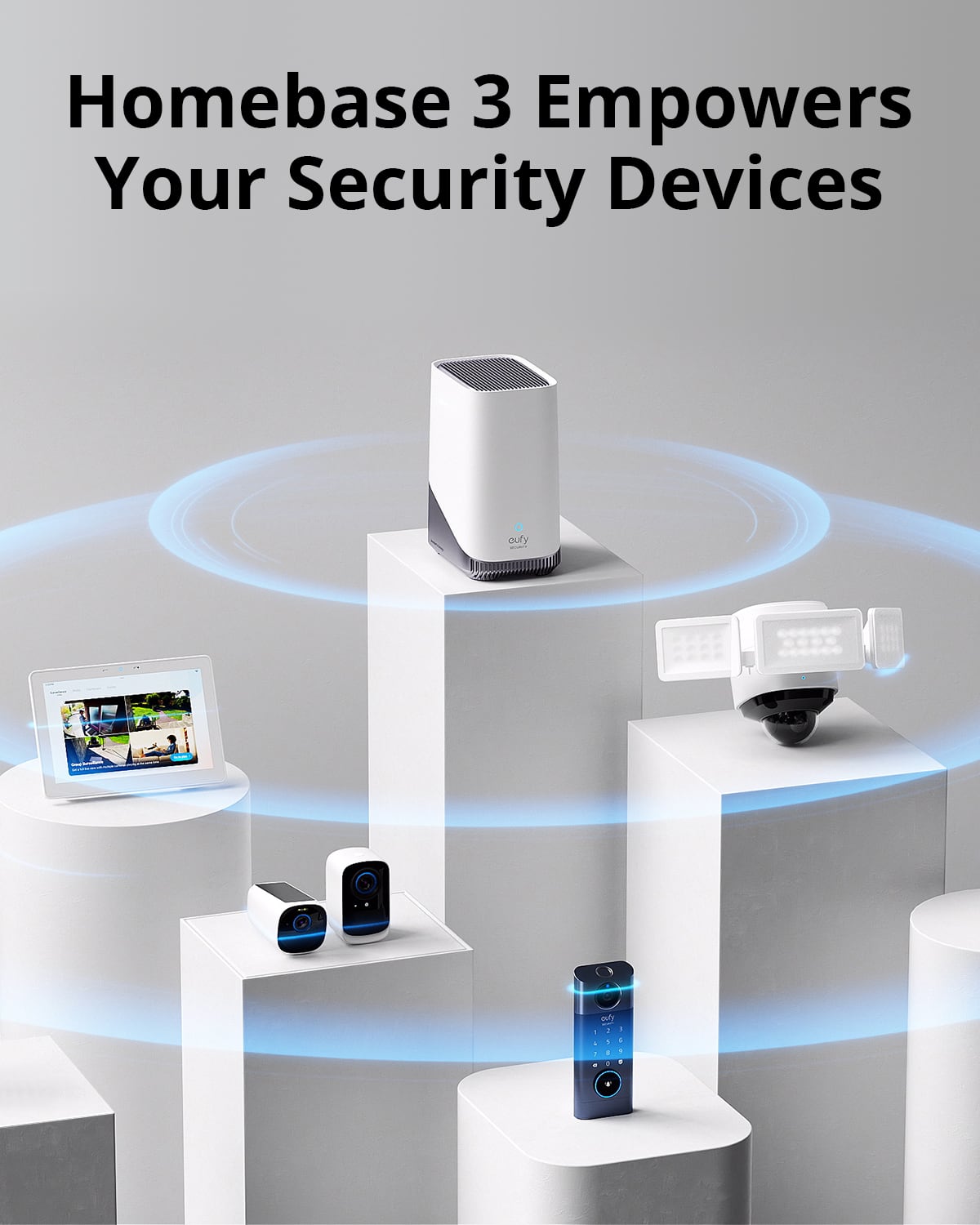
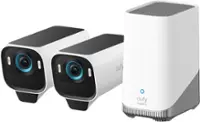
    • Answer No, the eufyCam 3 (also known as S330) cannot work independently. It requires connection to the eufy HomeBase 3 (S380 HomeBase) to function properly. The HomeBase 3 serves as a hub to connect the cameras and other compatible devices, enabling their proper operation and communication.

      Answered by Eufy Team

  • QuestionHow many cameras can this system support

    Asked by SlickRick.

    • Answer The eufyCam 3 System with HomeBase 3 can support up to 16 cameras and 34 sensors. However, for optimal performance, it is highly recommended to set up devices on multiple HomeBases if more than 10 cameras need to be added to the eufy Security app.

      Answered by Eufy Team

  • QuestionIs this system compatible with with a full size monitor

    Asked by Anonymous.

    • Answer The eufyCam 3 system does not offer direct support for connecting or displaying on a full-size monitor as it is primarily designed for security and monitoring purposes with wireless connectivity to devices such as smartphones or compatible smart assistants (Amazon Alexa and Google Assistant). For viewing footage, interactions are generally carried out via the eufySecurity app. If you wish to use a monitor, you might need additional hardware, such as an intermediary system that connects the security camera system to a monitor (such as certain compatible devices supporting RTSP/NAS, which eufyCam 3 lacks).

      Answered by Eufy Team

  • QuestionMy camera is no longer recording because battery is dead but how can that be if it is charged with sunlight? Can someone give guidance on how to fix this problem please.

    Asked by LatishaY.

    • Answer You will need to recharge the camera using the cable that came with the device. You will also need a Charger with a type A connection port. One end of the cable goes into the camera’s charge port ( it is a Type C connection). The other end of the cable (Type A connection) charger. It can take up to 4 hours to recharge the camera. The Bing.com website suggest doing the following The EufyCam 3 (also called S330) uses a USB Type‑C charger, and the recommended power adapter is a standard 5V/2A USB charger. Charger & Cable Details Connector type: USB Type‑C port on the camera Cable: USB‑A to USB‑C charging cable (often included with accessories) Power adapter: 5V/2A wall charger block Charging options: Plug directly into a wall outlet with the USB‑C cable and 5V/2A adapter Connect via Eufy’s solar panel (requires Type‑C adapter for weatherproof setup) Charging Performance Typical charge time: 4–10 hours depending on battery level Faster charging: Some models (like the EufyCam 3C) can charge in ~2.5 hours with a 9V/2A charger, but the standard recommendation for the EufyCam 3 is 5V/2A. Using higher‑voltage chargers (like 9V/2A) is not necessary unless specified for your exact model variant. Best Practice Stick with 5V/2A USB Type‑C chargers for safe, reliable charging. If you want continuous outdoor charging, Eufy sells solar panels with Type‑C adapters designed for the EufyCam 3. Avoid micro‑USB cables — the EufyCam 3 is not compatible with them.

      Answered by JElliott0720

  • Questioncan i use a monitor with these

    Asked by mike.

    • Answer Yes

      Answered by GenesisG

  • QuestionDo the cameras pick up sound?

    Asked by Tlw1.

    • Answer Yes, the eufyCam 3, along with many of eufy's outdoor cameras, supports two-way audio functionality. This feature allows you to hear audio from the camera's environment and communicate through the camera, making it an ideal tool for real-time communication.

      Answered by Eufy Team

  • QuestionHow long do the batteries last before they need to be replaced?

    Asked by Anonymous.

    • Answer For the eufyCam 3 series: S330 eufyCam 3: The battery can last up to one year on a full charge. This model features a built-in solar panel, which can recharge the battery when the camera receives at least two hours of direct sunlight per day. S300 eufyCam 3C: The battery can last up to six months on a full charge. Please note, these durations are based on tests conducted under specific conditions, including 68°F (20°C) ambient temperature, 10 motion detections per day, and recordings lasting 30 seconds each. Real-world usage may vary depending on factors such as the frequency of motion detections, video recording duration, and environmental conditions.

      Answered by Eufy Team