Questions & Answers
- Model:
- T81601W1
- |
- SKU:
- 6516463
Q: QuestionCan I mount this camera to a soffit?
Asked by Jdom.
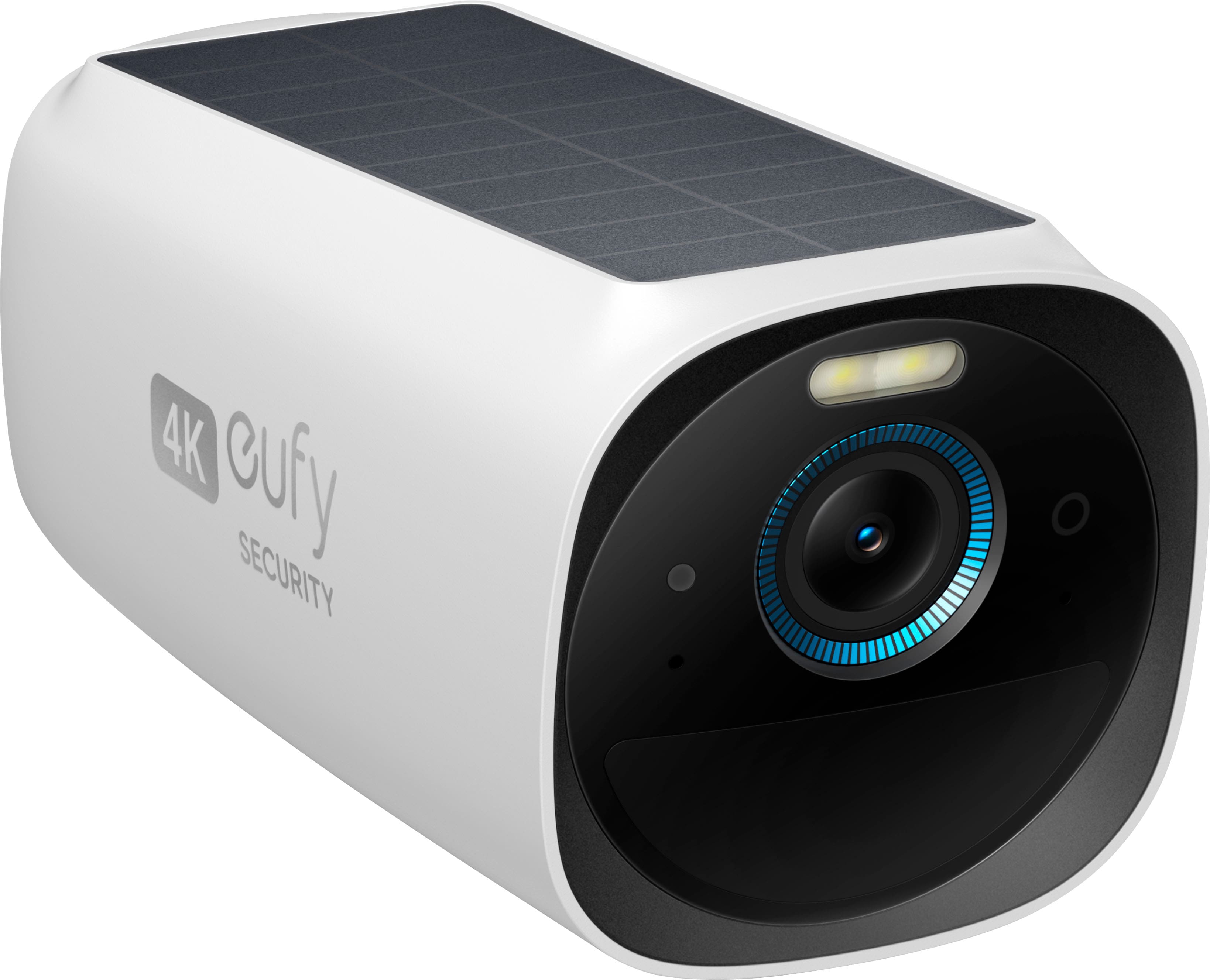
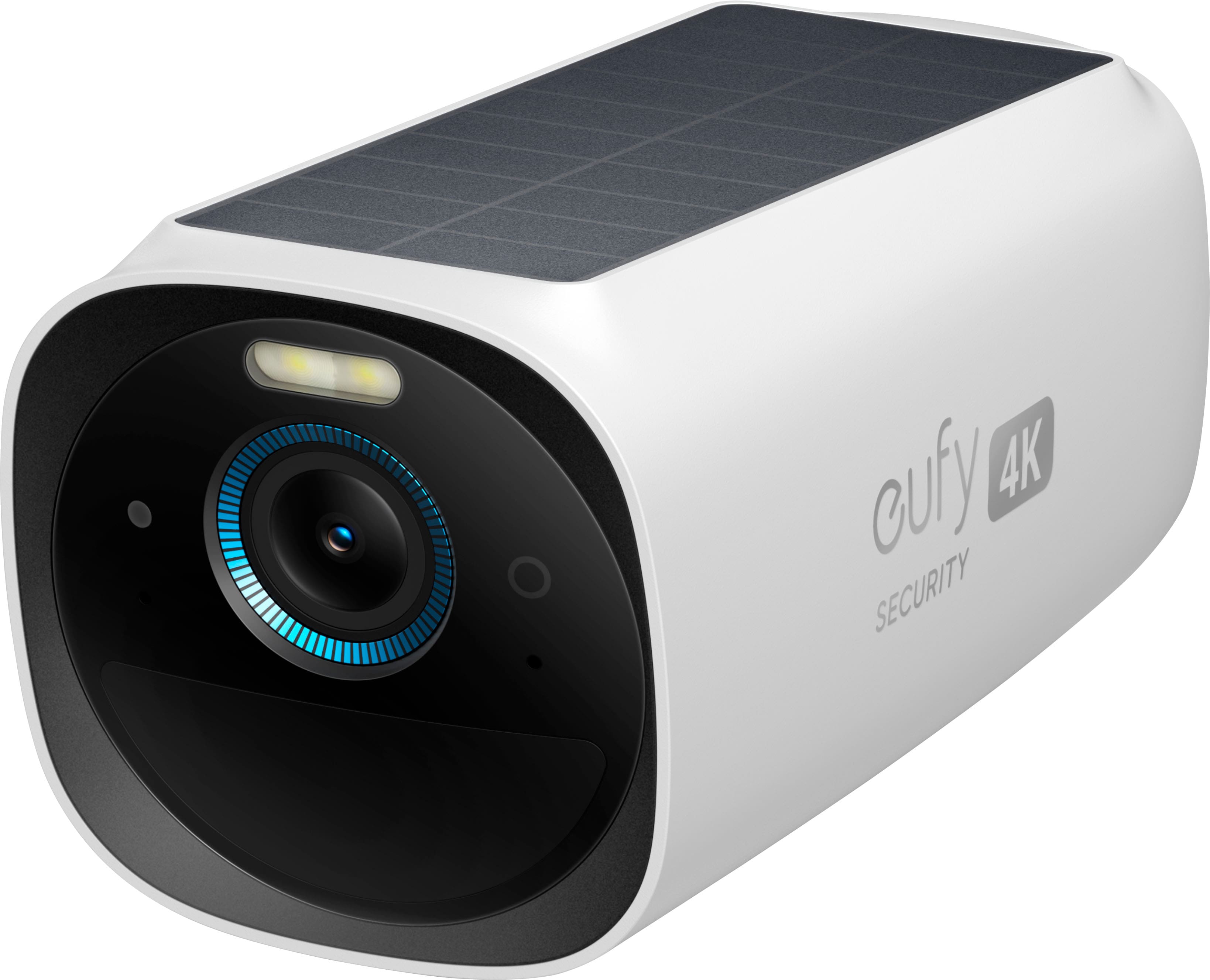
- A:Answer Yes, you can mount the eufy Security eufyCam 3 (also known as eufyCam S3 Pro) to a soffit as long as you ensure proper placement and installation. While it's typical to mount this camera to walls or ceilings, a soffit installation can work if it provides good WiFi signal, ensures the camera's solar panel has adequate sunlight exposure (if applicable), and meets general installation requirements: 1. Height and Angle: Mount the camera at a height of 7-10 feet (2.1-3 meters) and tilt it downward at a 5°-10° angle, avoiding higher angles to ensure better motion detection. 2. Secure Outdoor Mount: Use a secure outdoor mount bracket if the soffit is exposed to heavy winds, rains, or other challenging conditions. 3. Avoid Obstructions: Ensure the camera lens is not placed too close to the soffit's surface or walls to avoid light reflection, especially during night vision. 4. Signal Check: Before finalizing the installation, check the eufy Security app to confirm the camera has good signal strength in the desired location. If the soffit provides stable and sturdy support, you can use the included mounting hardware or adjust based on the soffit material (e.g., using anchors for proper fixation).
Answered by Eufy Team

Q: QuestionDoes this camera need internet connection? My internet connection is pretty slow and there are a lot of power off in my town so my internet connection is also very instable. Also the weather is humid, does this camera resist humid weather?
Asked by Itzel.
- A:Answer The eufyCam 3 camera requires an internet connection for setup and operation through the eufy HomeBase 3. Specifically, the HomeBase 3 needs to connect to the internet using an Ethernet cable for its first setup. Once set up, stable internet is recommended to ensure optimal performance of the camera system. Regarding the weather conditions, the eufyCam 3 is weather-resistant with an IP67 rating, meaning it can handle humid conditions, as well as outdoor environments generally. Additionally, its operational temperature range is from -4°F to 122°F (-20°C to 50°C). However, if the internet is highly unstable or nonexistent in your area, this may significantly impact the camera's connectivity, notifications, or remote access through the app. Similarly, power outages could disrupt the HomeBase and the camera's connectivity.
Answered by Eufy Team

Q: QuestionCan the eufy cam be connected to power like i have on my Arlo Pro 2's
Asked by shotgun77.
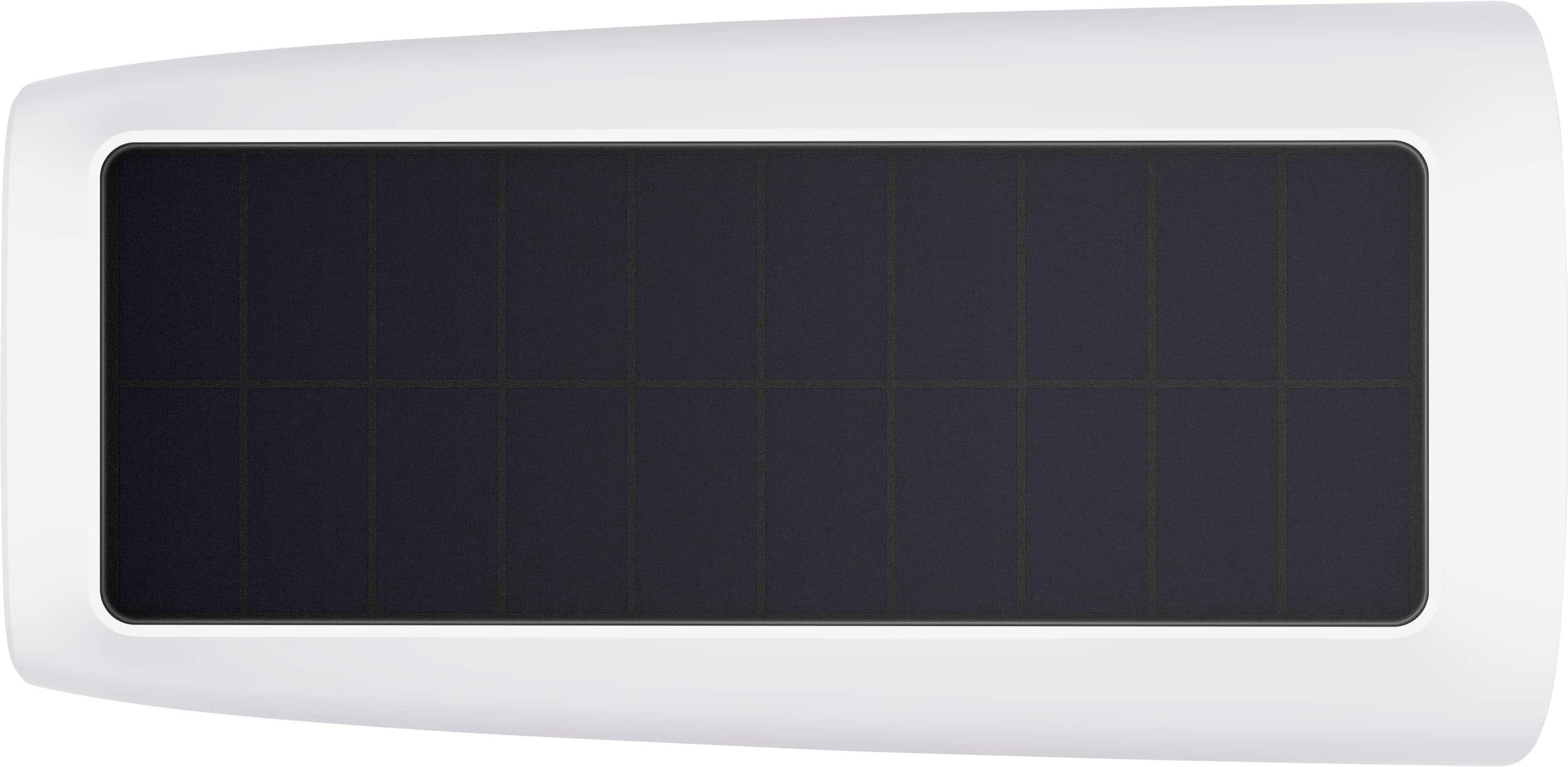
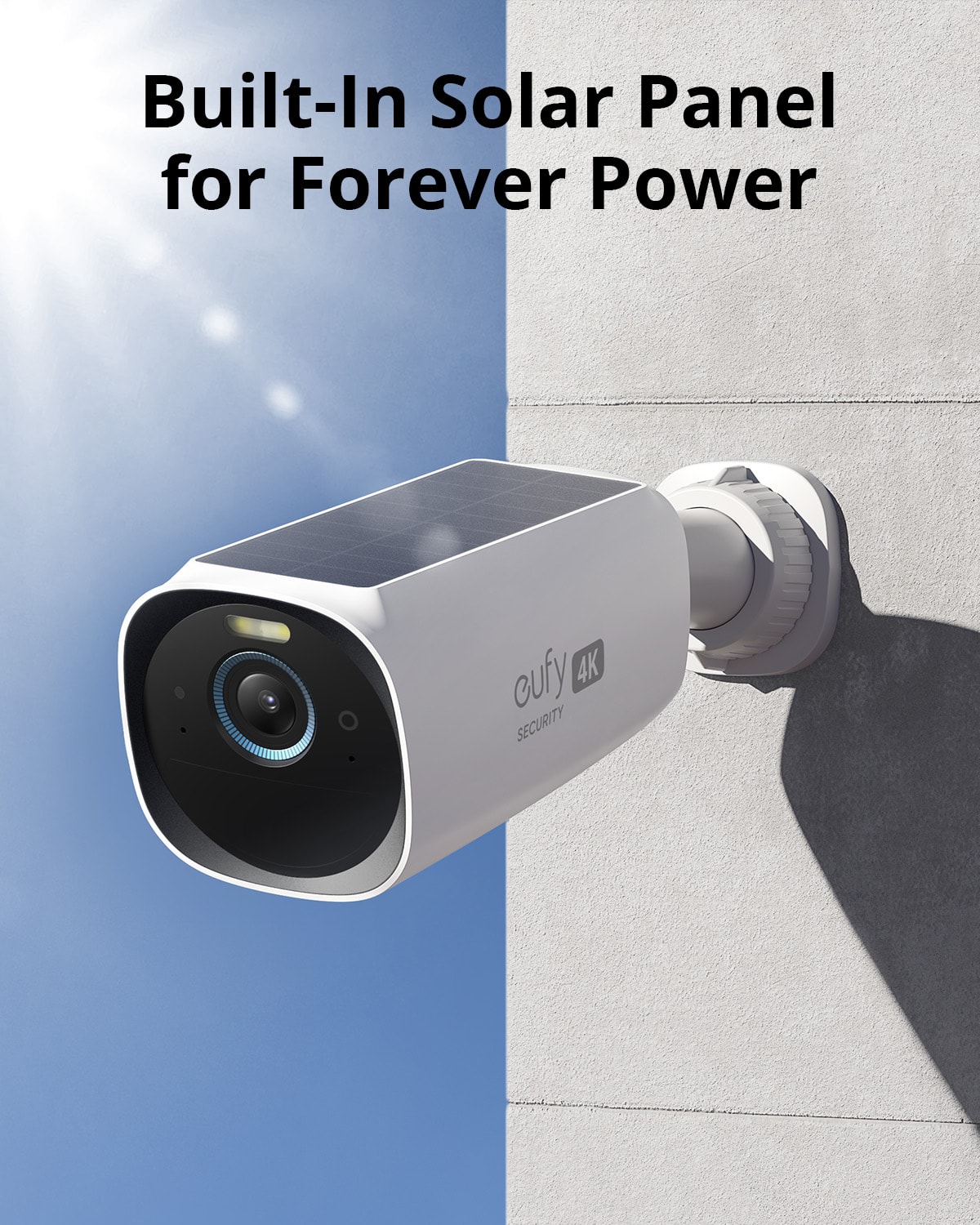
- A:Answer Yes, the eufyCam 3 can be connected to a power source similarly to how you've connected your Arlo Pro 2 cameras. The eufyCam 3 is designed primarily as a wireless security camera with a built-in solar panel that allows for self-sustaining power through sunlight. However, it also features a USB-C port that you can use to charge the camera's internal battery. If you prefer or need to have the camera connected to a constant power source—perhaps due to limited sunlight in the installation area—you can use the USB-C port to connect the eufyCam 3 to an external power supply. This means you can keep the camera continuously powered without relying solely on solar charging or battery power.
Answered by Eufy Team
Q: QuestionWhat is the capture delay in between recordings? Are you able to set your own 5,10, 15 seconds?
Asked by Baldeagledh.
This question was asked about the related product: eufy - eufyCam 3, 3-Outdoor Wireless 4K Solar Powered Security Cameras with HomeBase 3 - White
- A:Answer The eufyCam 3 3-Camera Indoor/Outdoor Wireless 4K Security System does have a pre-buffer recording feature, which means it captures video 4 seconds before the actual motion event is detected. However, as of the current information available, the system does not allow users to set their own delay time, such as 5, 10, or 15 seconds between recordings.
Answered by Eufy Team

Q: QuestionDoes the camera have the option to continuously record?
Asked by Anonymous.
This question was asked about the related product: eufy - eufyCam 3, 3-Outdoor Wireless 4K Solar Powered Security Cameras with HomeBase 3 - White
- A:Answer The eufyCam 3 system does not support continuous 24/7 recording. The cameras in the eufyCam 3 system are designed to record video when they detect motion. This approach helps to conserve the battery life of the cameras, ensuring that they can operate for an extended period without needing frequent recharges. If you are looking for a camera that supports continuous recording, you might want to consider the eufy Indoor Cam series, which can record 24/7 when the Continuous Recording feature is enabled in the eufySecurity app. However, for outdoor cameras like the eufyCam 3, the recording is triggered by motion events to maximize efficiency and battery life.
Answered by Eufy Team

Q: QuestionCan the data be backed up on icloud or some other internet storage system?
Asked by jd.
This question was asked about the related product: eufy - eufyCam 3, 3-Outdoor Wireless 4K Solar Powered Security Cameras with HomeBase 3 - White
- A:Answer I don't think so. If you want to backup video footage, you're better off buying a Samsung SSD 870 Evo (sata 2.5") 1TB hard drive. It's compatible with the S380 Homebase, and you won't have to worry about some lousy meCloud nonsense. The drive slides right into the top portion of the homebase. And make sure you READ the instruction booklet before adding the hard drive!!
Answered by JohnR
Q: QuestionDoes the home base record audio?
Asked by Eddie.
This question was asked about the related product: eufy - eufyCam 3, 3-Outdoor Wireless 4K Solar Powered Security Cameras with HomeBase 3 - White
- A:Answer Yes. You can toggle audio recording on and off, so it’s optional but will record audio if desired.
Answered by mrce
Q: QuestionIs this a two way audio system?
Asked by Fred.
This question was asked about the related product: eufy - eufyCam 3, 3-Outdoor Wireless 4K Solar Powered Security Cameras with HomeBase 3 - White
- A:Answer Yes! You can hear what's going on, and while monitoring, you can speak to whoever is nearby.
Answered by JohnR
Q: QuestionWill these cameras work with 800mbps internet speed?
Asked by KSC.
This question was asked about the related product: eufy - eufyCam 3, 2-Outdoor Wireless 4K Solar Powered Security Cameras with HomeBase 3 - White/Black
- A:Answer Yes.
Answered by Eufy Team

Q: QuestionHow long does it take to charge when only charging via solar?
Asked by King.
- A:Answer If camera is fully charged when installed, approx. 2 hours of sunlight can maintain a full charge. You will need a decent charge to sync on initial setup or you will receive setup error..hope this helps.
Answered by Jason
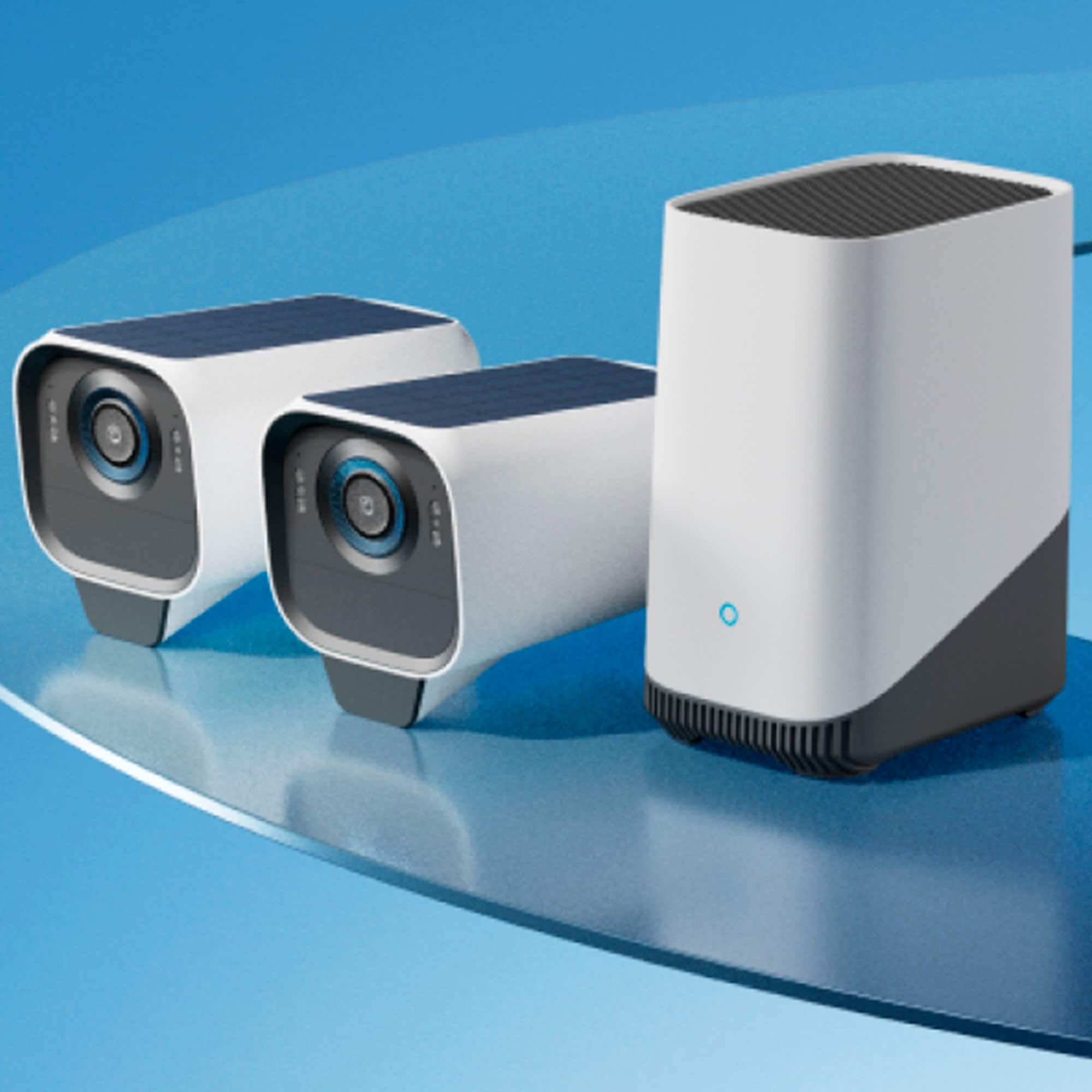
Q: QuestionDo I need a homebase for this product?
Asked by Anonymous.
- A:Answer Yes.. homebase 3
Answered by Trimmer
Q: QuestionSo, there are no monthly fees at all?
Asked by Chrinda.
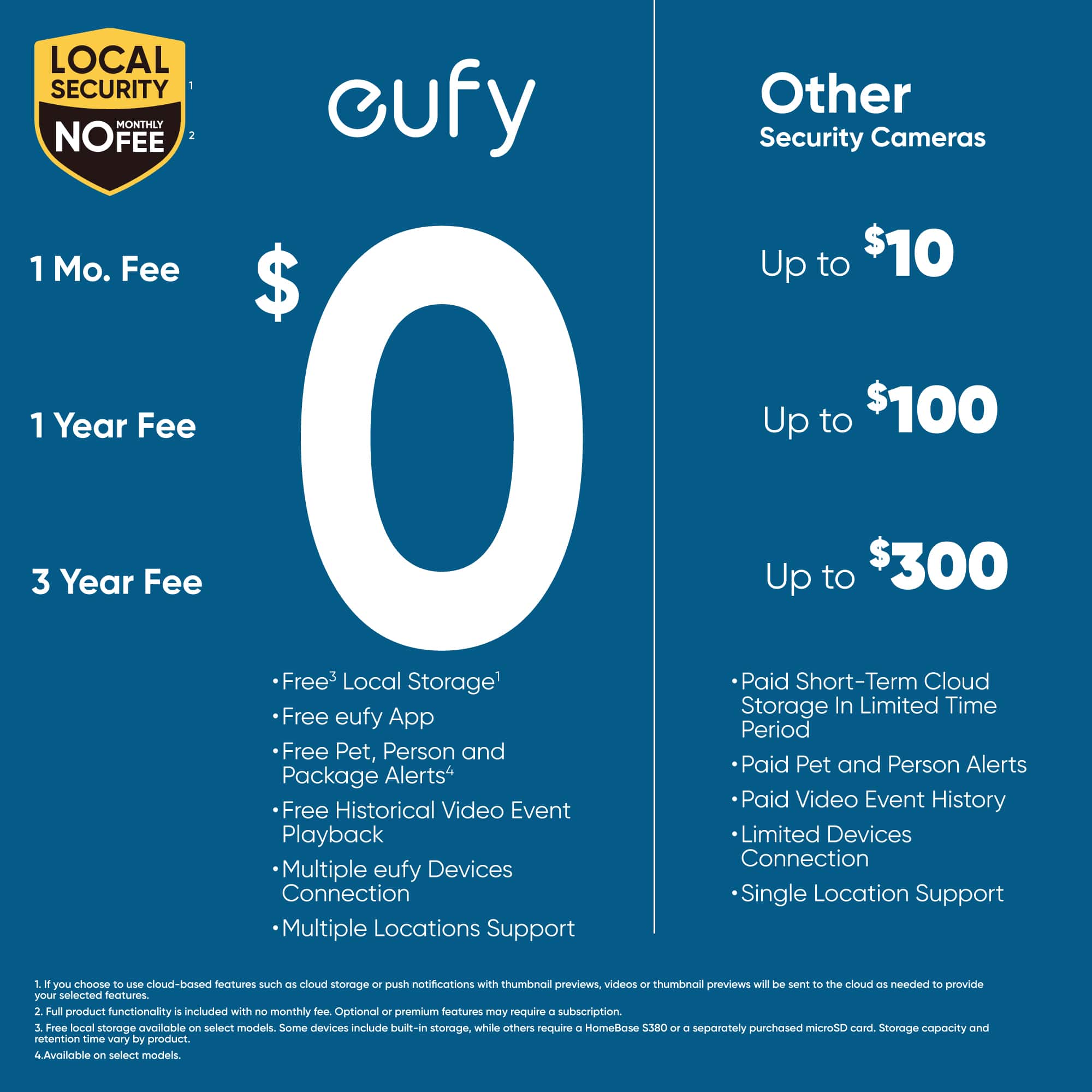
- A:Answer None, all you need is the app to control everything and add people to your security as well
Answered by CESARV
Q: QuestionWhat is the distance range between camera to base
Asked by InNow.
- A:Answer Not so sure but the farthest camera is about 20 feet away from the home base, it does work on a 2.4Ghz which has long range but it also has to do with the structure of the house, if there is anything that will block the wifi you might have to get extenders.
Answered by CESARV
Q: QuestionCan multiple people monitor on separate phones
Asked by Anonymous.
This question was asked about the related product: eufy - eufyCam 3, 3-Outdoor Wireless 4K Solar Powered Security Cameras with HomeBase 3 - White
- A:Answer Yes, you can hive access to people so they can view the cameras on their phones
Answered by CESARV
Q: Questionif this is solar powered why do I have to charge the cameras?
Asked by Franco.
This question was asked about the related product: eufy - eufyCam 3, 3-Outdoor Wireless 4K Solar Powered Security Cameras with HomeBase 3 - White
- A:Answer The solar panel helps keep the camera charged under ideal conditions, but it does not guarantee zero maintenance. Manual charging ensures reliable operation when sunlight or usage conditions are not sufficient.
Answered by Eufy Team
Q: QuestionIt comes with five cameras how many can I add to this piece? I need to put at lease up to eight. Would that work with that?
Asked by Tony.
- A:Answer I dont know how manny but i have 8 and it works fine, the only thing is that is you want to record 24/7 then you need to get the nvr and connect the cameras to the nvr and then the home base
Answered by CESARV
Q: QuestionIf solar is not charging the battery adequately, can you charge it and if so how long will the charge last?
Asked by Andy.
- A:Answer Yes you can charge it with the USB cable that comes with it. The only thing is that you have to take it down in order to do it. If you place it where it gets at least 2 hours of sunlight to charge it, You don't have to charge it manually. As far as how long the charge lasts, it tells you in the instructions. I think it lasts with normal use for about 365 days per the box it comes in.
Answered by TXProofer
Q: QuestionAre these made in China?
Asked by TrustedSecurity.
This question was asked about the related product: eufy - eufyCam 3, 3-Outdoor Wireless 4K Solar Powered Security Cameras with HomeBase 3 - White
- A:Answer The Homebase 3 says on it that it's made in the Philippines.
Answered by MinneapolisGrandpa
Q: QuestionCan the EufyCam 3, 3 outdoor wireless 4k solar powered security camera be used without solar access by plugging in or recharging?
Asked by Power.
This question was asked about the related product: eufy - eufyCam 3, 3-Outdoor Wireless 4K Solar Powered Security Cameras with HomeBase 3 - White
- A:Answer This question has absolutely nothing to do with my review but that would be about the only thing going for them.
Answered by BenG
Q: QuestionWhat is the home base used for?
Asked by safehome26.
This question was asked about the related product: eufy - eufyCam 3, 3-Outdoor Wireless 4K Solar Powered Security Cameras with HomeBase 3 - White
- A:Answer That is where the videos are stored instead of the cloud. That is why you don't need a contract.
Answered by TXProofer
Most-viewed items
- $394.99$394.99The price was $599.99
- $579.99$579.99The price was $859.99
- $299.99$299.99The price was $359.99