



Skip to contentGo to Product SearchGo to Footer
Main Content

Questions & Answers

Your price for this item is $549.99
Page Showing 1-19 of 19 questions
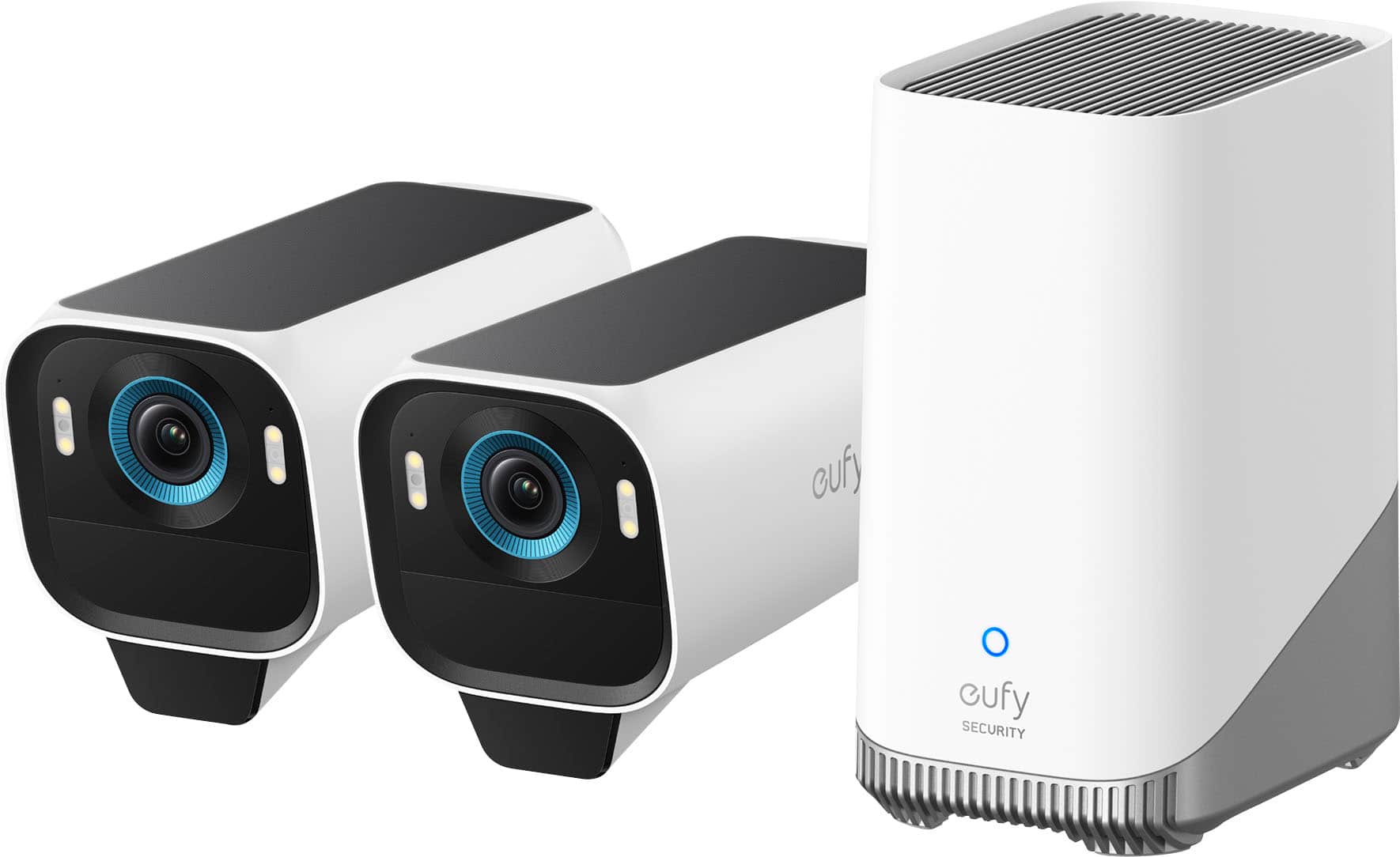
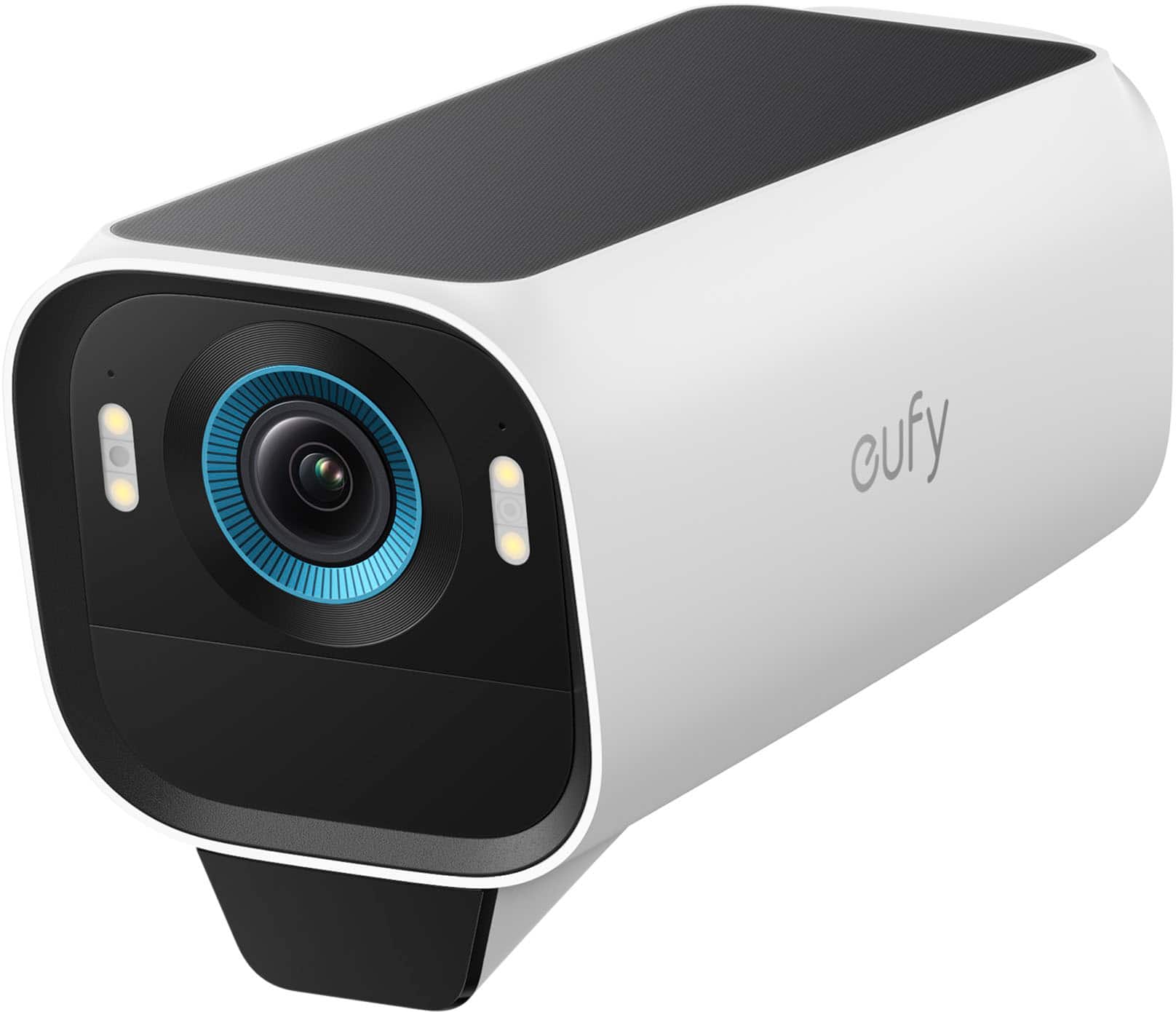
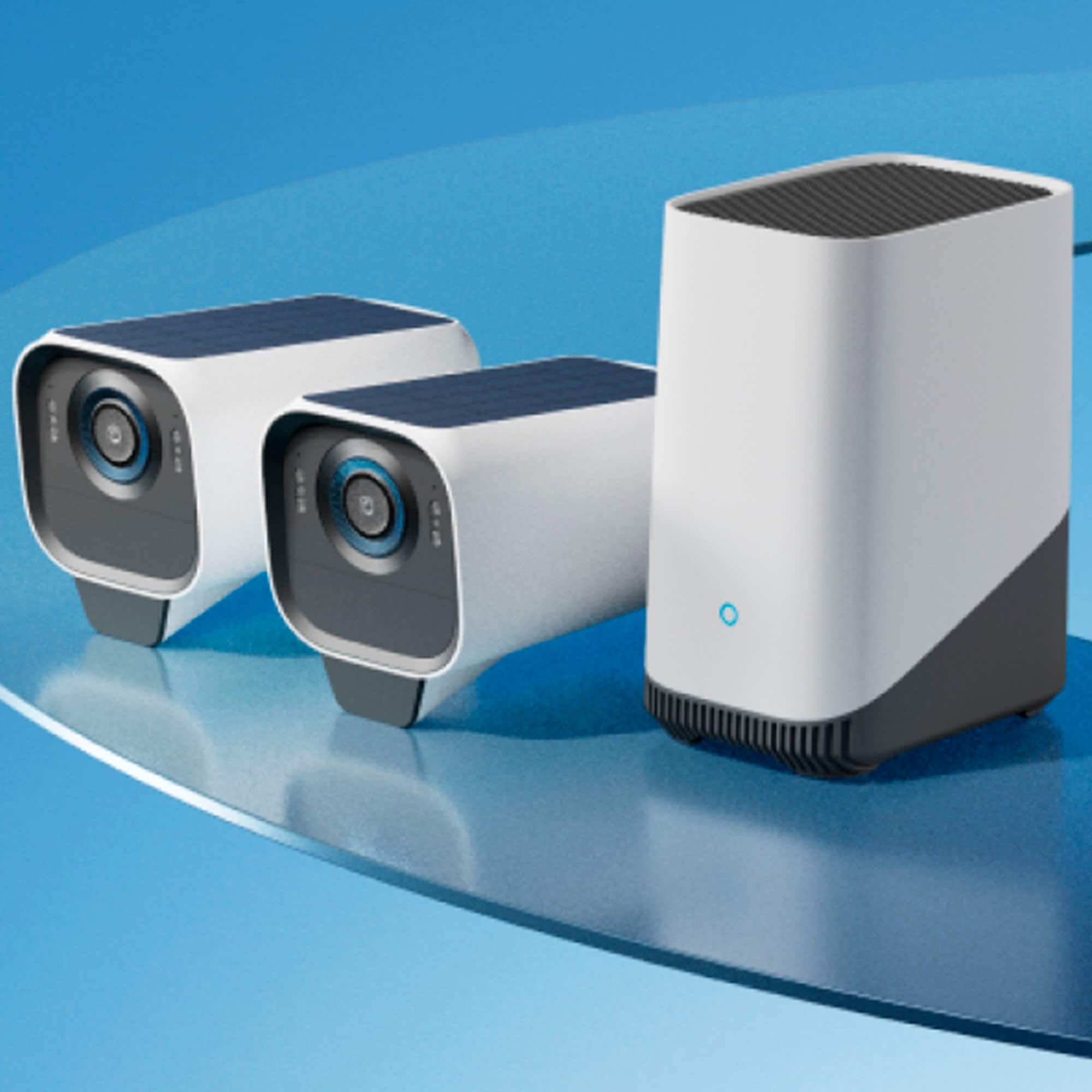
  • QuestionHow many cameras are included in this kit?

    • Answer This kit includes 2 cameras.
    This question and answer was generated by AI based on customer and product data.
  • QuestionWhat type of storage does this camera use?

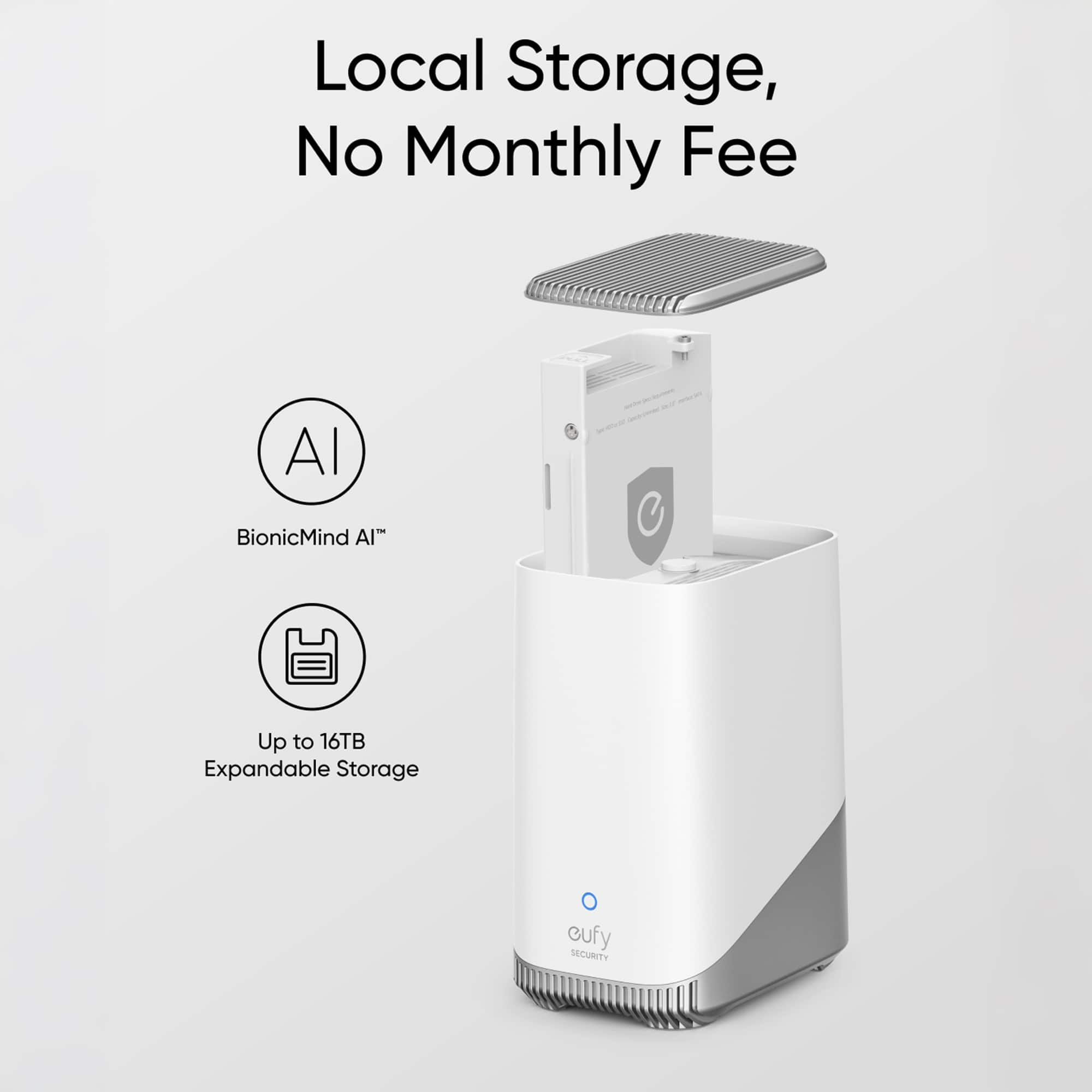
    • Answer It comes with 16GB built-in storage and can be expanded up to 16TB with the included HomeBase S380.
    This question and answer was generated by AI based on customer and product data.
  • QuestionDoes this security camera have night vision?

    • Answer Yes, it has night vision with a distance of up to 32.8 feet.
    This question and answer was generated by AI based on customer and product data.

  • QuestionDoes the eufyCam S3 Pro work with Alexa?

    • Answer Yes, it is compatible with Amazon Alexa.
    This question and answer was generated by AI based on customer and product data.

  • QuestionWhat is the field of view for the eufyCam S3 Pro?

    • Answer The camera has a 135-degree field of view.
    This question and answer was generated by AI based on customer and product data.

  • QuestionDoes the eufyCam S3 Pro minimize unnecessary alerts?

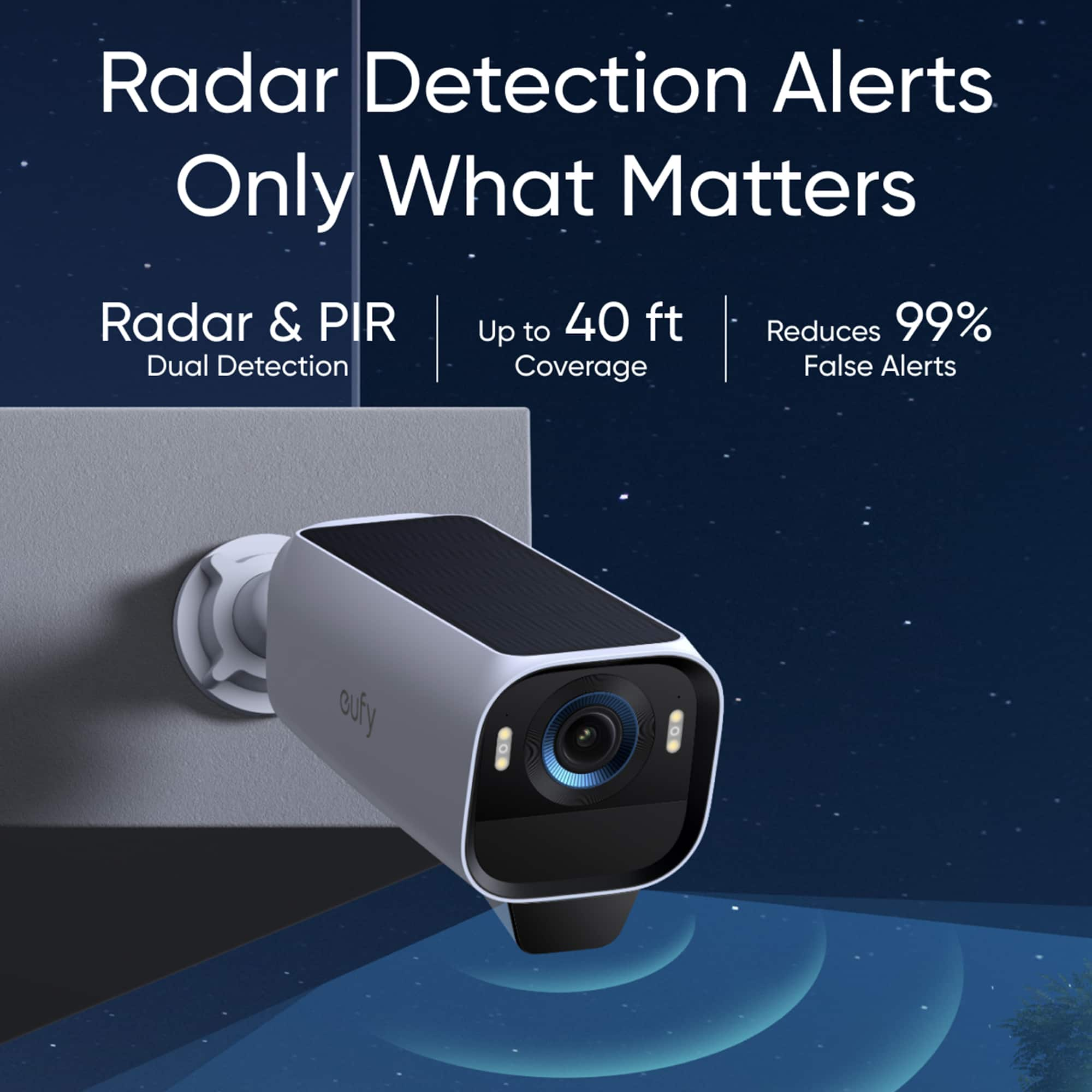
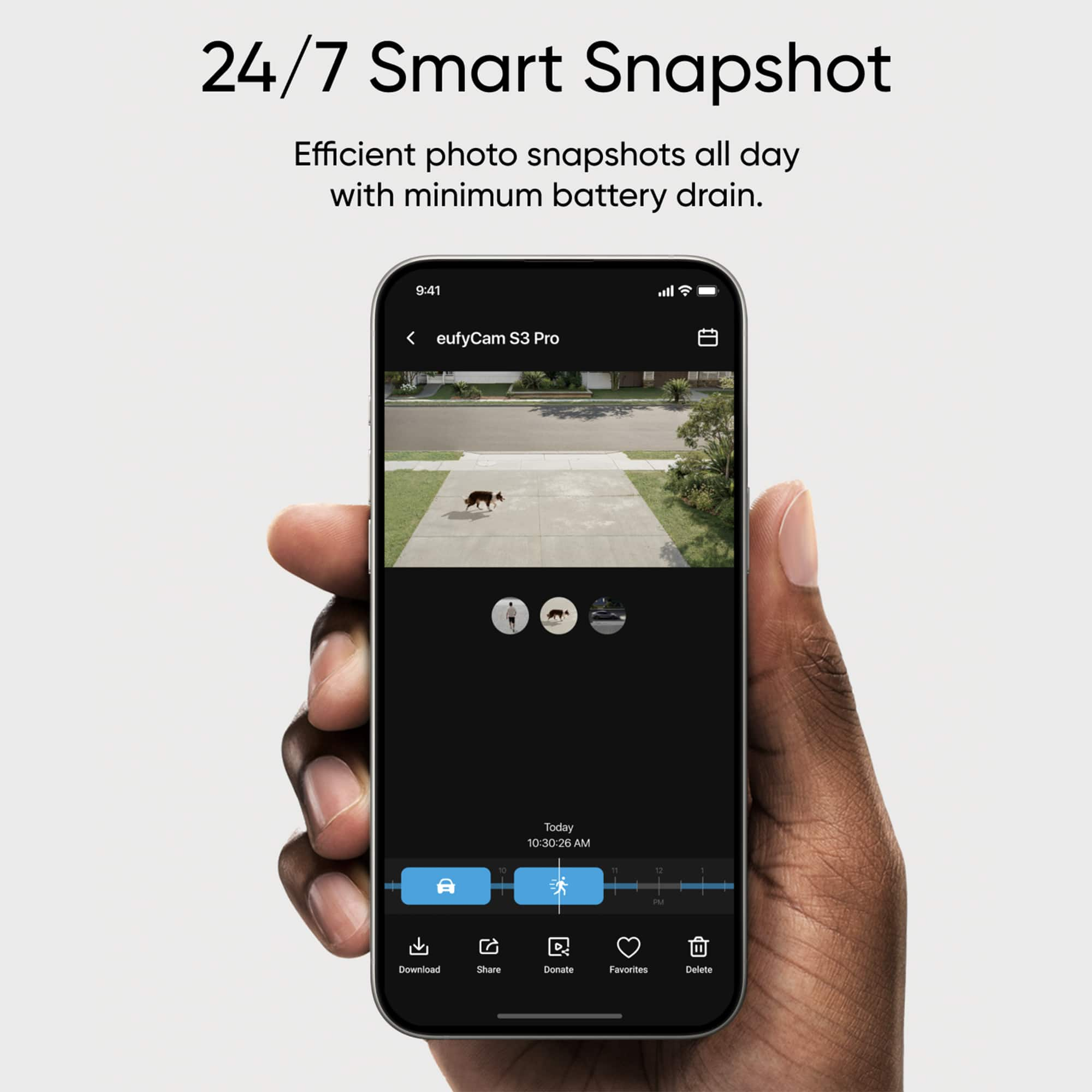
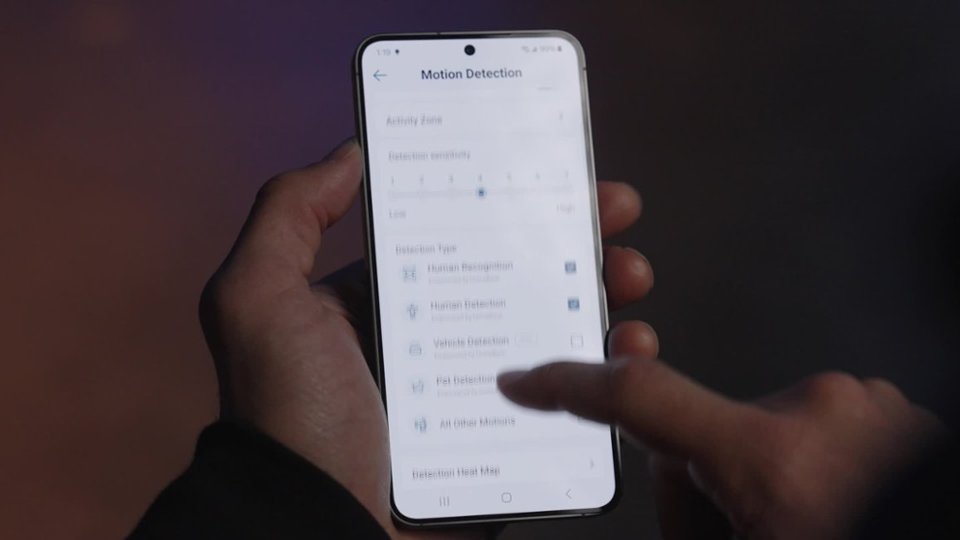
    • Answer Yes, the eufyCam S3 Pro minimizes unnecessary alerts with dual motion detection, and a 24/7 snapshot feature.
    This question and answer was generated by AI based on customer and product data.
  • QuestionWhat is the maximum wireless range of this security camera?

    • Answer The maximum wireless range is 656 feet.
    This question and answer was generated by AI based on customer and product data.
  • QuestionWhat is the difference between the S3 and S3 Pro? The only thing I can find is the Infrared Distance is 26 on the S3 and 40 on the S3 Pro.

    Asked by ChrisW.

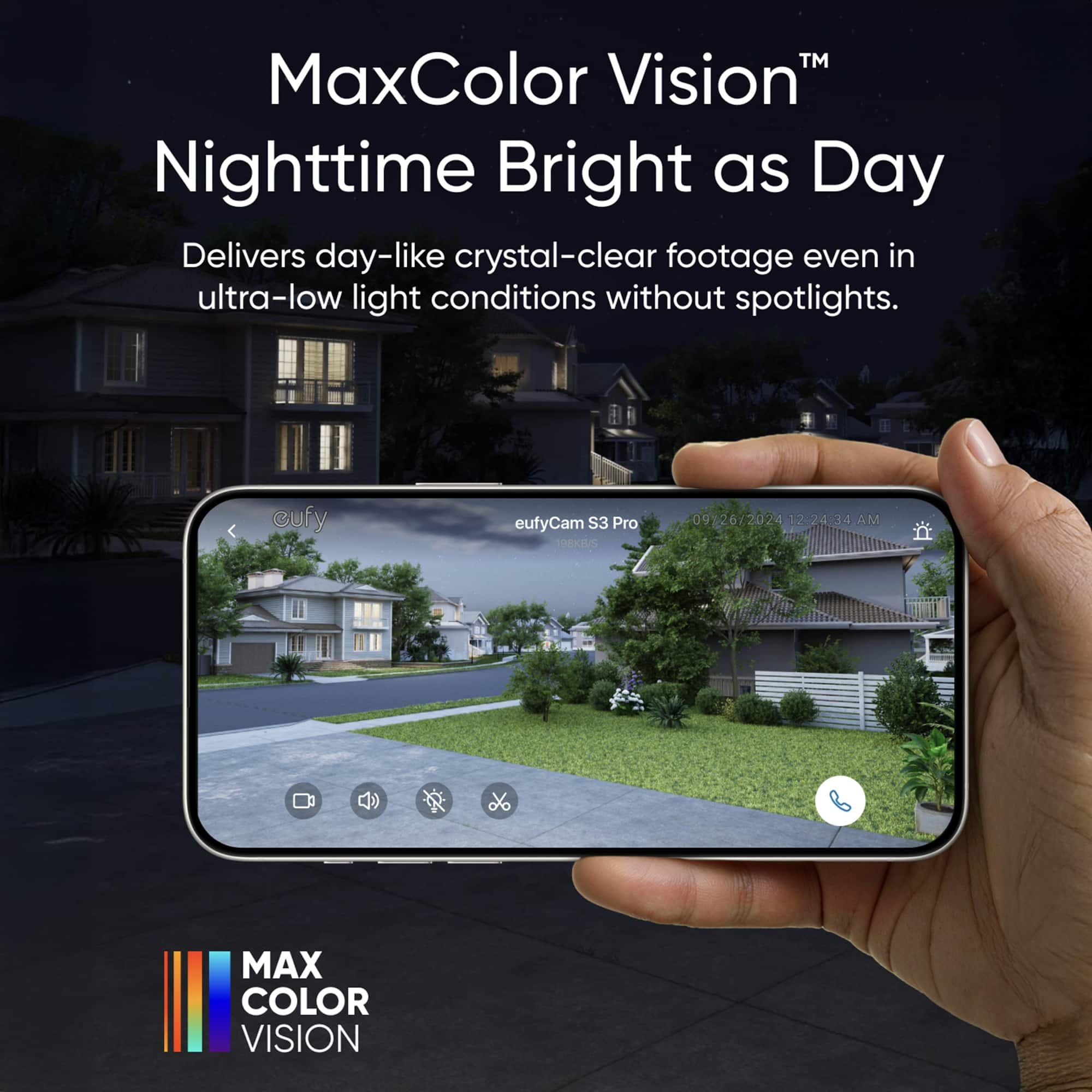
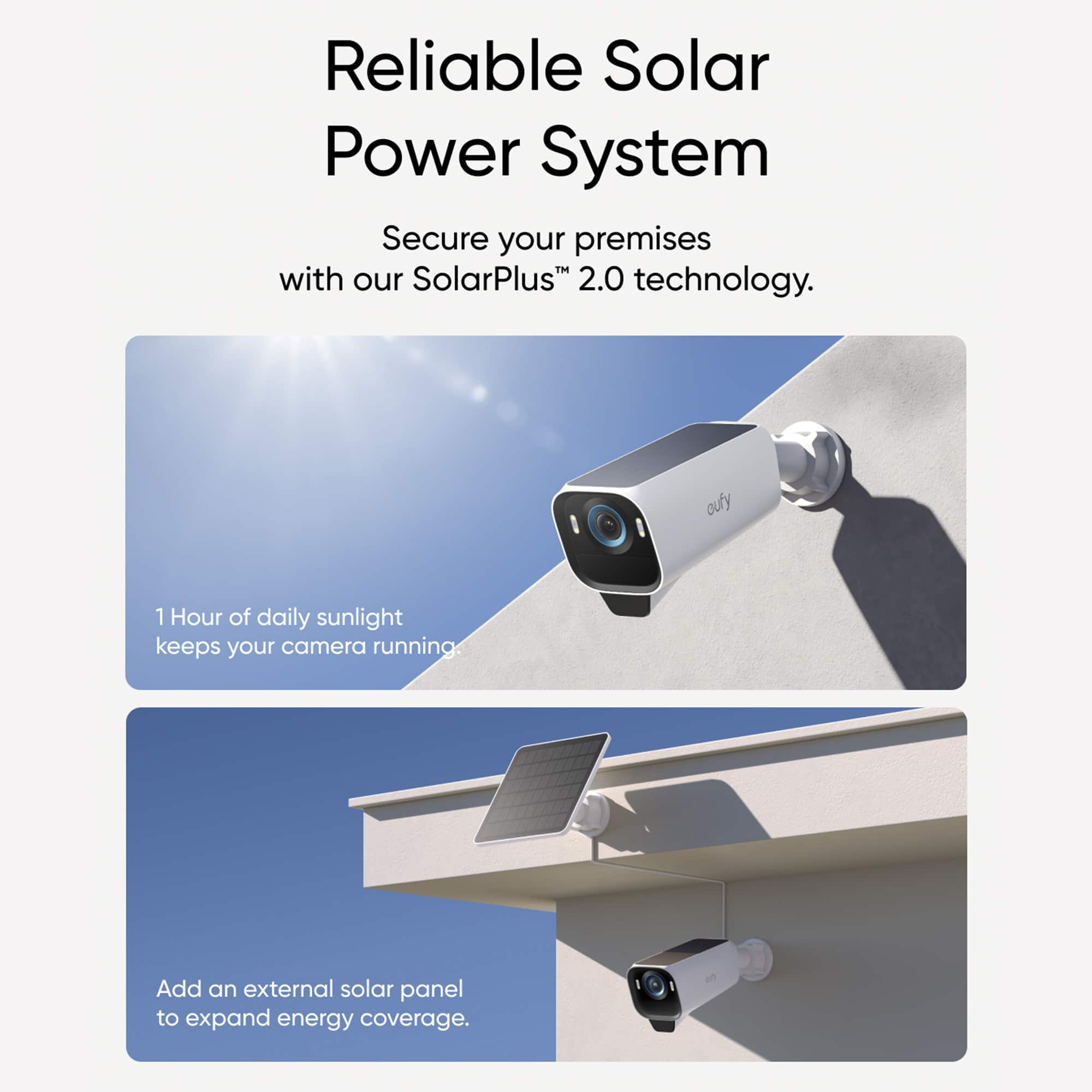
    • Answer The EufyCam S3 and S3 Pro differ in several key features, making the S3 Pro a more advanced option: Key Differences: Infrared Distance: S3: 26 feet S3 Pro: 40 feet MaxColor Vision™ Technology: S3 Pro includes MaxColor Vision™, which provides true-color, clear footage 24/7 without requiring a spotlight. Enhanced Night Vision: S3 Pro features a 1/1.8-inch CMOS sensor with an F1.0 aperture, capturing more detailed color footage in low-light conditions. Motion Detection: S3 Pro uses a dual detection system with radar and PIR sensors, reducing false alerts by up to 99%. Solar Panel Efficiency: S3 Pro has a larger built-in solar panel, allowing for better charging with minimal sunlight. HomeKit Compatibility: S3 Pro supports Apple HomeKit integration for easy monitoring through the Apple Home app. 24/7 Recording: S3 Pro: Supports 24/7 continuous recording when connected to a power source via its USB-C port. This feature is being developed and will be available soon. S3: Does not support continuous recording.

      Answered by Mike

  • QuestionDo these cameras flash when recording? Will the people being recorded know they are on camera?

    Asked by recordinglights.

    • Answer Based on the available information regarding eufyCam S3 Pro, there is no mention of the cameras flashing or notifying individuals that they are being recorded while recording footage.

      Answered by Eufy Team

  • QuestionWill this product survive winter in Michigan?

    Asked by JPeg.

    • Answer The eufyCam S3 Pro, which includes a built-in lithium-ion battery, is capable of operating within a temperature range of -4°F to 122°F (-20°C to 50°C). This means that it should function properly in Michigan winters as long as temperatures remain within this range. However, extreme cold weather outside this range may cause the camera to temporarily stop functioning. Once the temperature warms up and falls back within the operating range, it will resume working. Additionally, cold weather can affect the Passive Infrared (PIR) sensor, resulting in less sensitive motion detection during winter. It's recommended to increase the motion detection sensitivity level during cold conditions for optimal performance. These cameras are equipped with IP67 weatherproofing, providing further protection against harsh winter elements. If your region's temperatures frequently drop below -4°F, you may want to consider additional measures to ensure consistent functionality.

      Answered by Eufy Team

  • QuestionCan I use this system without a mobile application? I want to use my windows-based laptop to log into a server or website or browser or folder to view and access video, but don't want to have to download an app to my phone or computer.

    Asked by Timmy.

    • Answer The eufyCam S3 Pro system cannot work as a standalone device, and it must be connected to the HomeBase 3 to function properly. Moreover, the eufyCam S3 Pro requires the eufy app (version 4.9.2 or newer) for setup and usage, which is compatible with Android 8.0+ and iOS 13+ devices. The system is designed to interact with third-party smart home platforms such as Amazon Alexa, Google Assistant, and Apple HomeKit. However, it does not support direct access or control through a Windows-based browser or server folder without utilizing the eufy app or HomeBase 3 connection. Therefore, you would need to use the app for accessing video and device features; there is no provision for bypassing app usage entirely on this system.

      Answered by Eufy Team

  • QuestionHow many accounts can access the app at the same time?

    Asked by Tavo.

    • Answer For the eufy Security app associated with the eufyCam S3 Pro, the same account can be used on multiple devices simultaneously. Specifically: Two Phones (iOS + Android / iOS + iOS / Android + Android) One Tablet (Android/iOS) One Web Portal (Windows) This allows up to four devices logged into the same account at the same time.

      Answered by Eufy Team

  • QuestionWill this homebase work with the eufy Security Video Doorbell E340??

    Asked by GTL83.

    • Answer Yes, the eufy Security HomeBase 3 is compatible with the Video Doorbell E340. It can be used optionally to store video clips and enhance functionality, but the doorbell can also work independently or with other options like HomeBase 2 or a WiFi connection.

      Answered by Eufy Team

  • QuestionI don't have Alexa etc.. will a wireless network be sufficient to install and operate?

    Asked by Shell.

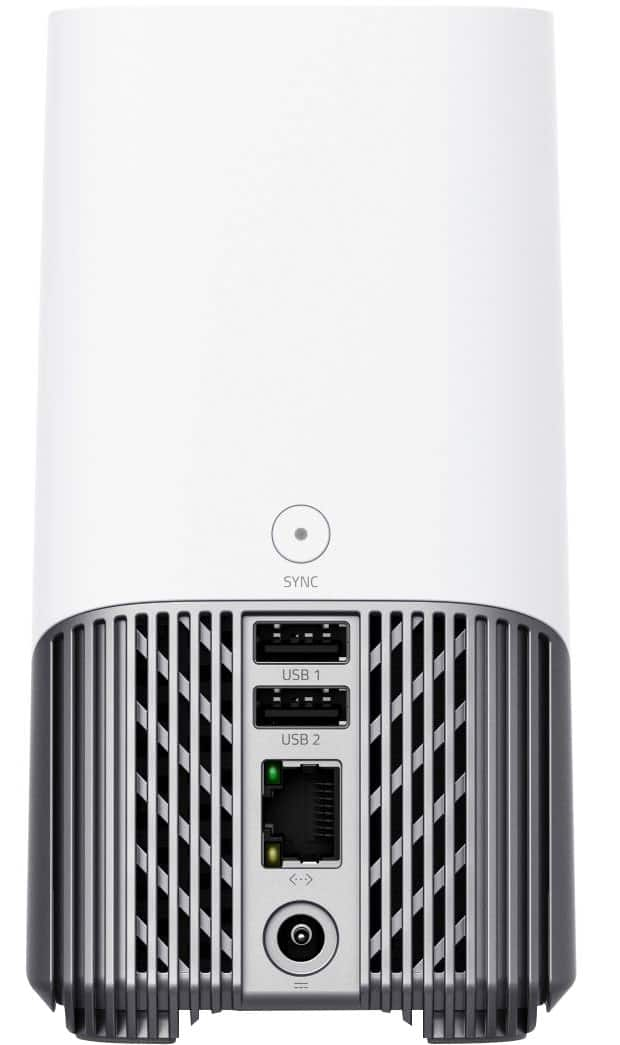
    • Answer The eufyCam S3 Pro cannot work as a standalone device and requires connection to the HomeBase 3 for operation. While a wireless network is sufficient for functionality after setup, during the installation process, the HomeBase 3 must be initially connected to your router using an Ethernet cable. After setup, you can switch the HomeBase 3 connection to Wi-Fi. Since the HomeBase and cameras only support 2.4GHz Wi-Fi networks, ensure your network operates on this frequency. Also, make sure your wireless coverage extends to the areas where you plan to install the cameras for seamless operation.

      Answered by Eufy Team

  • QuestionDoes it have a hdmi on home base to hook to a tv screen

    Asked by Riley.

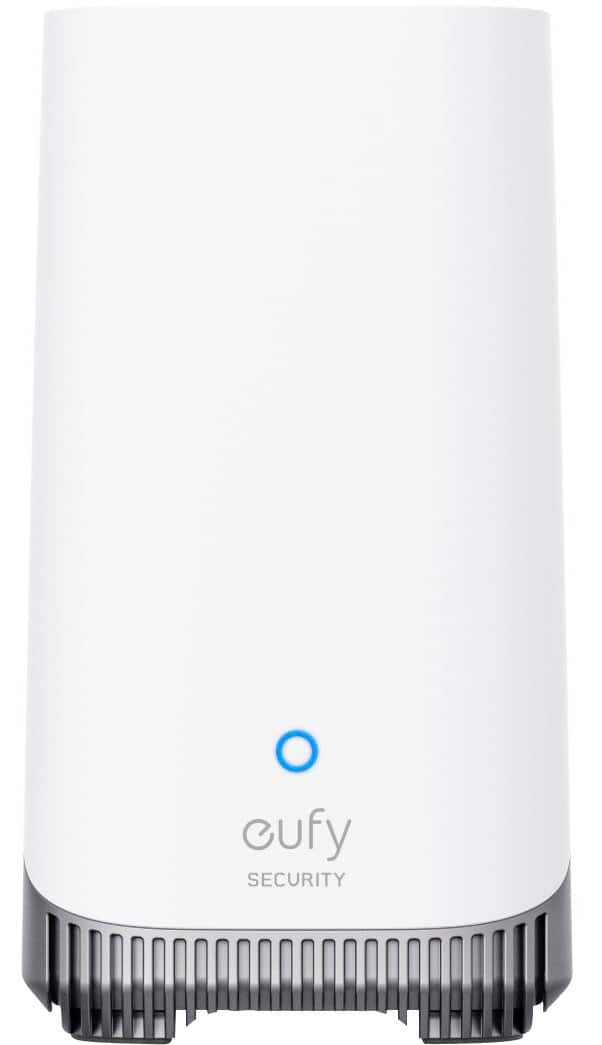
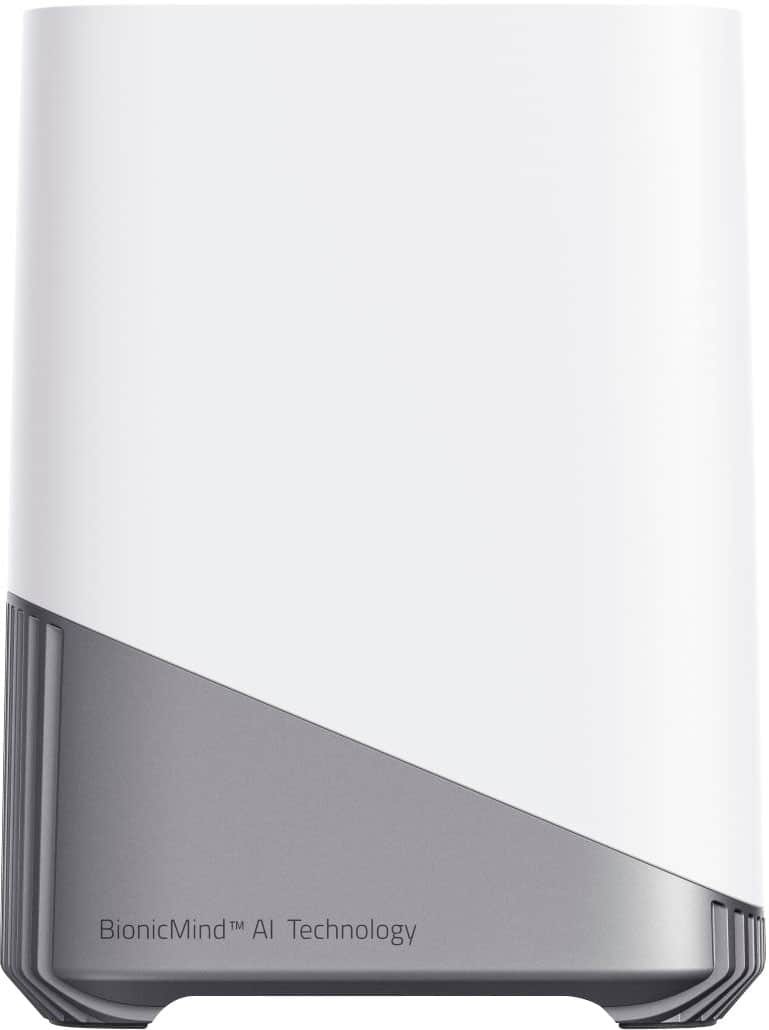
    • Answer The eufyCam S3 Pro's HomeBase 3 does not have an HDMI output for connecting directly to a TV screen.

      Answered by Eufy Team

  • QuestionDo I have to plug the base into the router or can I connect it to wifi.

    Asked by Cg304.

    • Answer Requires Ethernet for operating the internal hard drive and WiFi for cameras to connect with App.

      Answered by HenryS

  • QuestionIs Alexa or Google Assistant required for any of the functions listed? Can you add additional cameras to the system?

    Asked by BigMomma.

    • Answer eufyCam S3 Pro supports voice wake-up and notifications using Alexa, but not two-way intercom. Supports voice wake-up using Google Assistant, but not notifications and two-way intercom. You can add cameras to eufyCam S3 Pro

      Answered by Eufy Team

  • QuestionCan you add additional cameras to this system and do they have to be the S3 Pro?

    Asked by Brian.

    • Answer Currently, there is no specific information indicating whether additional cameras can be added to the eufyCam S3 Pro system or if they must necessarily be the S3 Pro model. This system requires the HomeBase 3 for functionality, and camera compatibility typically depends on the specifications and compatibility of the HomeBase 3. To confirm whether other cameras apart from the S3 Pro can be added to the system, I recommend verifying the specifications of your HomeBase 3 and its compatible devices or reviewing the eufy support resources.

      Answered by Eufy Team

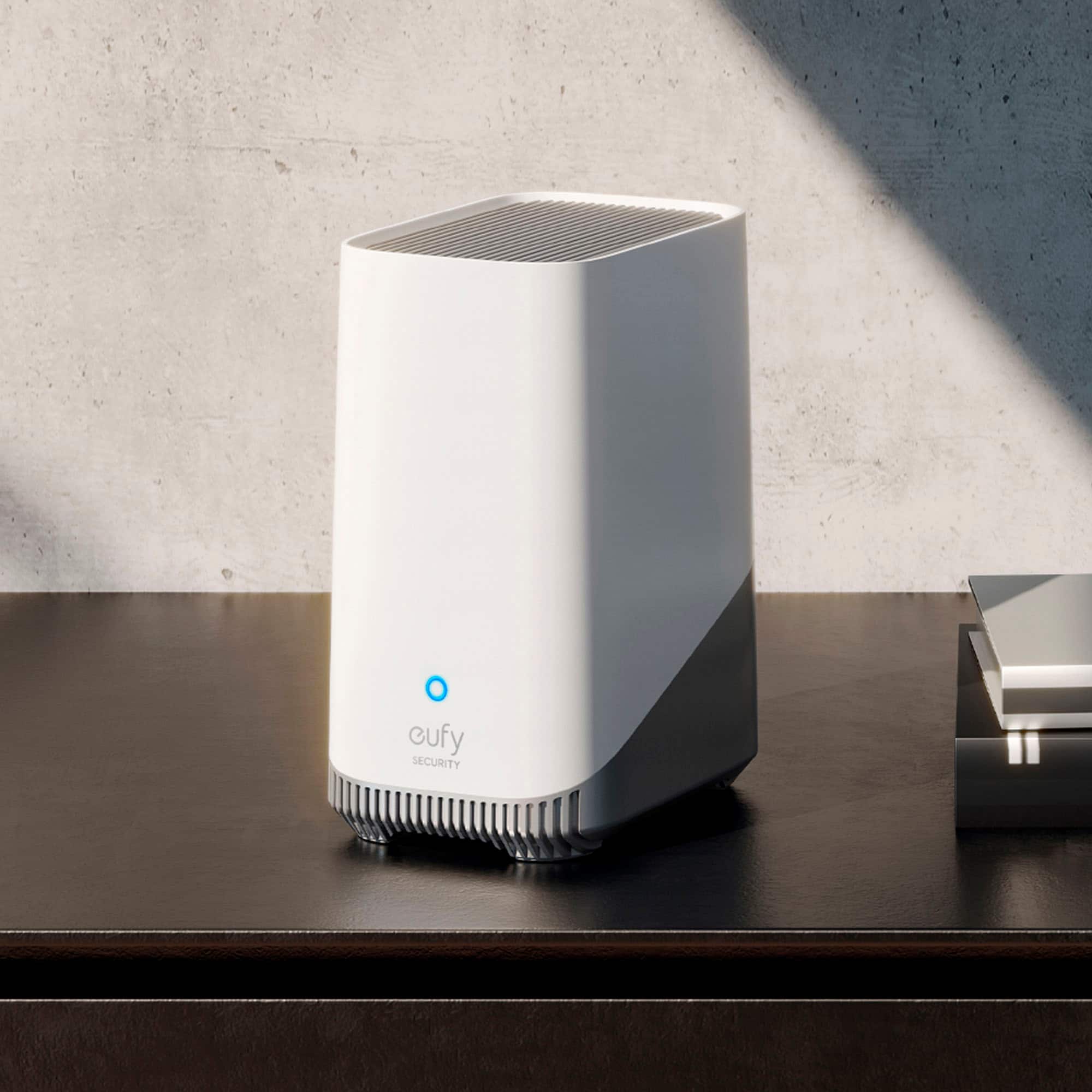
  • QuestionIs the Homebase 3 capable of operating outdoors, or is it indoor only?

    Asked by Jack.

    • Answer The HomeBase 3 is designed for indoor use only and is not suitable for outdoor operation.

      Answered by Eufy Team