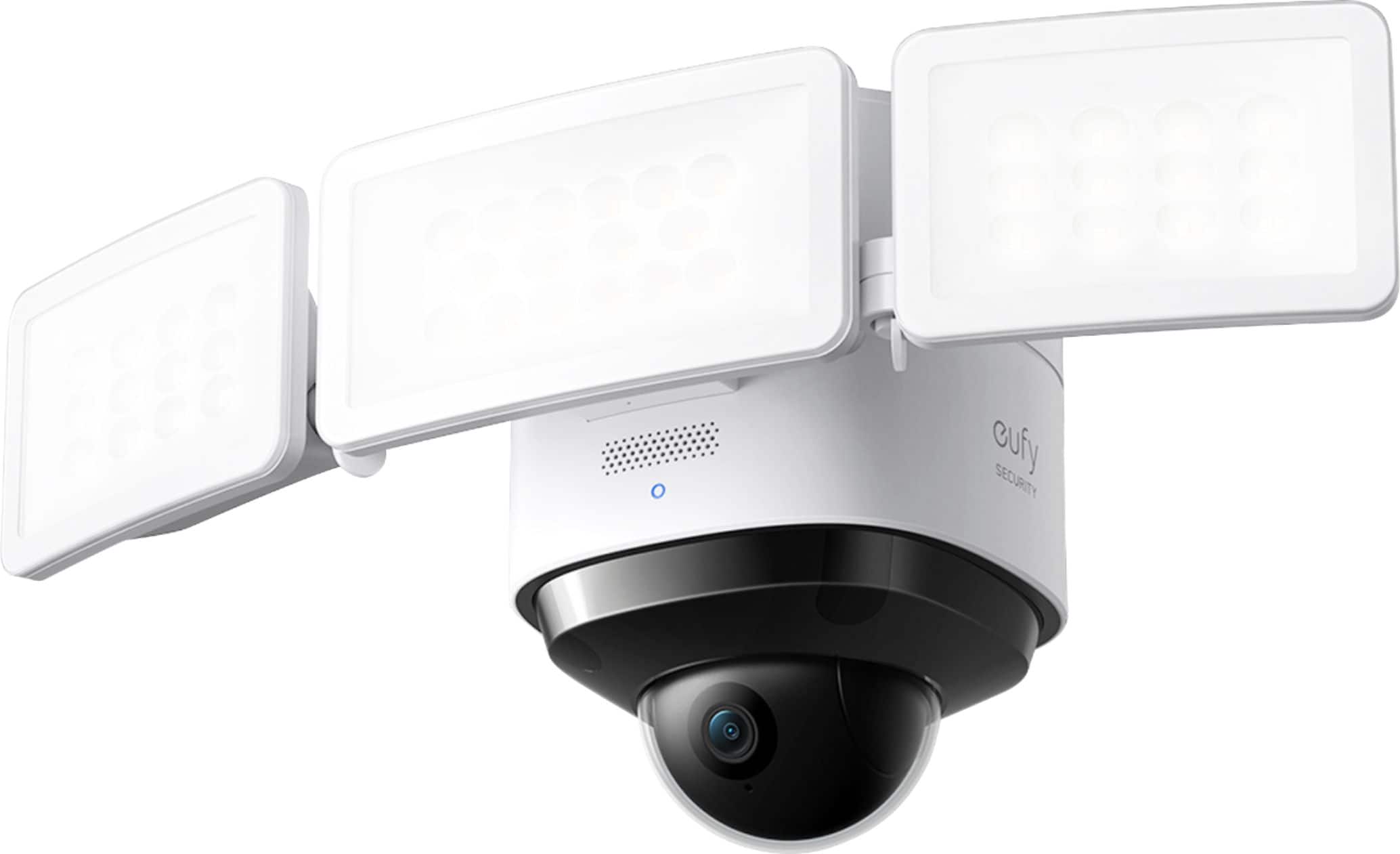
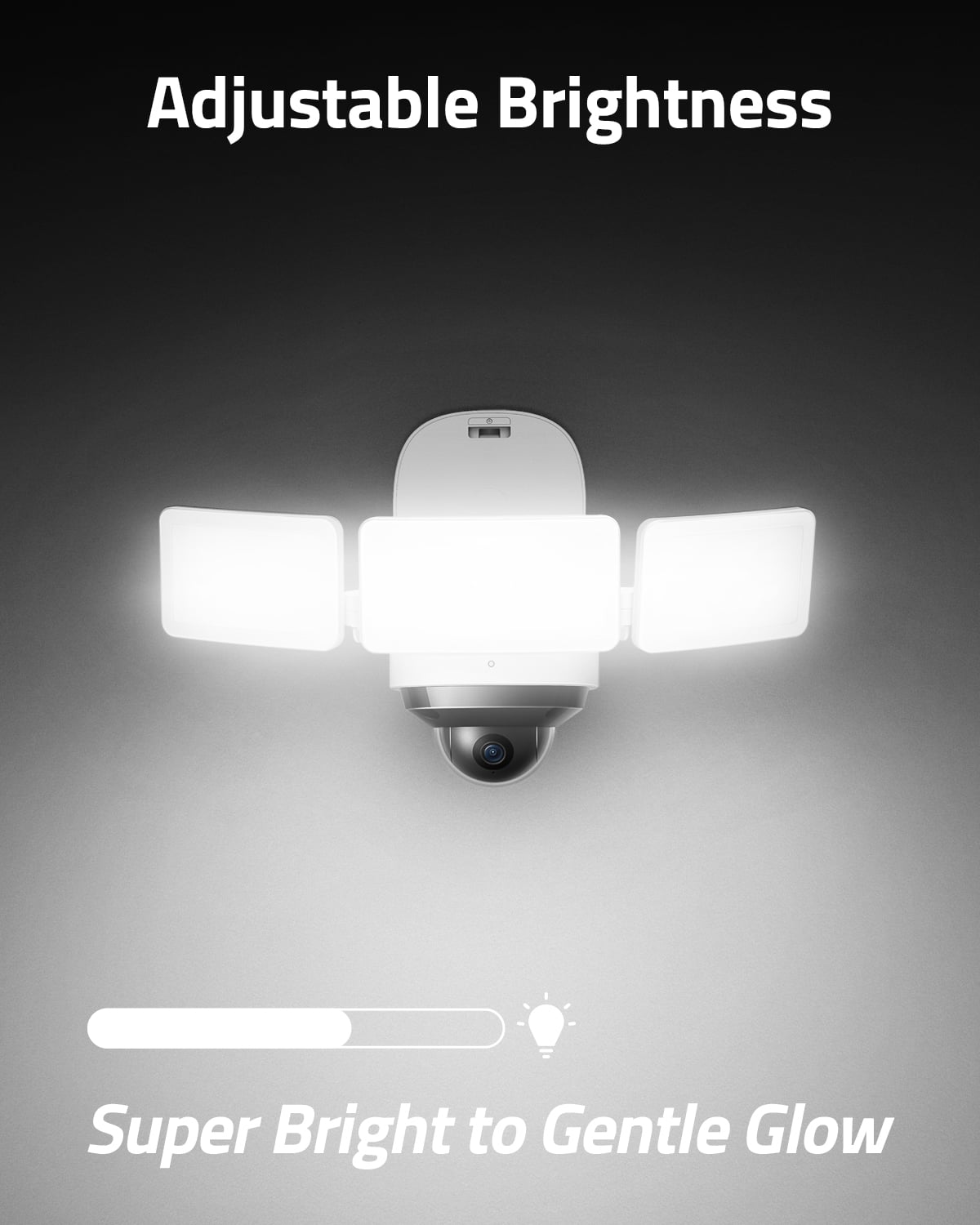
A:AnswerThe three lights are on a single horizontal axis that can be tilted up and down. Then the two outside lights are on a vertical hinge that allows you to swing them from forward facing to the side - independent of each other. So, you can set the tilt to address the height and how far you want to project outward - and then focus the side lights from forward to nearly right angles from the front. I have had the unit installed for about a month - and it seems like a solid product. The app is very intuitive and easy to use - with lots of controls and functions.
A:AnswerThe eufy app has the ability to turn the light on and off at your command. If can also be tied into Google Assistant, Alexa, of Home Assistant to work via voice commands.
A:AnswerThe eufy S330 Outdoor Wired 2K PTZ Security Camera with Floodlights does not have the option to be powered by a solar-powered system as it includes a wired connection featuring an AC adapter. If you are looking for eufy cameras with solar power options, products like the S220 SoloCam or other solar-integrated cameras could be alternatives.
A:AnswerYes, the eufy Security - S330 Outdoor Wired 2K PTZ Security Camera with Floodlight requires a 2.4GHz WiFi connection. If your modem box supports a 2.4GHz WiFi network, the camera will work with it. Please ensure that your modem's WiFi is not hidden and is set to WPA or WPA2 security for proper connectivity.
A:AnswerFor viewing recordings, you can access them via the eufy Security app, which allows playback and live view, but it doesn't directly store these on your phone unless you manually download the recordings.
A:AnswerNo, the eufy Security - S330 Outdoor cannot directly access or display its feed within the Google Home App. This device must be connected to the eufy S380 HomeBase (HomeBase 3) and uses the eufy Security App for setup, management, and viewing.