
Skip to contentGo to Product SearchGo to Footer
Main Content

Questions & Answers

Page Showing 1-20 of 22 questions
  • QuestionDoes the eufy security system require a monthly fee?

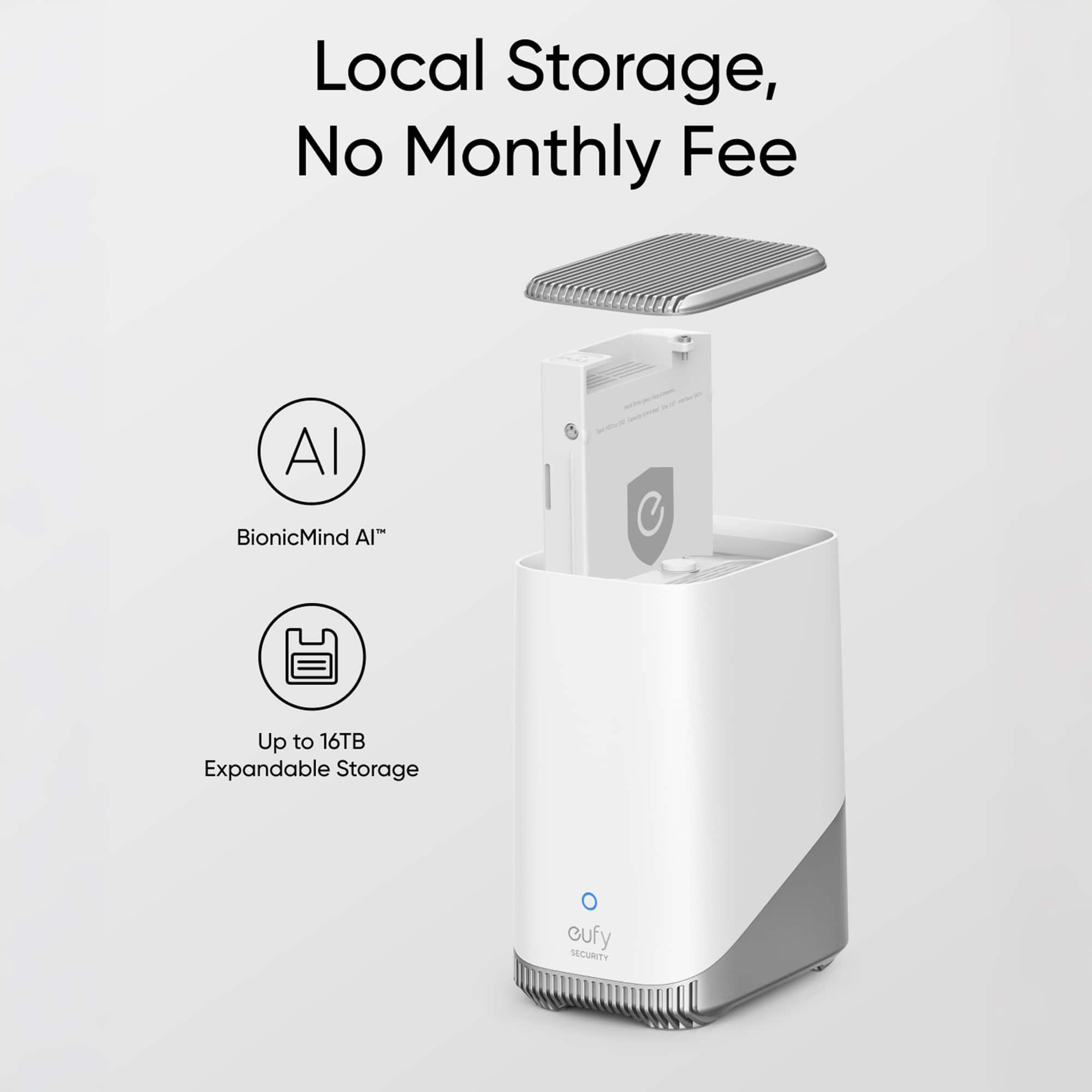
    • Answer You can save recordings locally, so there are no monthly fees for this product.
    This question and answer was generated by AI based on customer and product data.
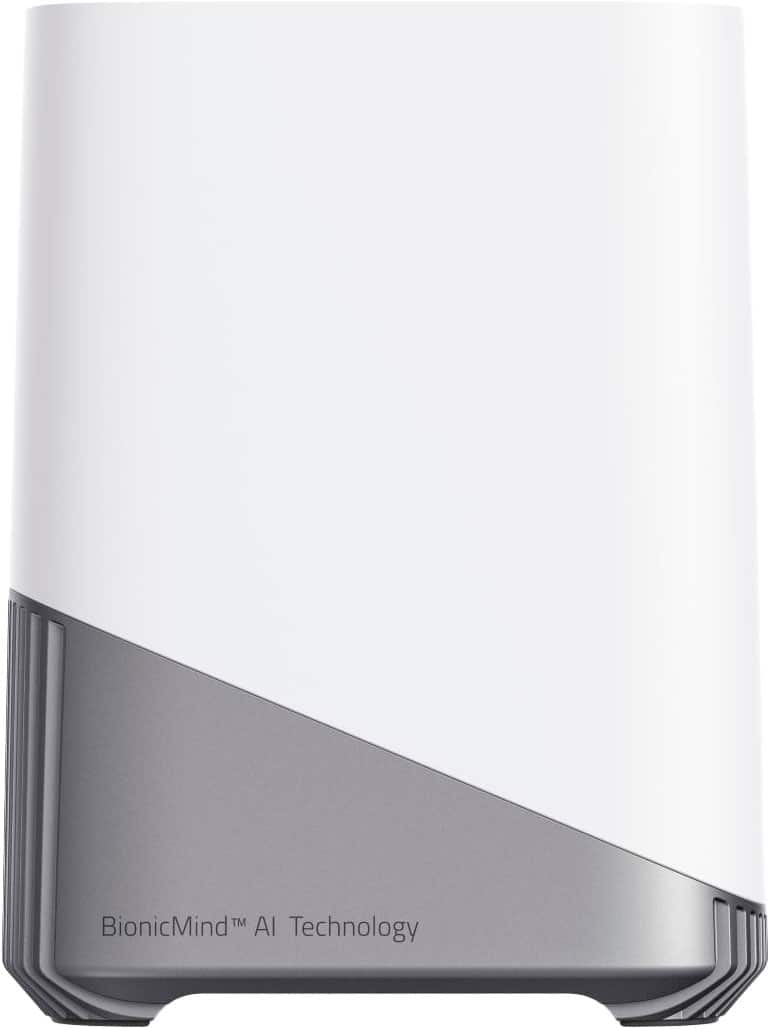
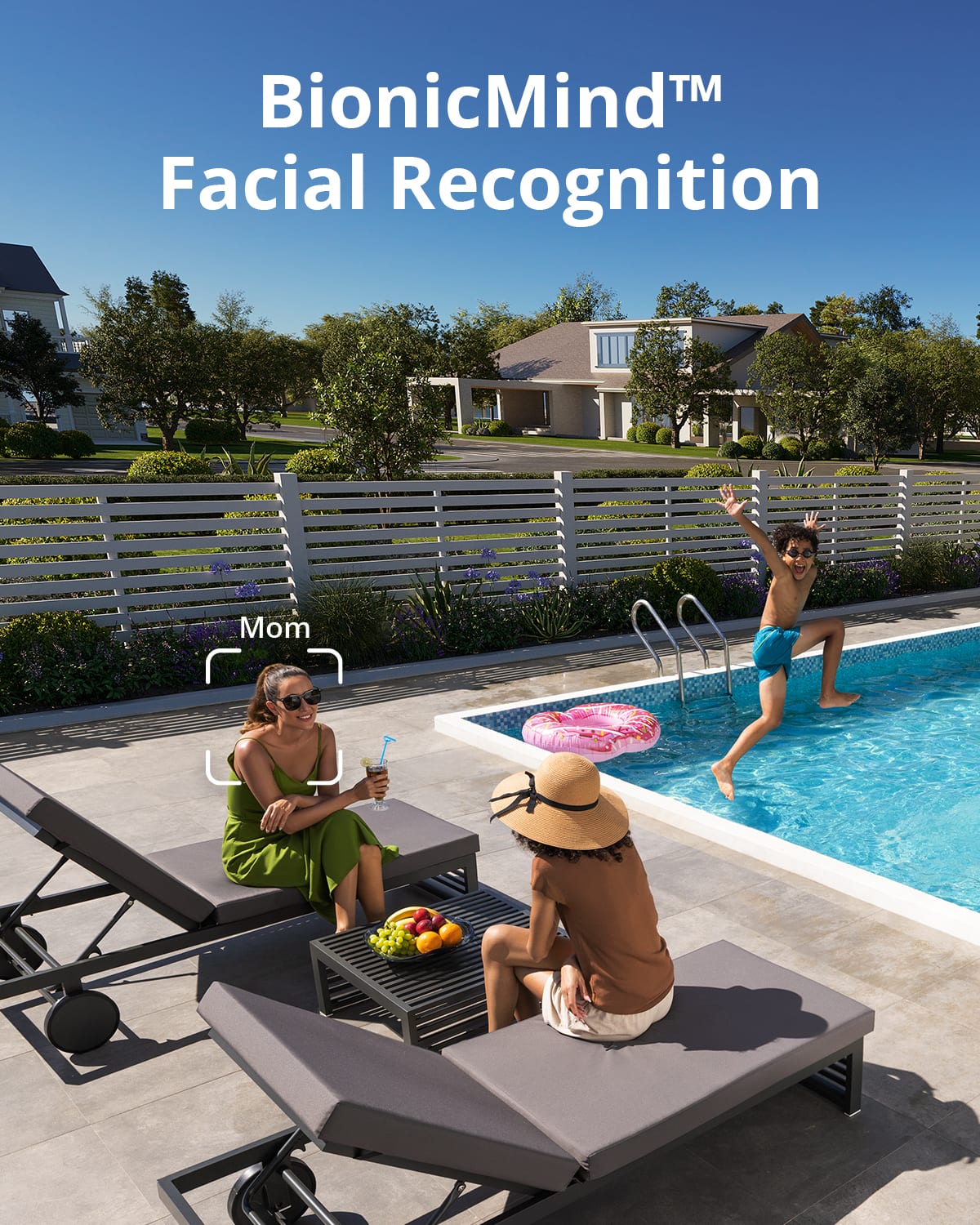
  • QuestionHow does the BionicMind AI work?

    • Answer The BionicMind AI can differentiate between family and strangers with up to 99% accuracy and will learn and improve with every use.
    This question and answer was generated by AI based on customer and product data.
  • QuestionHow much storage comes built in with this system?

    • Answer This system comes with 16 GB of built-in storage.
    This question and answer was generated by AI based on customer and product data.
  • QuestionHow long will the battery last on a single charge?

    • Answer This system provides up to 180 days of security on just one charge.
    This question and answer was generated by AI based on customer and product data.

  • QuestionWhat is the maximum storage capacity?

    • Answer The storage can be expanded up to 16 TB with a portable hard drive.
    This question and answer was generated by AI based on customer and product data.

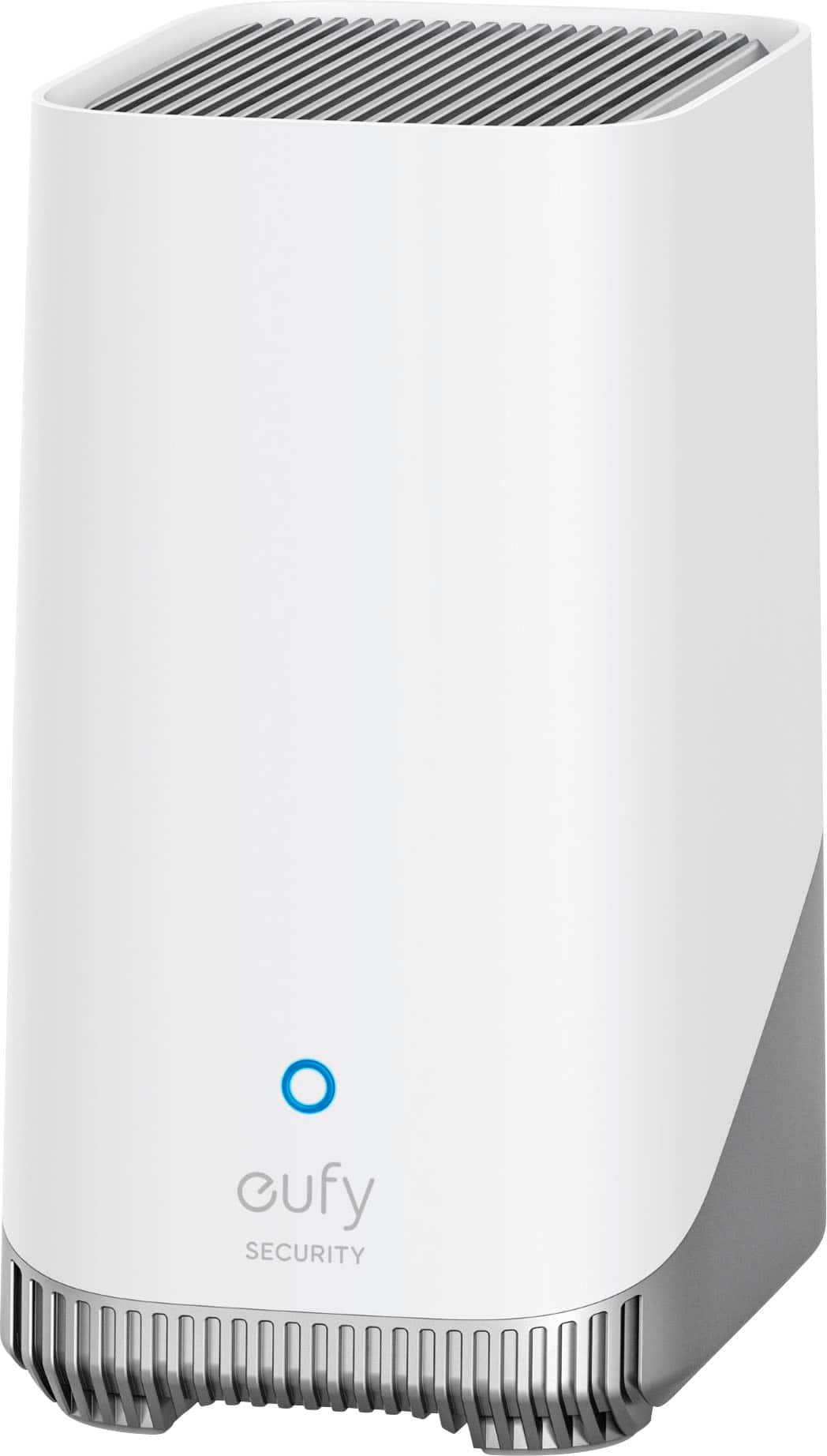
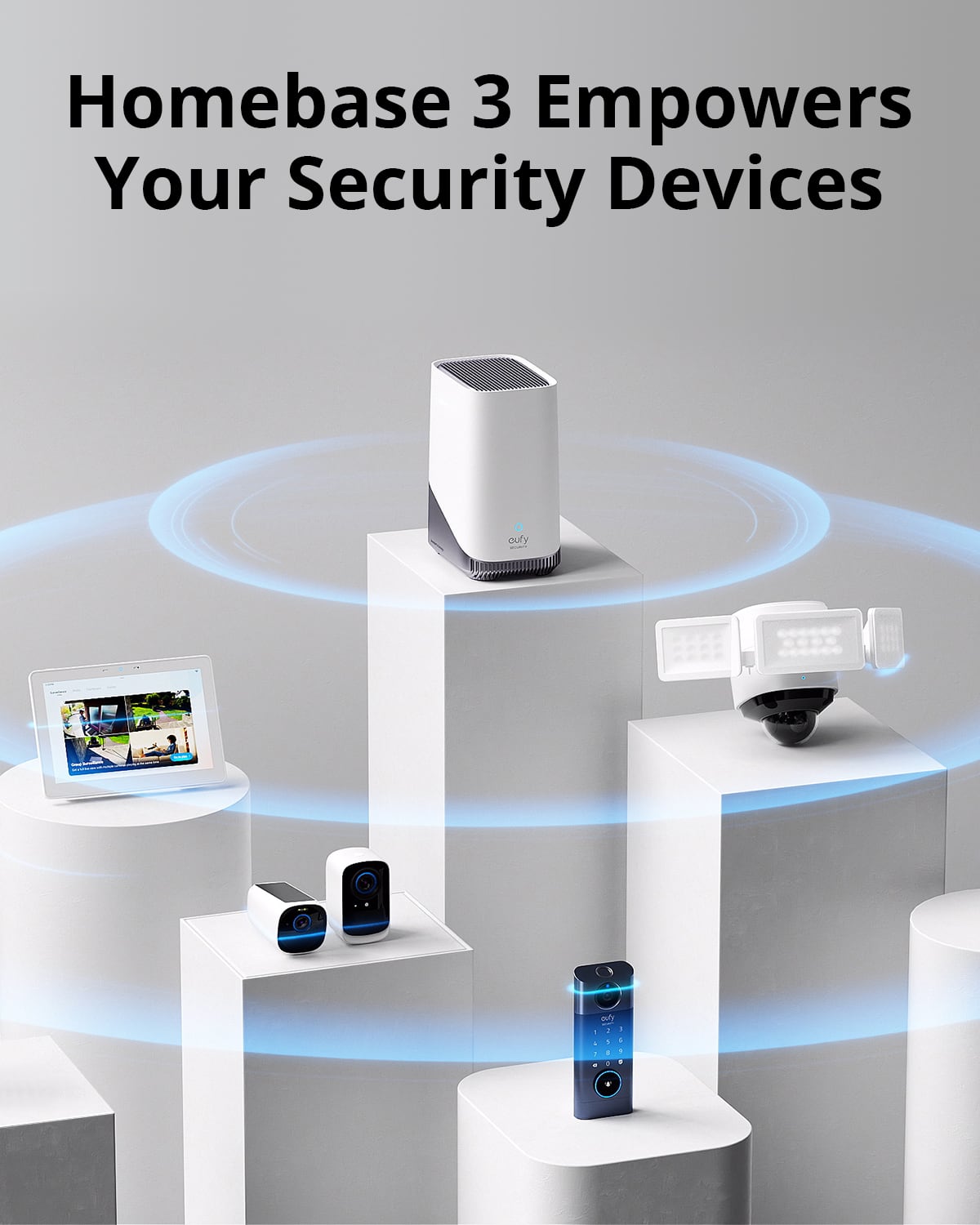
  • QuestionWhat is the maximum wireless range of the eufy HomeBase?

    • Answer The maximum wireless range is 656 feet.
    This question and answer was generated by AI based on customer and product data.
  • QuestionDoes this system work with a voice assistant?

    • Answer Yes, this system is compatible with Amazon Alexa and Google Assistant.
    This question and answer was generated by AI based on customer and product data.

  • QuestionHow many cameras can you use with this

    Asked by Anonymous.

    • Answer eufy HomeBase 3 supports up to 16 cameras + 34 other compatible devices. However, it is highly recommended to set up devices on multiple HomeBases for optimal performance when more than 10 cameras need to be added to the eufy Security app.

      Answered by Eufy Team

  • QuestionIs there an internal hard drive that you recommend to use to expand the memory storageand that can be purchased on or at bestbuy?

    Asked by Ken.

    • Answer For expanding the memory storage of the S380 HomeBase (HomeBase 3), you can consider purchasing the Western Digital, Seagate, SAMSUNG, Kingston, PNY, or Crucial internal hard drives available at BestBuy. These brands meet the requirements for expanding the local storage and are compatible with the HomeBase 3.

      Answered by Eufy Team

  • QuestionTwo storage questions 1. Can this device support a USB external drive through one of its USB ports? 2. Does the internal hard drive slot support 3.5 inch or 2.5 inch SATA hard drives?

    Asked by RDH1Z.

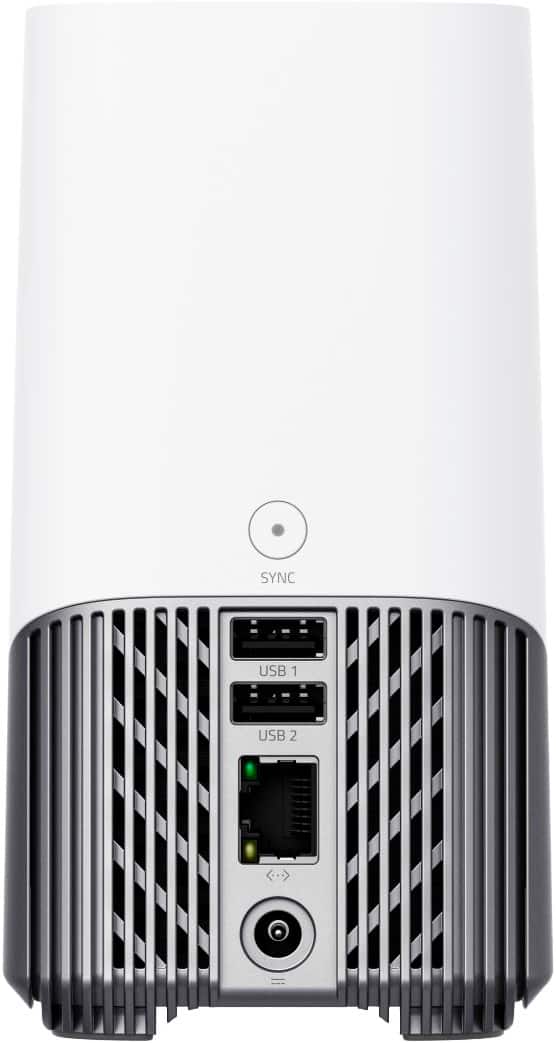
    • Answer No, the USB ports on the back of the eufy S380 HomeBase 3 (HomeBase 3) cannot connect to an external hard drive for storage expansion. The USB ports have other purposes, such as charging and backups when used with a USB drive. The internal hard drive slot of the eufy S380 HomeBase 3 supports 2.5-inch hard drives that use the SATA interface. It can accommodate hard disk drives (HDD) or solid-state drives (SSD) with a storage capacity of up to 16TB.

      Answered by Eufy Team

  • Questionwhat kind of storage drive works with the home base 3 and is the home base 3 able to work with the S340

    Asked by JosephG56.

    • Answer Most 2.5-inch hard drives will work. SATA drives are probably better than traditional hard drives with spinning disks.

      Answered by Ernest

  • QuestionWill this make my camera run smoother and faster ? I have an e340 but it's slow

    Asked by BestBuyconsumer.

    • Answer The S380 HomeBase 3, also known as HomeBase 3, can significantly improve your camera's performance, including the e340, by acting as a central hub for your security ecosystem. It provides a secure and reliable connection between your cameras and your home network. Some benefits of using HomeBase 3 include: Advanced Features: HomeBase 3 enables AI-powered features like facial recognition, human detection, and motion detection, which enhance the camera's functionality and responsiveness. Optimized Storage: With built-in 16GB eMMC storage that can be expanded via external devices, HomeBase 3 helps store video clips and enables 24/7 recording. This reduces the reliance on internal storage and ensures seamless recording. Centralized Management: It connects and manages various eufy security devices, creating a unified interface for monitoring and control. Improved Connectivity: When connected through HomeBase 3 instead of directly to Wi-Fi, the camera benefits from a secure and robust connection, which could result in smoother operation and faster responsiveness during activity detection and alert notifications. However, when the camera is connected directly to your home Wi-Fi, it will store videos on its internal storage rather than on the HomeBase. Therefore, for optimal performance and storage capacity, connecting your camera to HomeBase 3 is recommended.

      Answered by Eufy Team

  • Questionis the base station compatible with eufy doorbill E340

    Asked by A.

    • Answer Yes, the Video Doorbell E340 is compatible with eufy Security HomeBase 2 and S380 HomeBase (sold separately). However, it is not mandatory to use a HomeBase, as the doorbell can also operate independently when connected to your wireless router. This provides flexibility in how you use the device.

      Answered by Eufy Team

  • QuestionWhat is the resolution of the videos stored on the S380 HomeBase 3 (specs say 2560x1440) when used with a eufyCam S4 (3840x2160)? Will the S4 resolution be downgraded when stored on a HomeBase? Why is there a resolution spec for the HomeBase at all?

    Asked by MikeH.

    • Answer The S380 HomeBase 3 (also known as HomeBase 3) has a built-in video resolution specification of 2560x1440, in accordance with its storage and processing capabilities. However, when used with a camera such as the eufyCam S4, which has a higher resolution of 3840x2160 (4K), there is indeed a possibility of resolution downgrade when the footage is stored on the HomeBase 3, as the stored video clips are compressed to match the HomeBase’s capacity. The resolution specification for the S380 HomeBase 3 likely exists because it reflects the maximum quality that the HomeBase itself is designed to handle efficiently when storing or managing video data, considering factors such as storage capacity, connectivity, and processing power. Thus, if the camera has a higher resolution, the recorded video will be stored in a format that aligns with the HomeBase's specifications (e.g., maximum of 2560x1440).

      Answered by Eufy Team

  • QuestionBefore I purchased and added home base 3, my solar cam and wall light cam were constantly showing videos (my choice). Now I am not getting any recordings. What's the problem?

    Asked by Deejae.

    • Answer It seems that after adding the HomeBase 3 to your setup, there might be connectivity or configuration issues causing the cameras to stop recording. Here are a few steps you can take to troubleshoot the issue based on the provided knowledge: Check Network Setup: Ensure that your Solar Cam, Wall Light Cam, and HomeBase 3 are all connected to the same network, are added to the same home in the eufy Security app, and are associated with the same eufy account. Verify Firmware Version: Ensure that the firmware version of your HomeBase 3 is updated to version 2.1.1.9 or above. An outdated firmware might cause issues. Ensure Proper Setup: If the devices were removed or not added correctly to HomeBase 3, you may need to repeat the setup process for both the devices and HomeBase 3 to ensure proper operation. Check for Connection or Power Issues: Verify that all devices (Solar Cam, Wall Light Cam, and HomeBase 3) are powered on and functioning normally. Additionally, check whether your network router is operating properly, and consider restarting your router. Storage Settings: Recordings are initially stored on the camera. If you’ve enabled video backup to the HomeBase 3, you may want to confirm those settings. In the app, you can check where the recordings are stored by going to “Event List -> Filters -> HomeBase 3.” Stream Test Failure: If a stream test failure is detected during the connection process, ensure all devices are on the same network, powered on, and check the router. If the issue persists, you might need to verify the settings in the eufy Security app to ensure that the devices are linked correctly to HomeBase 3 and that recording settings are properly configured.

      Answered by Eufy Team

  • Questionwill this work with the famlilock style door locks?

    Asked by Tony.

    • Answer The eufy S380 HomeBase 3 (HomeBase 3) primarily connects and manages eufy Security devices providing a centralized hub for monitoring and control. However, based on the available knowledge, there is no mention of compatibility with familock style door locks. For device compatibility, HomeBase 3 provides connectivity for various eufy Security devices. To verify if your specific door locks are compatible, please check if they come under eufy’s list of compatible devices or if they are explicitly designed to work with the HomeBase 3. Further detailed compatibility information can be found here. If your door lock is not from eufy Security, it is unlikely to be compatible with the HomeBase 3.

      Answered by Eufy Team

  • Questionwhat is the maximum video length that can be stored at 16 GB? will connecting a flash drive increase it's storage capacity?

    Asked by victor.

    • Answer 60 second videos will fill 16 GB quickly. I had a spare 512 GB SSD and installed it in the unit...very easy. Been recording 60 second video from 2 cameras for 2 month and still have 480 GB left on the drive.

      Answered by MarieH

  • Questionhi is this a 110 or 220 volt dc,thank you.

    Asked by Anonymous.

    • Answer The Eufy S380 HomeBase 3 (also known as HomeBase 3) is not powered directly by 110V or 220V DC — instead: It uses an AC power adapter that is 100–240V AC, 50/60Hz (standard worldwide voltage range). The adapter converts AC (from your wall outlet) into 12V DC for the HomeBase 3. This means you can use it in regions with either 110V or 220V mains power — you just need the correct plug type or adapter for your region.

      Answered by Eufy Team

  • QuestionI bought your cameras a few years ago. How can I tell if they are compatible

    Asked by Janeyhome.

    • Answer The S380 HomeBase 3, also known as HomeBase 3, is compatible with a variety of eufy security cameras and devices. It's recommended to check the specific model of your cameras for compatibility.

      Answered by Eufy Team

  • QuestionCan I add the home for my wireless one camera doorbell? I'm experiencing a P2P issue on the feedback for my doorbell. I thought this might resolve the issue. As of now I cannot not view video on my doorbell video.

    Asked by Anita.

    • Answer If you have an eufy doorbell, you can set it up to use the HomeBase 3. But if it's another brand, you can't.

      Answered by Ernest