A:AnswerYou can go to settings on the camera to adjust the brightness by the event. For instance, you can set one brightness level when the light is on the timer and another level if an event triggers the light.
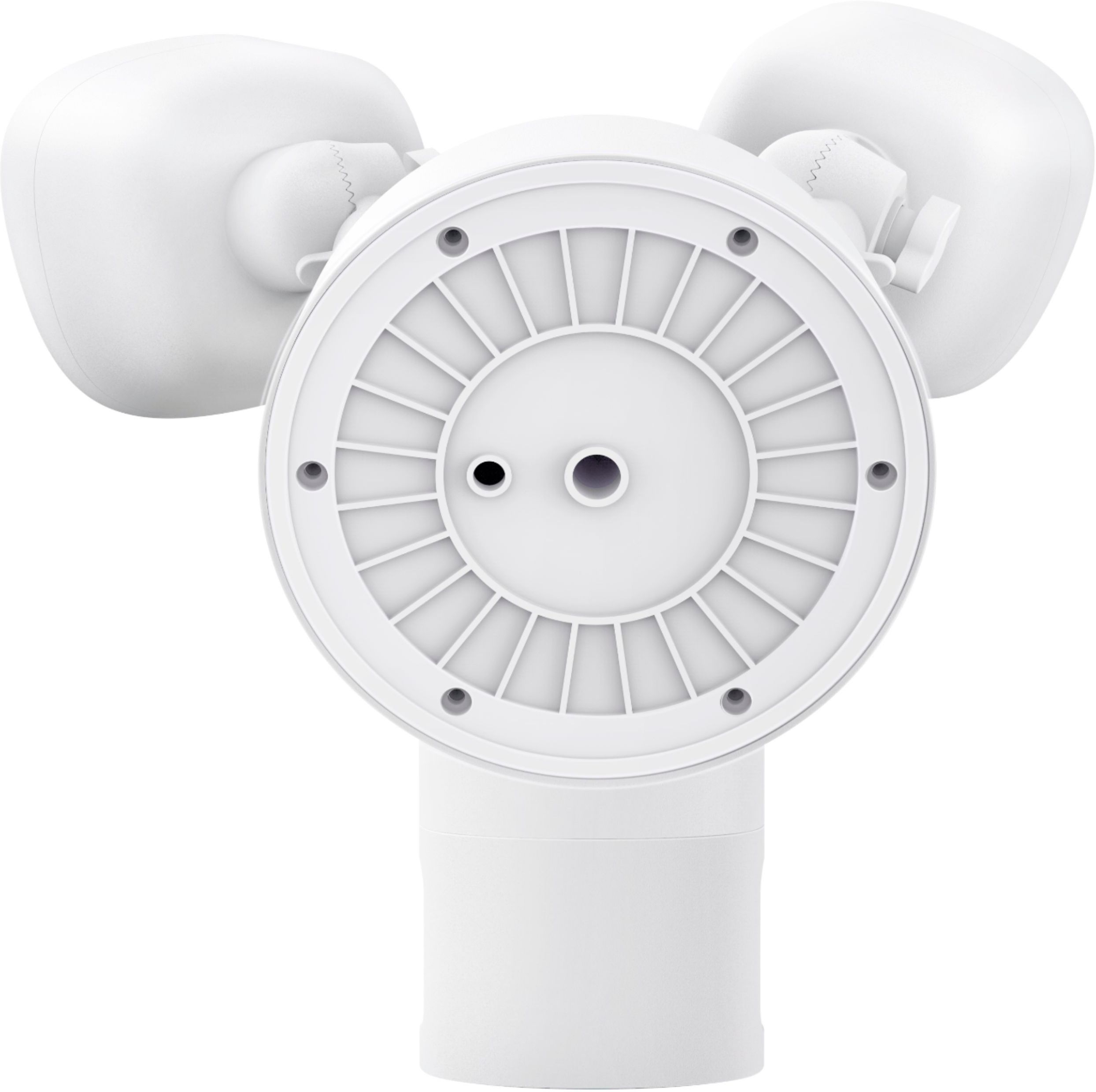
A:AnswerYes, you can simply mount it to the exterior wall and feed the cord through a drilled hole, and plugin with a power cord. The junction box is mainly used to protect the cords from rain. If you have any further questions, please feel free to contact us via [email protected] or call us at +1 (800) 988 7973.
A:AnswerThe easiest way to test would be to stand where you need the light to work with your cellphone. If you can pick up your wi-fi on your phone there, it should work for this camera. That was how I tested to see if my wi-fi signal was strong enough for this light before ordering and installing.
A:AnswerThe LED bulb Lifespan is 30,000 hours. The light can't be replaced. We offer a 12-month warranty for this product, plus lifetime technical support. If you have any question, please reach out to us via [email protected] or call us at +1 (800) 988 7973. We are more than happy to assist you further.
A:AnswerIt has to be wired into a junction box on your home, but you connect to the camera and use it wirelessly through the app.
Wired power, wireless functions.
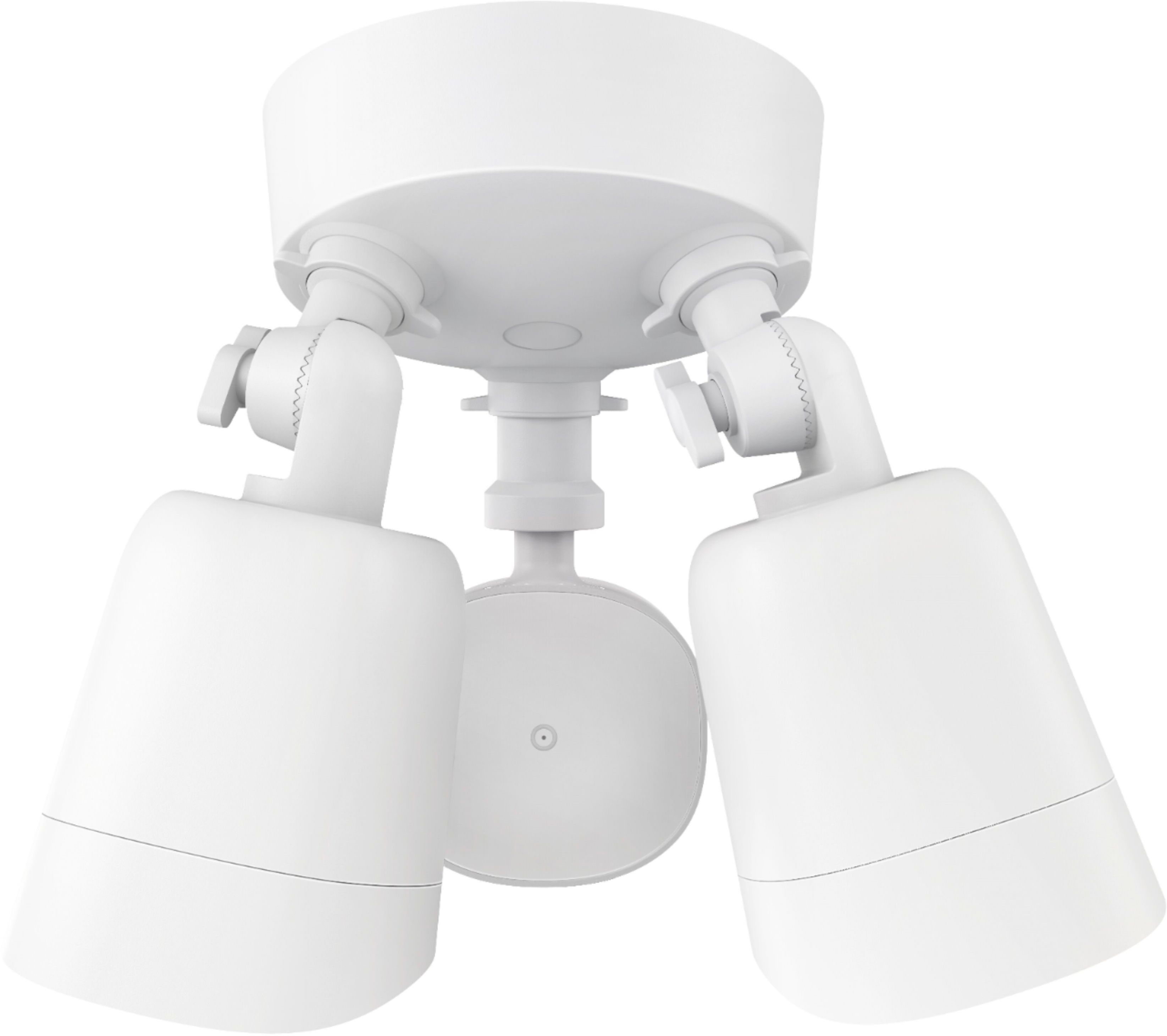
Specifically, you want to put it on one of these round waterproof junction boxes that your home probably already has if you have an existing floodlight.
A:AnswerIt's a sturdy hunk of metal, and anything that is big and strong enough to protect it would probably obstruct it.
Unless you have it mounted at ground level, it's going to take something pretty significant to harm it.
I have two, and one of them has been nested on and pecked by blue jays for 2+ weeks with no apparent damage.
A:AnswerI bought this camera around the first week of March... I can truly say that I would rather have this camera than to have an expensive one from a security company! Once you download the app and get setup, you can adjust your motion sensor to up to 4ft, or you can turn it off all together. When at home, I turn mine off until bedtime. I would think that this is a camera that works good anywhere, so it would be fine for a condo. But if you can, put it somewhere to shelter from the rain because I don't think its waterproof. I hope this helps! :)
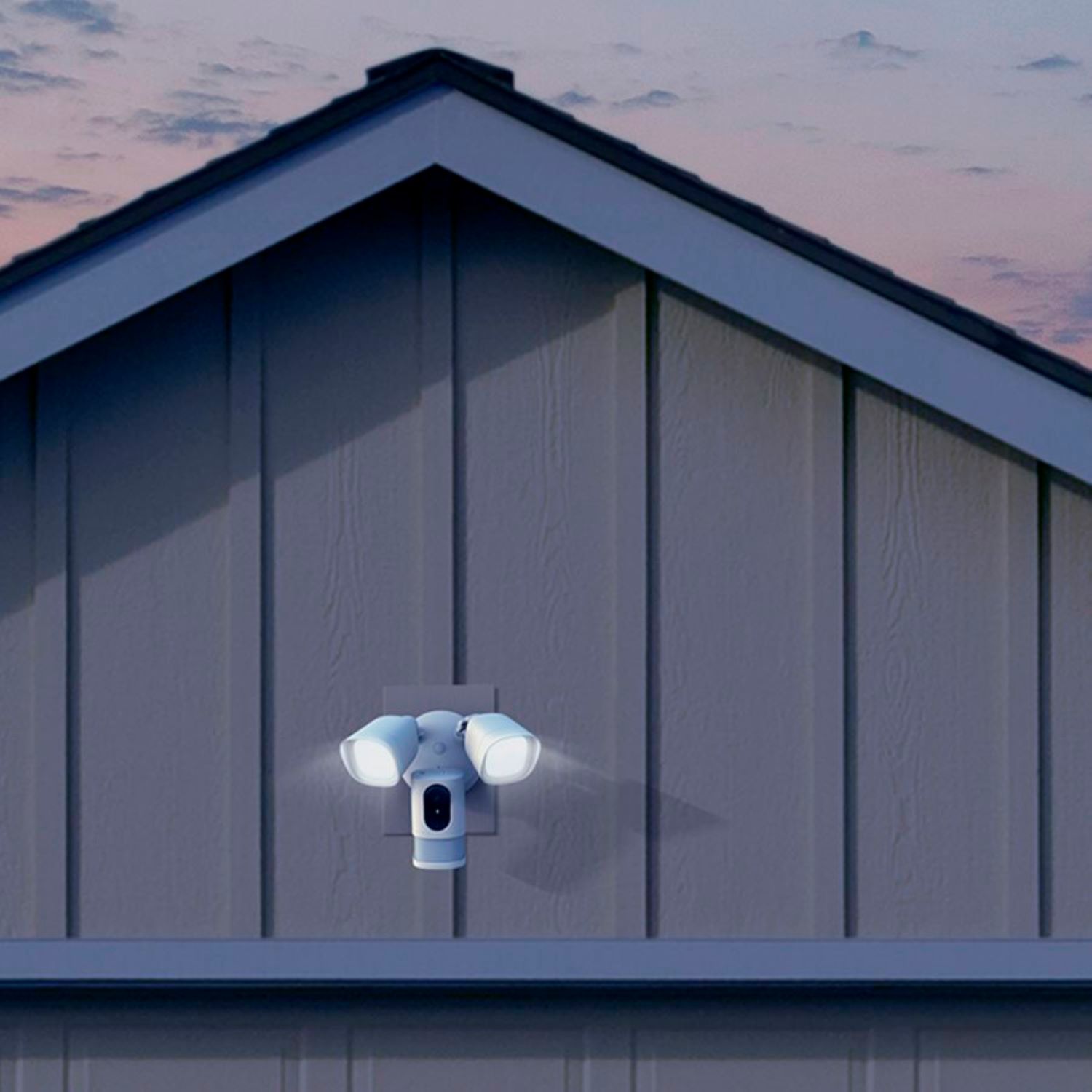
A:AnswerMine has been working for 6 months and I haven't had any problems. It's on the side of the house, but not in the eaves, so the roof doesn't cover it.
A:AnswerNo, you can not plug it in. You can either replace a current outside light with this, or you will need to have an electrician run wiring for this light. I have two of these lights, one that I had an electrician run wire for, and the other one I replaced the light on the front of my garage.
The light comes with a TEMPORARY plug wired to it, so you can set it up and make sure that it works with your internet connection before installing it.
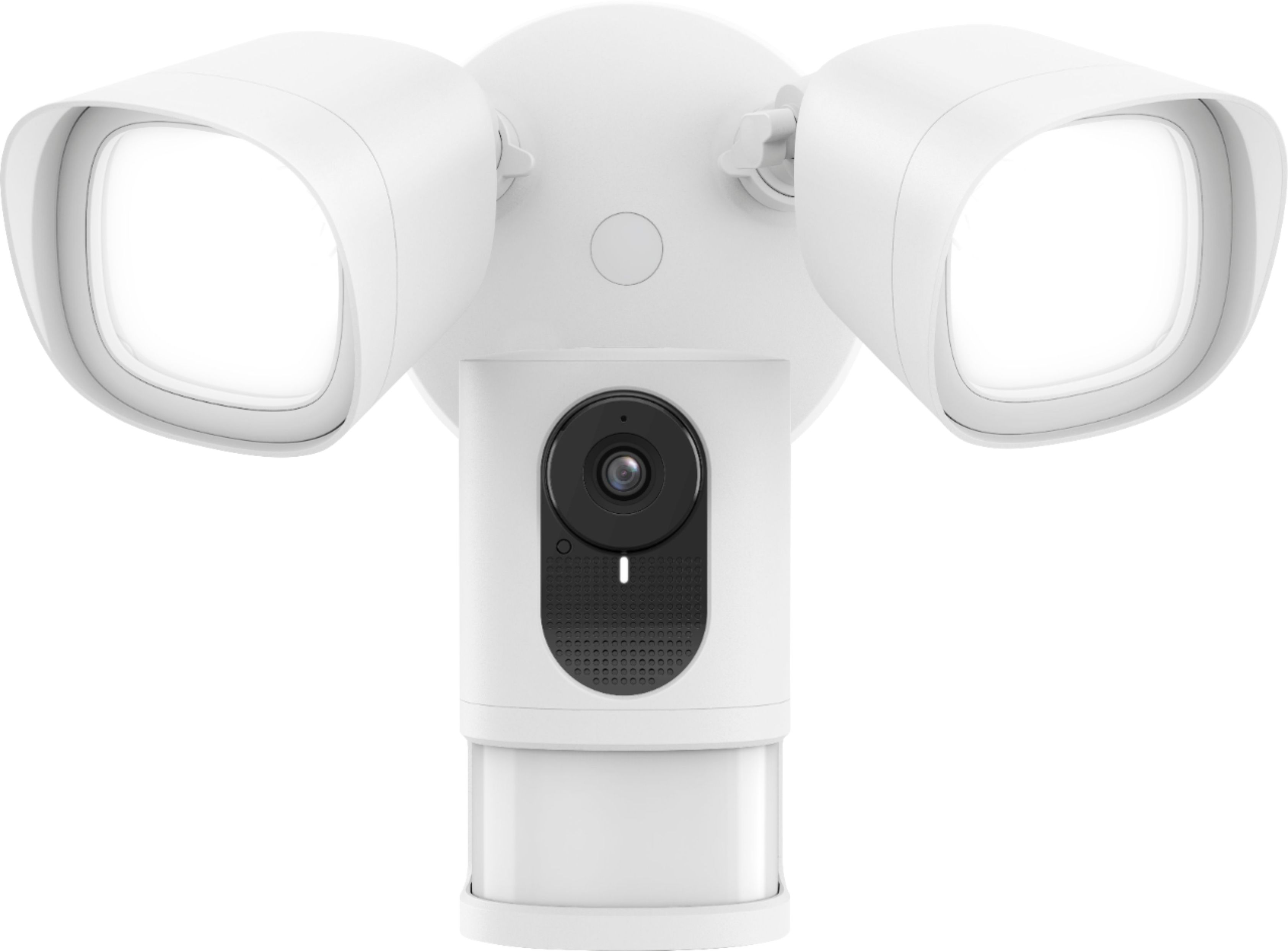
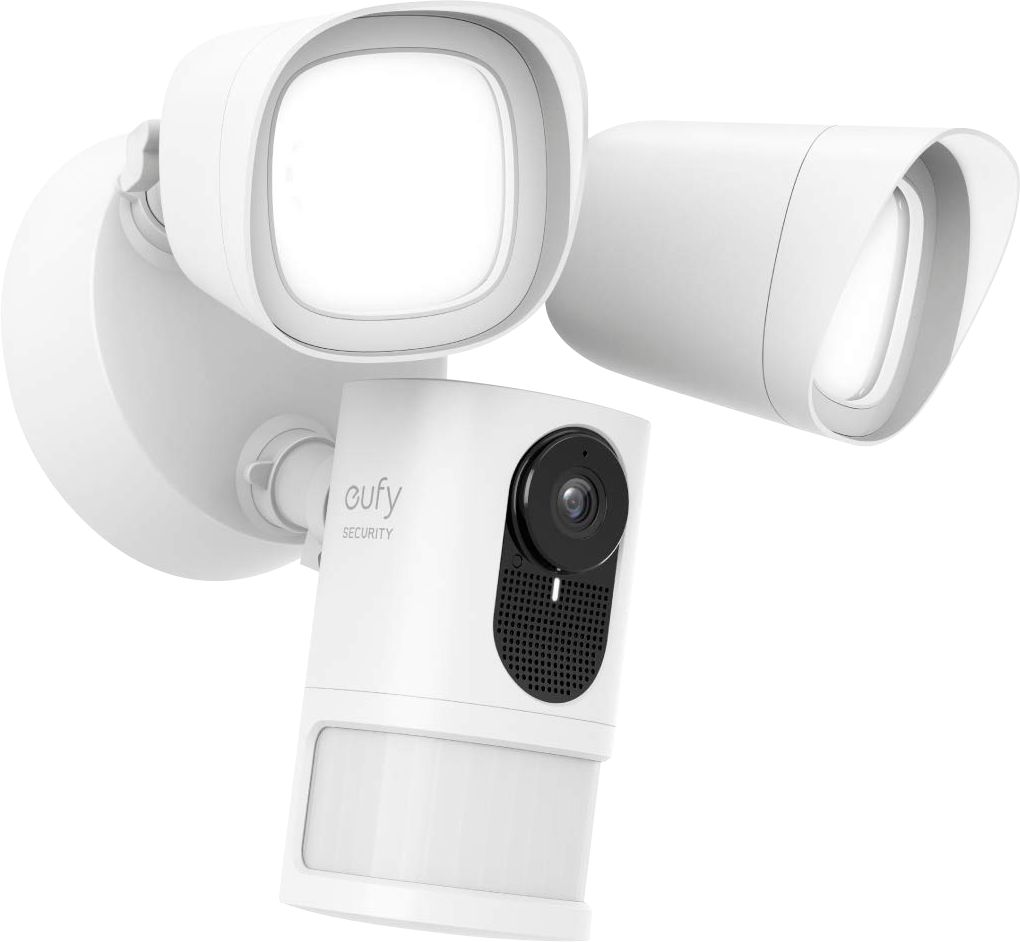
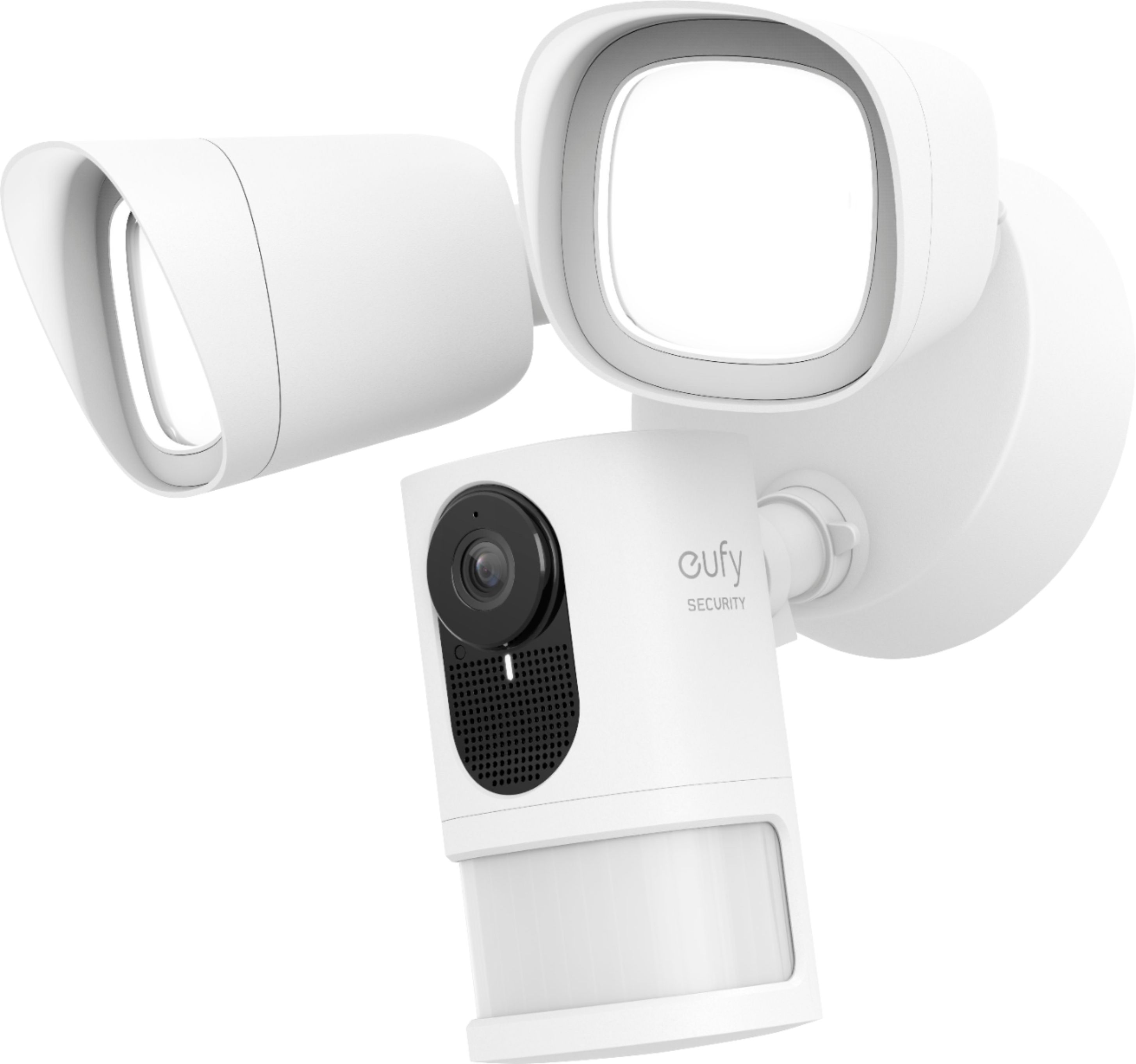
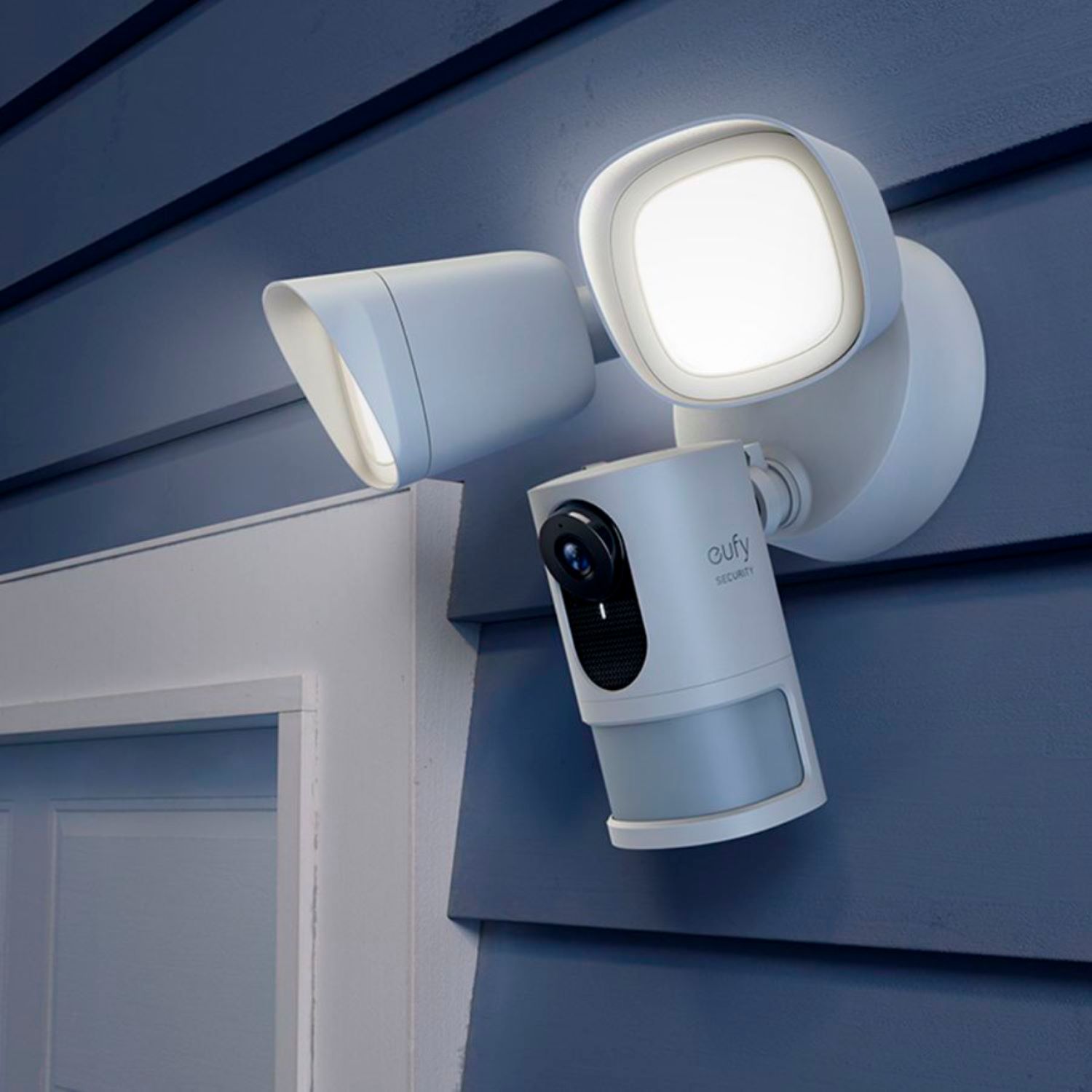
A:AnswerYes, it has an app, a programmable security settings, motion detect and recording using a memory card that comes with the unit, dual led floodlights, camera,wifi,siren and just setup using a junction box connected to a power outlet.
A:AnswerYes, you can view the live stream from the app. The camera is only triggered by the movement, you can't trigger the camera from the app. If you have any further questions, please feel free to contact us via [email protected] or call us at +1 (800) 988 7973.
A:AnswerHere is a video about how to link the floodlight camera with Alexa: https://support.eufylife.com/s/product/a0A5g000000T2JZEA0/floodlight-camera. If it doesn't help, please feel free to contact us via [email protected] or call us at +1 (800) 988 7973.
A:AnswerI have installed & connected 4 Eufy security devices (2 doorbell cameras and 2 flood light cameras) to my WiFi home network and experienced no connection loss nor latency issues. For my internet service, I have Xfinity with 250 Mbps download and 25 Mbps upload speeds. Also, I have between 10-20 devices connected "always on" on my WiFi home network.