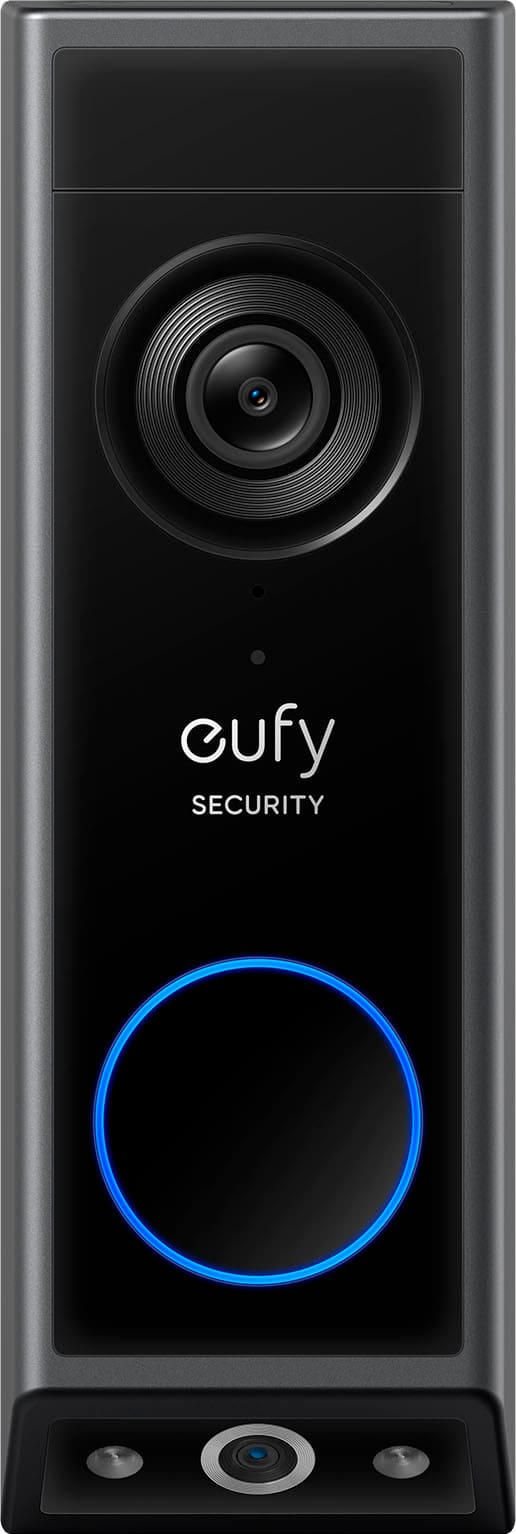
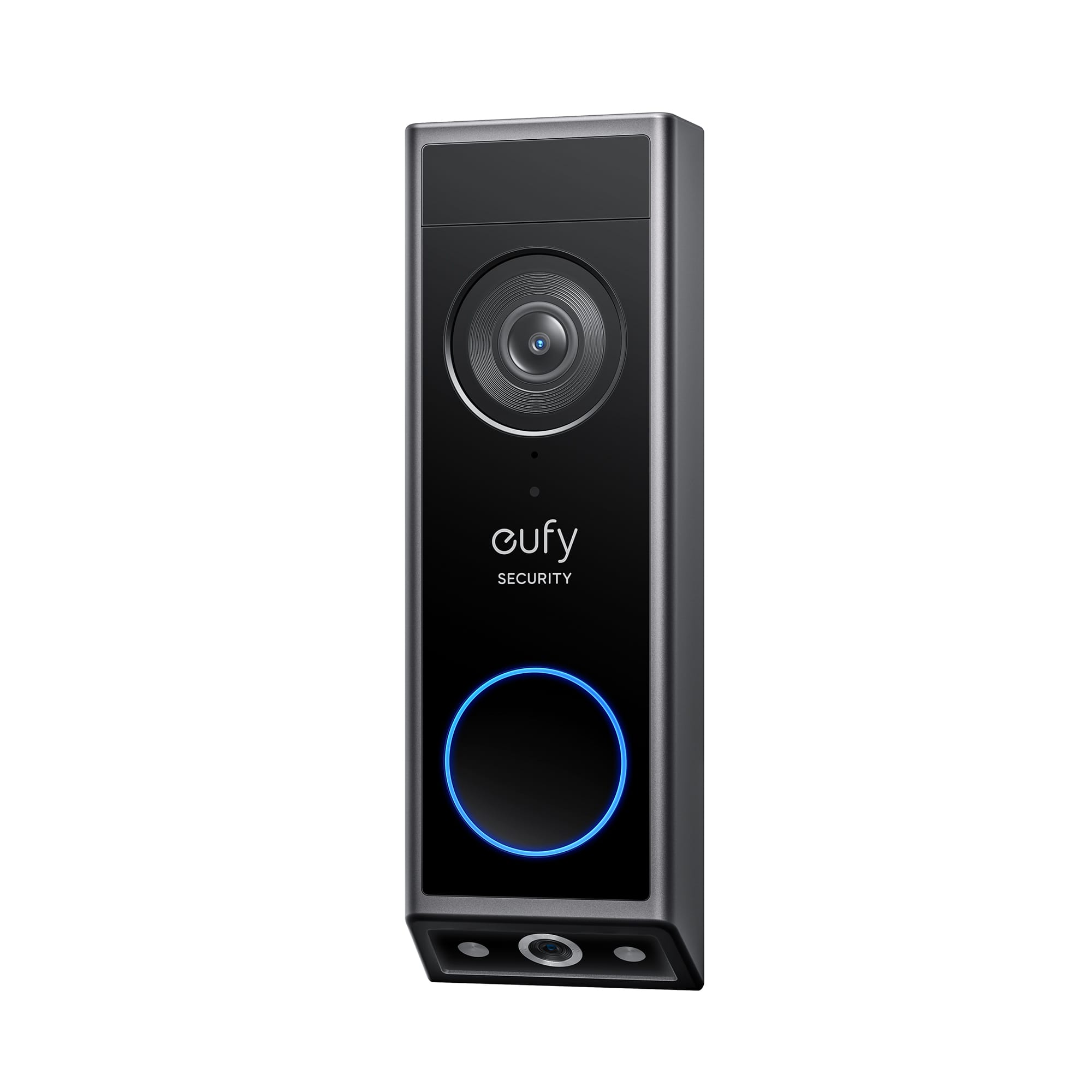
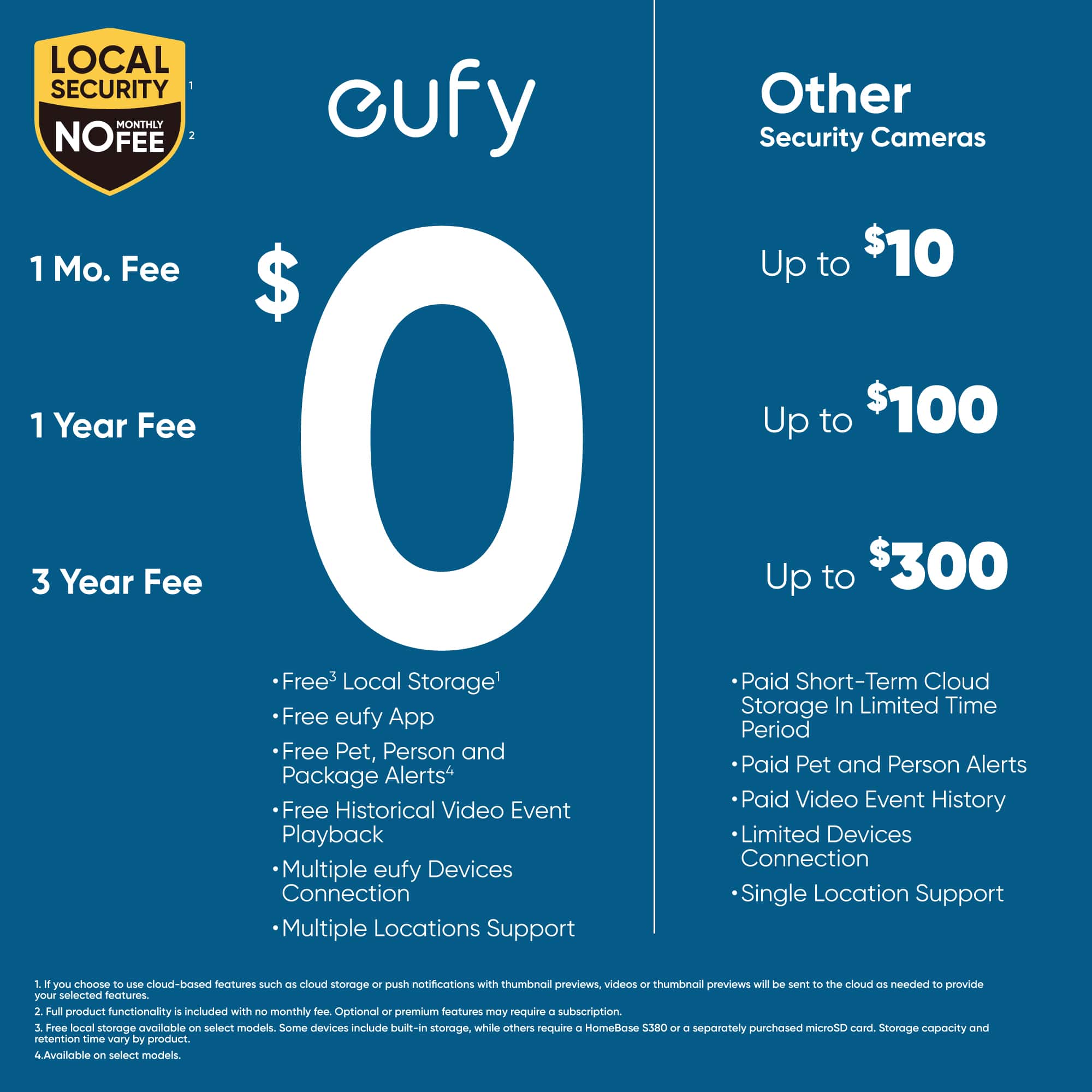
Questions & Answers
- Model:
- T8214111
- |
- SKU:
- 6547262
Highly rated by customers for: Camera Quality, Ease of use, Battery Life
$149.99Your price for this item is $149.99
Page Showing 41-48 of 48 questions
Q: QuestionCan I receive the Veterans discount on this doorbell E340?
Asked by HD.
- A:Answer Please confirm with BestBuy support team
Answered by Eufy Team

Q: QuestionCan a 16v transformer be used?
Asked by Wade3county.
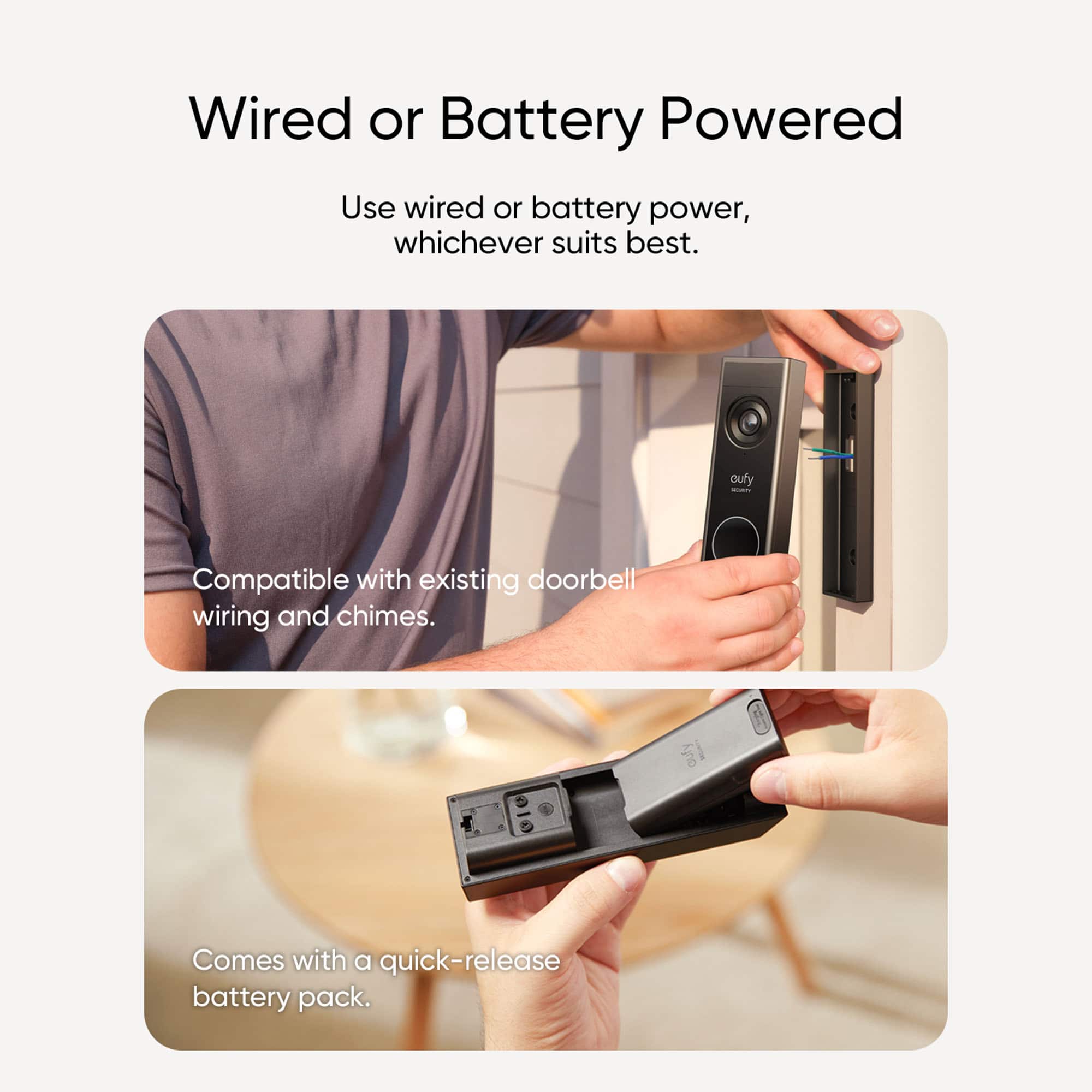
- A:Answer The eufy E340 Wired Video Doorbell requires a transformer with an output of 16-24VAC, 30VA or above voltage.
Answered by msp1
Q: QuestionDoes this work with Homebase 2?
Asked by Anthony.
- A:Answer Interesting. I purchased and installed this unit and its working flawlessly with my HomeBase 2 as a wired connection.
Answered by Anonymous
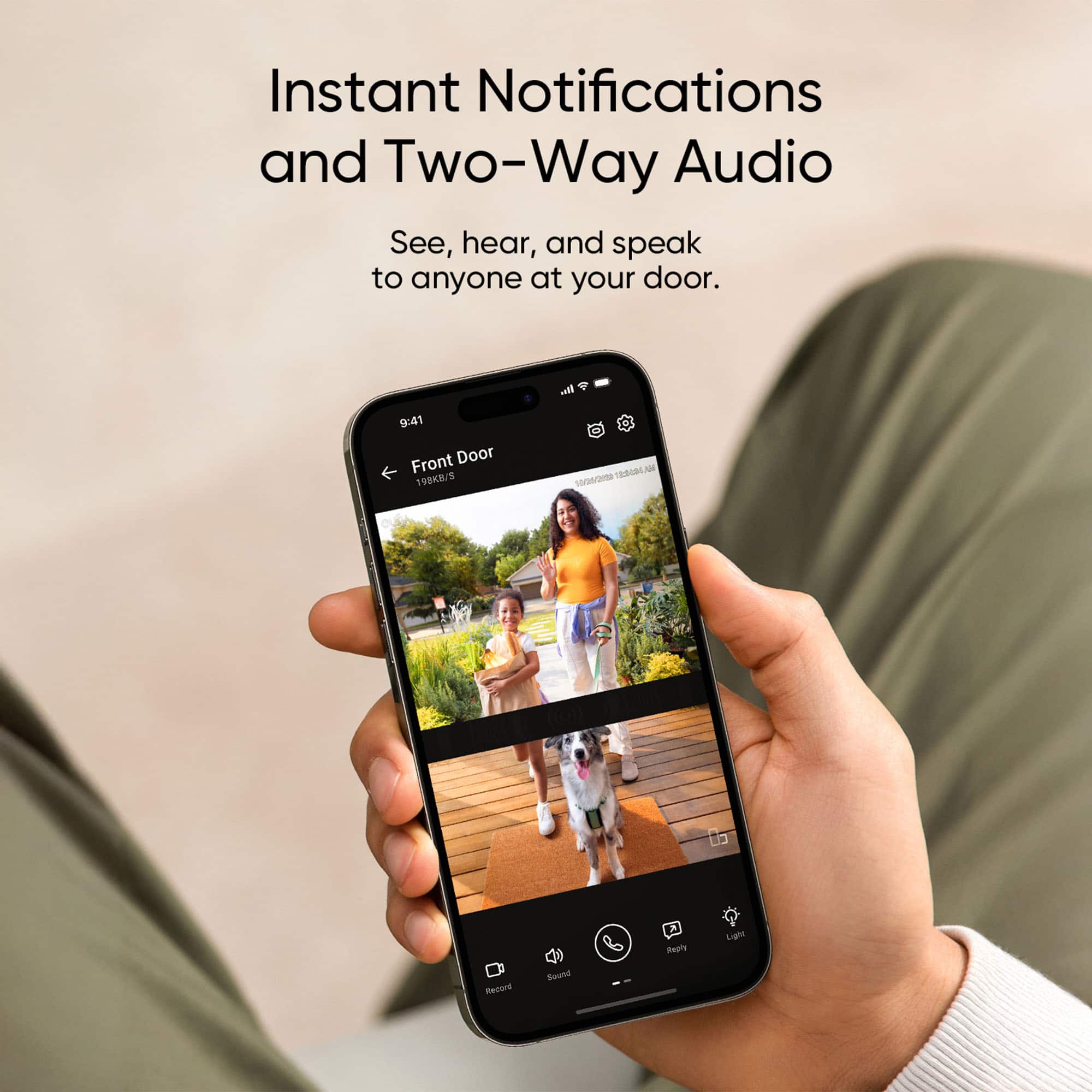
Q: QuestionCan you customize the chime sound?
Asked by NC.
- A:Answer Yes, you can customize the chime sound on the Eufy Security E340 Video Doorbell. Eufy provides options to change the chime sound through their app.
Answered by Eufy Team
Q: QuestionIs this door bell wired or just battery.
Asked by MO.
- A:Answer Yes, its wired.
Answered by Chellebelle971
Q: QuestionHow to Connect Eufy Doorbell to Samsung Fridge family hub?
Asked by Seba.
- A:Answer To connect your Eufy Security - Smart Wi-Fi E340 2K Doorbell to a Samsung Family Hub refrigerator, you’ll need to follow these steps: 1. Set Up the Eufy Doorbell First: Add Wi-Fi Chime to the App: Open the eufySecurity App on your phone (available for iOS and Android). Tap Add Device from the Device tab and select Wi-Fi Doorbell Chime. Scan the QR code located at the bottom of the Wi-Fi chime. Follow the instructions to assemble and position the Wi-Fi chime for optimal connectivity. Connect your phone to the same Wi-Fi network that will be used by the Wi-Fi chime. Press the SYNC button on the chime for 2 seconds until the LED blinks green. Enable Bluetooth on your phone and pair the chime via the app. Select the Wi-Fi, enter the password, and connect the chime to the network. Tap Confirm, name the chime, and proceed with firmware updates and Internet connection testing. Tap Add Doorbell or Finish, depending on your setup scenario. Optionally, insert a microSD card (up to 128GB) into the Wi-Fi Chime for video storage. Add the Video Doorbell: After setting up the Wi-Fi chime, go to the eufy app's Device tab and tap Add Device, then choose Battery Doorbell (specific to the model). Scan the doorbell’s QR code and select the Wi-Fi chime as the connection point (it acts as a router for the doorbell). Press the SYNC button on the doorbell for 2 seconds until you hear a beep. Tap Next, and the Wi-Fi chime will emit a sound to discover and pair the doorbell. Once paired successfully, the device is ready to work. ### 2. Connect to the Samsung Family Hub: First, make sure the Samsung Family Hub refrigerator is updated with the latest software. Search for and download the eufySecurity app on the Samsung Family Hub interface, if available, or check for smart home integration options. Use the app on the Family Hub to log into your eufySecurity account. Follow the on-screen prompts to pair the Eufy doorbell device and ensure it is listed as one of the connected devices in the hub. Once integrated, you should be able to view and manage your Eufy doorbell directly from the Samsung Family Hub. If the eufySecurity app is not directly supported on the Family Hub, you might need to use a third-party smart home app for integration (e.g., Google Assistant or Amazon Alexa), depending on compatibility.
Answered by Eufy Team

Q: QuestionCan this eufy S320 video doorbell be hardwired?
Asked by Phyllis.
- A:Answer Yes.
Answered by TRUTH
Q: QuestionDoes the eufy app offer a "snooze" function? A setting where you can stop notifications on your phone for a certain period of time, but the device will still record in case something happened. I just don't want constant notifications sometimes
Asked by danica.
- A:Answer Yes. The app has a snooze option with selectable durations of 30 minutes, 1 hour, 6 hours, and 12 hours. Any events that happen while snoozed will still be recorded and can be reviewed later.
Answered by Steve
Page 3, Showing 41-48 of 48 questions
Best-selling wireless doorbell cameras
- $129.99Your price for this item is $129.99$229.99The comparable value for this item is $229.99
- $49.99Your price for this item is $49.99$99.99The comparable value for this item is $99.99
- $29.99Your price for this item is $29.99$69.99The comparable value for this item is $69.99
- $79.99Your price for this item is $79.99$149.99The comparable value for this item is $149.99
- $27.99Your price for this item is $27.99$34.99The comparable value for this item is $34.99
- $39.99Your price for this item is $39.99$79.99The comparable value for this item is $79.99
- $59.99Your price for this item is $59.99$129.99The comparable value for this item is $129.99
- $49.99Your price for this item is $49.99
- $129.99Your price for this item is $129.99$199.99The comparable value for this item is $199.99
- $69.99Your price for this item is $69.99
- $59.99Your price for this item is $59.99
- $179.99Your price for this item is $179.99
- $29.99Your price for this item is $29.99$69.99The comparable value for this item is $69.99
- $179.99Your price for this item is $179.99
- $79.99Your price for this item is $79.99$199.99The comparable value for this item is $199.99
- $179.99Your price for this item is $179.99
- $79.99Your price for this item is $79.99$99.99The comparable value for this item is $99.99
- $99.99Your price for this item is $99.99$179.99The comparable value for this item is $179.99
- $139.99Your price for this item is $139.99