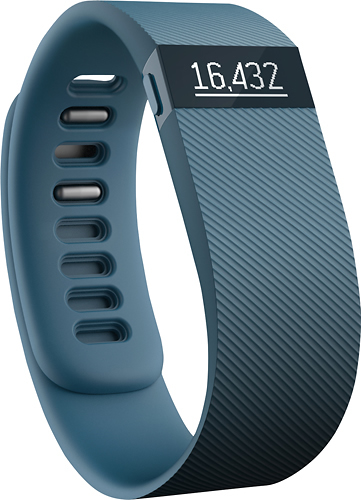
A:AnswerYES... Well, it comes with a cable that you need to plug into a USB port to charge. However, if you want to use a wall outlet, just use the charger that came with your cell phone and plug the cable into that..
A:AnswerEven if you do not have a smartphone, you are able to view your activity on the FitBit website. It comes with what they call a wireless sync dongle that you plug into your computer to sync your FitBit to your computer.
A:Answeryou can go to the website and change the sensitivity in the settings. change it to "dominate hand" and it will be less likely to count those vibrations on your ride.
A:AnswerBest Buy does price matching if you bring in the coupon (as of Dec 2014).
Bring in the coupon to your local store, and make sure before you finalize any purchases.
A:AnswerBest Buy will go by the standard 15 day return/exchange period (Elite status =- 30 days & Elite Plus status - 45 days). You would need to speak the manufacturer directly about coverage under their warranty or any other guarantees not offered by Best Buy.
Thanks!
A:AnswerI thought it was pretty easy and I'm not a "tech savvy" person, but if you call Fitbit they will walk you through it or look for a u tube video.
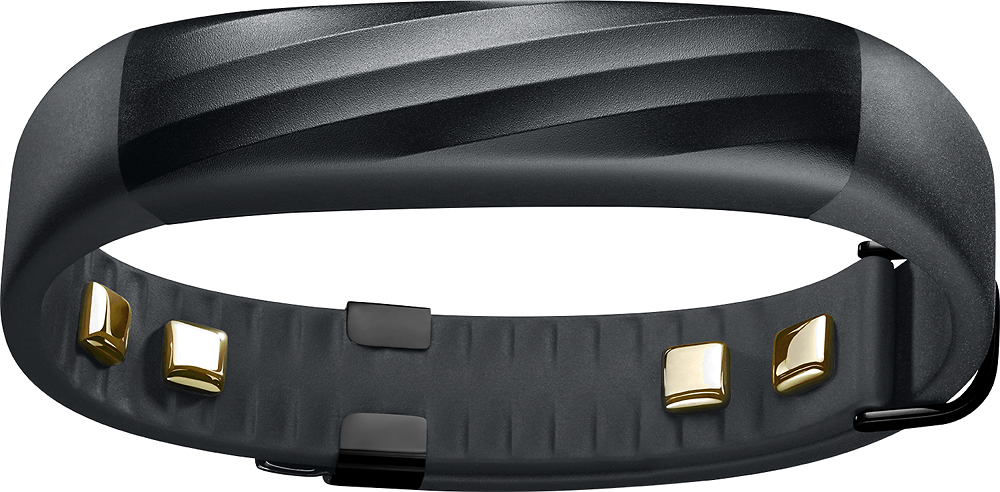
A:AnswerMy battery would initially last about 3-4 days before needing to be charged. With my 1st FitBit Charge HR I noticed it stopped holding a charge as long after about a year. I'm guessing its like the issue with overcharging a cell phone battery. It can create a memory and only charge to that point...However, I can say the Jawbone really does have a much better battery life.