A:AnswerHi Derek,
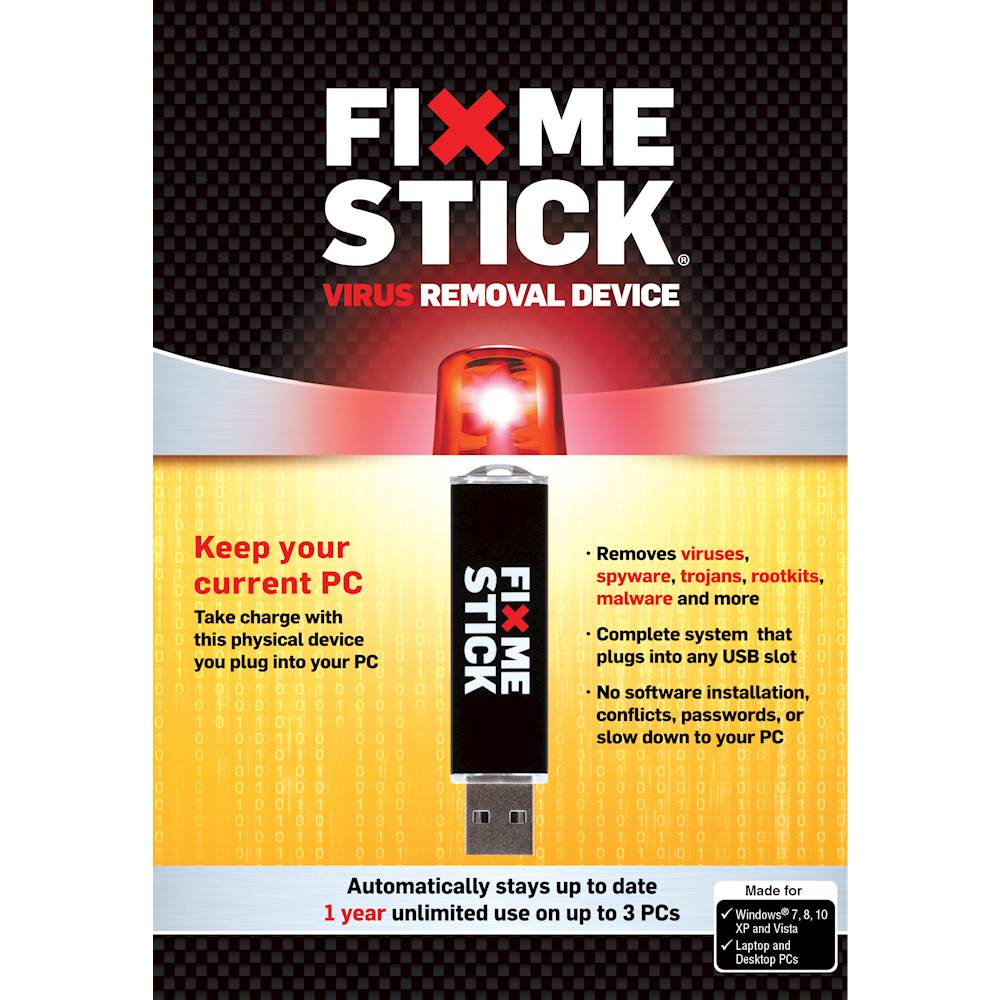
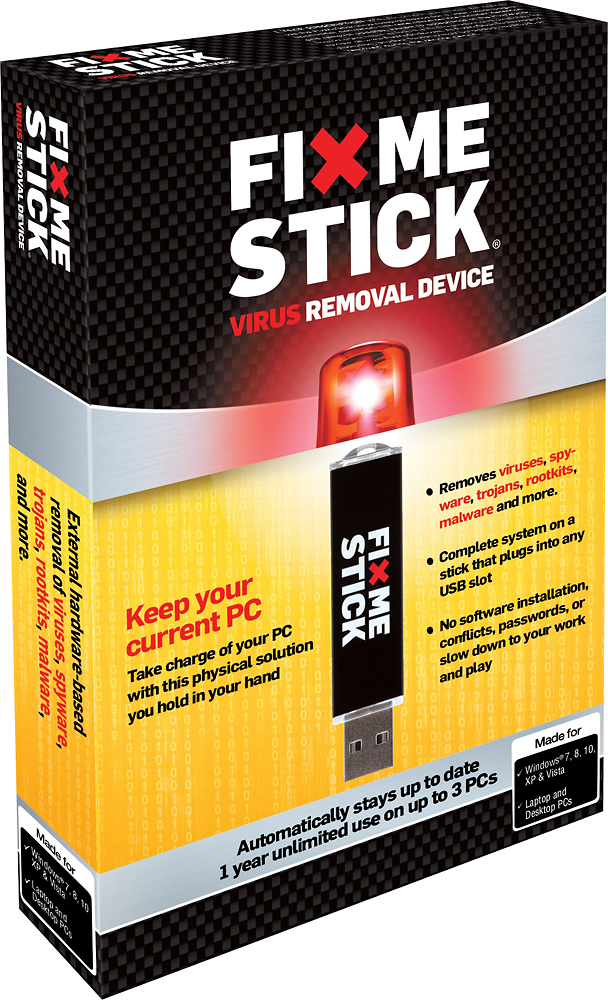
We think that anti-virus programs work best in partnership with the FixMeStick. Most of today's viruses are designed to get past anti-virus technology and even the best software isn't infallible. The FixMeStick is designed to remove those viruses that get past your anti-virus protection. FixMeStick runs on a separate operating system so it will not interfere with any anti virus you have already installed.
Best,
FixMeStick Team
A:AnswerGreat question! Plug in the FixMeStick and start a scan and it will go to work to remove any viruses on your system! When it's done simply remove the stick and go back into Windows like normal and then install an up to date anti-virus. If you have any questions feel free to call us at 1 888 530 6126!
A:AnswerFixMeStick contains a built-in multi-scanner composed of three of the world's best anti-virus engines. These three scanning engines make it extremely difficult for any virus to slip through so it is very likely it will remove the Aluron Virus. If you think the FixMeStick may have missed it, our technical support team will help get the issue resolved.
A:AnswerThe blue error screen you are seeing is usually related to a hardware issue. Unfortunately this is not caused by a virus and so FixMeStick will likely not be able to fix it.
A:AnswerFixMeStick will remove the randsomware trojan itself so it cannot encrypt any more of your photos or files (if it has already), but unfortunately you have limited options to get back your encrypted files.