Ultimate Upgrade SaleEnds Sunday. Limited quantities. No rainchecks.Shop now

Main Content

Questions & Answers

Ultimate Deal
Loading...
$169.99
Save $60
The comparable value is $229.99
Page Showing 21-40 of 150 questions
  • QuestionIf I replace my porch light with this, will I still be able to turn the switch on and off to control the light?

    Asked by LL.

    • Answer Yes. That is what I did. But if you turn off the switch you turn off the camera. I have a family member who is habitually turning it off and it’s driving me crazy! I may get an electrician to take it off the switch. And just wire it close by.

      Answered by Anonymous

  • QuestionWhy does the title of the item say “Wired Pro Outdoor Wireless”? Is the camera wired or is it wireless?

    Asked by Steph.

    • Answer It requires being hard wired into power at a junction box for power. Camera connects via wifi to provide picture/video/alerts & app.

      Answered by Ralph

  • Questiondoes this have a battery back up in case of power outage?

    Asked by Anonymous.

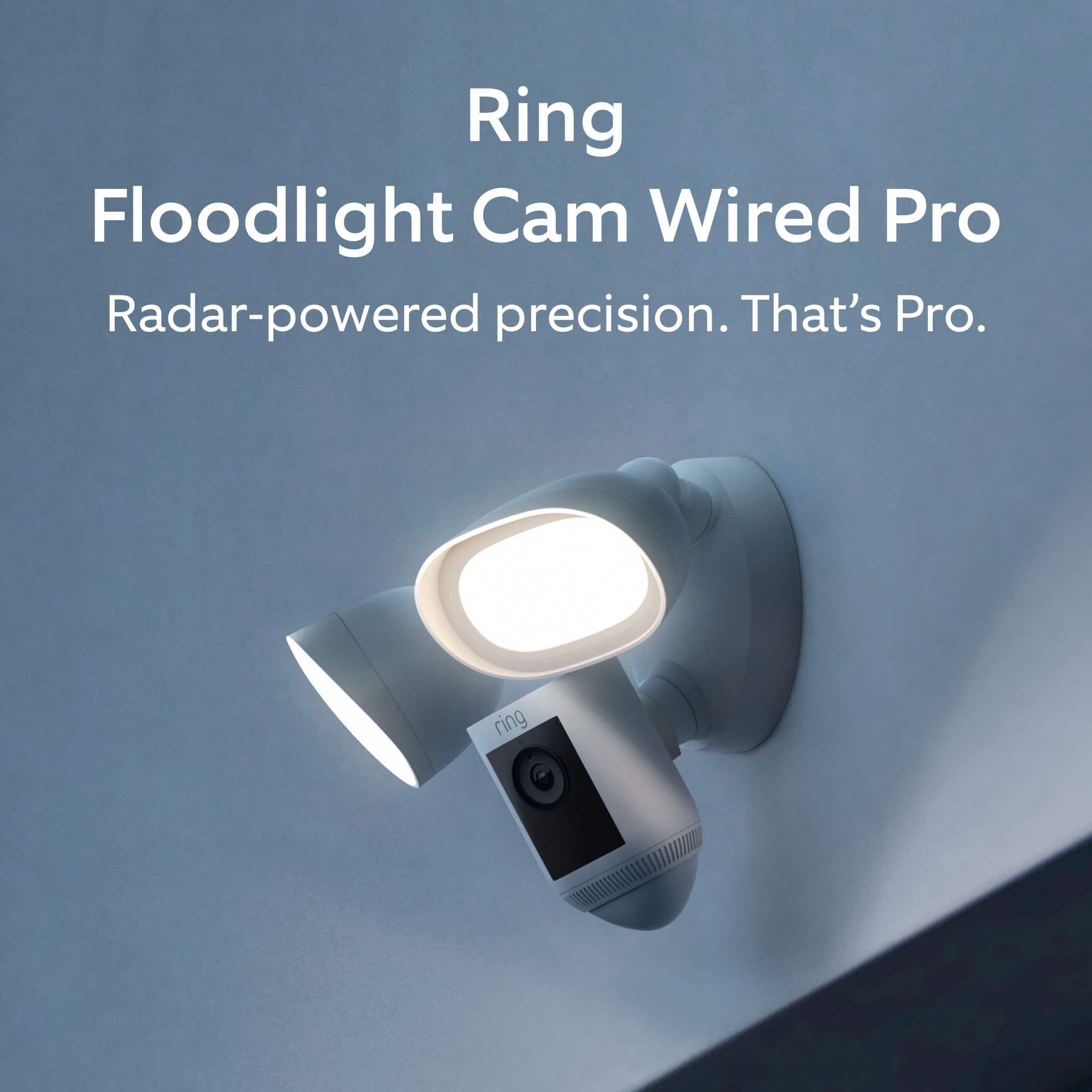
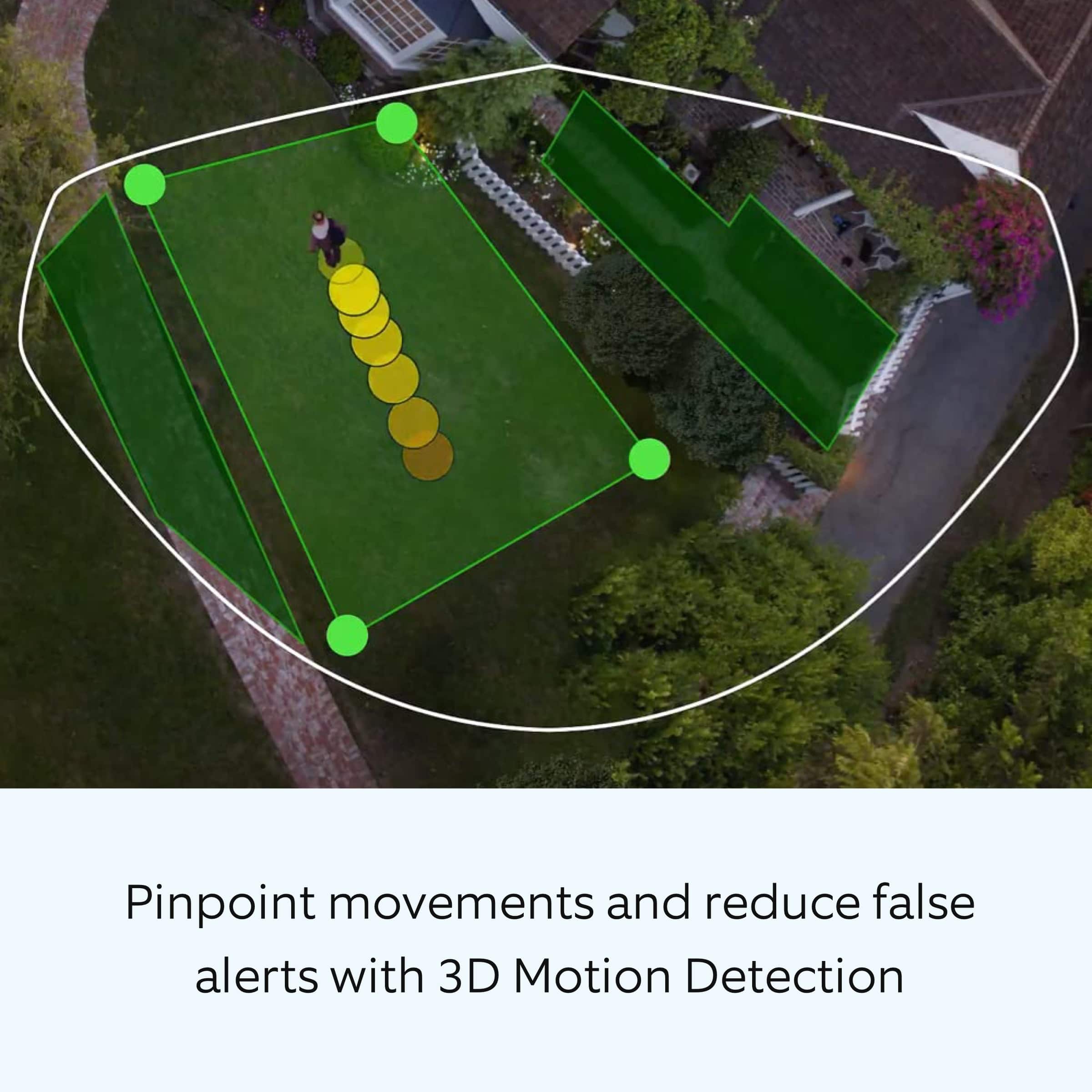
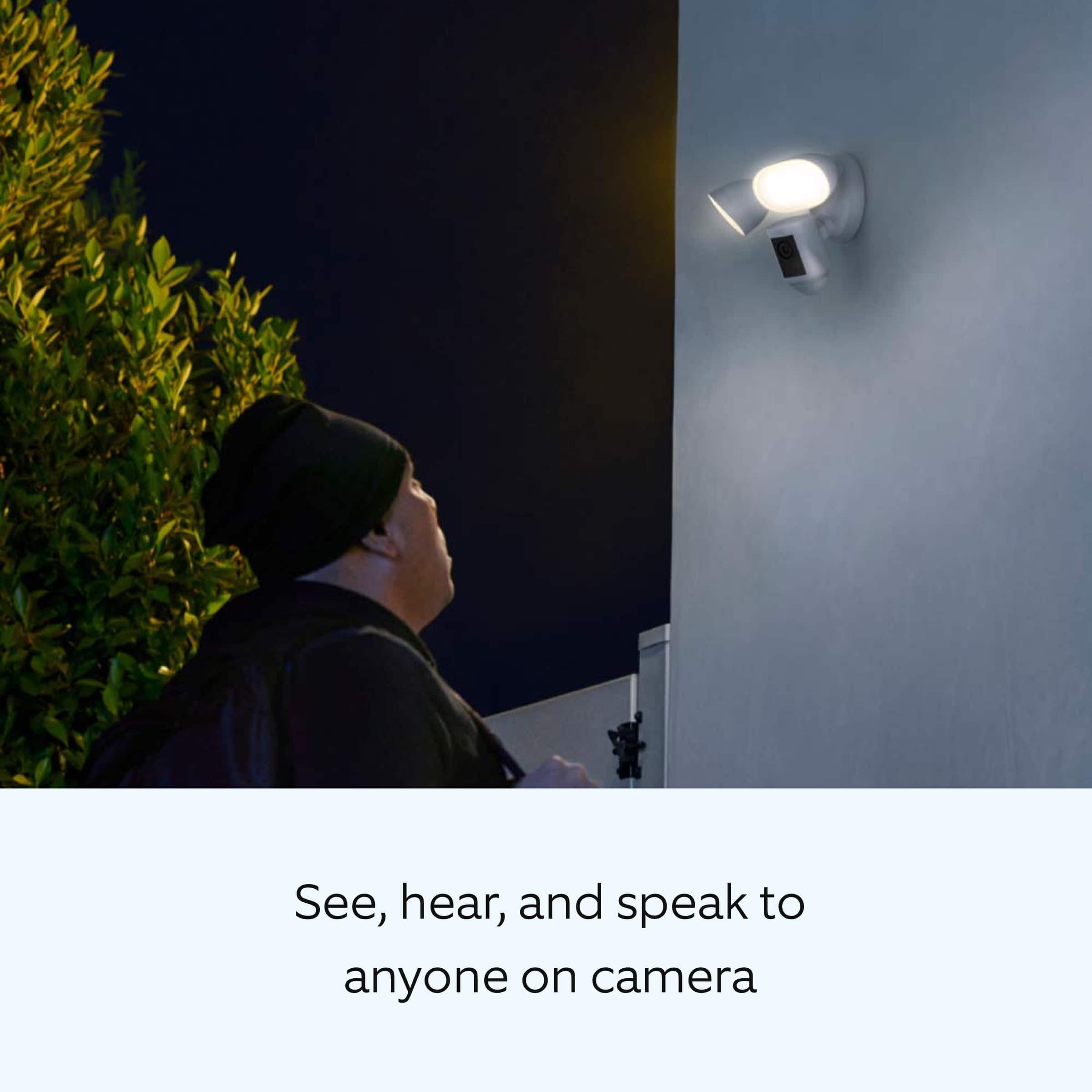
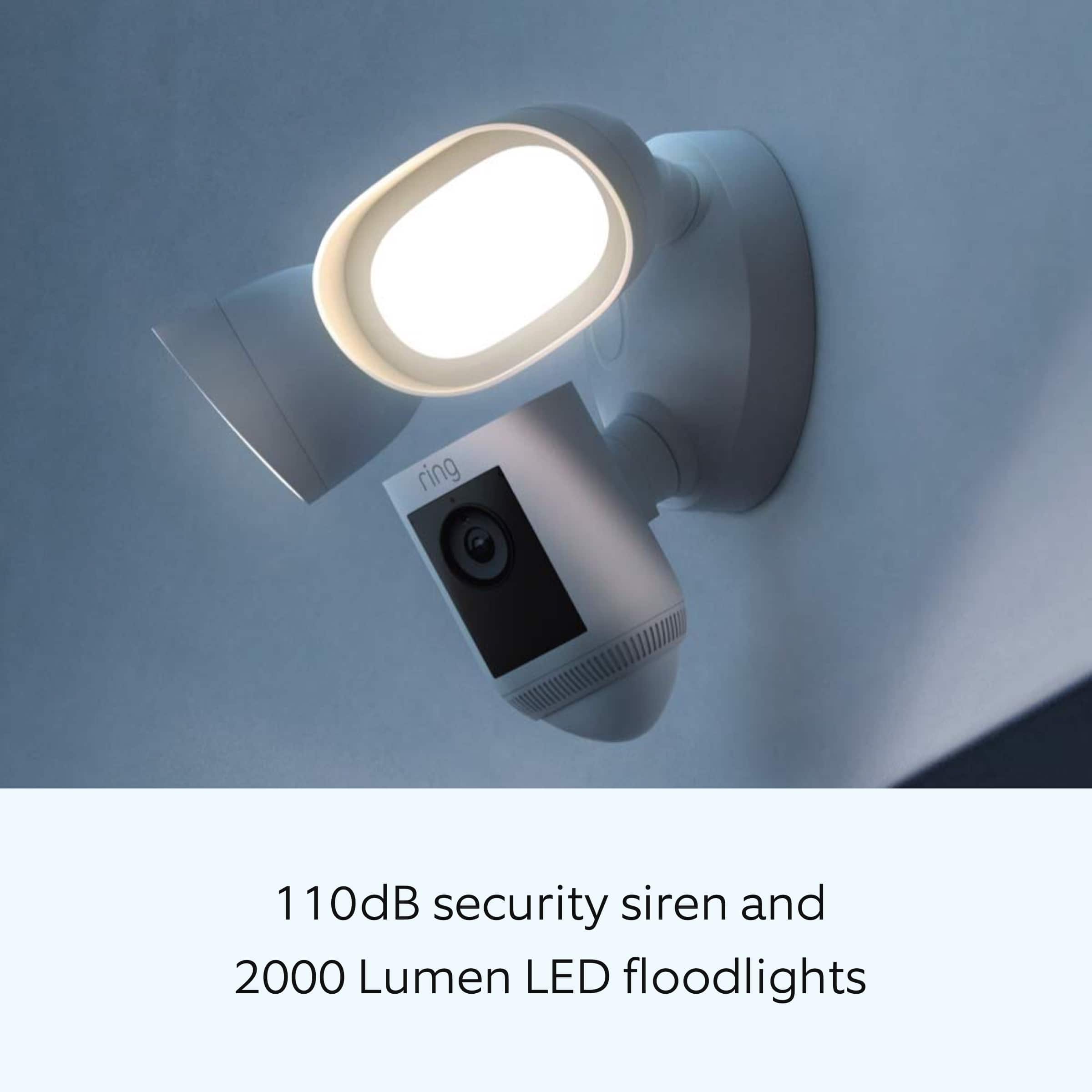
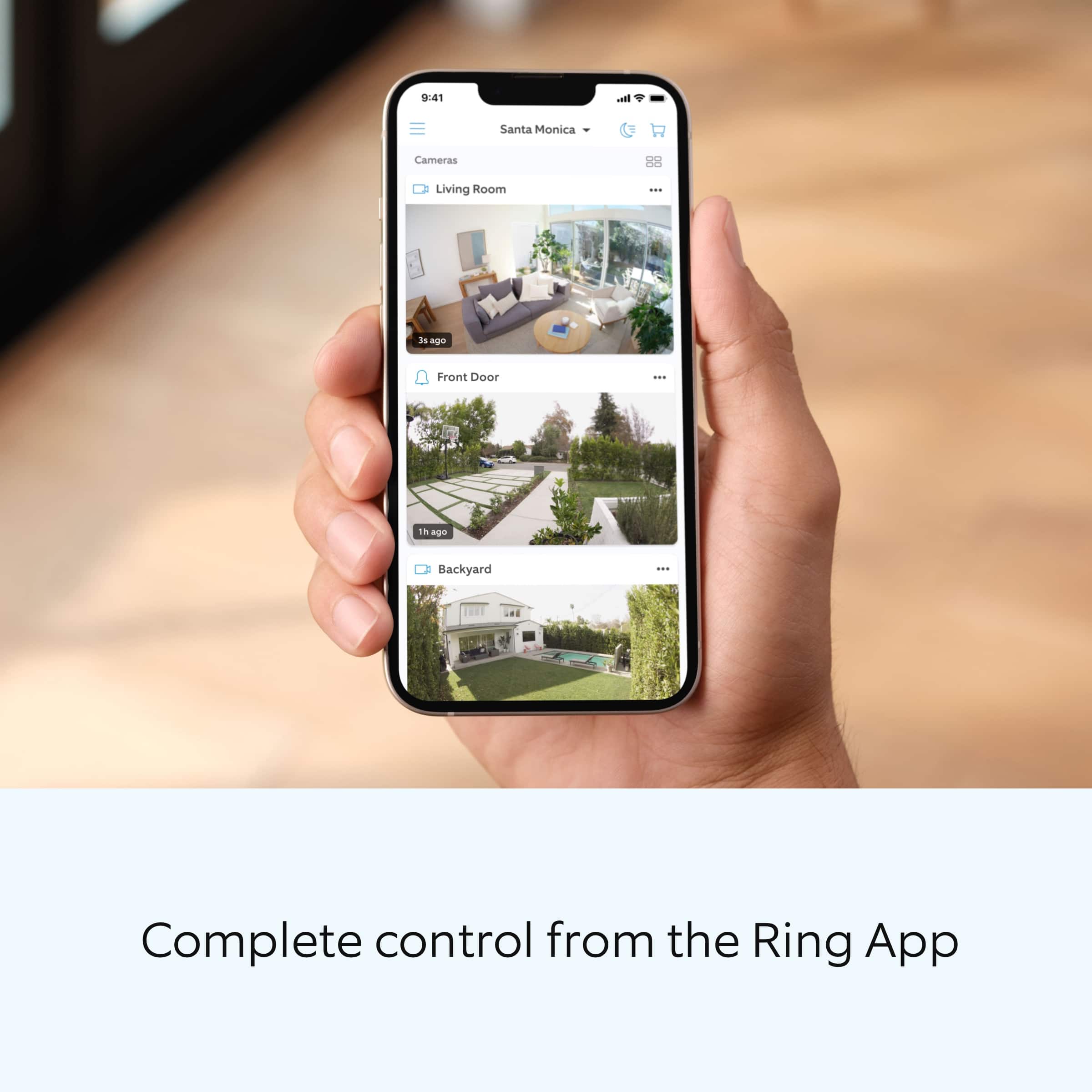
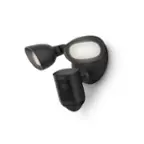
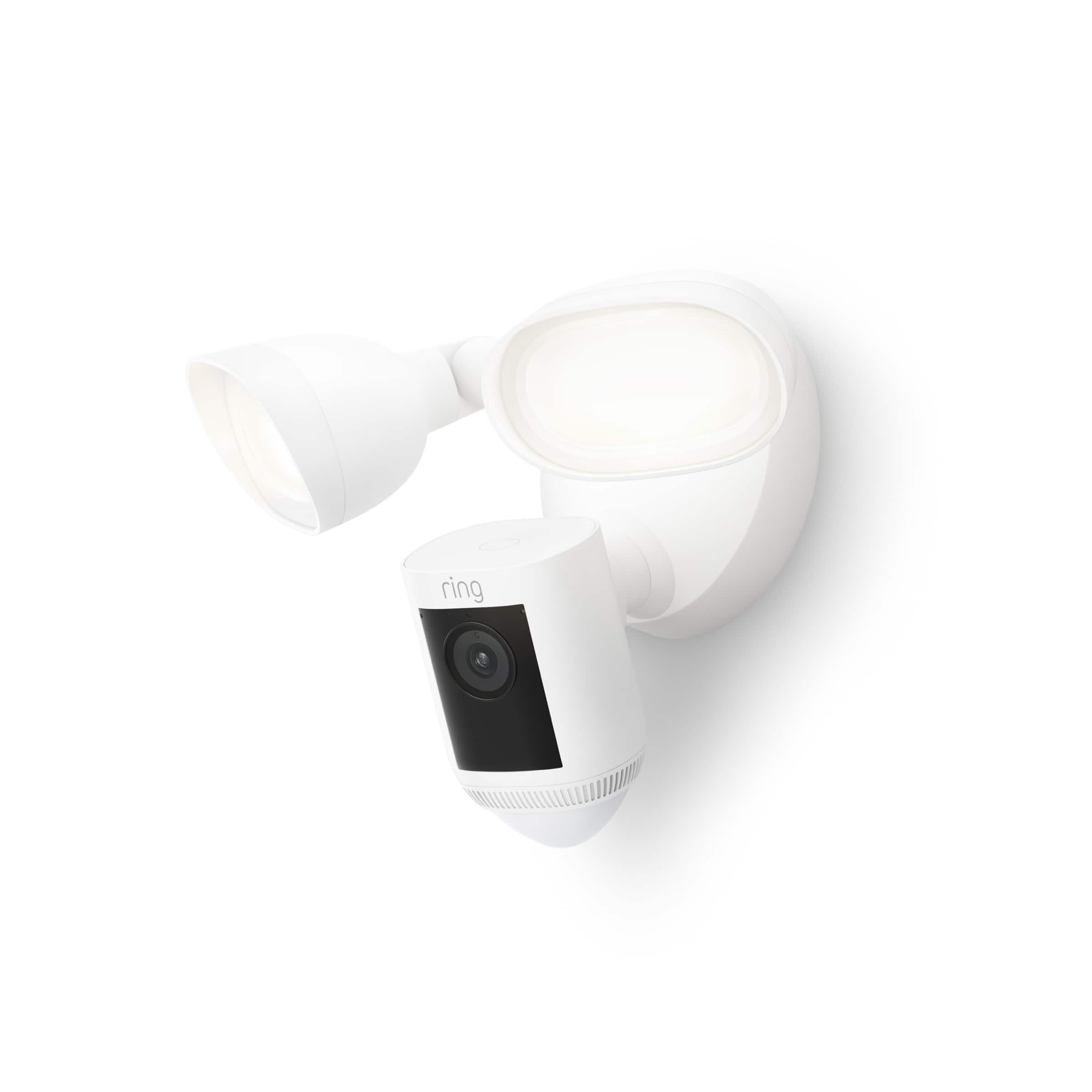
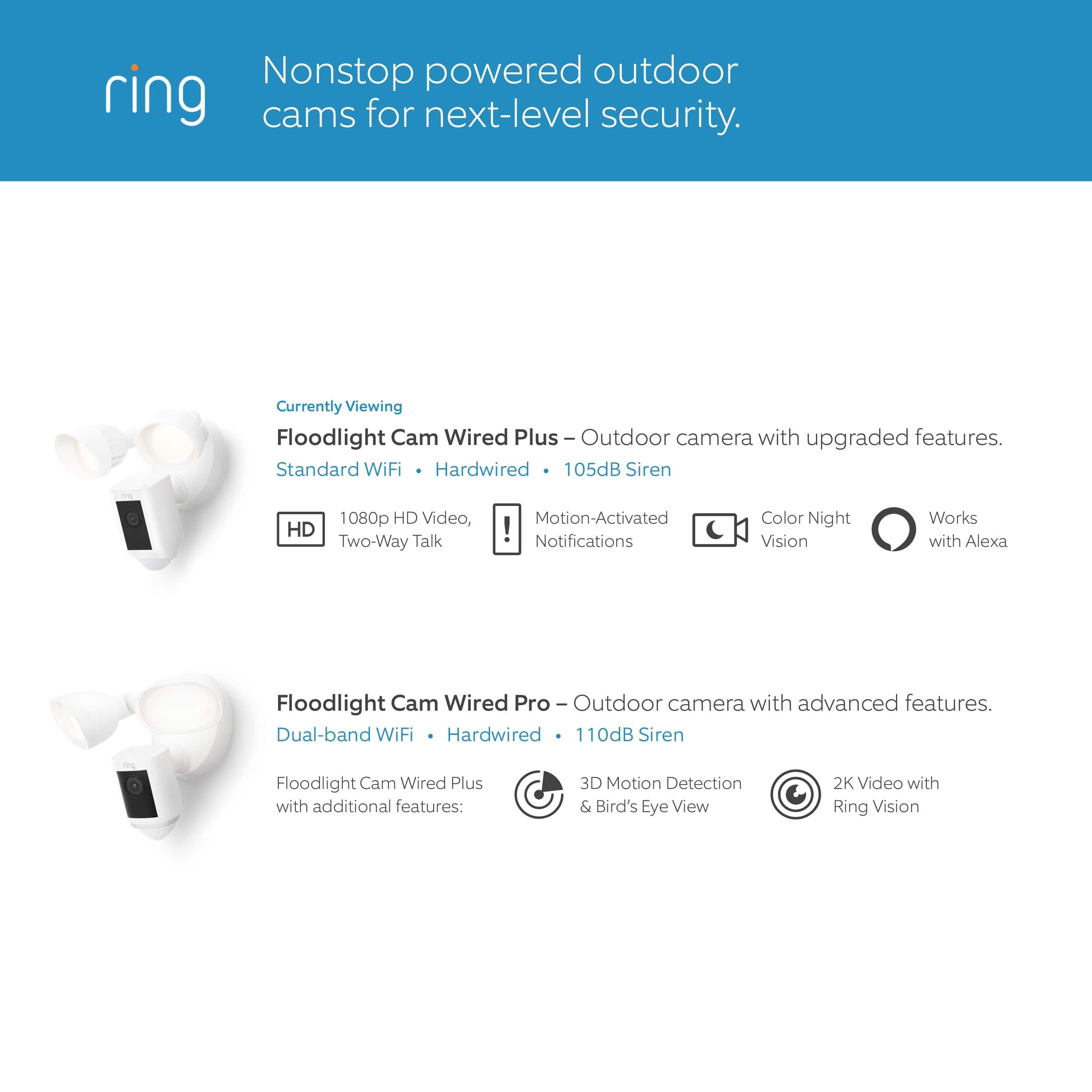
    • Answer Hello, Great question. No, the Ring Floodlight Camera Wired Pro does not have a battery backup option. The Floodlight Cam Wired Pro has Advanced Motion Detection, Customizable Motion Zones and Customizable Privacy Zones that are controlled from the Ring app. In addition, the Floodlight Cam Wired Pro has advanced features including radar-powered 3D Motion Detection, Bird’s Eye View for more precise motion alerts, Audio+, a 110db security siren, dual-band wifi, is compatible with Amazon Sidewalk and an array microphone that limits sound detection. Please see our help center article for more information: https://support.ring.com/hc/en-us/articles/360059101391-Ring-Floodlight-Cam-Wired-Pro-Information. For any additional questions or concerns, please feel free to reach out on our community forum at https://community.ring.com/. We look forward to hearing from you soon! Thank you, Jamila with Ring.
      Answered by Ring

  • QuestionHi How far this motion can detect? 30feet? Thx

    Asked by Sonia.

    • Answer I do not know the outer range of the Pro model, but my own experience is that it is much more than 30 feet. Our Pro cam picks up cars going by from about 80 feet.

      Answered by JohnB

  • QuestionDo I have to pay for a subscription and if so how much?

    Asked by Dosa.

    • Answer You don’t have to. But one is available. We have ours set for no subscription and basically what that means is that no one aside from my wife and I are monitoring it. That being said, it will still alert you to objects or people in its line of sight annd will record that movement and you can from there set off the alarm on it which is quite loud if you want. Basically without the subscription, its up to you to call the police if you feel it’s necessary.

      Answered by JofDoom

  • QuestionWILL THE SIREN TURN ON WHEN MOTION IS DETECTED ?

    Asked by THOMAS.

    • Answer No, you have to hit the siren button from the app dashboard-otherwise the siren would go off anytime there is motion.

      Answered by TexasShopper817

  • QuestionCan it be mounted under an eve instead of on a vertical wall?

    Asked by MultiPodOwner.

    • Answer Hello Mike, Great question. Yes, the Ring Floodlight Camera can be mounted under an eve. To mount the Ring Floodlight under an eve or overhang, you will need to rotate both the lights outward during installation. For more information regarding installation, please see our help center article: https://support.ring.com/hc/en-us/articles/360059068632-Installing-Your-Ring-Floodlight-Cam-Wired-Pro-. If you still have concerns regarding this, we would love to hear from you directly on our Ring Community forum. This is a platform intended for Ring users, just like yourself, to create open discussions regarding their Ring experiences, provide suggestions or feedback, and more: https://community.ring.com/. Thank you, Jamila, with Ring.

      Answered by Ring

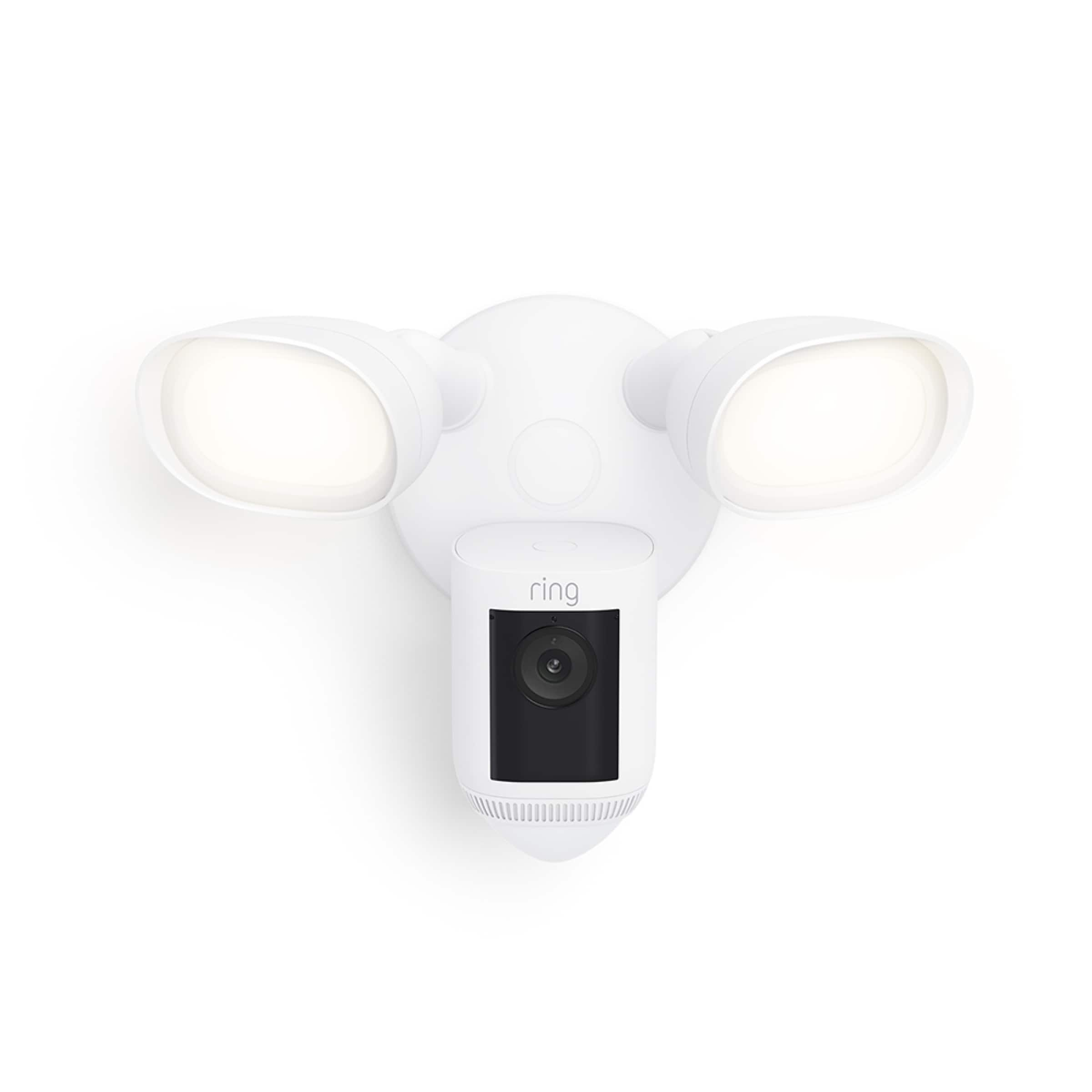
  • Questionthe new floodlight pro camera are the lights on these white or yellow color

    Asked by Anonymous.

    • Answer Yellow on mine. I hate it.

      Answered by Anonymous

  • QuestionAt what distance will the light turn on?

    Asked by pooch.

    • Answer You can set to various distances. Once walking off porch it comes on within 8-10 feet

      Answered by Sparkles

  • QuestionRecently bought the Floodlight Cam Pro, had it installed by your MasTec technician. I followed the Ring app instructions to set up a light schedule to turn on /off at a set time (10pm - 6am). Worked fine first day, then off the next day. Why?

    Asked by Abuela71.

    • Answer Hello Abuela71. Thank you for taking the time to ask this question. If the light schedule for the Ring Floodlight Cam Pro is no longer working, here are some things you can try: 1. Delete the light schedule: Open the Ring app to the main dashboard. Tap more (•••) on the camera you want to access. Tap your device's Settings. Tap Light Settings. To delete a light schedule: Tap an existing custom schedule, then select Remove this Schedule and tap the Remove schedule button. 2. Create a new light schedule : Open the Ring app to the main dashboard. Tap more (•••) on the camera you want to access. Tap your device's Settings. Tap Light Settings. Tap Light Schedules, then tap the Add schedule button and create a schedule name. Under Controls, tap Lights and select Keep Lights On or Keep Lights Off. Tap Start to enter a start time then select Start at Dusk, Offset to chose from the list of start times, or Select Start at Custom Time to specify a start time. Tap End to choose an end time. Select the days of the week for the light schedule to be active. Tap Save Schedule. 3. Reboot your device in the Ring app. Open the Ring app. Tap the menu (☰). Tap Devices. Select the device you want to reboot. Make sure it's connected to wifi. Tap the Device Health tile. Scroll down to Reboot This Device and confirm your selection. Give your Ring device a few minutes to start up. If any additional information is needed regarding your question, please reach out to our community. Ring Community is our first peer-to-peer community forum, giving our customers the ability to help one another and share their feedback and experiences directly with Ring. Join the Ring Community today! Thank you, Amilia from Ring.

      Answered by Ring

  • QuestionA subscription required?

    Asked by Goose.

    • Answer Hi Goose. Thank you for your question. No, the Ring Floodlight Cam Wired Pro is able to work without a subscription. There are many features the Ring Home Plan will add to this device. While subscribed to one of our Ring Home Plans, you will have access to videos of every motion and live view event. Without this service, you will still receive real-time video alerts on your smartphone and have access to the live view feature. If any additional information is needed regarding your Ring Floodlight Cam Wired Pro please reach out to our community. Ring Community is our first peer-to-peer community forum, giving our customers the ability to help one another and share their feedback and experiences directly with Ring. Sincerely, Matthew from Ring.

      Answered by Ring

  • QuestionWhat is the maximum distance the camera see a face; day and night?

    Asked by Creekview.

    • Answer Hi Creekview. It's tough to say because there are many variables that can affect this. The Motion Detection on the device is good for about 30 feet and the optimal mounting height. If you have any further questions or concerns, try browsing the Ring Community at https://community.ring.com/. As our first peer-to-peer forum, the Ring Community allows you to ask questions and interact with other neighbors to discuss your Ring devices. Best wishes, David with Ring.

      Answered by Ring

  • QuestionIf I already have a ring video doorbell with the over a number of window/door sensors, will my WIFI network be able to replace 3 motion floodlamps with 3 ring wired video w/floodlights.

    Asked by Kuma.

    • Answer Hello Tam, Great question! Internet speed is the measure of how fast your wireless network uploads and downloads data. If either or both of those functions are too slow, your Ring app won't be able to display the video image from your Ring device's camera. That's why it's important to test your internet speed in the area around your Ring device before installing. To test your internet speed, do the following: Bring your mobile device to the area where your Ring device is installed. Make sure cellular data is turned off in your mobile device settings. Open a web browser on your mobile device and go to bandwidthplace.com. Click on the Start button in the center of the gauge to start the test. After the test is done, look at the small table under the gauge. The green number in the first column is the download speed. The blue number in the second column is the upload speed. As a general rule, most Ring devices function best when upload and download speeds are 2 Mbps or greater. If your speeds are slower than that, you could try moving your router closer to your Ring device or (if necessary) calling your internet service provider to discuss getting faster internet speeds. Here is a helpful article that walks through this process step-by-step: https://support.ring.com/hc/en-us/articles/115001499906-Ring-App-is-Having-Trouble-Connecting-to-a-Ring-Device-and-Showing-Video. We invite you to reach out to our Community if any additional information is needed regarding your question. The Ring Community is our first peer-to-peer community forum, giving our customers the ability to help one another by sharing their feedback and experiences with each other. You can find it here: https://community.ring.com/. Thank you, Alexis with Ring

      Answered by Ring

  • QuestionWhat generation is the ring floodlight camera pro?

    Asked by Greatbuy.

    • Answer As far as I'm aware, it's the latest one.

      Answered by PeteM

  • QuestionIs this Ring Floodlight system completely wireless? If so, how long is the battery life? Is it easy to change the batteries?

    Asked by Bflatt.

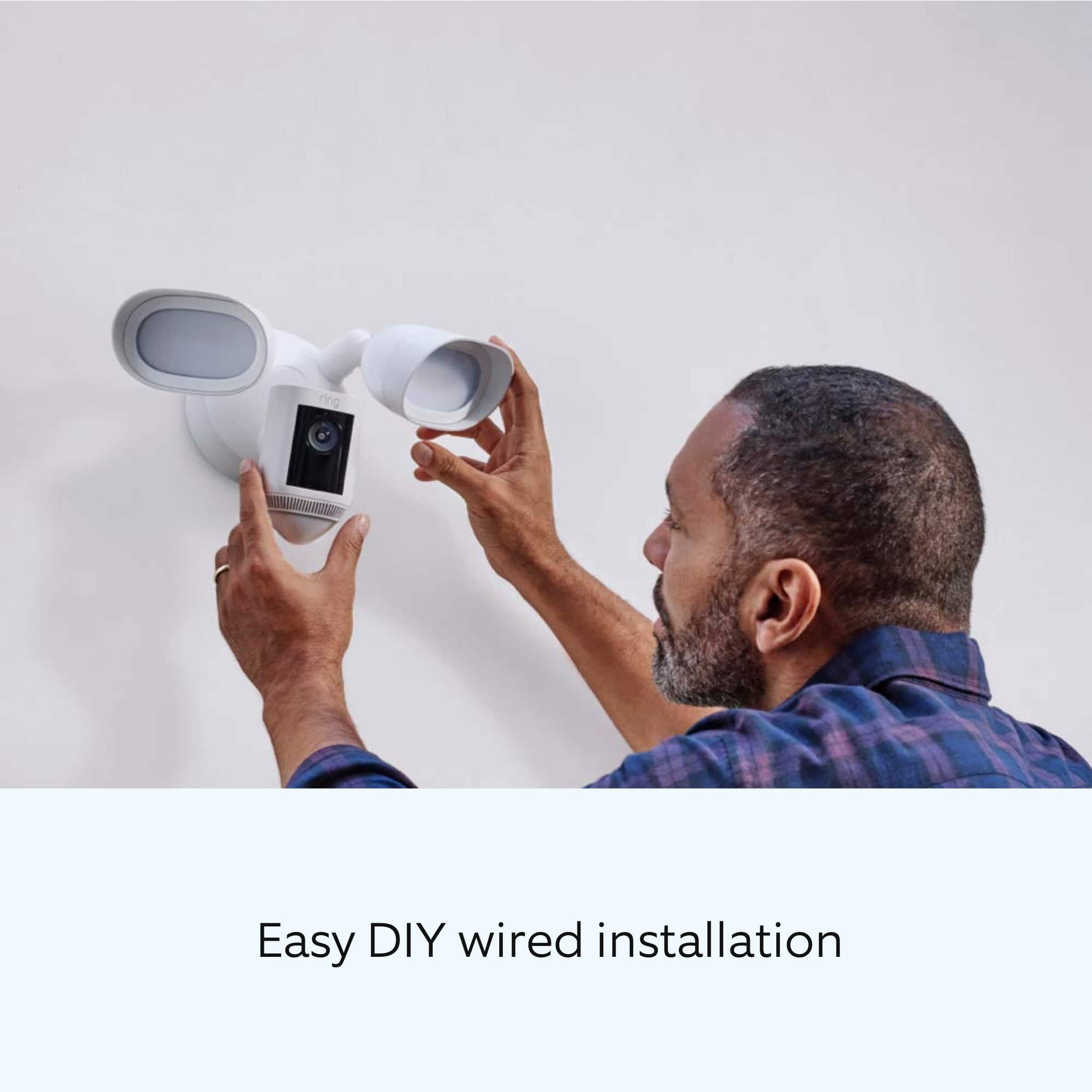
    • Answer Hello Bflatt, The Floodlight Cam Wired Pro is compatible with dual band wifi (2.4 GHz or 5 GHz) 802.11 ac. DIY installation of your Ring Floodlight Camera Wired Pro is intended to be a relatively easy process. However, as the Floodlight Camera requires a junction box as well as wiring up live wires, it's recommended you hire a licensed electrician to install the Floodlight Cam. The Ring Floodlight Cam Pro should be connected to a 100 VAC~240 VAC 50/60 Hz power source. Ring Community launched in March 2019 to help deliver the most current news and educational information to our customers. You can find tips and tricks from other Ring users at https://community.ring.com/. This peer-to-peer forum allows our neighbors to share their feedback and experiences to assist each other in resolving their concerns. Thank you, Antonio from Ring

      Answered by Ring

  • QuestionWill Geek Squad do the instillation?

    Asked by Nat.

    • Answer Hello Nat. Great question. We recommend reaching out to your local Bestbuy to see what installation options are available in your area. In this particular case, we’d suggest you reach out to Best Buy’s customer service: 1-888-237-8289 or https://www.bestbuy.com/services/triage/home. We are confident that they will be able to provide you resolution to the installation inquiry you have described. If you need assistance from Ring, Ring Community is our first peer-to-peer community online forum, giving our customers the ability to help one another and share their feedback directly with Ring. We invite you to reach out at https://community.ring.com/ if any additional installation information is needed regarding the Ring Floodlight Camera Wired. Thank you, Jamila with Ring.
      Answered by Ring

  • QuestionThe new "birds eye view" camera specifies it works with Alexa. Does it work with the Ring Software as well. The original camera lists both in the specifications and the new camera does not.

    Asked by RingSoftware.

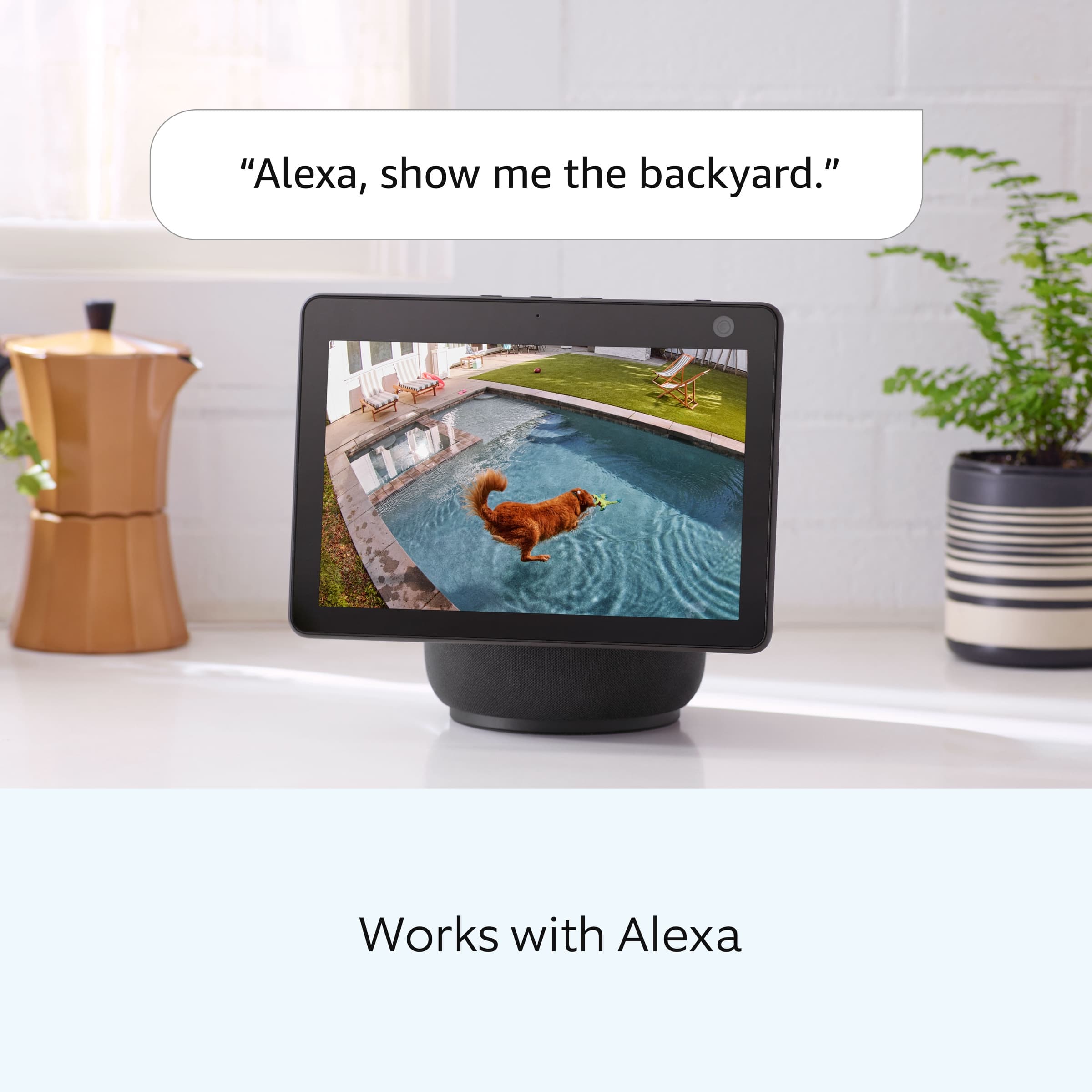
    • Answer Hello RingSoftware, Great question. Yes, the "birds eye view" feature will work with your Ring device and also your Alexa enabled device. With Bird's Eye View you can get an aerial map view of motion events around your home and clearly see the path that visitors take when visiting your property. For more information, please see our help center article: https://support.ring.com/hc/en-us/articles/360056772832-Bird-s-Eye-View-information. For any additional questions or concerns, please feel free to reach out on our community forum at https://community.ring.com/. We look forward to hearing from you soon! Thank you, Jamila with Ring

      Answered by Ring

  • QuestionGoes this come with a chime pro WIFI extender in the box ?

    Asked by SamIam.

    • Answer Hi Samiam, No, it does not look like Best Buy offers a bundle that includes the Ring Floodlight Cam Wired Pro and Ring Chime Pro. If you'd like to add the Ring Chime Pro to extend your wifi network, we've included the product link below. https://www.bestbuy.com/site/ring-chime-pro-white/6396015.p?skuId=6396015 We invite you to reach out at https://community.ring.com/ if any additional information is needed regarding our products. Ring Community is our first peer-to-peer community forum, giving our customers the ability to help one another and share their feedback/experiences with Ring. All the Best, Danielle with Ring

      Answered by Ring

  • QuestionWhy am I not getting notifications and recordings of vehicles and people on my 2K outdoor camera with floodlights.

    Asked by Bevy.

    • Answer Hi Bevy. We appreciate the time you have taken to ask this question. If you are not receiving notifications from Ring on your phone or tablet, or they are delayed, here are steps to fix that. You can test if you are receiving notifications on another phone or tablet by triggering an event and checking the other device for alerts. Review your Ring settings: Make sure you are logged into the Ring app: Open the app on your phone or tablet and sign in. Learn more about troubleshooting issues signing in to the Ring app. Confirm that your Ring device is online: To receive notifications, your device must be online. You can see the status of your device from the main dashboard in the Ring app or on Ring.com. Learn how to reconnect offline devices. Turn on alerts for your Ring device: Make sure alerts are toggled on in the Ring app for the devices you want to receive notifications for. Open the Ring app to the main dashboard. Tap more (•••) on the camera you want to access. Tap your device's Settings. For doorbells, toggle on Ring Alerts, Motion Detection, and Motion Alerts. For cameras and smart lighting, toggle on Motion Detection and Motion Alerts. If any additional information is needed regarding your questions, please reach out to our community. Ring Community is our first peer-to-peer community forum, giving our customers the ability to help one another and share their feedback and experiences directly with Ring. Join the Ring Community today! Thank you, Amilia from Ring.

      Answered by Ring

  • Questionis there a monthly fee

    Asked by cujo.

    • Answer Yes, if you want your video recordings stored. Otherwise you only have live view.

      Answered by NewRingOwner