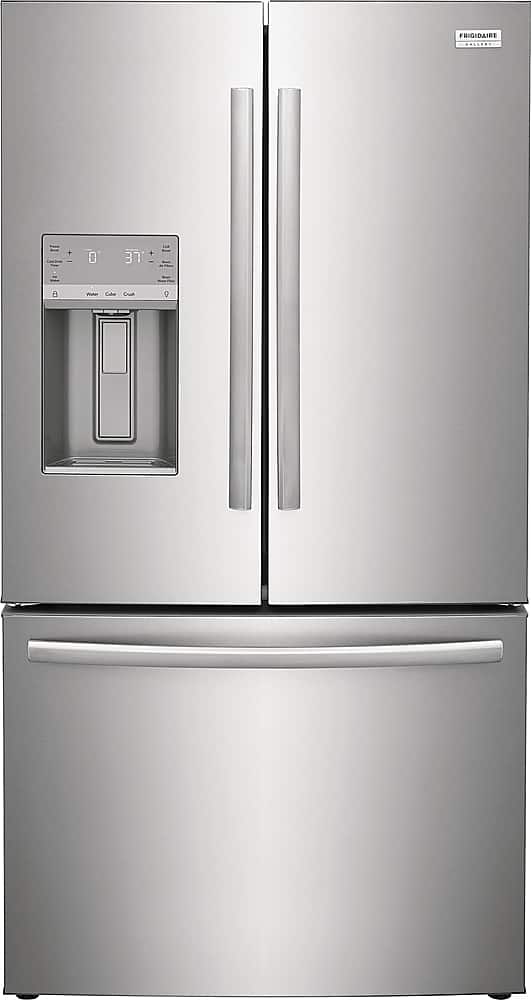
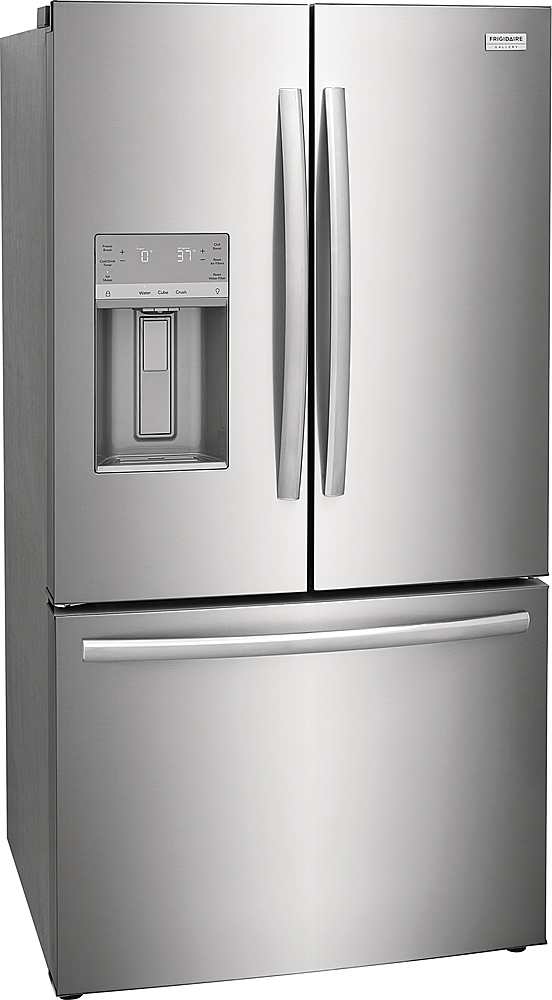
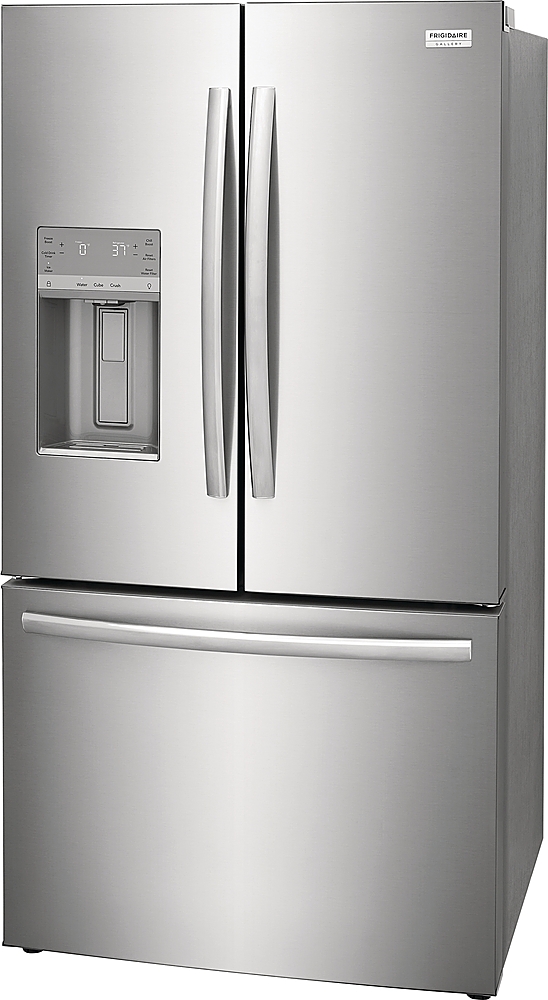
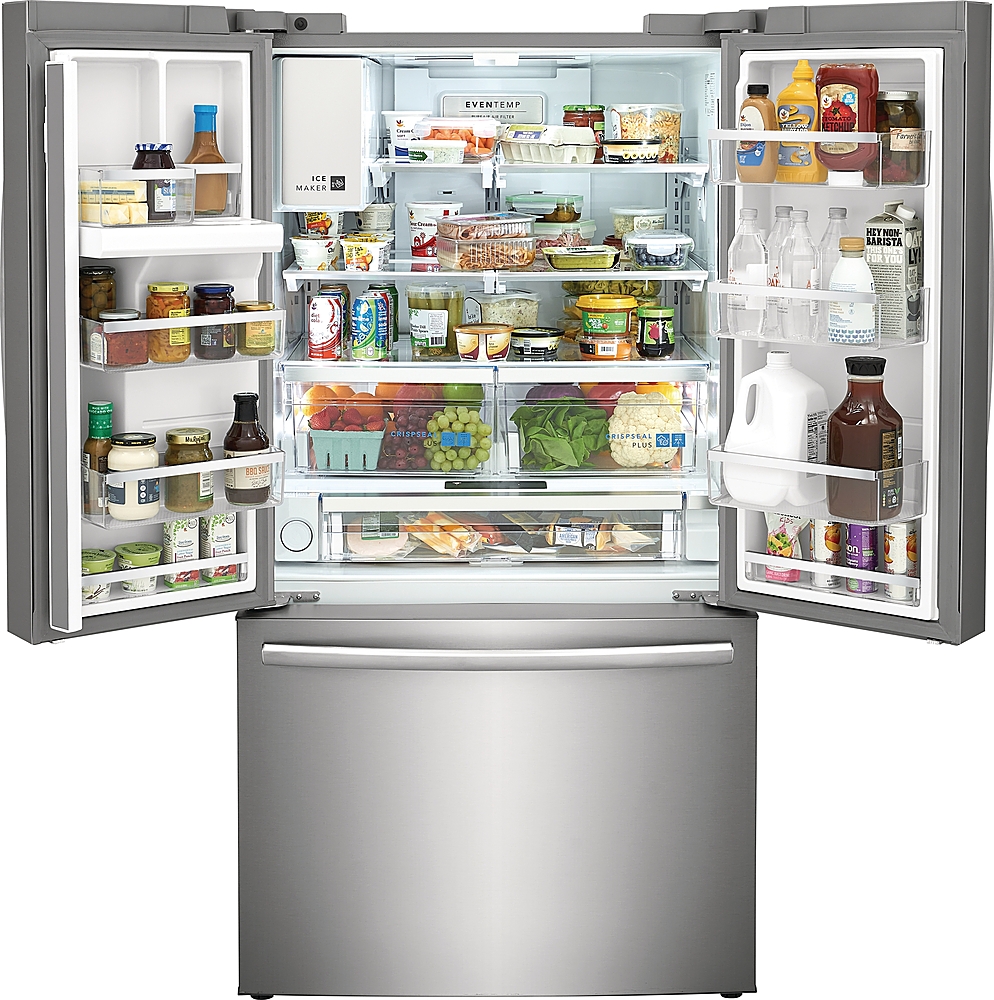
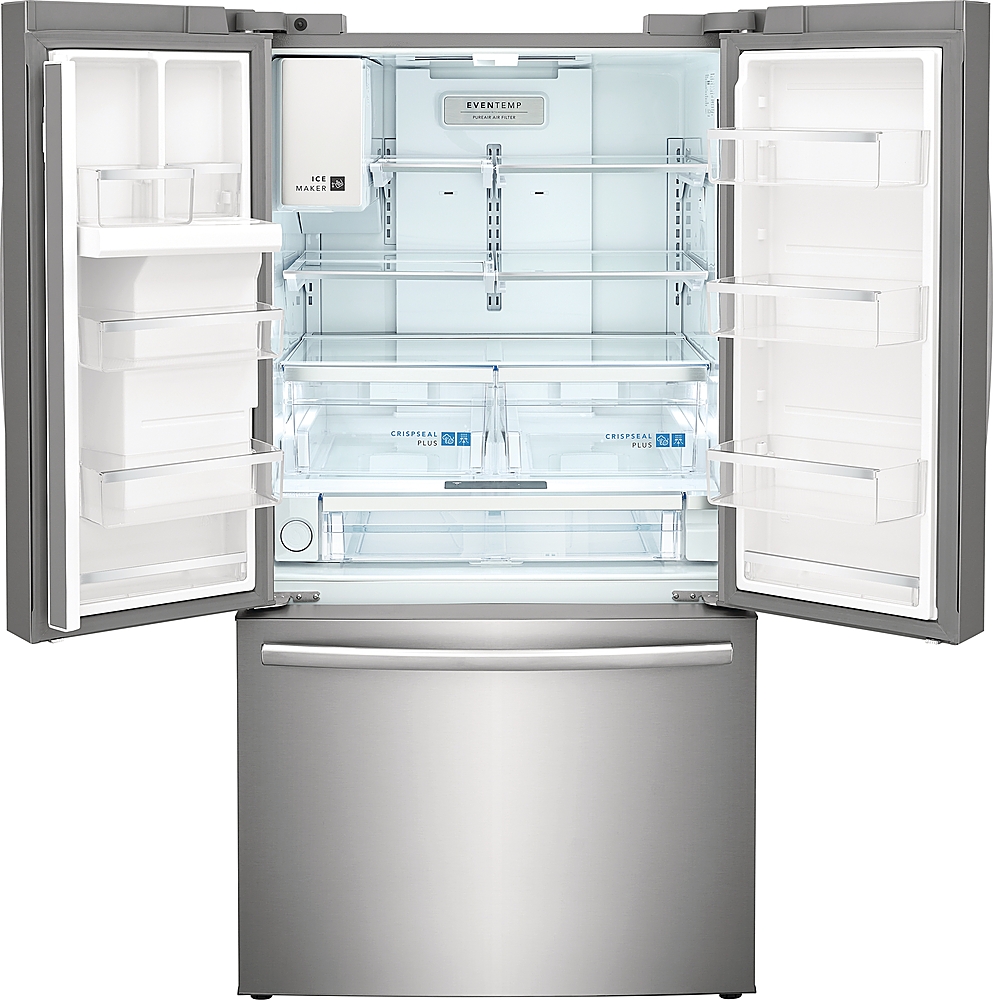
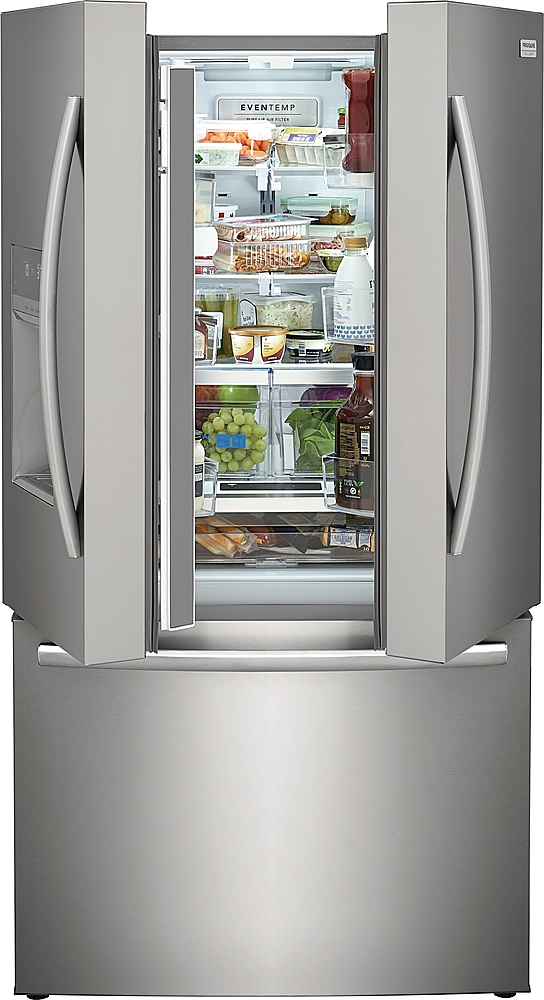
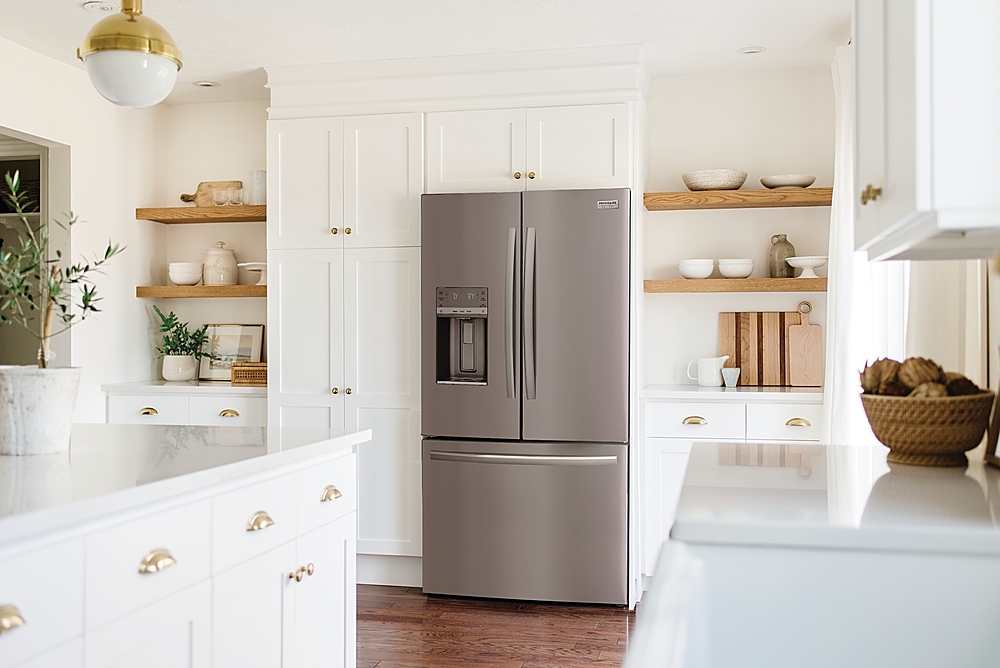
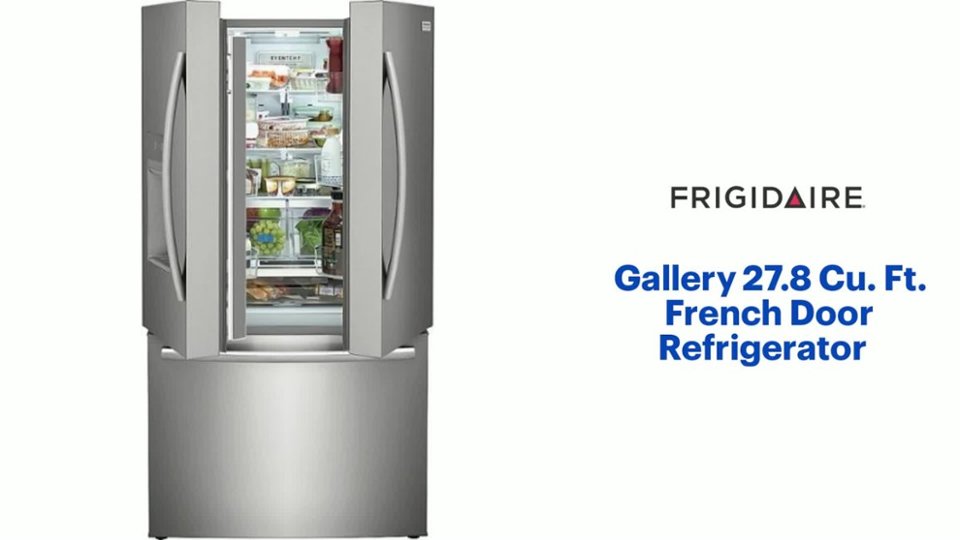
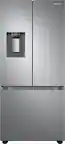
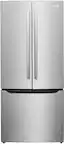
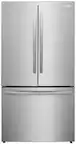
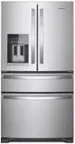
A:Answer Hi there, to turn on your Frigidaire Gallery 27.8 Cu. Ft. French Door Refrigerator with Adjustable Temp Drawer and control the temperature settings, here’s a general guide:
- Turning the Refrigerator On:
- Plug it in: Make sure the refrigerator is properly plugged into a working electrical outlet.
- Power Button: Some models have a power button inside the control panel on the front or inside the fridge. Press and hold this button if available to turn it on.
- If no power button: Just plugging it in may start the fridge automatically.
Adjusting Temperature Settings:
1. Locate the Control Panel:
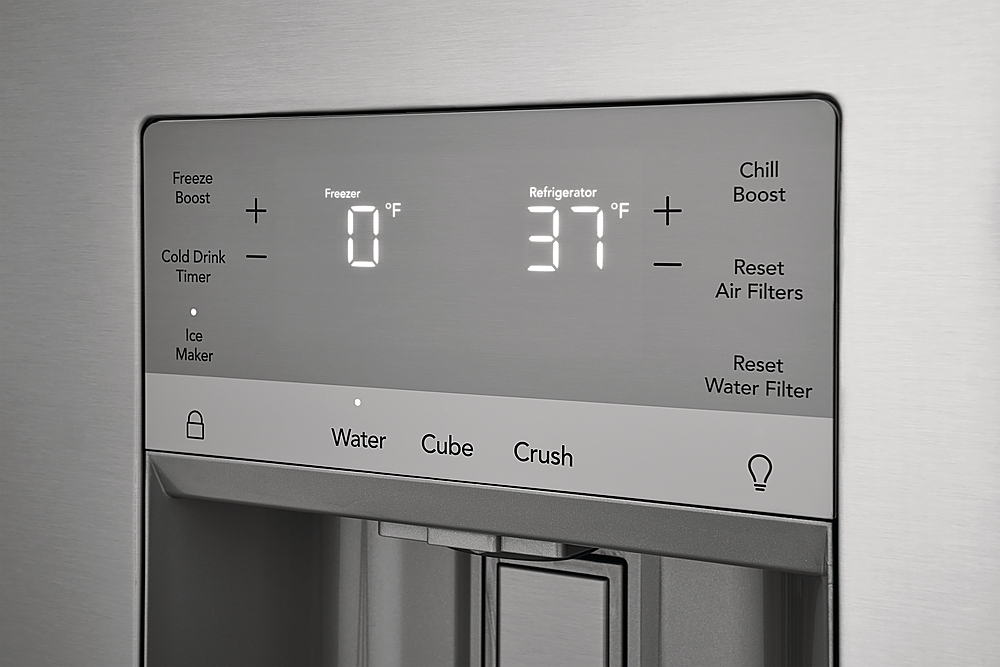
- Usually found on the inside of the fridge, near the top, or on the front door display (depending on model).
2. Adjust the Refrigerator Temperature:
- Look for a button or touch panel labeled "Fridge Temp" or "Refrigerator".
- Use the + or - buttons or touch arrows to adjust the temperature.
- Ideal fridge temperature is usually between 37°F and 40°F (3°C to 4°C).
3. Adjust the Freezer Temperature:
- Similarly, find the "Freezer Temp" button and adjust as needed.
- Ideal freezer temperature is usually 0°F (-18°C).
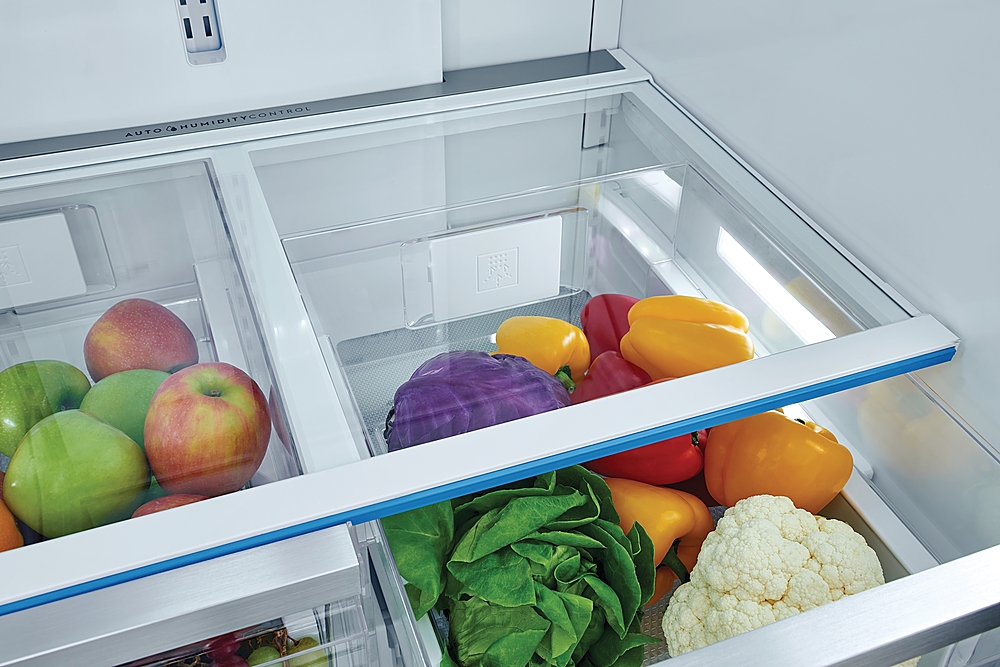
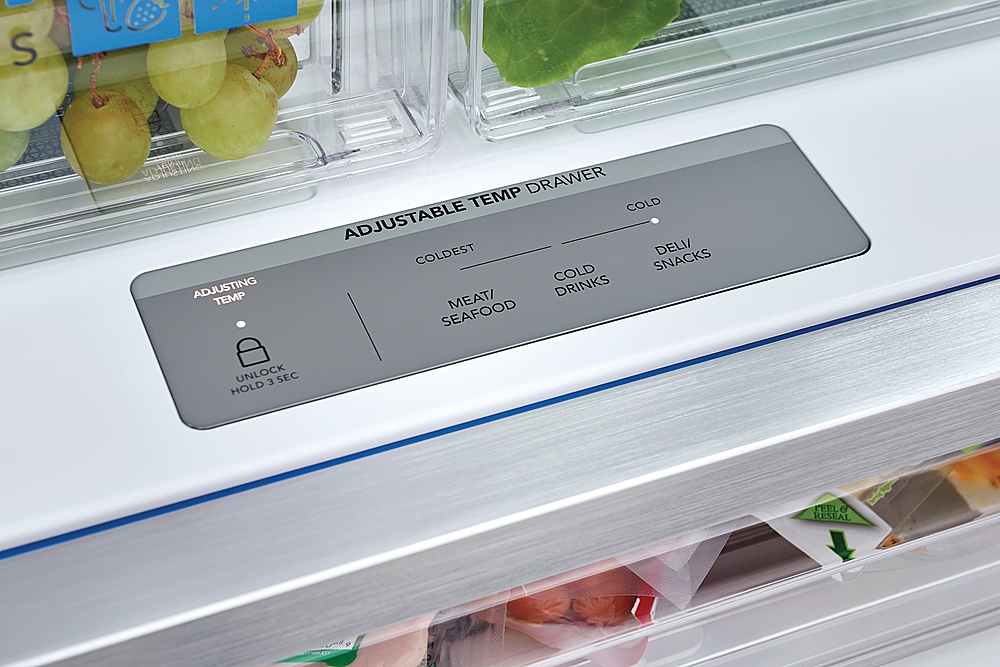
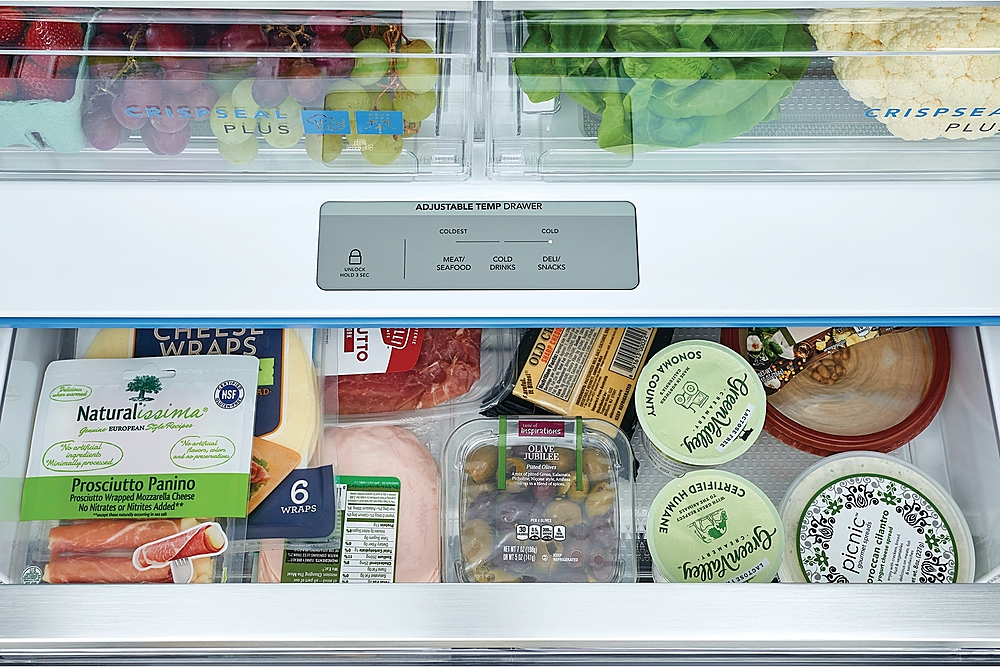
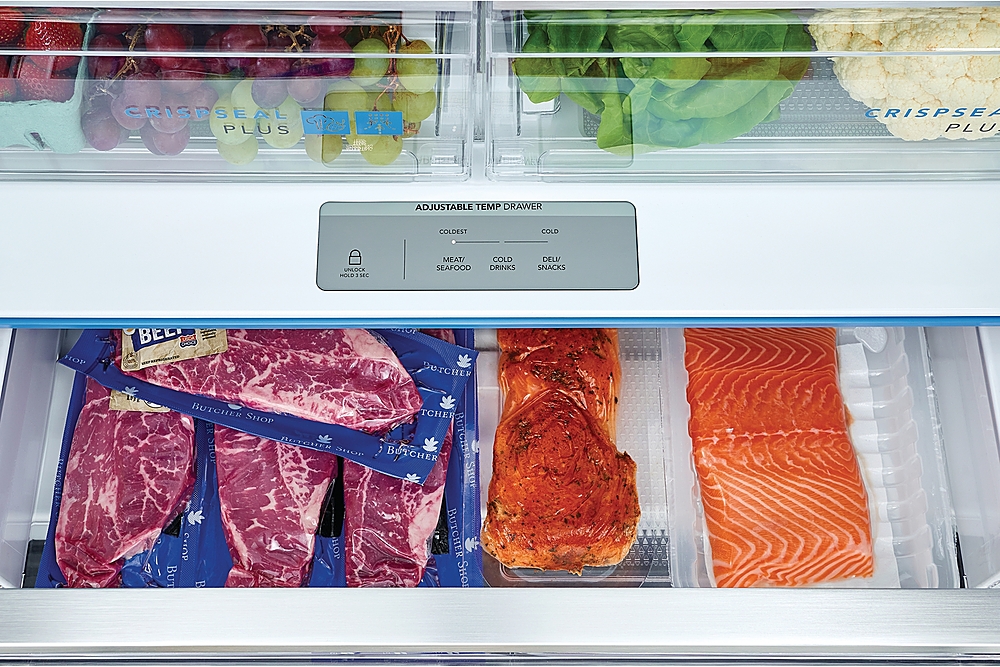
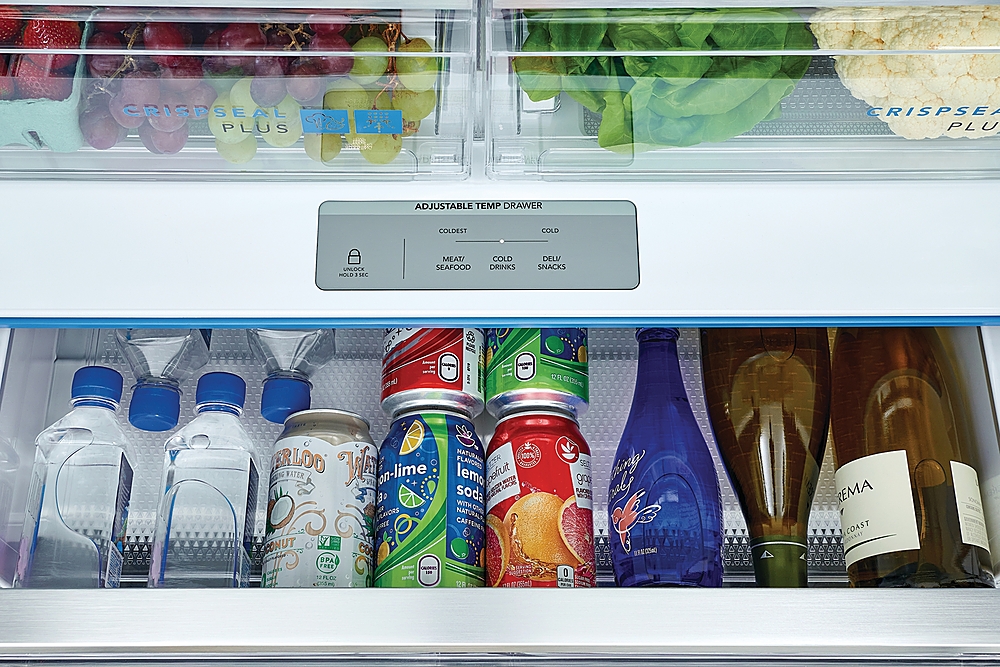
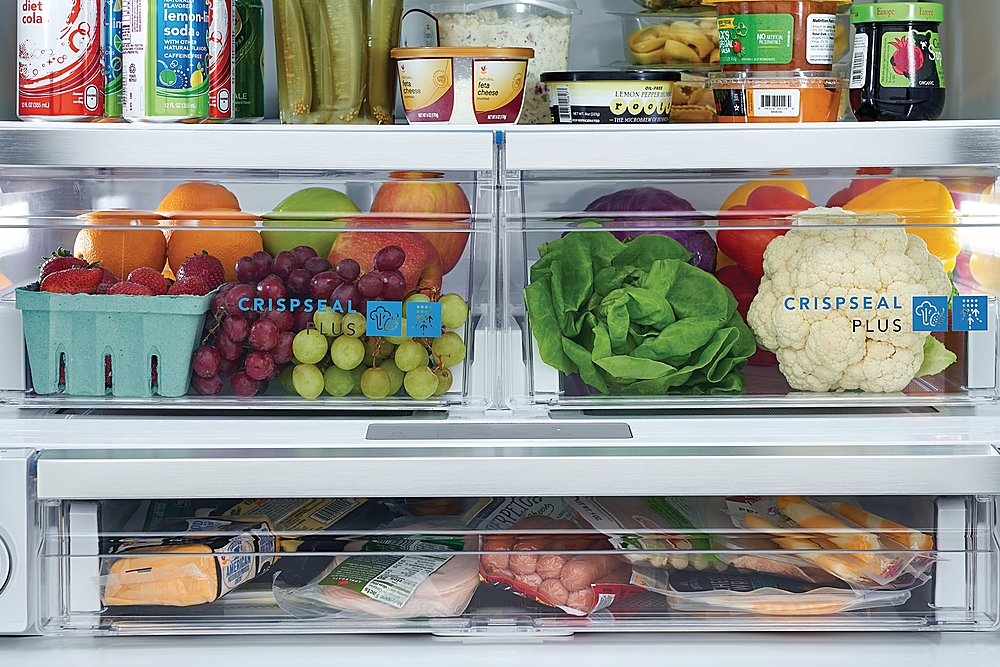
4. Adjust the Temperature Drawer (Adjustable Temp Drawer):
- This drawer often has its own controls or can be set to either fridge or freezer temperatures.
- Check the control panel for a drawer temp button or an option to toggle between meat, beverage, or produce modes, which changes the drawer temperature accordingly. - Maico