A:AnswerYes. The Parking Guard feature allows the camera to record video automatically while your vehicle is parked. When you turn off your vehicle, the camera automatically enters parked recording mode. The camera automatically records video each time it detects an incident and sends a notification to your smartphone when the camera is connected to a Wi‑Fi® network. You can manage Parking Guard settings from the Garmin Drive™ app on your smartphone.
A:AnswerThank you for your question. The maximum capacity for the Garmin Dash Cam 67W is a 512 GB microSD card. For more information on compatible cards, please see https://bit.ly/43dyzHM.
A:AnswerYes, all recordings are saved to the installed MicroSD card. They constantly overwrite the oldest file on the card should it fill the available memory.
A:AnswerIf the DashCam 67W is left on in parking mode for extended periods of time, it has the possibility of draining your car battery.
https://support.garmin.com/en-US/?faq=16JHZTTniZ66tr4NvYzgd5
A:AnswerI have more questions than answers with the details you provided. For full assistance troubleshooting an issue with one of our devices please start by visiting support.garmin.com. We will help you resolve any disruption you experience.
A:AnswerNo, you do not need to purchase a separate data plan to use this dash cam due to the fact that is is a direct Wi-Fi connection that you have access to your dash cam!!
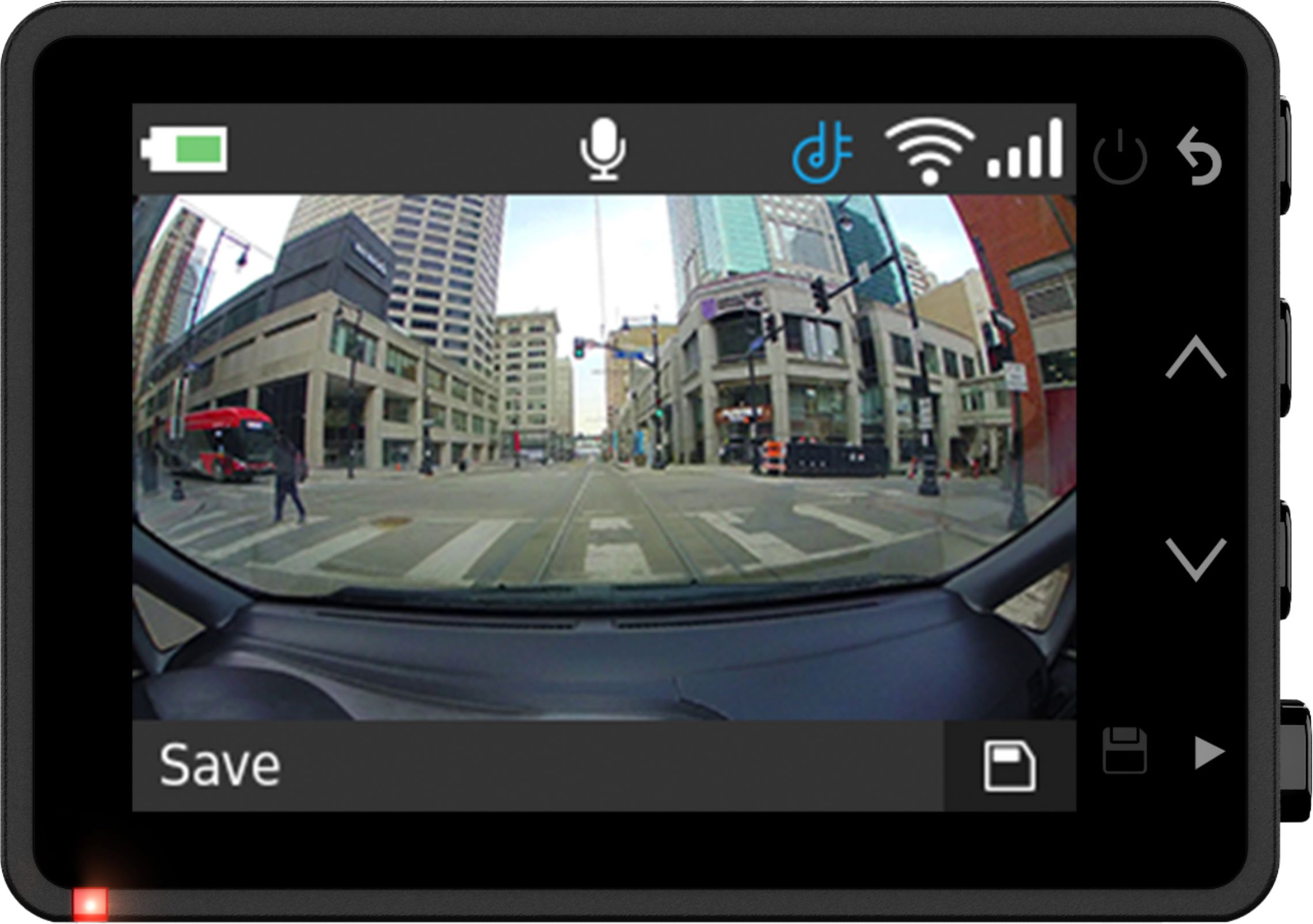
A:AnswerIts only a 2" display. Useful for to aim the camera during setup. Send the video to yor cell or remove the mem card and play on the computer to reall see the picture or videos.
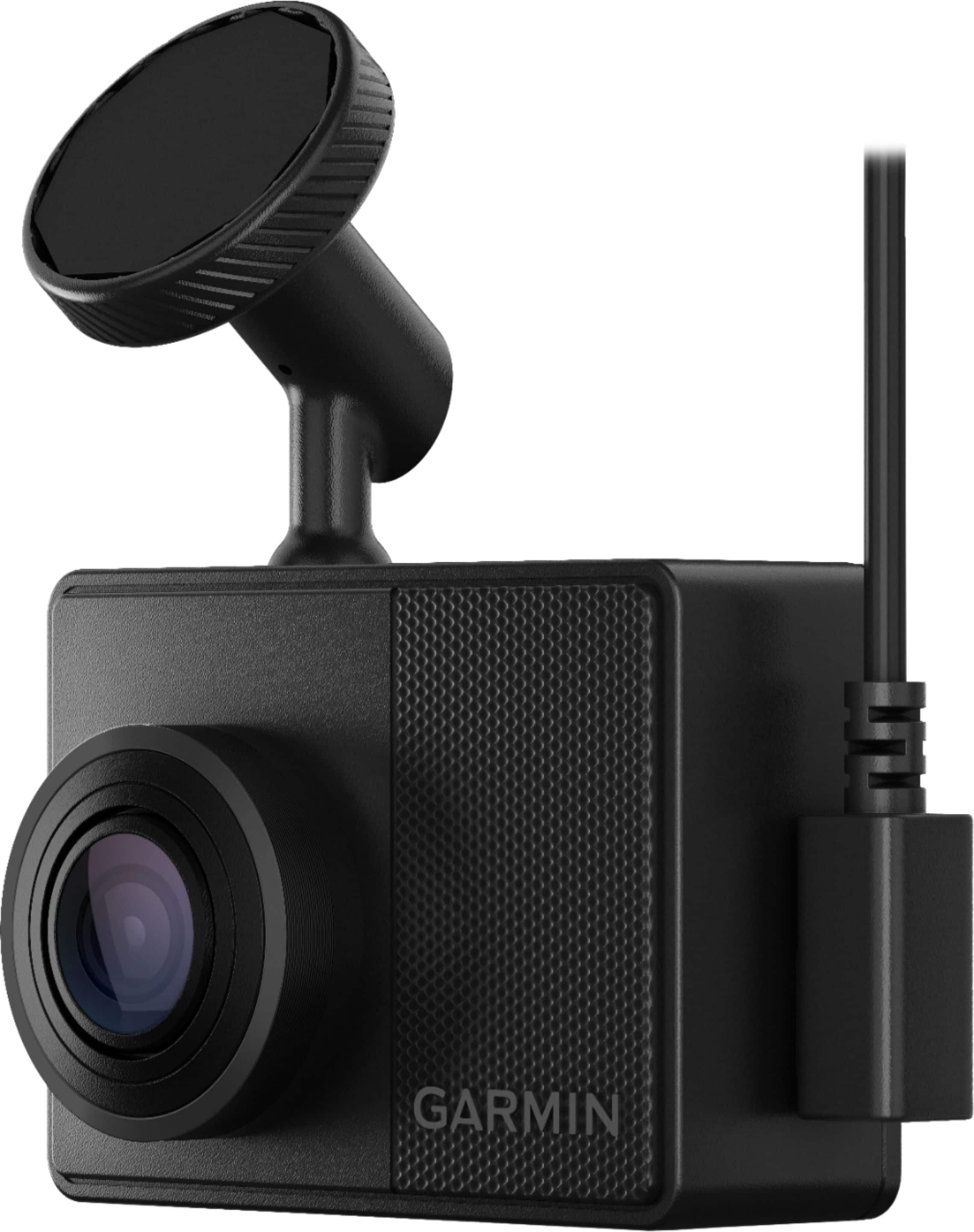
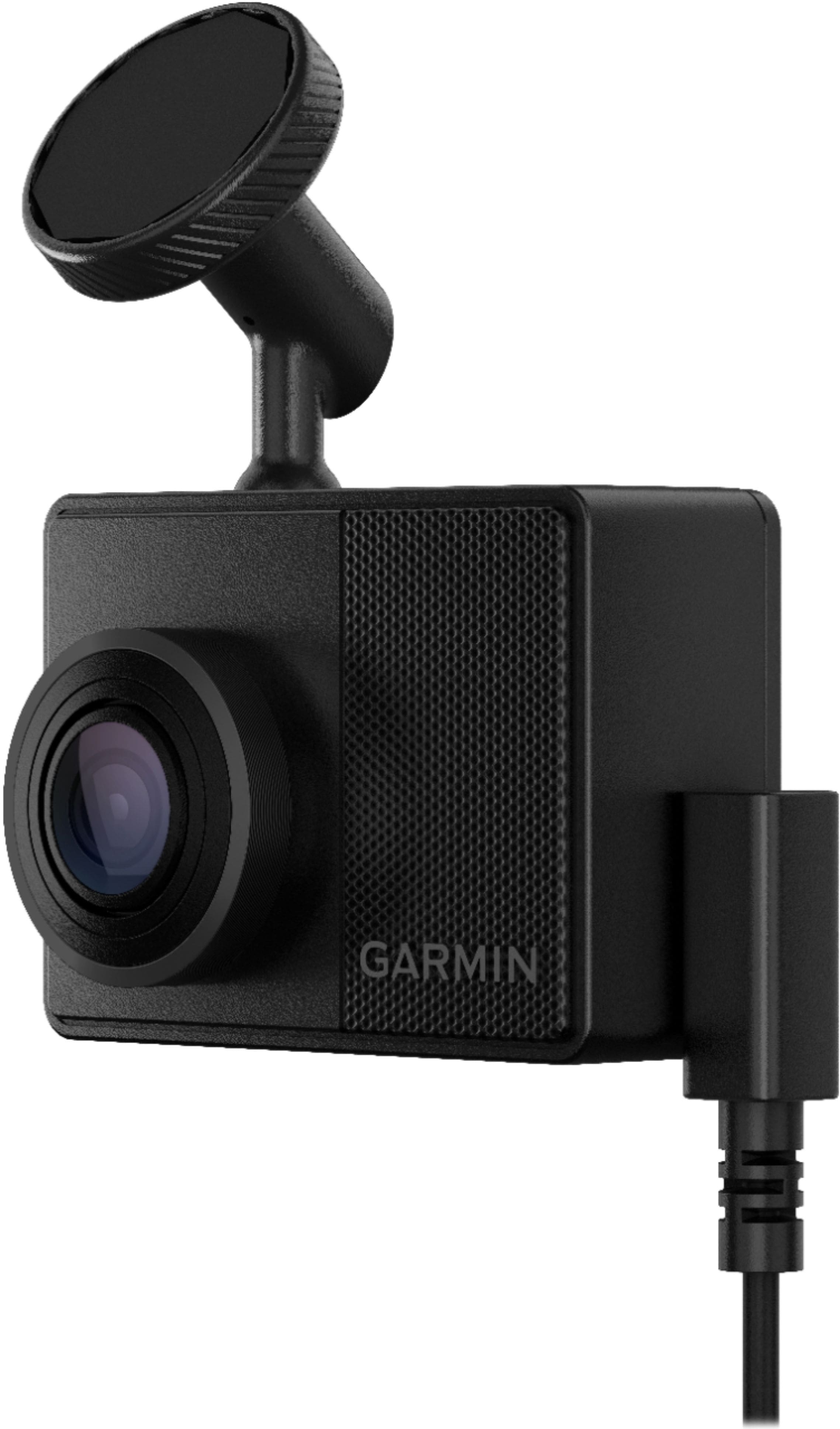
A:AnswerWe do not currently offer a 90 degree vehicle power adapter. Unfortunately, we dont test non Garmin cables and cannot guarantee functionality when they are used.
A:AnswerIt can record when parked and detects motion. We just in and go, and it automatically turns on with the car and begins recording. I'm not an expert, just a new user who has found it a great camera and will set up one in my other car.