Year-End SaleEnds 1/1/26. Limited quantities. No rainchecks.

Main Content

Questions & Answers

Your price for this item is $29.99
Clearance
The comparable value price is $129.99
Page Showing 321-340 of 741 questions
  • QuestionDoes this model have he new Massachusetts’s road exit numbers?

    Asked by Toklat.

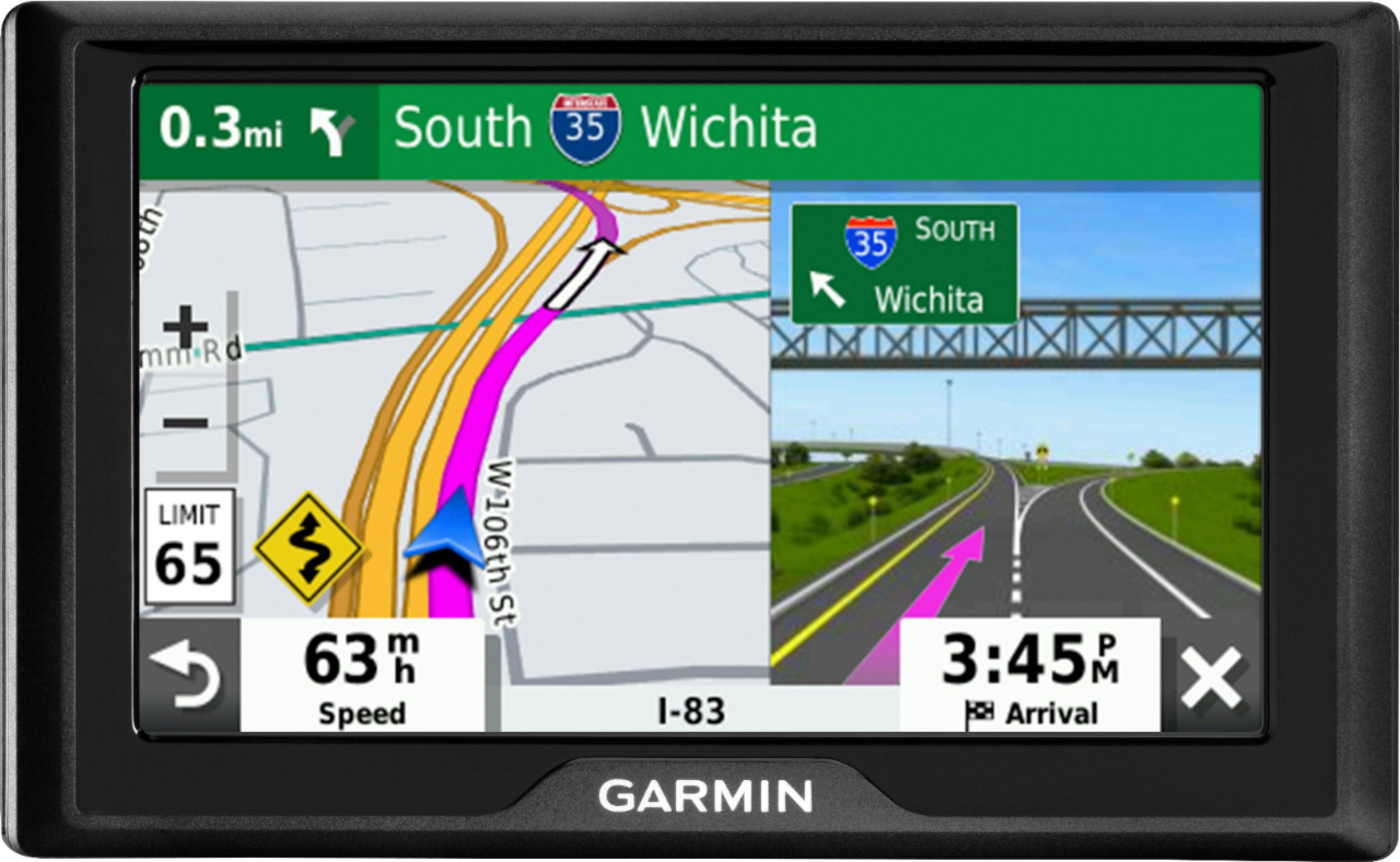
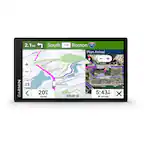
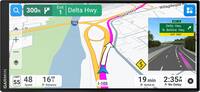
    • Answer I can't say for MA, but in FL it works like a charm: Before arriving to any MAJOR EXIT, it divides the screen, and shows actually a picture of road SIGN. Wonderful. Road sign tells you number of lanes and NAMES.

      Answered by Andre

  • QuestionWhat countries do you get?

    Asked by FrankTanko.

    • Answer USA and CANADA.

      Answered by Carriages

  • QuestionIs this covers Europe

    Asked by Orchard.

    • Answer No.

      Answered by Mickey

  • QuestionDoes this gps have bread crumbs ?

    Asked by Treeslayer.

    • Answer Yes, the Garmin Drive 52 has a bread crumb feature. Please see how to enable or disable Travel History on the device in the owner's manual at the following link: https://bit.ly/3EhmPId

      Answered by GarminProductExpert

  • QuestionDoes this model show offroad forest service roads?

    Asked by Gary.

    • Answer No, the Garmin Drive™ 52 does not display any off road mapping including forest service roads. Please consider a device from the Garmin Tread® series.

      Answered by GarminProductExpert

  • Questiondoes garman 52 include the entire united states. will it update without larger memory

    Asked by Anonymous.

    • Answer Yes, this model includes detailed maps of all 50 United States and Canada. All of these regions will update without needing a memory card.

      Answered by GarminProductExpert

  • QuestionPlease explain how to delete old addresses, or edit existing ones. Thanks

    Asked by kipp.

    • Answer Unfortunately, I have not needed to do that, thus far. There should be instructions on Garmin's website or youtube videos from consumers that have this model that show the functionality and how to do certain things with. I only used it, so far to drive to Florida, and it did very well.

      Answered by GeiGei

  • QuestionIs this compatible with a bluetooth?

    Asked by jubu.

    • Answer No, it does not connect with Bluetooth. I preferred one that did not, and this one is excellent for those who do not want it to.

      Answered by GPSreview

  • Questionwhat is the actual size of the viewing screen and case?

    Asked by Anonymous.

    • Answer 5”

      Answered by Carriages

  • QuestionCan I use this unit on my snowmobile

    Asked by Anonymous.

    • Answer No, the Garmin Drive 52 is not suitable for use on snowmobiles. The recommended devices for this usage are the Garmin Tread series.

      Answered by GarminProductExpert

  • QuestionCan I use it to find my stolen car. How

    Asked by HotRod.

    • Answer Garmin devices feature a GPS receiver that can only receive a GPS signal and cannot be: tracked remotely, map updates disabled, or accessed to delete contents on the device. If you think your Garmin Drive 52 is missing as a result of criminal activity, we suggest you contact your local law enforcement office through their non-emergency phone number to file a police report. In some cases, if the device was lost, it may have been turned into a police department. We suggest you inquire with them to determine if a device like yours has been turned in. When appropriate conditions are met, Garmin will assist law enforcement with an investigation regarding stolen, lost, or recovered property. Local law enforcement may request assistance by visiting https://www.garmin.com/en-US/forms/lawenforcement/
      Answered by GarminProductExpert

  • QuestionDoes this come with an option to select "Avoid Highways"?

    Asked by Emma.

    • Answer Yes

      Answered by Garmin

  • QuestionCan I enter GPS coordinates to find a location ??

    Asked by Darryl.

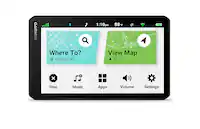
    • Answer To navigate to a set of coordinates on the Garmin Drive 52: 1. Touch Where To? 2. Touch Coordinates 3. Enter the latitude and longitude 4. Touch Next, Done, or View on Map 5. Touch Go The device will now begin navigating you to the entered coordinates. When given coordinates for a GPS position, you may find the format does not match the device's format or that the coordinates have too many numbers. Touch Format or Search Format if the desired coordinates do not match the format used on the device. Some devices require you to touch the wrench icon or the menu icon to access the Coordinate Format option. If the formatting of the coordinates does not match the format on the Garmin Device, confirm the format of the provided coordinates. Maps will often provide the position format they use.

      Answered by GarminProductExpert

  • QuestionDoes it have a trucker mode?

    Asked by Anonymous.

    • Answer No, the Garmin Drive 52 will not provide over the road trucking navigation. Please consider a device from Garmin's dēzl™ OTR series, which are designed specifically for over the road trucking.

      Answered by GarminProductExpert

  • QuestionIs the mount sold with this unit

    Asked by Toya.

    • Answer Yes. It is.

      Answered by Wardswoods

  • QuestionIs it worth it to pay extra to get the garmin with traffic or not?

    Asked by Lasi.

    • Answer My last Garmin unit had it. This one does not. For $70.00 you can get the cable that will give you traffic. This is a very good unit, I will pass on the new cable. Unless you travel the highways for a living, this unit will treat you well.

      Answered by jjmako

  • QuestionIs this a gps for truckers

    Asked by Garm.

    • Answer No. It will not show truckers routes. You need an upscale model for trucks.

      Answered by jjmako

  • QuestionWill this unit work through GMC screen like a cell phone map?

    Asked by Ricko.

    • Answer No.

      Answered by jjmako

  • QuestionI have a GTM 25 traffic power cable from my previous Garmin. Will this work on this device?

    Asked by jjmako.

    • Answer No, the GTM 25 traffic receiver power cable will not provide traffic to the Garmin Drive 52. The compatible traffic receiver power cable is the GTM 36.

      Answered by GarminProductExpert

  • QuestionCan the directions be heard over the radio?

    Asked by Drucon.

    • Answer No, this model doesn’t include the Bluetooth feature. You may want to look at the Garmin DriveSmart™ models for this feature.

      Answered by GarminProductExpert