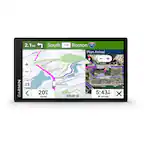
A:AnswerWhile they are not included with the DriveSmart 66, the City Navigator Europe NTU mapping is compatible and available as an accessory purchase.
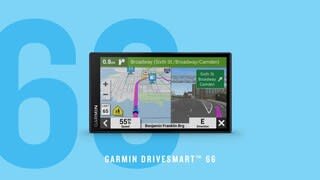
A:AnswerNo, as Garmin Express requires either macOS or Windows operating systems to run. That being said, the DriveSmart 66 has Wi-Fi built in, so you can update directly on the device once connected to external power (like plugging it into the wall).
A:AnswerYes, Jamaica is included in this Drive Smart 66's mapping. For regional restrictions on using a device, we recommend checking with local municipalities.
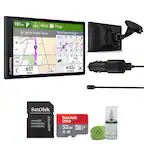
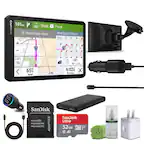
A:AnswerYes, it comes with a charging adapters. In fact the charging adapter allows you to power your cell phone as well.
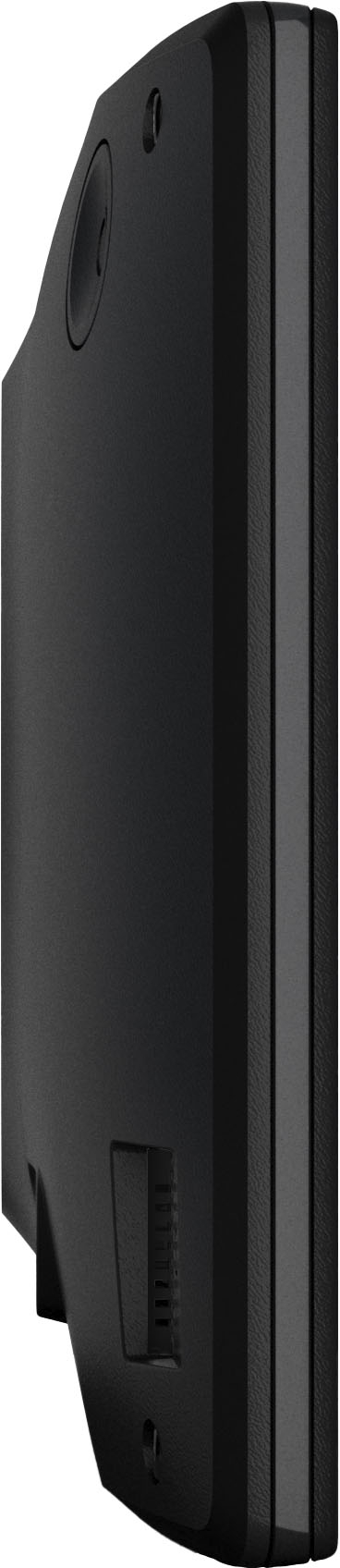
And yes, it comes with a suction mount for the GPS. Actually, although the documentation doesn't mention it, the mounting hardware is a bit more versatile than just suction mounting. We snapped the bracket part (that directly holds the GPS) into the cup holder mount that we used with our previous GPS.
A:AnswerThe GPS signal is independent of any cell phone signal, so as long as it has GPS signal, navigation would continue as normal.
To learn more about GPS technology, visit this Garmin Support Center link: https://www.garmin.com/aboutgps/
A:AnswerThe DriveSmart 55 comes with a vehicle suction cup mount, with other mounting options available as additional purchases. The DriveSmart 55 does not come with a built-in dash cam.
A:AnswerYes, the unit comes with a cord and USB charger to plug into the vehicle's power outlet. The charger also has additional ports for a second USB cord, and a 3.5 audio cable.