A:AnswerPreloaded maps can be purchased primary for different regions that are not on the device. Places like Europe or South America to name a few are available to purchase on a preloaded SD card.
~JH
A:AnswerGarmin does not recommend soldering any part of the device. If you’re having any problems with your Garmin we ask that you contact our product support team at:
www.garmin.com/support
~JH
A:AnswerYes, it is possible for your automotive device to receive and navigate to geocache location files. You may not be able to utilize any of the advanced geocaching features and settings that many of our Outdoor Handheld devices have.
~JH
A:AnswerThe nüvi 57LM may require a micro SD card to install the South American Map. That map requires at least 1GB of space. Since the updated version of US mapping would likely go on the SD card in future updates we recommend you get at least an 8GB micro SD card.
~JH
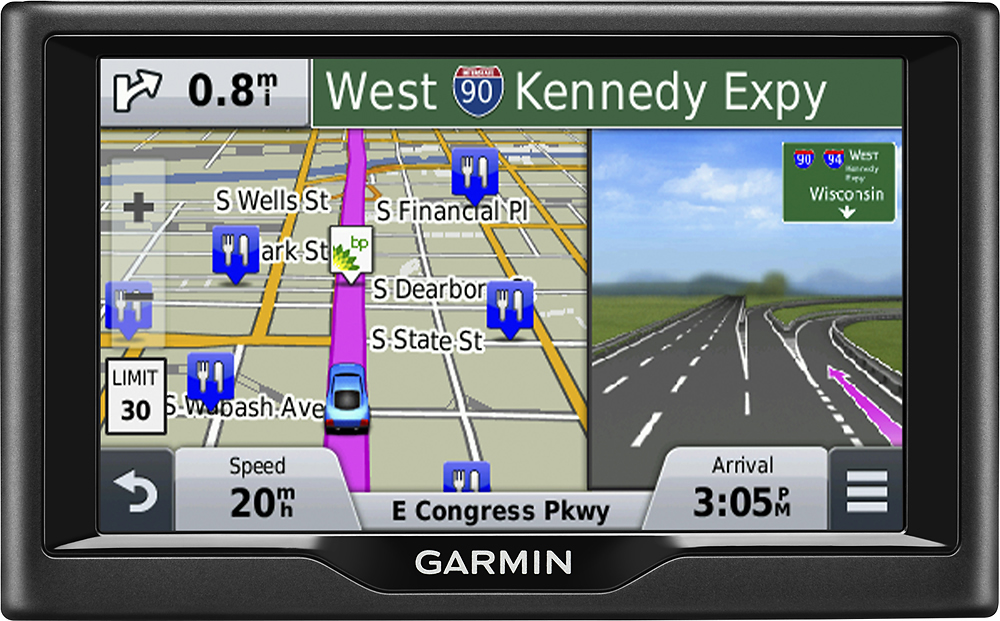
A:AnswerThe GPS comes with a computer USB cable, a car phone charger and an in home charger. It also comes with suction cup, windshield mount system. The GPS only has a quick start guide but complete manual can be downloaded online.
A:AnswerNo, the nüvi 57LM does not have traffic capabilities. Garmin automotive models that end in LT (lifetime traffic) or LMT (lifetime map updates and traffic) will include traffic alerts.
^DK
A:AnswerIf the issues persist, Garmin Product Support would be happy to offer troubleshooting. Garmin contact information, including telephone numbers and hours of operation, can be found on our Support page: http://www.garmin.com/support >JF
A:AnswerIt is pre-loaded but the unit has probably been sitting on a shelf somewhere for a while so it will need updates right away. Once you register your Garmin online you will want to download GARMINEXPRESS so your GPS will receive updates. You will not be up-to-date until you connect to Garmin Express for these updates.