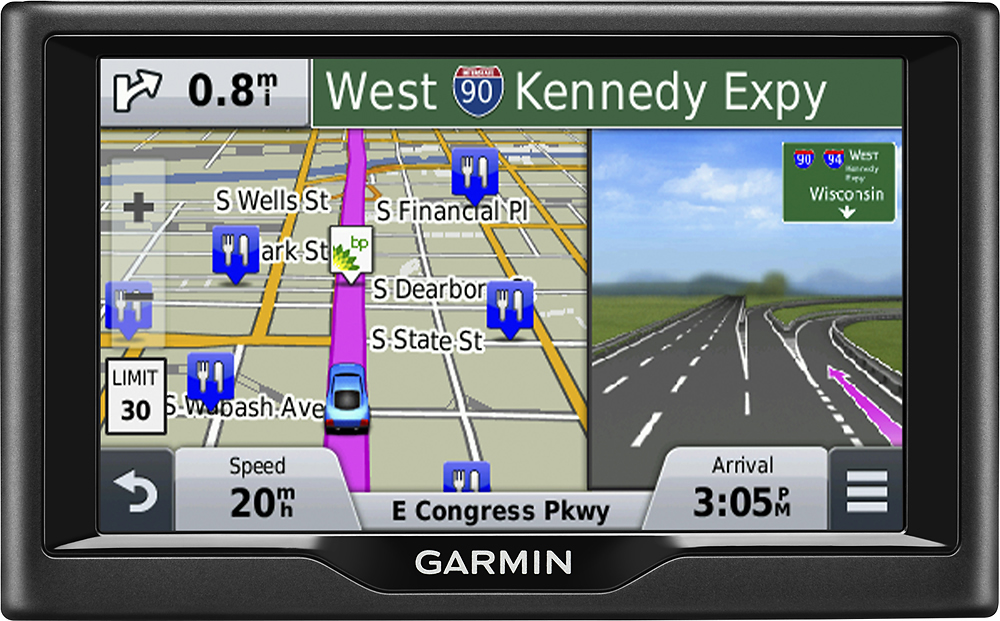
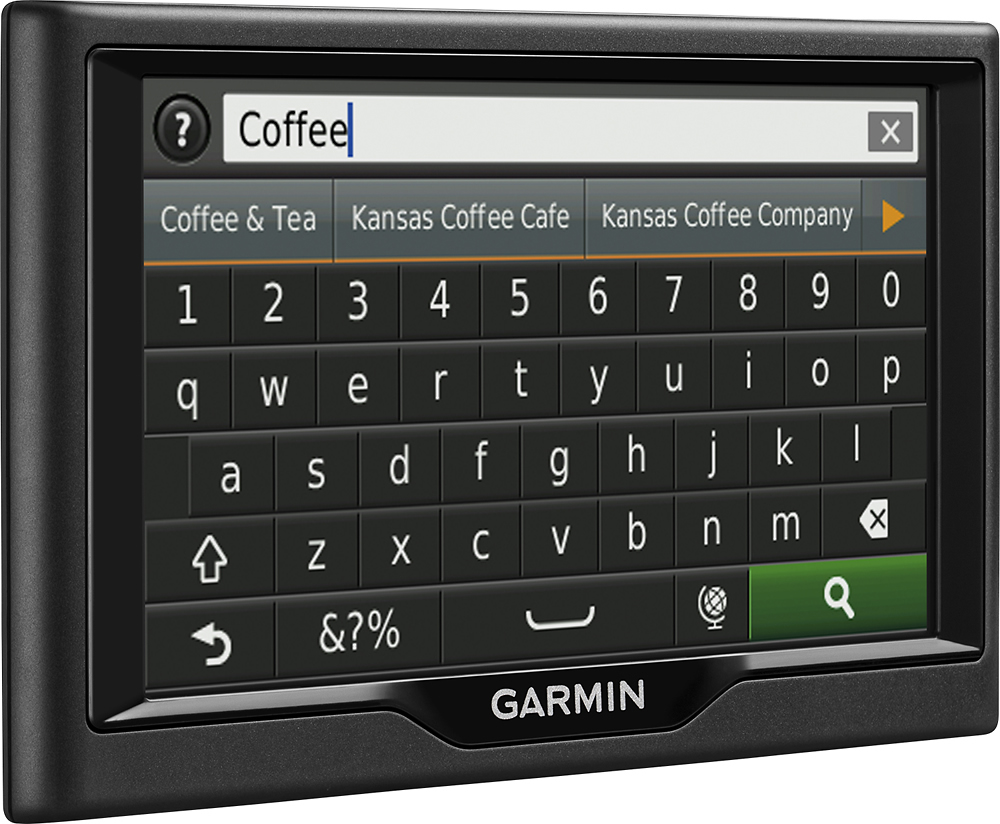
A:Answer Good question. Is the black screen an issue while trying to use the unit or while trying to download and register the unit on-line. If the later, an quick-connect icon should now be on your computer screen. Click on the icon to complete the registration process and to also download Garmin software and map updates. Your unit will need to be connected to your computer via the included cable.
Unfortunately the registration process and update process is not "intuitive". So go to the Garmin website first and download / print their lengthy manual. Follow the instructions and then file the instructions in a convenient place for quick reference.
PS:
Unless you have a GPS app on your smartphone and unlimited data per month, I would highly recommend a standalone portable GPS unit like the one you purchased. If or when I buy another GPS unit, I think I will buy one that also has Lifetime Traffic as well as Maps.