A:AnswerThe first step I took when setting up was to connect with the internet and download all the latest maps and updates, at that point I was completely current.
A:AnswerThis model only contains maps for 49 states, not clear which one is missed. You would have to buy a map upgrade, probably at a very expensive cost.
A:AnswerTo locate your current elevation: Ensure the device has acquired satellite signal, touch View Map, and touch the vehicle icon/position indicator. The elevation of that location will be displayed along with the geographical coordinates.
A:AnswerIf you are trying to delete saved places here is are the instructions from the Garmin Support center: http://bit.ly/2kc17jj
If you are wanting to delete addresses from the recently found, the entire list must be deleted.
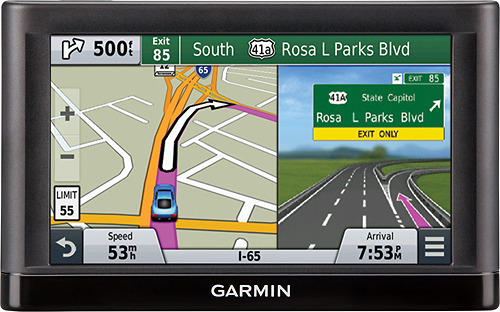
A:AnswerYes, you just need to touch View Map, and you will be provided with a current road map view based on your location. If you leave it here and drive, the map will move along with you. \tw/
A:AnswerYes, Garmin Express (the application used to update) is compatible with most newer Apple computers. To see the system requirements, please visit http://garmin.com/express
^DK