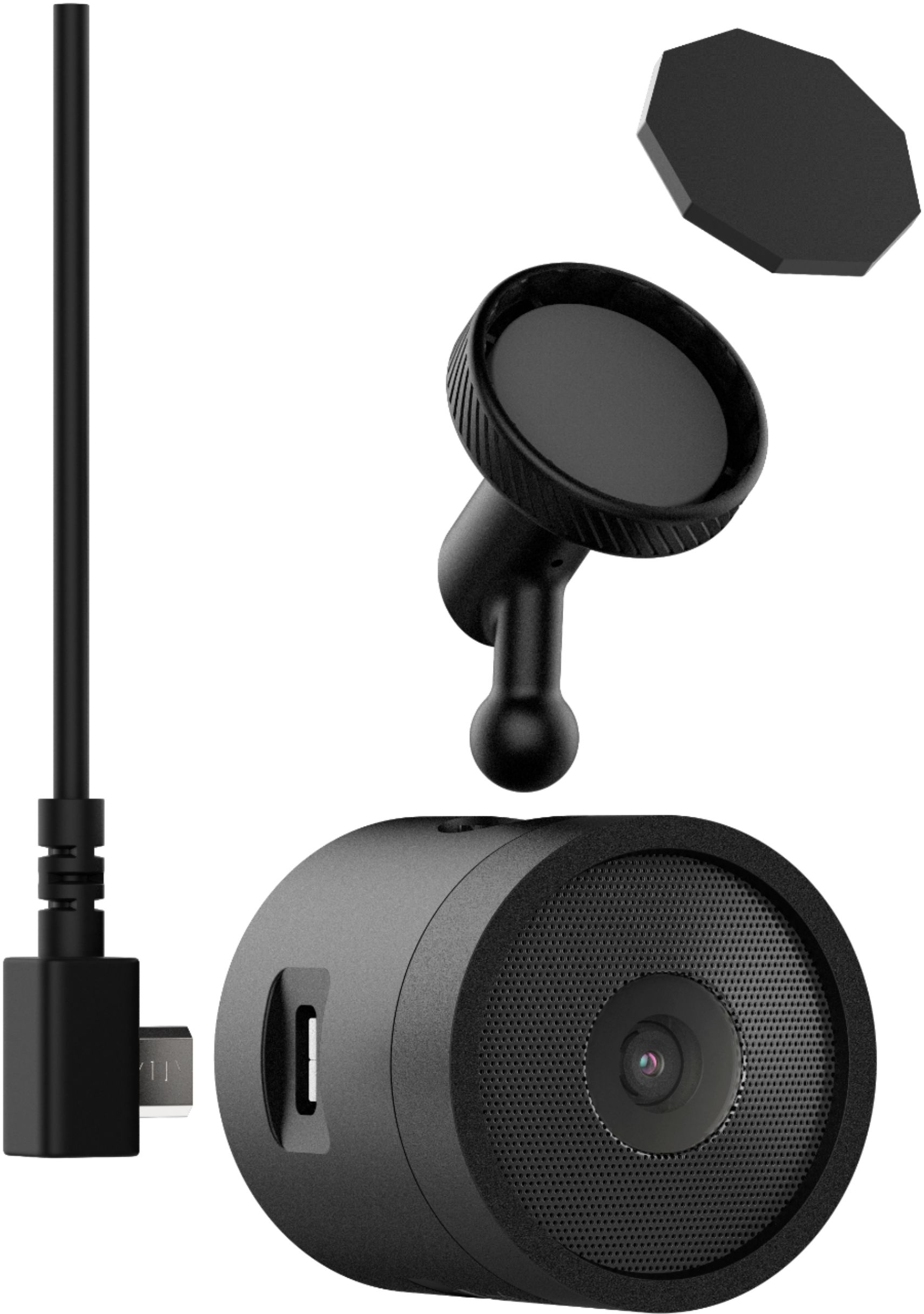
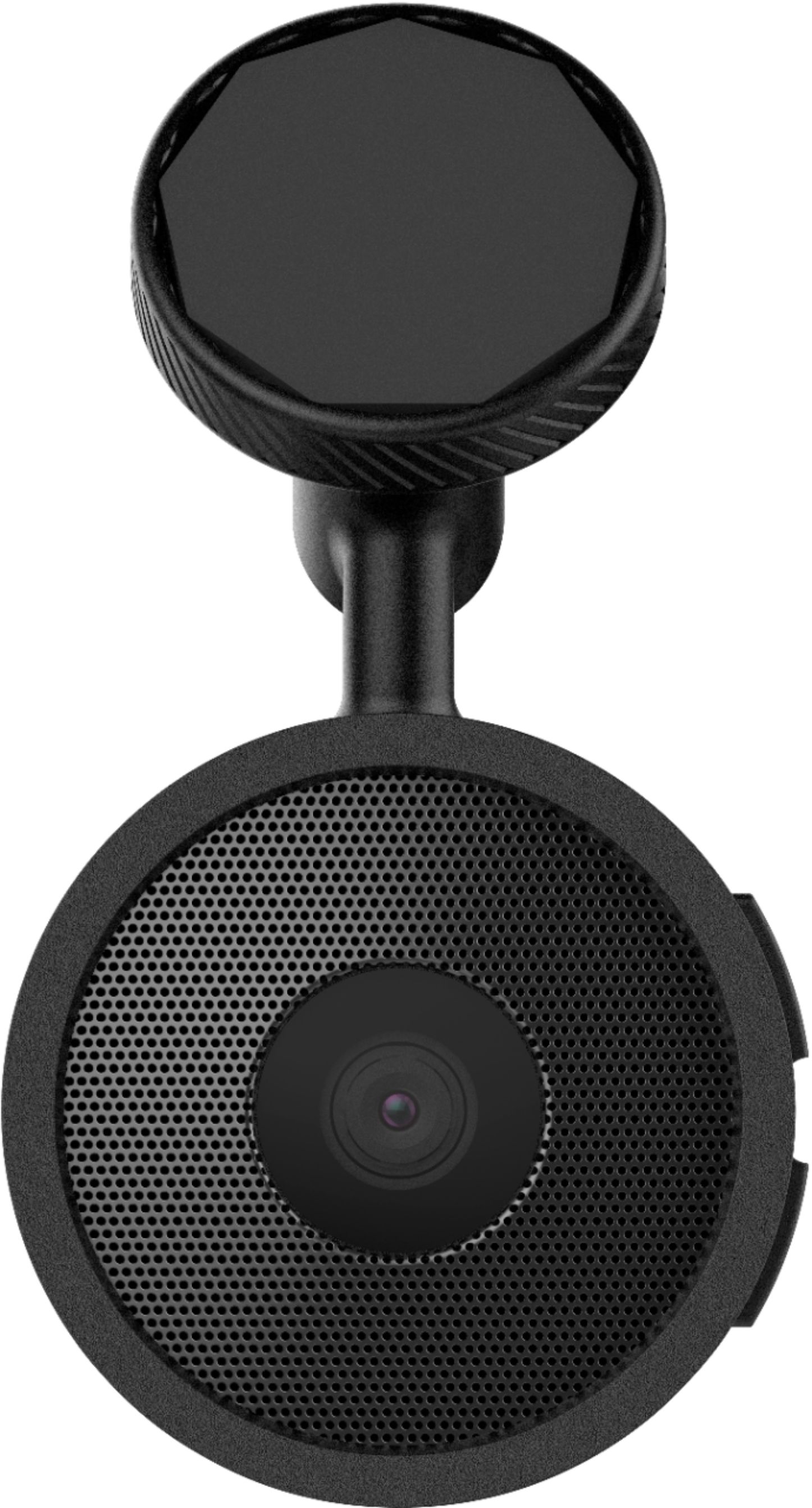
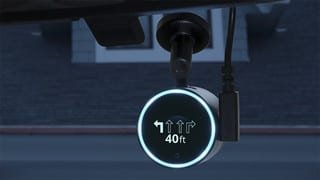
A:AnswerYes, you can simply use the device as a dashcam. By default, the device immediately starts recording video when it turns on. It continues recording, overwriting the oldest, non-saved video until it turns off. You can view and transfer photos and videos by connecting the device to your computer using a micro-USB cable.
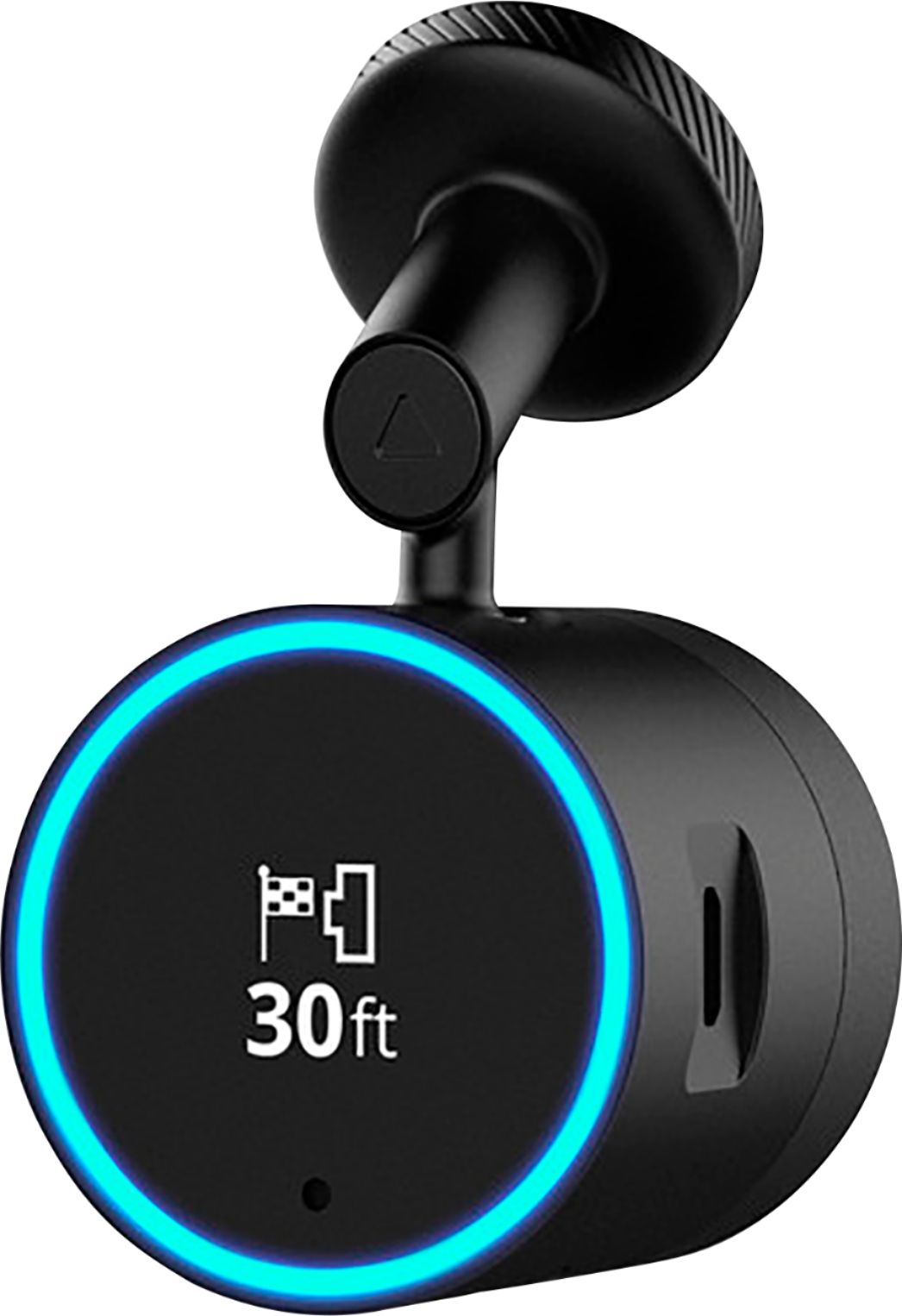
A:AnswerYes as long as you have a windshield to attach the device to :) While an older car may not have bluetooth connectivity, you do not need to connect the device to your car's sound system through bluetooth. The device has a speaker which is loud enough. I do not connect it to my car via bluetooth. Instead, I connect it to a small portable bluetooth speaker which provides better and louder sound than the built-in speaker. I prefer to leave my car's speakers for my other media. I attach the portable bluetooth speaker to a convenient place in the car with Velcro.
You can also connect the device to your car's speakers via an auxiliary cable (not included). When I was setting up the device, I was asked if I wanted to connect by bluetooth to my car's speakers. I just responded yes and then continued to connect it to my portable bluetooth speaker.
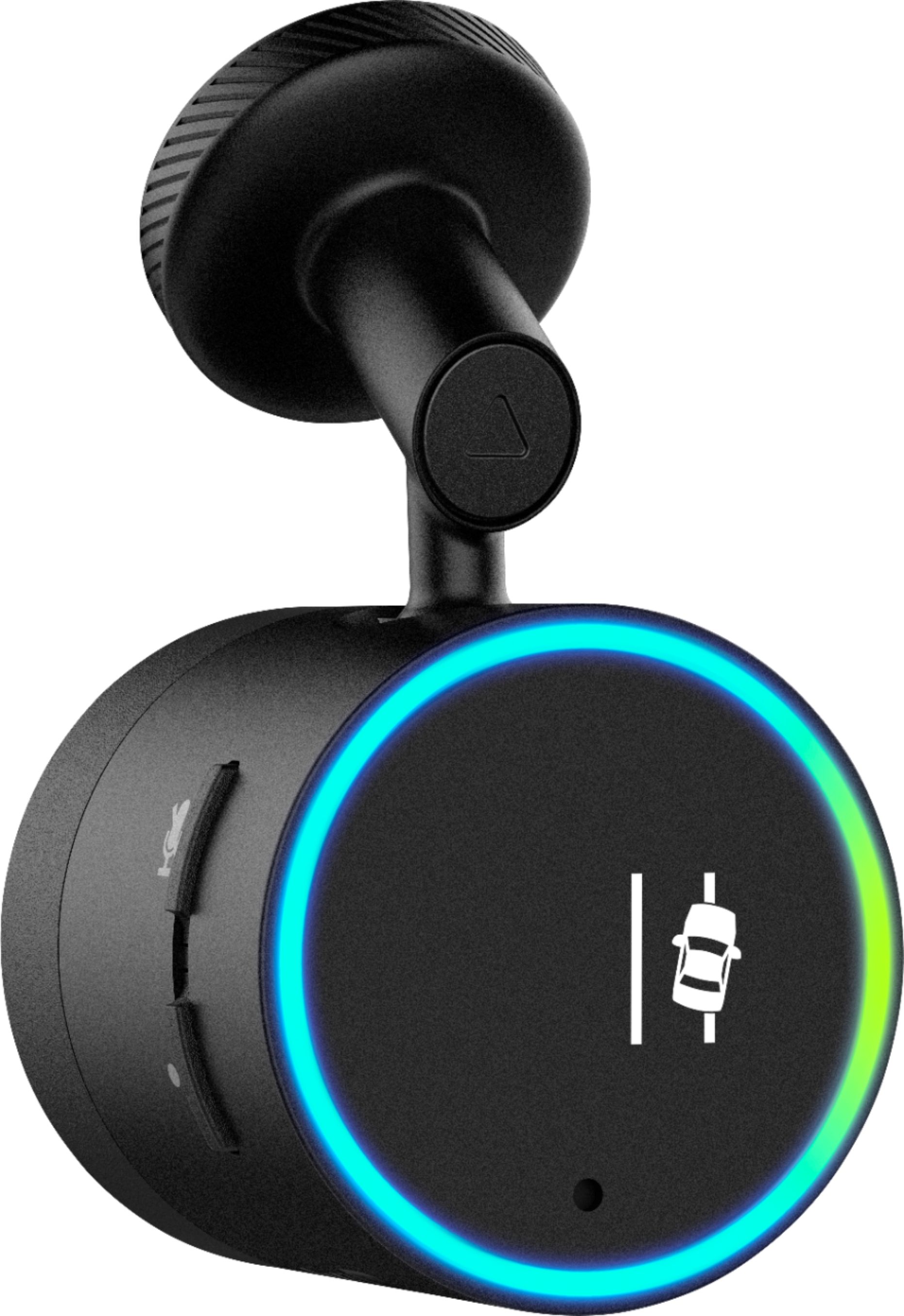
A:AnswerIt's a piece of cake to install. I bought the suction cup option from Garmin so I can quickly change between multiple vehicles. The main unit is the camera and lane sensor... it's actually very accurate, which means that every time you even get close to the other lane it beeps...you may actually feel a strong desire to turn it off if you drive a larger vehicle like an SUV.
A:AnswerGarmin does not recommend using anything other than a zumo device on a motorcycle. The Speak Plus is not water resistant and has not been vibration tested for use on a motorcycle.
A:AnswerAside from muting the device itself, you can turn off selective features: https://www8.garmin.com/manuals/webhelp/speakplus/EN-US/GUID-EFD3414D-5D4A-4BB7-9496-ECAD2C4D994E.html
I don't see anything about just turning off the tone for that specific feature.
A:AnswerIf you don't want to plug into the DC outlet of the car, then yeah, you will need an adapter from AutoZone (or similar) that will allow you to tap into the fuse area either with the DC power adapter provided or by cutting that off and using the 2 wires inside the power cord sheath.
A:AnswerFootage of incidents is recorded, and you can access it using the VIRB mobile app to view and share footage. The device uses your existing smartphone’s data plan with cellular signal, and data usage depends on the skills enabled. The dash cam uses a data card and the resolution is Up to 1080p/30fps. There are 2 resolution settings and you can select higher or lower.
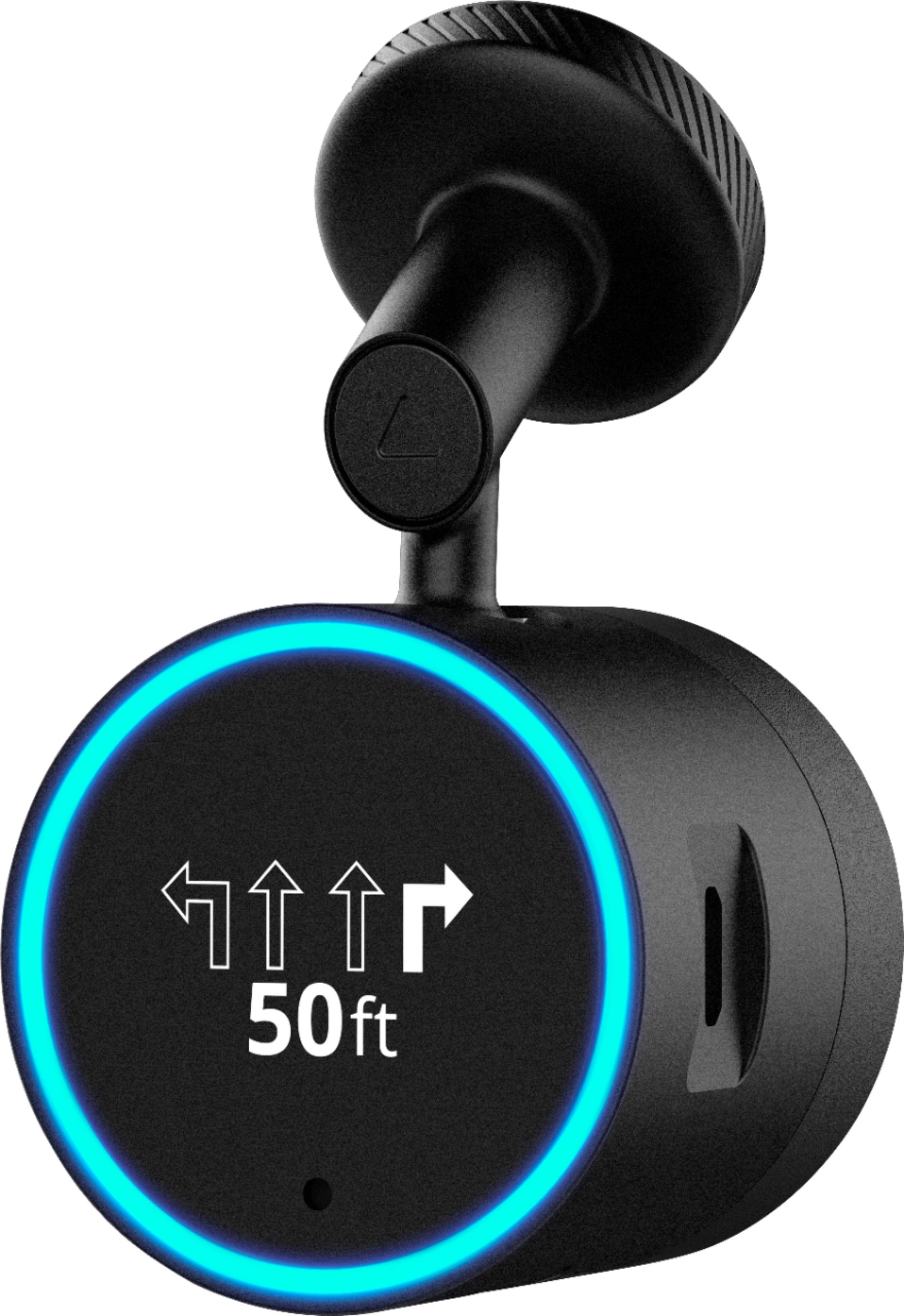
A:AnswerIt connects via the Garmin Drive app through Bluetooth to your phone. Once connected, Alexa can stream music to your vehicle’s radio from Amazon Music.