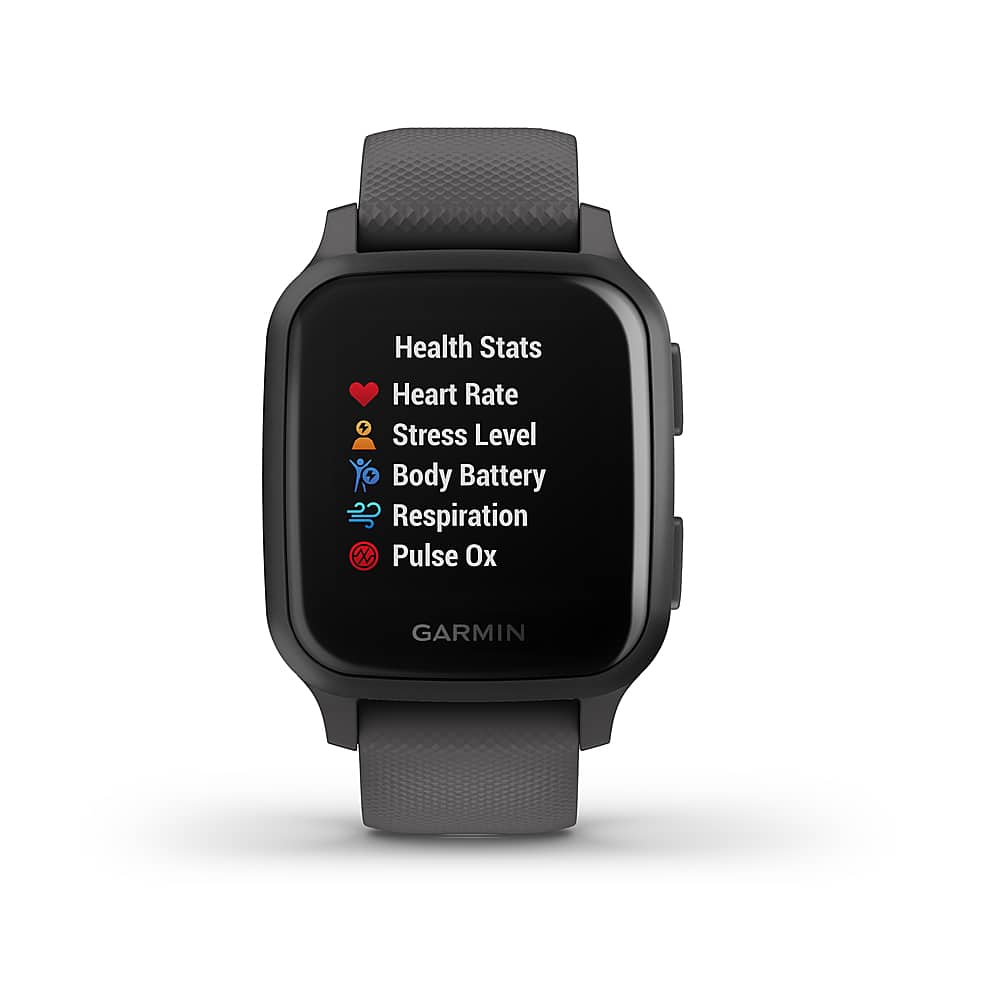
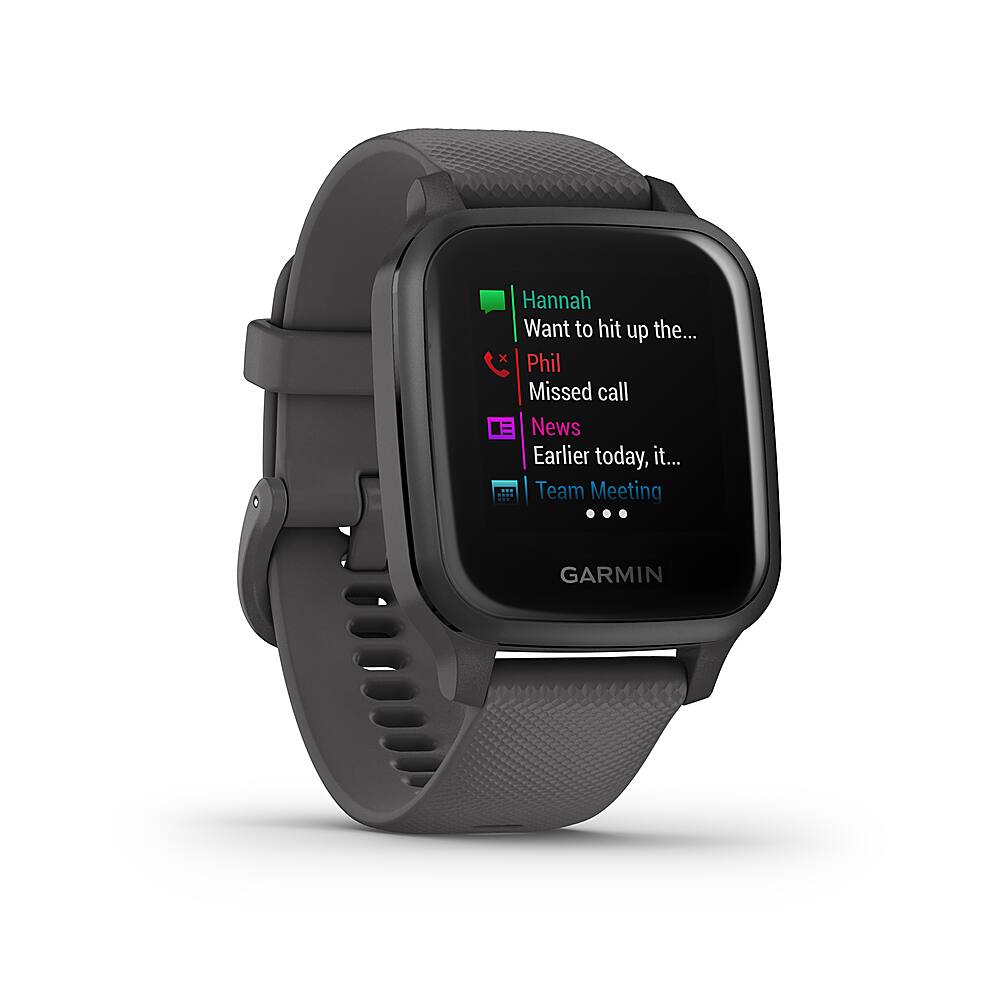
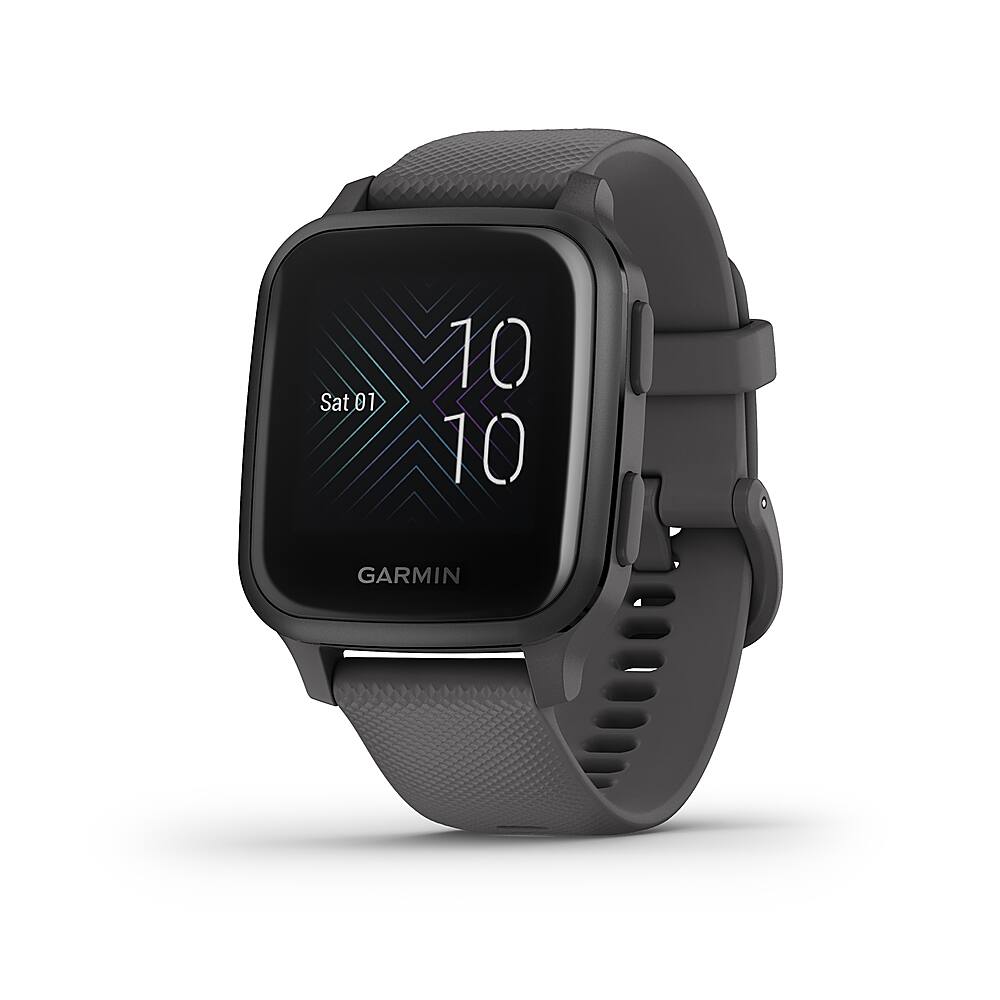
A:AnswerYou can sync the device with a computer using the Garmin supplied cable and our Garmin Express program. Your data will be saved in Garmin Connect, an account you set up when you are registering your device. You will log into Garmin Connect to view your daily activities after you sync. You do not need a smart phone to set up the device.
Debbie with Garmin
A:AnswerYou can track someone using the Live Track feature while they are recording an activity. Outside of a recorded activity you cannot track the device. Please go to support.garmin.com where you'll find many helpful FAQ's and video's on the functions of the device. You will be able to find information on how the live track feature works. If you need further assistance you can reach out to a product support associate from that link.
Debbie with Garmin
A:AnswerYes, however, it won't sync with your phone if you turn Bluetooth off and you'll need to connect it to the computer and use Garmin Express to sync your data and to update the device.
A:AnswerThere is a display time out to save the battery, however, gesture will turn the display back on that shows time. If you select to have the display on all the time it does affect the battery life on the watch.
Debbie with Garmin
A:AnswerIf you use GPS it will track the route and distance you went. After the activity you can see it in the watch under history or uploaded to your Garmin Connect account you can see a nice map.
Debbie with Garmin
A:AnswerIf the watch is worn properly it will be accurate. There shouldn't be any interference between the watch and the machine as the watch isn't emitting anything. No, the apps can't be rearranged.
A:AnswerHello
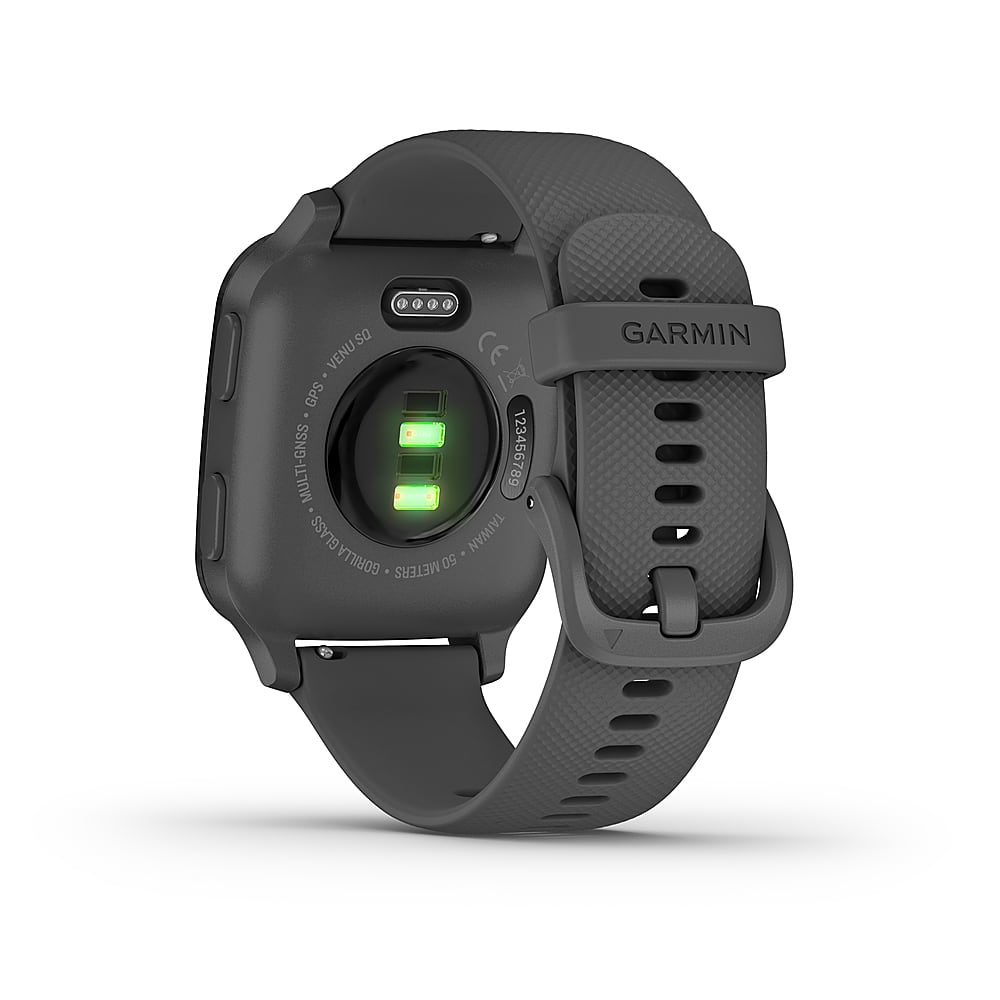
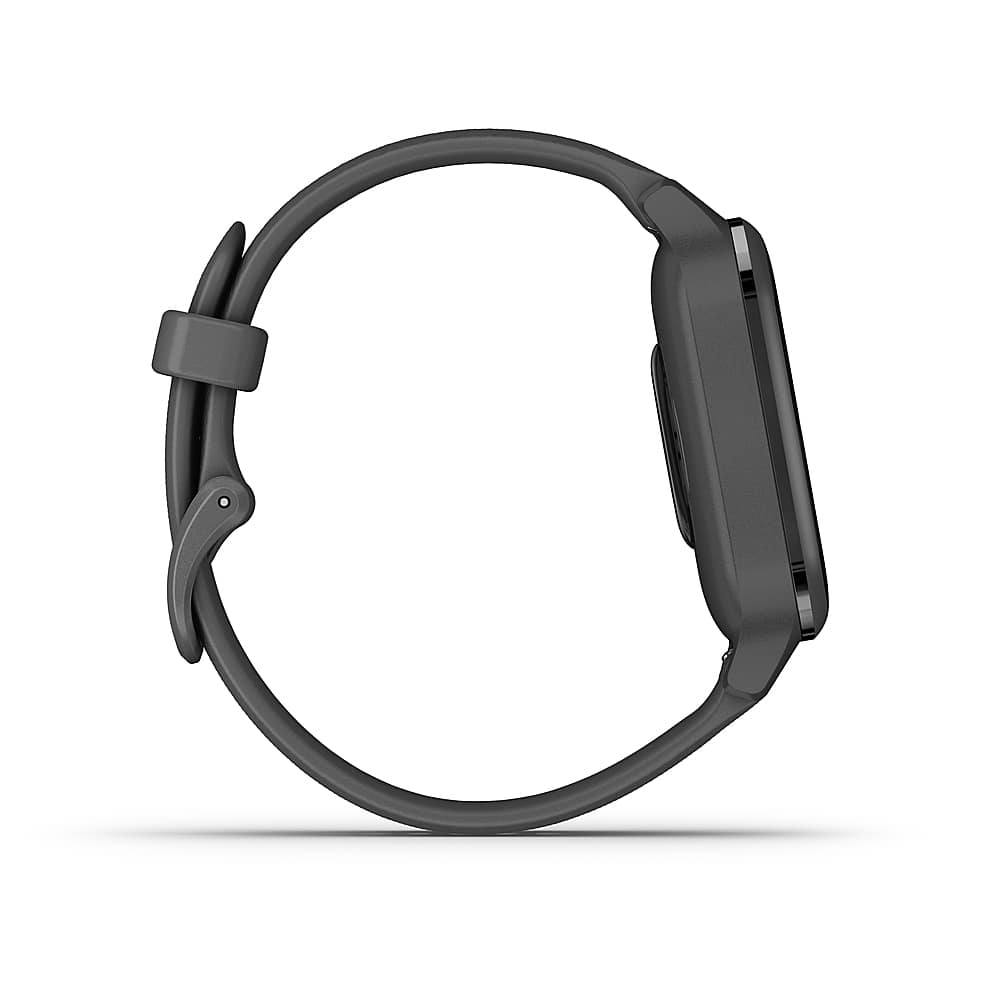
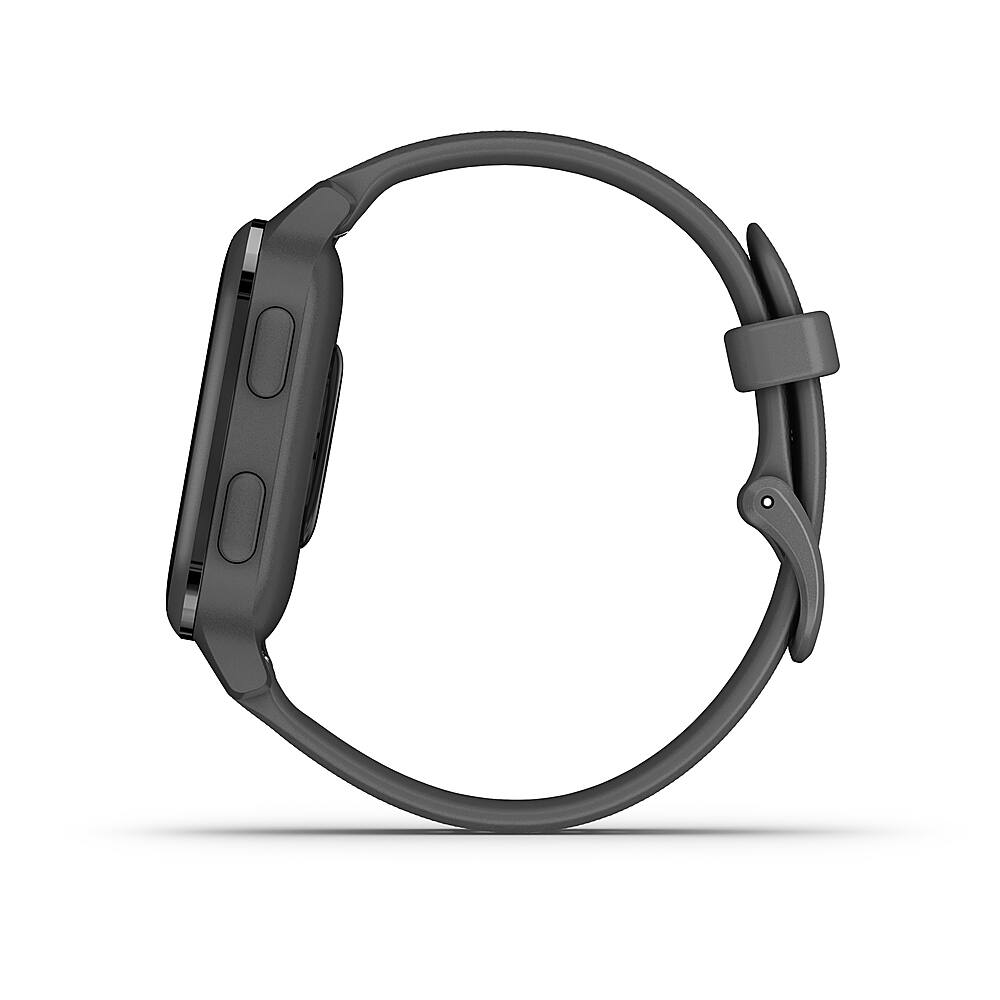
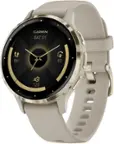
Yes you can change watch bands on this watch. The band that came with the watch was too small for my wrist so I purchased a longer Garmin band from Amazon. Best buy did not carry the longer band or I would have purchased it there. To replace the band all you have to do is use the release tabs on the back of the watch. You simply slide them in and pull the band out of the watch and reverse the process to install the longer band. You have to do this 2 times to complete the installation (one time for the band and the second for the part with the buckle. It is and easy process.
I hope this information has been helpful.
A:AnswerYes. It actually connects via bluetooth and through the Garmin Connect app. Just bought this for my wife and she has a Samsung Note 20. She loves this watch.