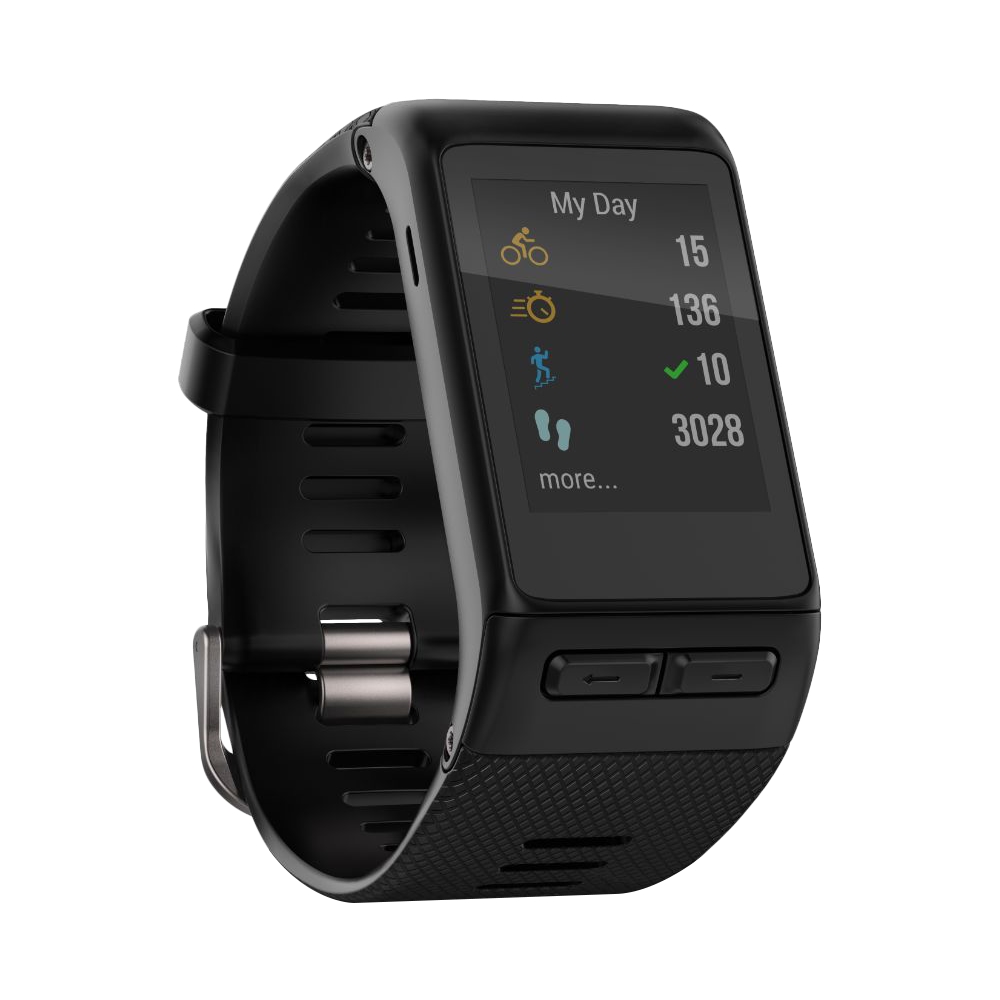
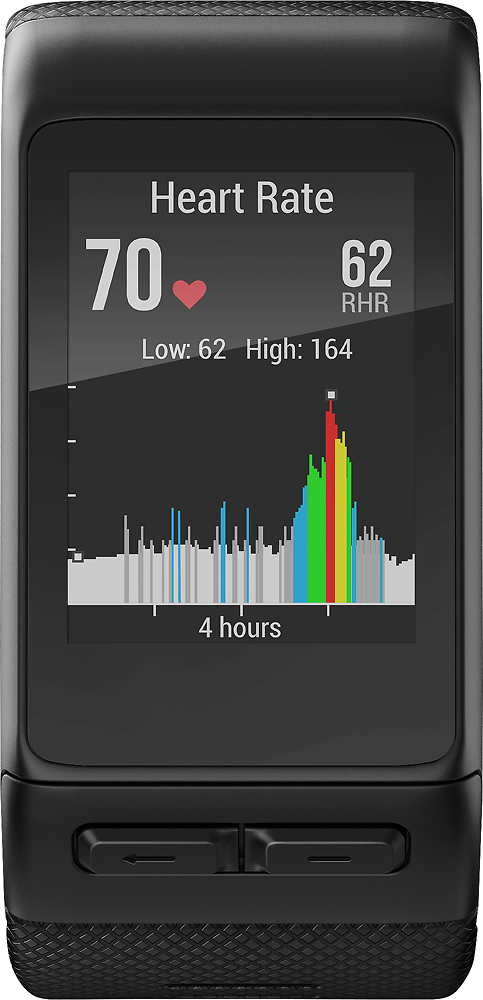
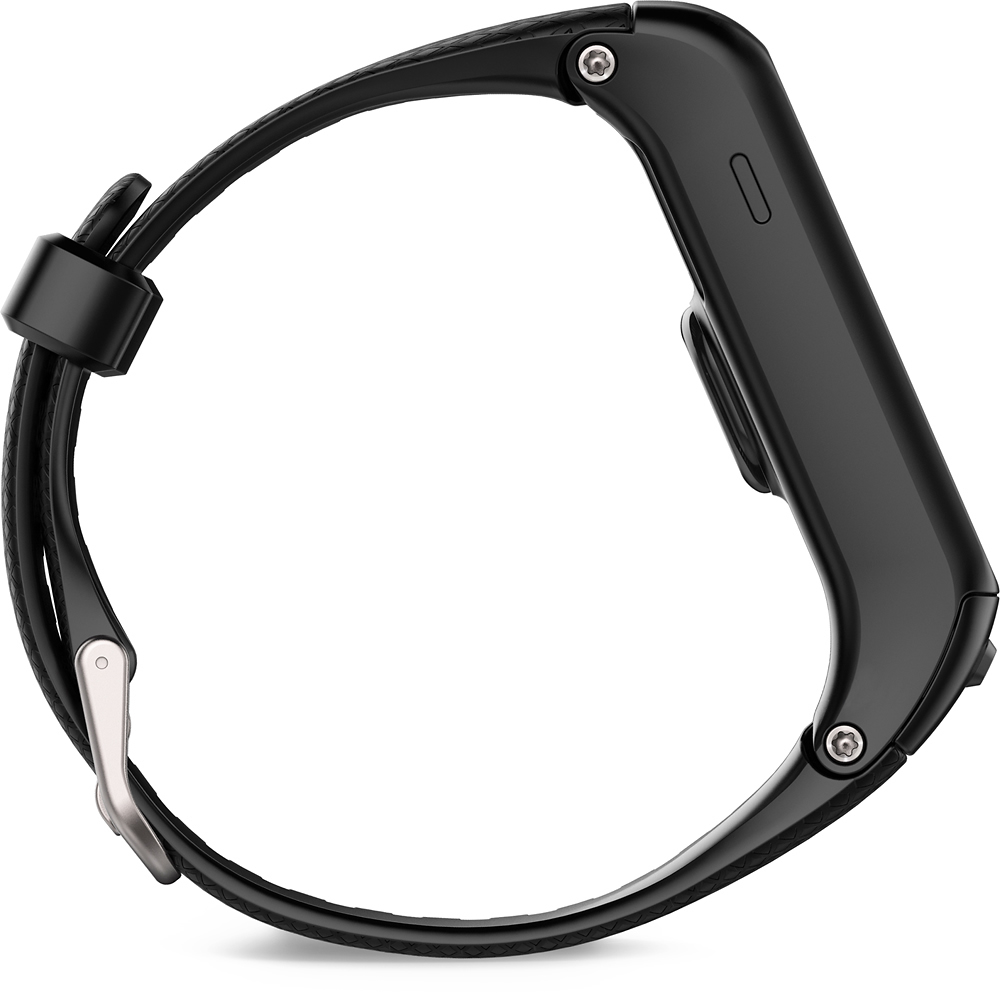
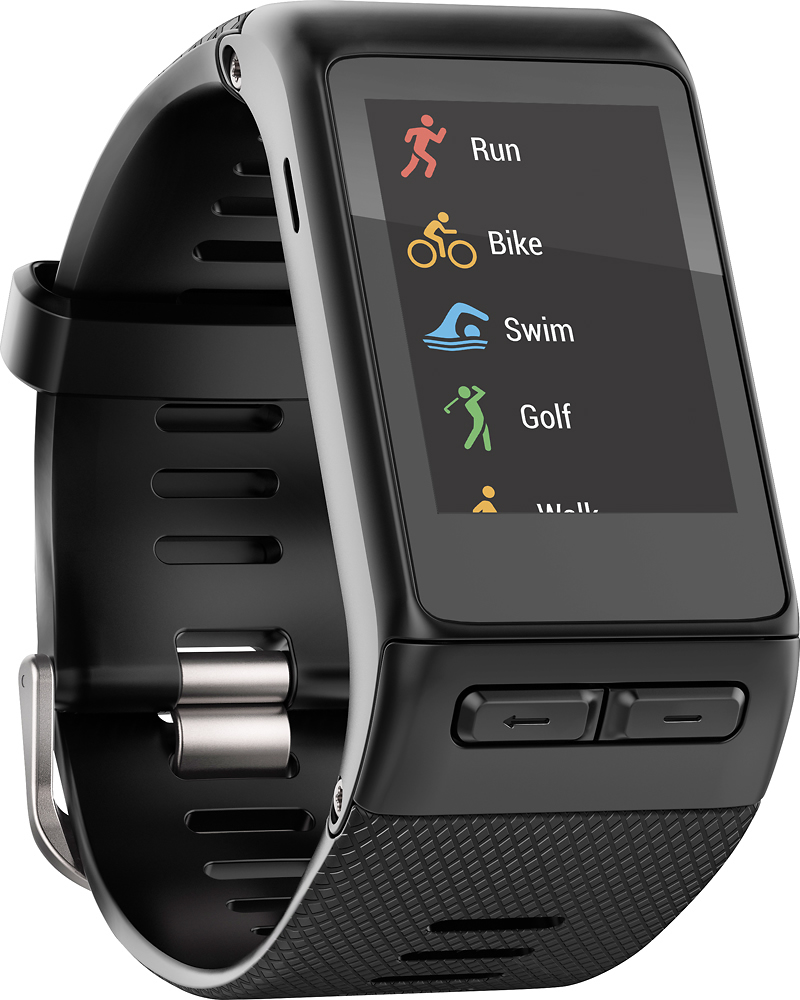
A:AnswerREGULAR....I DIDNT THINK A REGULAR WOULD FIT ME AND I HAVE A PRETTY BIG WRIST AND I FIGURED THAT I WOULD ORDER IT AND THEN JUST GO BUY AN EXTRA LARGE BAND AND PUT ON IT BUT AFTER I GOT IT I TRIED IT ON AND IT FIT WITH ABOUT 7 HOLES TO GO!!!!
A:AnswerI bought this watch and it had an adequate vibration alert. Garmin did an automatic "upgrade" and now the vibration alerts are worthless. I never could figure out how to be notified of going past the intended zone. The watch has a graphic dipslay for time in each zone.
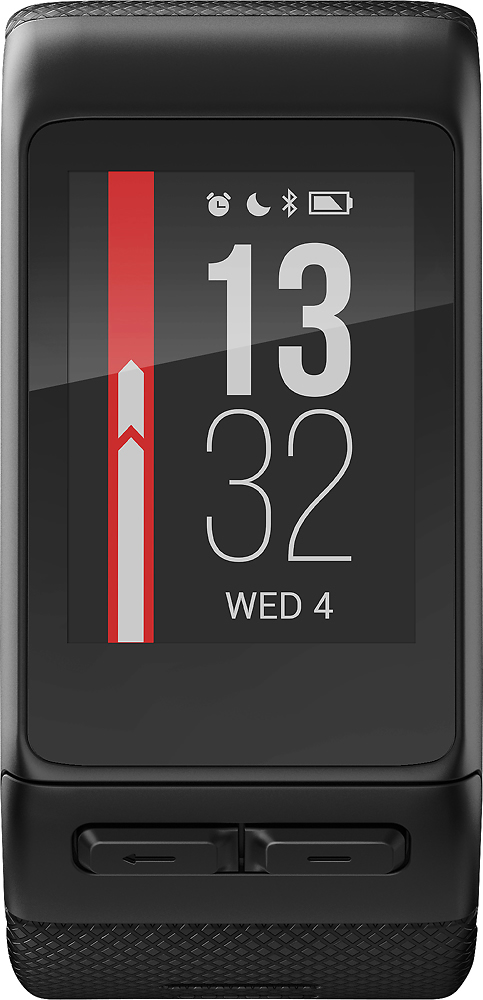
A:AnswerThe vívoactive HR will default back to the clock/time screen after a period of inactivity. There currently is not a way to set a different screen as the default.
^DK
A:AnswerThe vívoactive HR syncs to the computer using Garmin Express. Visit the following link to see current system requirements for Garmin Express: http://garmin.com/express
To verify compatibility with your iPad or other mobile devices, please visit the following FAQ article: http://garmin.com/ble
^DK
A:AnswerI previously wrote a very good review for this device. It had 4 settings for the vibrations for alerts. The "extra long" worked well, but not the others. Yesterday, Garmin did an automatic "upgrade" and changed the vibrations. There are now only three. You can set them on the watch. NOW THEY ALL ARE WORTHLESS. DO NOT BUY THIS DEVICE IF YOU WANT GOOD VIBRATION ALERTS. I spoke to Garmin about this and they have no fix for the problem.
A:AnswerThe Vivoactive HR has both a timer and vibration alarm. In addition, the vibration alert has three levels that you can adjust to your preferred level.
A:AnswerPlease visit http://bit.ly/1SoiqGt for view our Android Device Compatibility List. If your phone is not listed, it's possible for it to be compatible if it meets the following requirements:
- Android 4.3 OS and above
- Bluetooth 4.0 capable
Thanks! (KS)
A:AnswerYes, the vívosmart HR has the ability to find the phone. Please reference the following link for the owner’s manual about Bluetooth Connected Features.
http://www8.garmin.com/manuals/webhelp/vivosmarthr/EN-US/GUID-5097326D-DF3A-4E56-8823-F732481CE9B2.html
~JH
A:AnswerNot in the Philipsburg, New Jersey store. They said that I had to buy the watch first and return it if it did not fit! Great customer service, NOT!
A:AnswerThe gps is always off unless you do and exercise that is setup for GPS. For example if you do a run, then it will turn on the gps and use it. It is possible to setup custom exercises and disable the gps.
A:AnswerI have a Windows Lumia 950 XL. I previously had a Band 2 tracker but i have seen articles saying the Band 2 was going to be discontinued and since i was having issues with my i returned the Band 2 and got the vivoactice HR. There are some features of the Band 2 I like better and others that i like the Vivoactice HR better. The battery life is so much better and the linking to GPS is much quicker with the HR. The HR even stayed locked on GPS when i went inside the grocery store when I tested it which is something the Band 2 would not do. The Garmin Connect app that you have to install on your phone is a lot like the Microsoft Band app for your phone, my big issue with the Garmin Connect app is its lack of a "Snapshot" screen for WALKING like there is for Running and Swimming.
I did have a lot of issues getting the HR paired with my phone in fact I never did get it to. So I went back to the Best Buy store and had the Geek Squad try and it took them a number of try's. Seems the instructions for pairing with a Windows photo that come with the HR aren't 100% correct