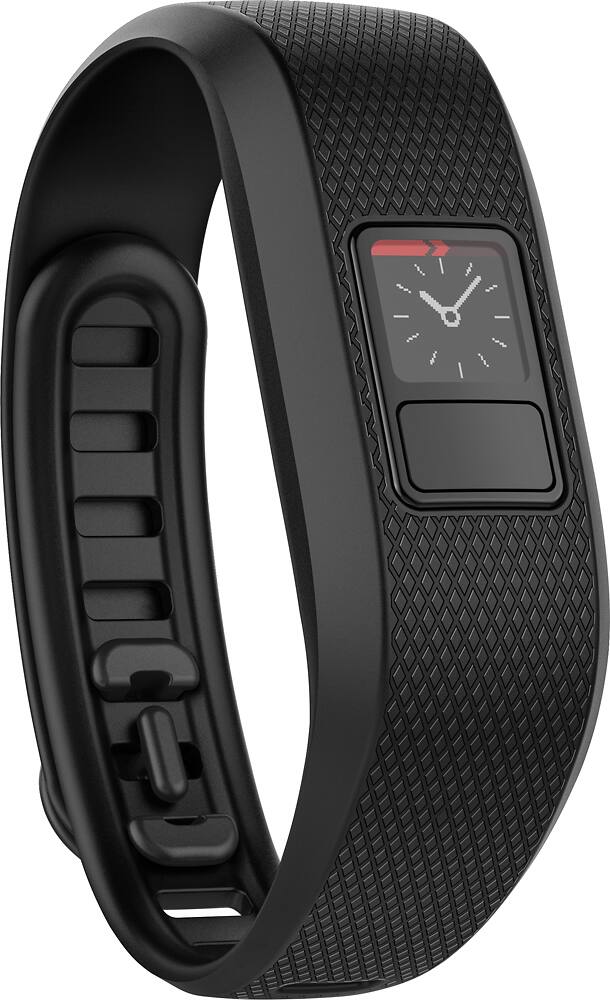
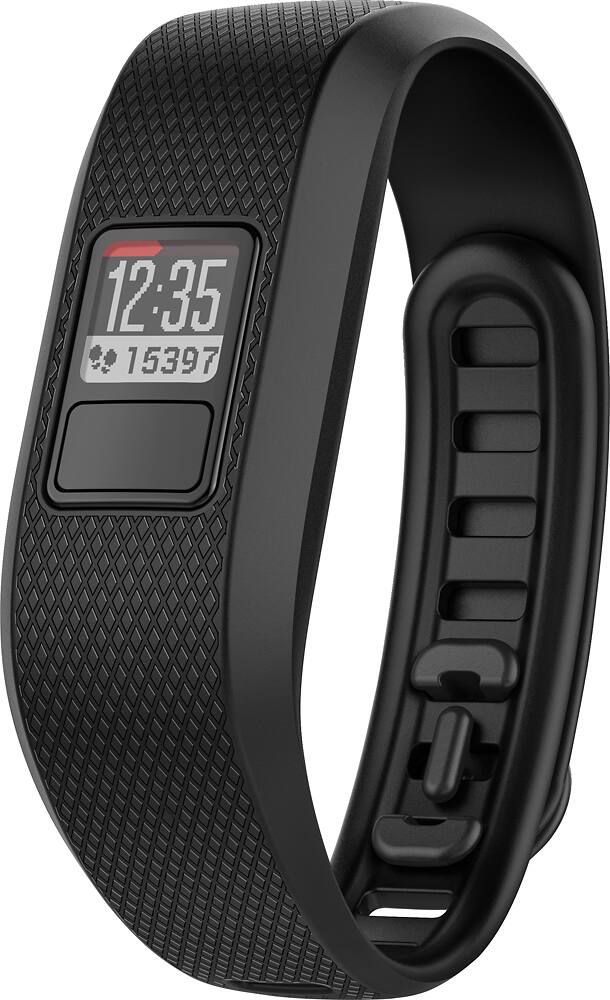
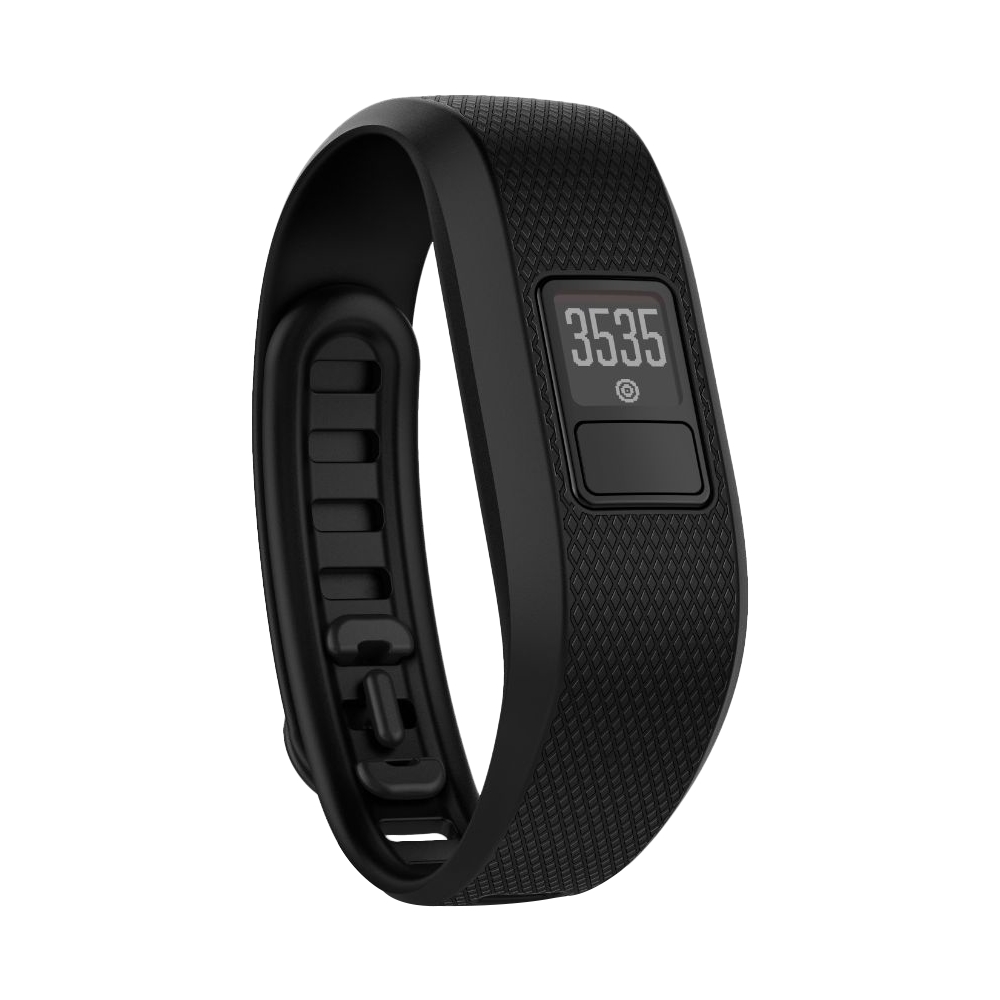
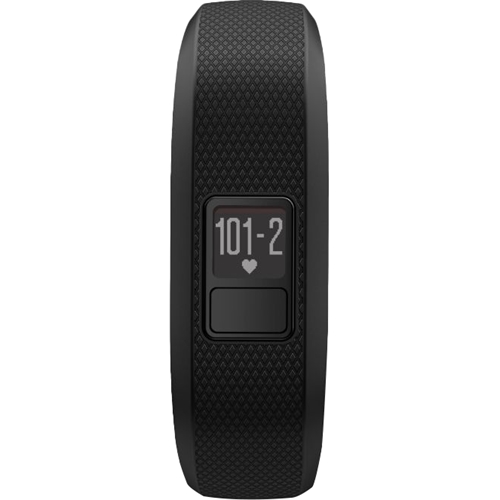
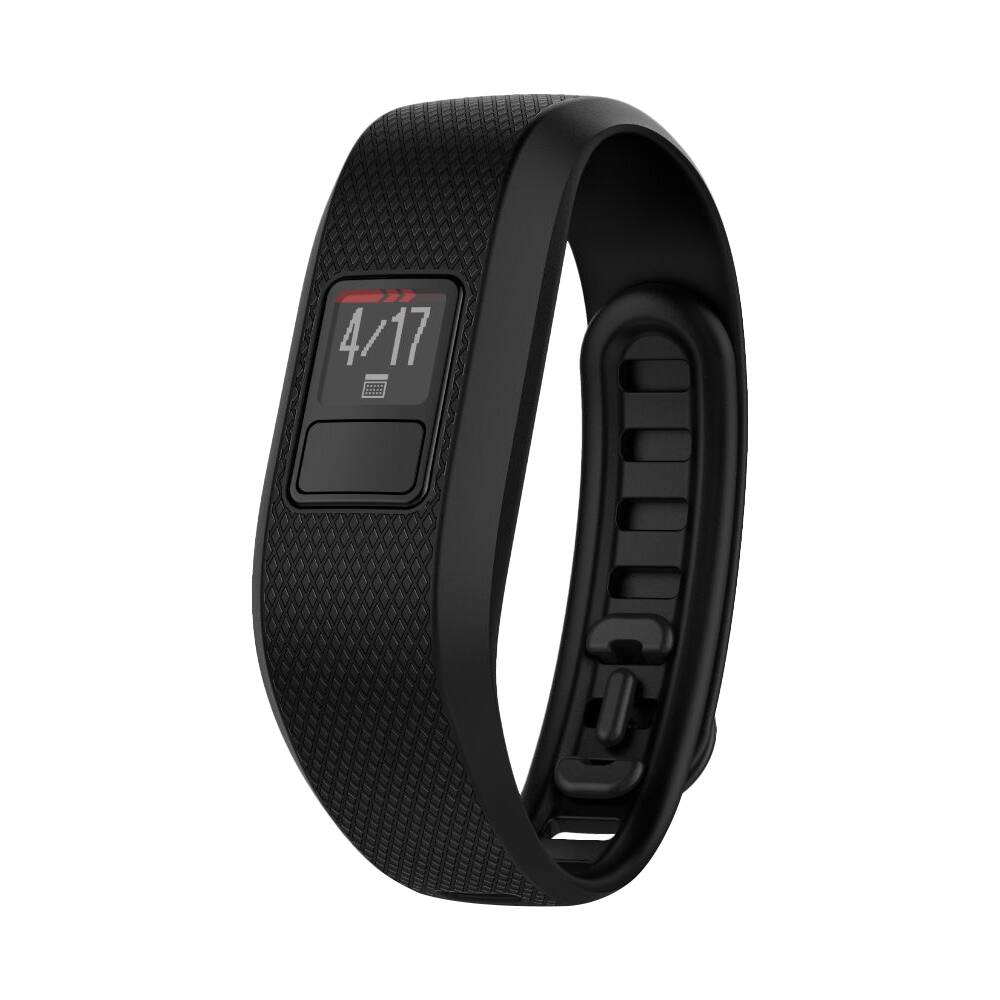
A:AnswerThere are several difference between the vivofit 3 and vivofit 4. A couple significant differences are the vivofit 4 has a color screen, ability to display basic weather data, and thinner activity tracking module.
A:AnswerHello Sandra, One option would be to work with the Best Buy you purchased the device from or we would recommend that you contact us directly by sending an email to [email protected]. You can reference the incorrect information in the Best Buy specifications page and our Product Support team will work with you to find a device that better fits your needs. We have sent a request to the Best Buy team to update the specifications for the vivofit 3 and remove the incorrect information.
A:AnswerThe vivofit 3 will not directly connect with 3rd party apps on the phone. There are options for Garmin Connect Mobile to connect and automatically transfer data, such as steps, to other 3rd party apps. More information about with Wellness program can be found at the following link: https://explore.garmin.com/en-US/wellness/.
A:AnswerI use Vivofit 3 to count steps while on morning walks and throughout the day. Where I live, there are no stairs to climb unless visiting a hospital and not using elevators. Pay attention to swinging the arm with the fitness band. Each swing of the arm (even moving the arm standing still, waiting to cross an intersection, or jumping) is counted.
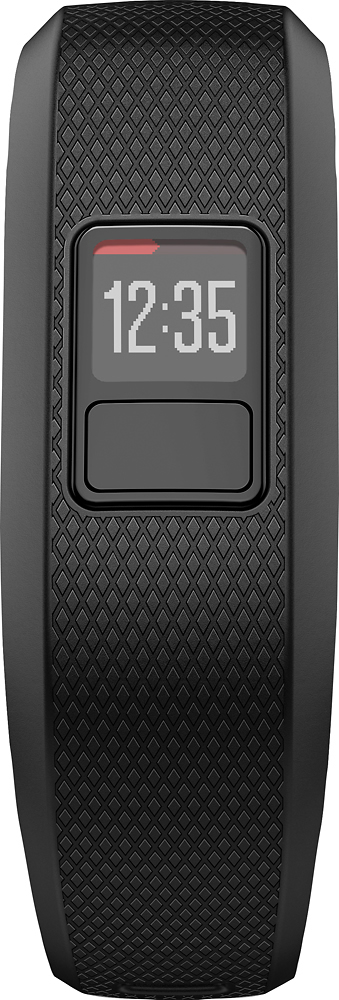
A:AnswerIn order to achieve a high level of corrosion resistance, stainless steel is used on the vivofit 3. Stainless steel alloys contain small amounts of Nickel. Although the parts comply with EU Nickel Release limit standards for metals in continuous contact with skin, people with Nickel sensitivities or allergies may still have a reaction. The vivofit 3 module is contained inside of a band so it is unlikely that any mental in the device would touch the skin.
A:AnswerAbsolutely! I have it for my 12 year old and she wears it all the time. It's waterproof and doesn't have to be charged. It has a battery that lasts 1 year. After that, you'll just need to change it.
A:AnswerHello Sandra, One option would be to work with the Best Buy you purchased the device from or we would recommend that you contact us directly by sending an email to [email protected]. You can reference the incorrect information in the Best Buy specifications page and our Product Support team will work with you to find a device that better fits your needs. We have sent a request to the Best Buy team to update the specifications for the vivofit 3 and remove the incorrect information.
A:AnswerGarmin Connect mobile would be able to pair with to pair with more than one device, but Garmin Connect Mobile is not designed to track steps from multiple users. The vivofit 3 will allow for one alarm per day. For more information about setting the alarm, use the following FAQ link: https://support.garmin.com/faqSearch/en-US/faq/content/vXX7fs16Qp0074cz9TKaa7.
A:AnswerFor more information about changing the battery on the vivofit 3 use the following Owner's Manual link: https://www8.garmin.com/manuals/webhelp/vivofit3/EN-US/GUID-E0C939EE-39BF-445C-A6E3-E71353FD96E1.html.