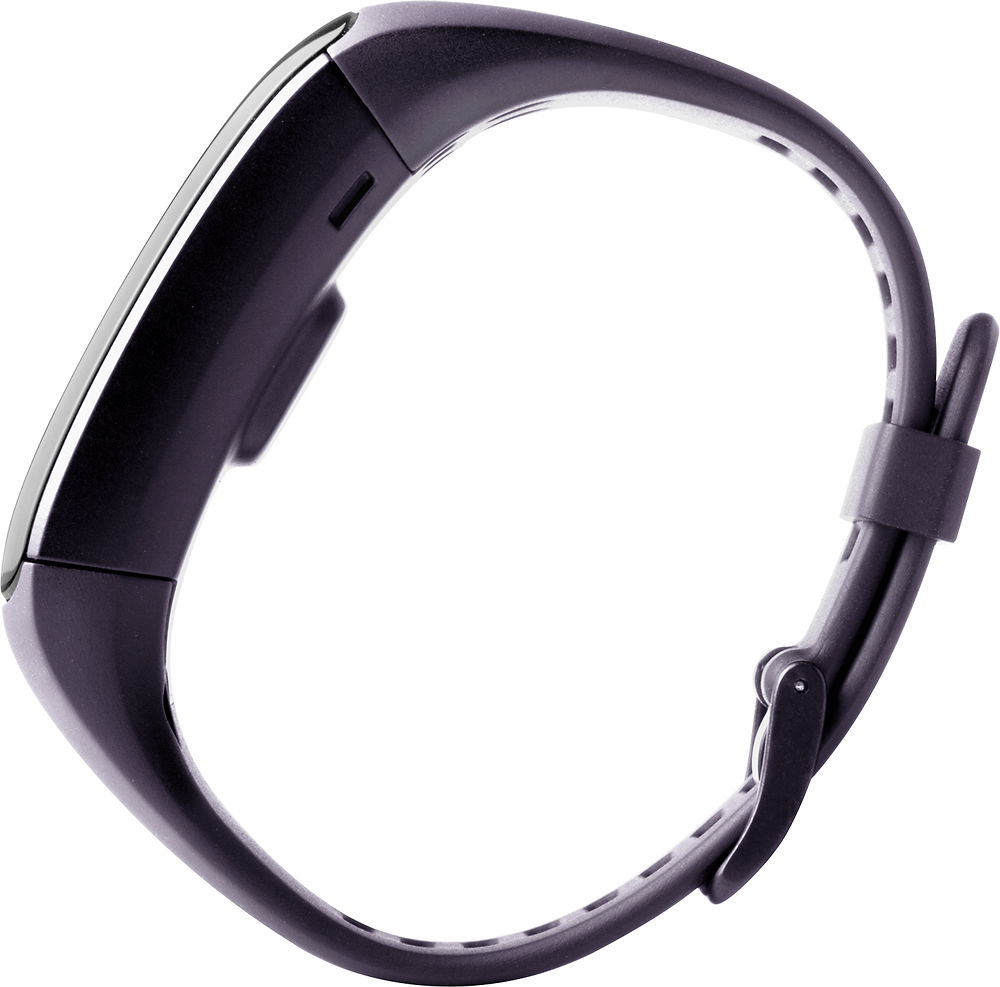
A:AnswerThe vívosmart has the alarm notification in form of a vibration. While you might want to charge it when sleeping, this might not every every night or you might have some time to charge it when you are not up being active. The following FAQ includes instructions on how to set the alarm up: http://support.garmin.com/support/searchSupport/simpleCase.htm?caseId={e5b00c00-8f00-11e5-4cfe-000000000000}&kbName=garmin Best regards. ~QKO
A:AnswerThe screen on the vívosmart is made of a hardened glass. Something to keep in mind as well is the operating temperature range which is from 14º to 140ºF and the charging temperature range which is from 32º to 104ºF. The warranty does not cover cracked screens. ~QKO
A:AnswerI do mostly indoor strength training/weight lifting with some cardio peppered in. The HR is very accurate as long as you wear it in the right spot (I have mine half an inch above the border of my wrist bone on my right arm, with the screen on the top of my forearm). I compared it to a doctor's HR reading and they were almost identical. I've never used a chest strap with it, but I haven't felt the need to as the readings have been good so far without. The calorie count is mostly based on the weight you enter when you set it up, I believe, in addition to your HR. That seems to have also been really accurate in the four+ months I've been using it (though I suppose it's always a little tough to get completely right). I haven't done anything regarding challenges, but they do have a "Step Up to the Challenge" part of the Garmin Connect app that the band utilizes. It's does friendly competitions, but I think it's primarily step counts?
A:AnswerI use it for swimming. When you're ready to go into the pool, tell the device you're commencing an activity. Then enjoy your swim. When finished tell it that the activity is over with. Initially it tracks your swim in terms of steps. So it goes towards the number of steps taken in a day. Then when you upload or sinc the data to the app/website you can indicate that the activity was really a swim. It will then break down your swim into distance(yd) and time. It will break it down further into avg speed, moving speed, max speed, pace, moving pace, best pace, moving time, elapsed time, avg heart rate, and max heart rate. It also will figure out your SWOLF score.
A:AnswerNot that I have seen, or even heard. Would be a good option for Garmin to add in a software update. I have had the same exact problem. Couple times now water has hit the screen and turned on the music from my phone.
A:AnswerThe vívosmart HR can be set up to have a specific sleep hours. Once the device detects that it has entered the sleep hours (ie: 10:00pm - 6:00am) it will then begin to automatically detect whether or not you are sleep. However, you can put the device into "Do Not Disturb Mode" at any time which turns off the backlight and vibration alerts.
More information about sleep tracking can be found on the online owner's manual from the link below.
http://www8.garmin.com/manuals/webhelp/vivosmarthr/EN-US/GUID-70D41BFB-2BB2-4933-BF95-47FF63140112.html
{CW}
A:AnswerAt this time the expected availability date for the extra large vivosmart HR is by the end of November. Once Best Buy receives stock of this device it will only be available on Best Buy's website, and will not be available in stores. Thanks! (KS)
A:AnswerThe vívosmart HR will track the total of time slept as well as duration of movements and restful sleep. Including deep sleep, light sleep and awake. You can view more details about Garmin Sleep levels here: http://garmin.blogs.com/my_weblog/2015/06/garmin-connect-introduces-sleep-levels.html#.VkX3G3arRhE. Thank you! ~QKO
A:AnswerThe vívosmart HR comes with a charging/data clip that can connect to a computer running Windows or Mac operating system. Using our Garmin Express software you can upload your data to the Garmin Connect website instead of the Garmin Connect mobile app. Please note a smartphone is required to receive the smart notifications featured on the device.
~JH