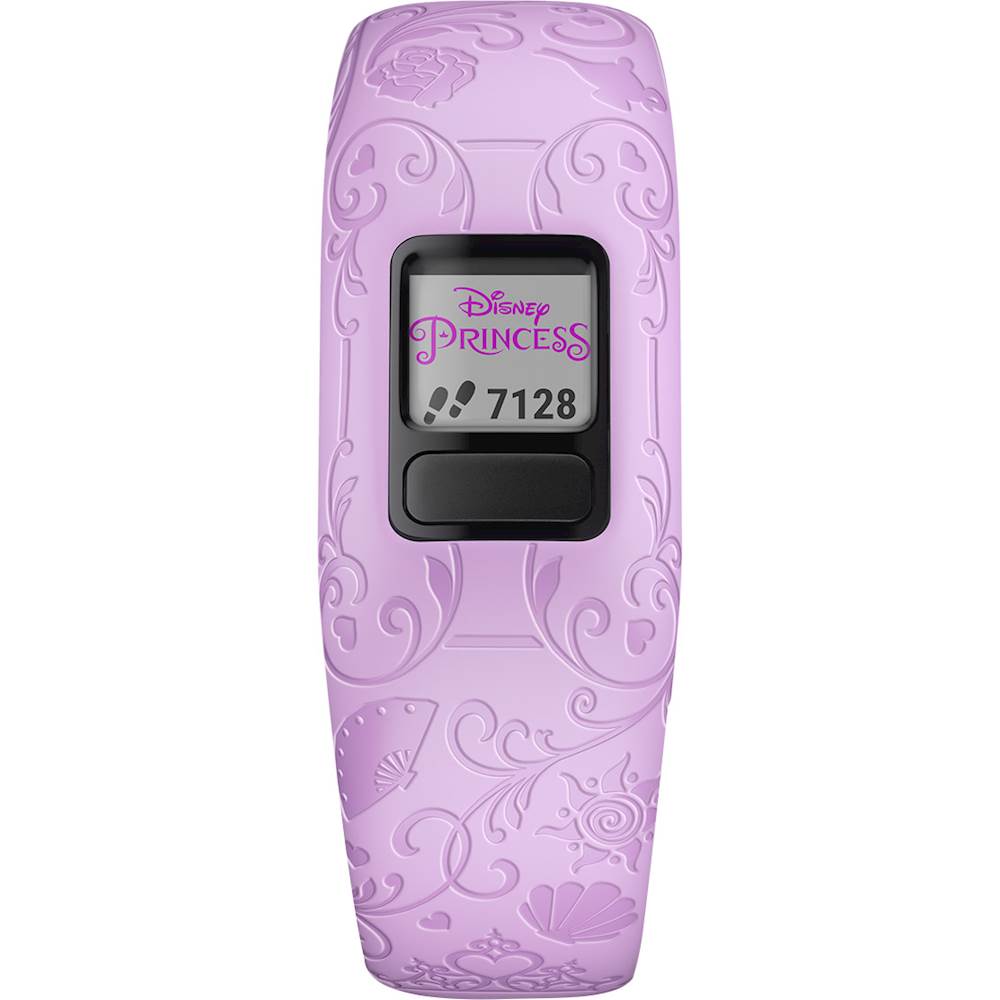
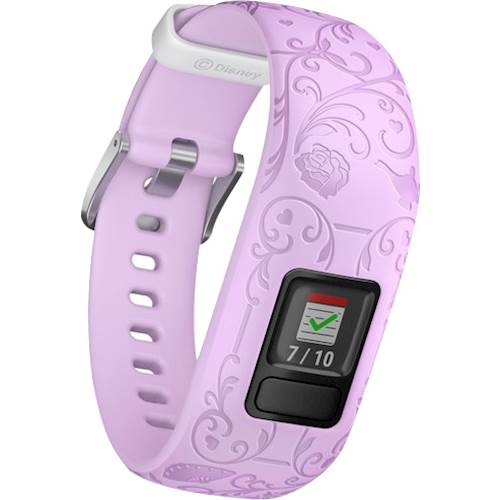
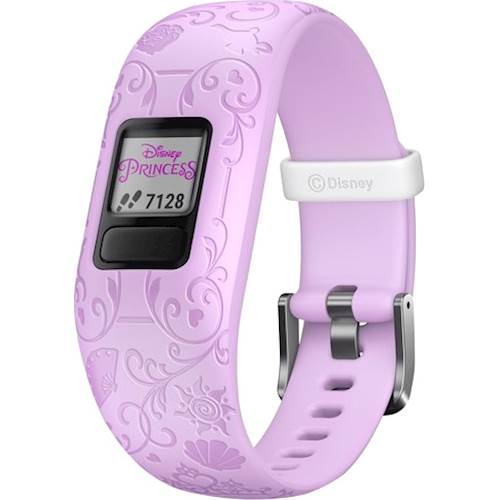
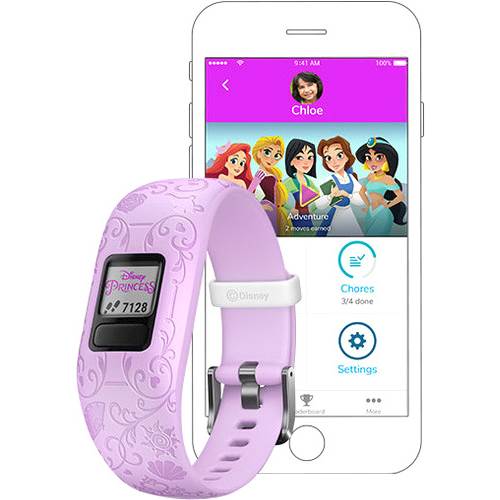
A:AnswerBluetooth cannot be turned off. You could pair the device to your phone to set it up and then unpair it. It would track steps and sleep but not upload to the app. You may want to go to support.garmin.com where you'll find many FAQ's and video's on the functions of the device. You may also reach out to a product support specialist from that page.
Debbie with Garmin
A:AnswerIt will not pair with the vivofit jr. 2. There are a number of watches it will pair with. Please go to support.garmin.com where you'll find many helpful FAQ's and video's on the functions of the device(s). As well, if you still need assistance you can reach out directly to a product support specialist.
Debbie with Garmin
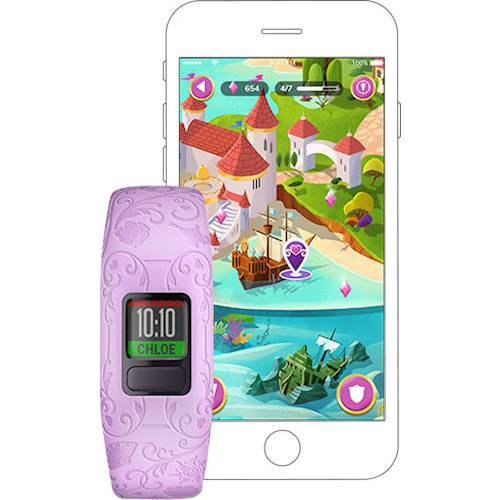
A:AnswerThe watch will show feet and the interaction is on the app itself with the story. You may want to go to support.garmin.com where you'll find many helpful FAQ's and video's on the function of the device. As well, if you need further assistance you may reach out directly to a product support associate for assistance from that link.
Debbie with Garmin
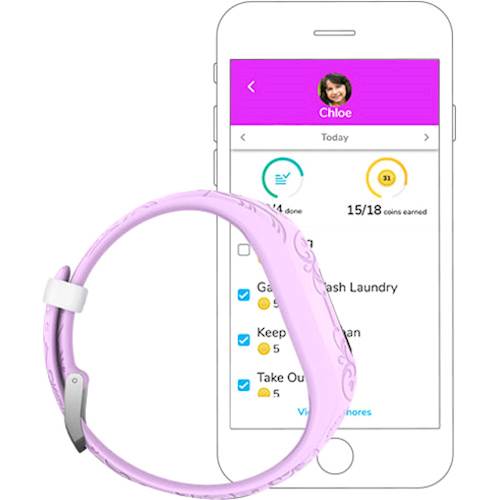
A:AnswerSize of band: Adjustable bands fit 130-175 mm (ages 4+), it also uses Garmin vivofit jr. app to upload your steps and you would only be able to do steps as far as activity tracking.
Debbie with Garmin
A:AnswerIn the app you should be able to select from different images. Please go to support.garmin.com for helpful FAQ's and video's on the functions of the device. You may also reach out directly to a product support specialist for assistance.
Debbie with Garmin
A:AnswerIn the app you should be able to select from different images. Please go to support.garmin.com for helpful FAQ's and video's on the functions of the device. You may also reach out directly to a product support specialist for assistance. Debbie with Garmin
A:AnswerThe device uses Bluetooth to pair with a compatible phone using the Garmin vivofit jr. app. The devices uses an accelerometer to count steps, so when you move your arm it will count steps.
Debbie with Garmin